Get 5 Free Credits

Free Scary Halloween Font Generator Online

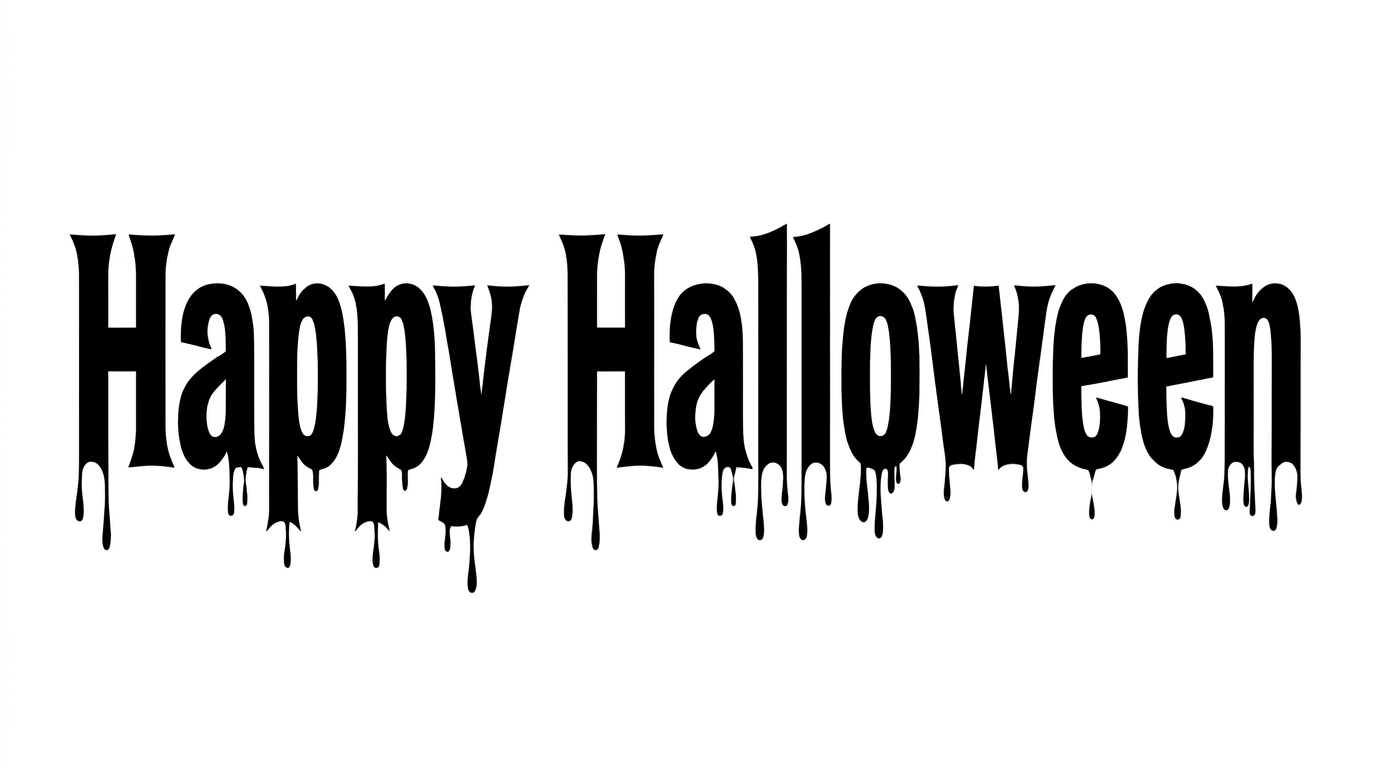
Build heavy uppercase Halloween lettering with chipped edges and restrained drips for haunted signs, party graphics, and horror titles.

Enter the text to generate, e.g. Fontify.ai

Font color
Background
Templates
385
Generations
64
Downloads
295
Rating
5.0

How to Use the Scary Halloween Font Generator

Shape bold, dripping uppercase text for readable signs, covers, and seasonal graphics.

  1. 01

    Write a short horror headline

    Type a short headline to shape the heavy uppercase horror lettering.

  2. 02

    Set the image appearance

    Choose a font color, background, and 16:9 or another image size.

  3. 03

    Generate and download the artwork

    Generate the preview, review the distressed edges, then download a PNG or SVG.

Scary Halloween Font Style Profile

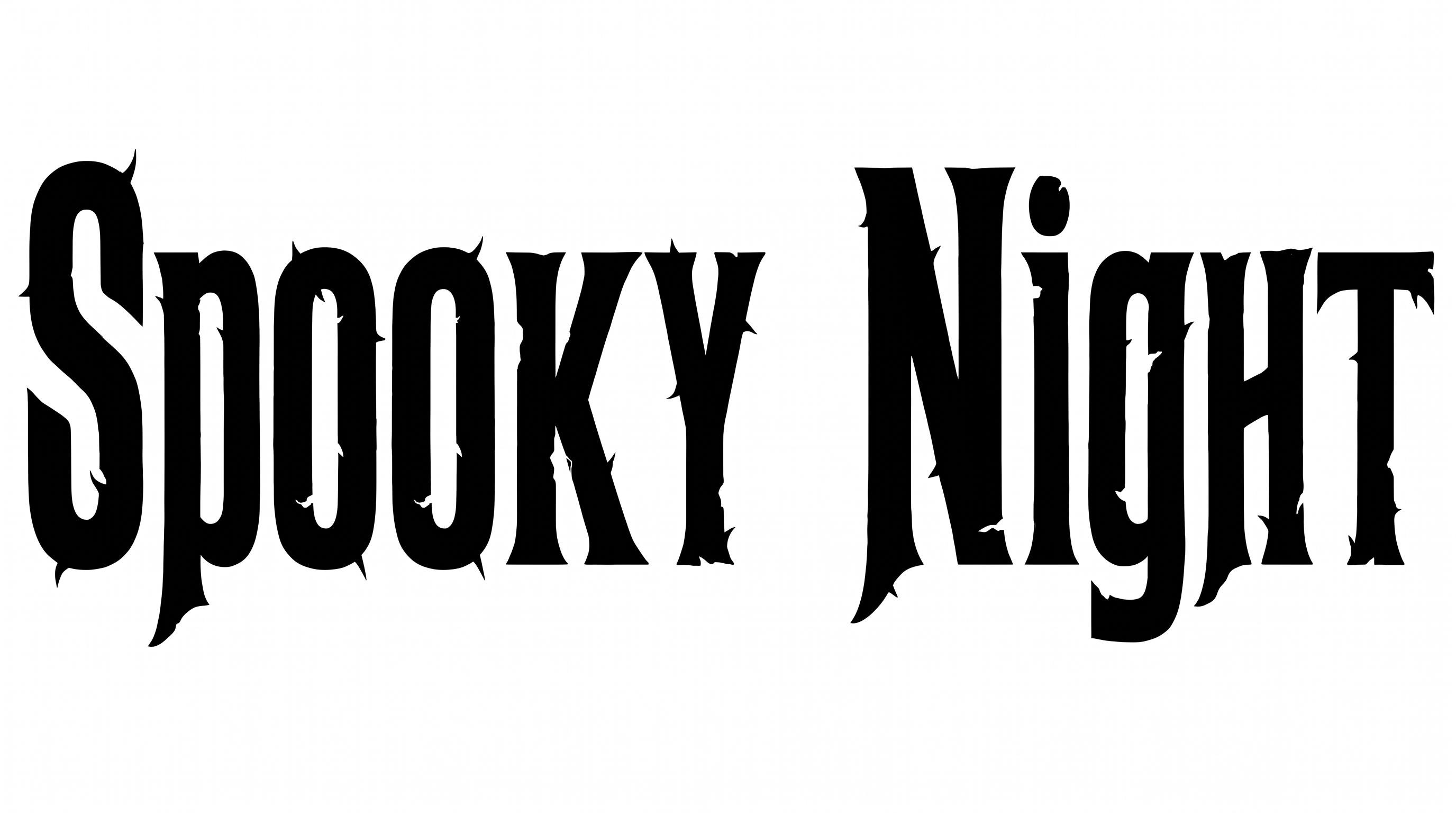
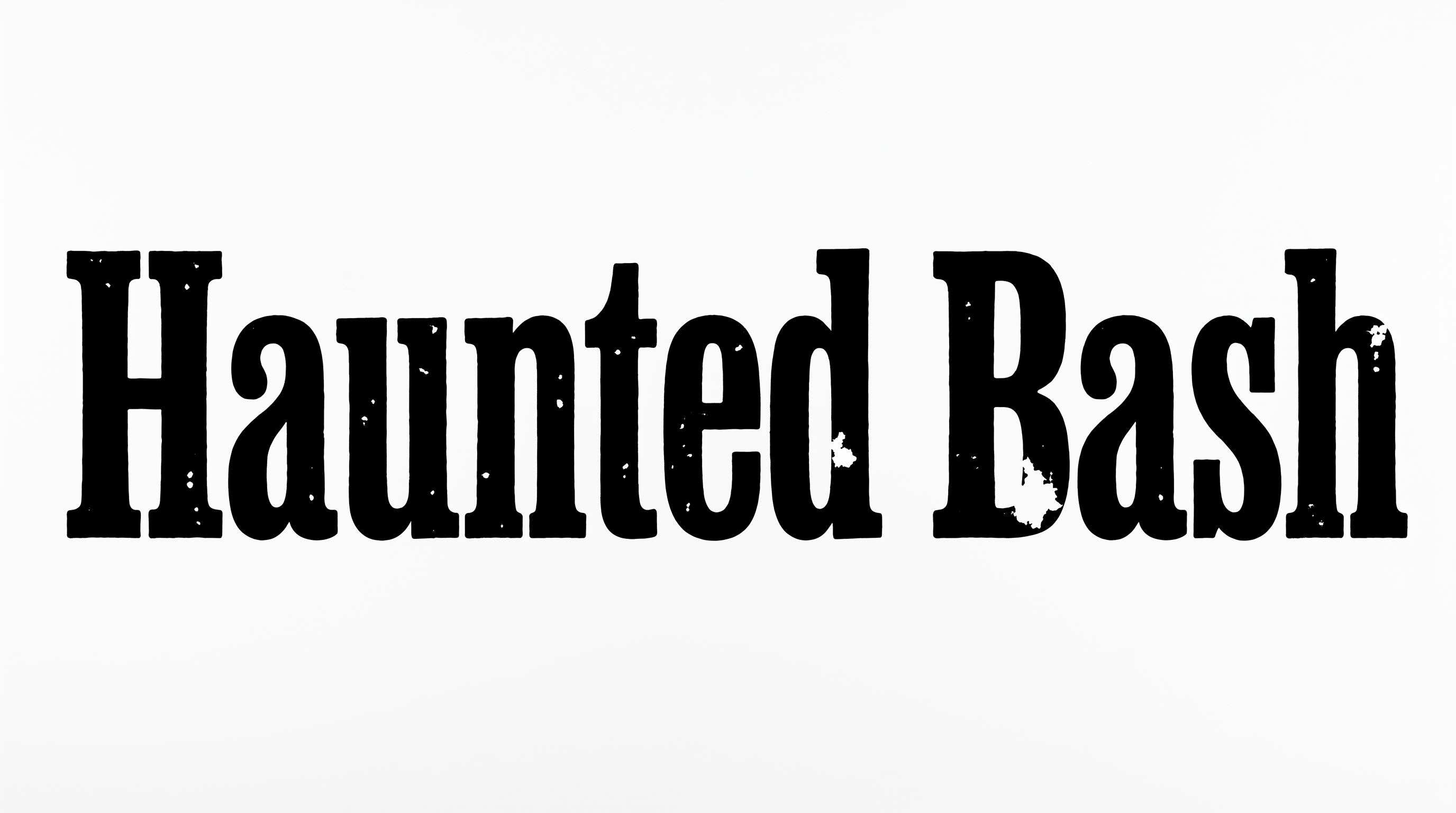
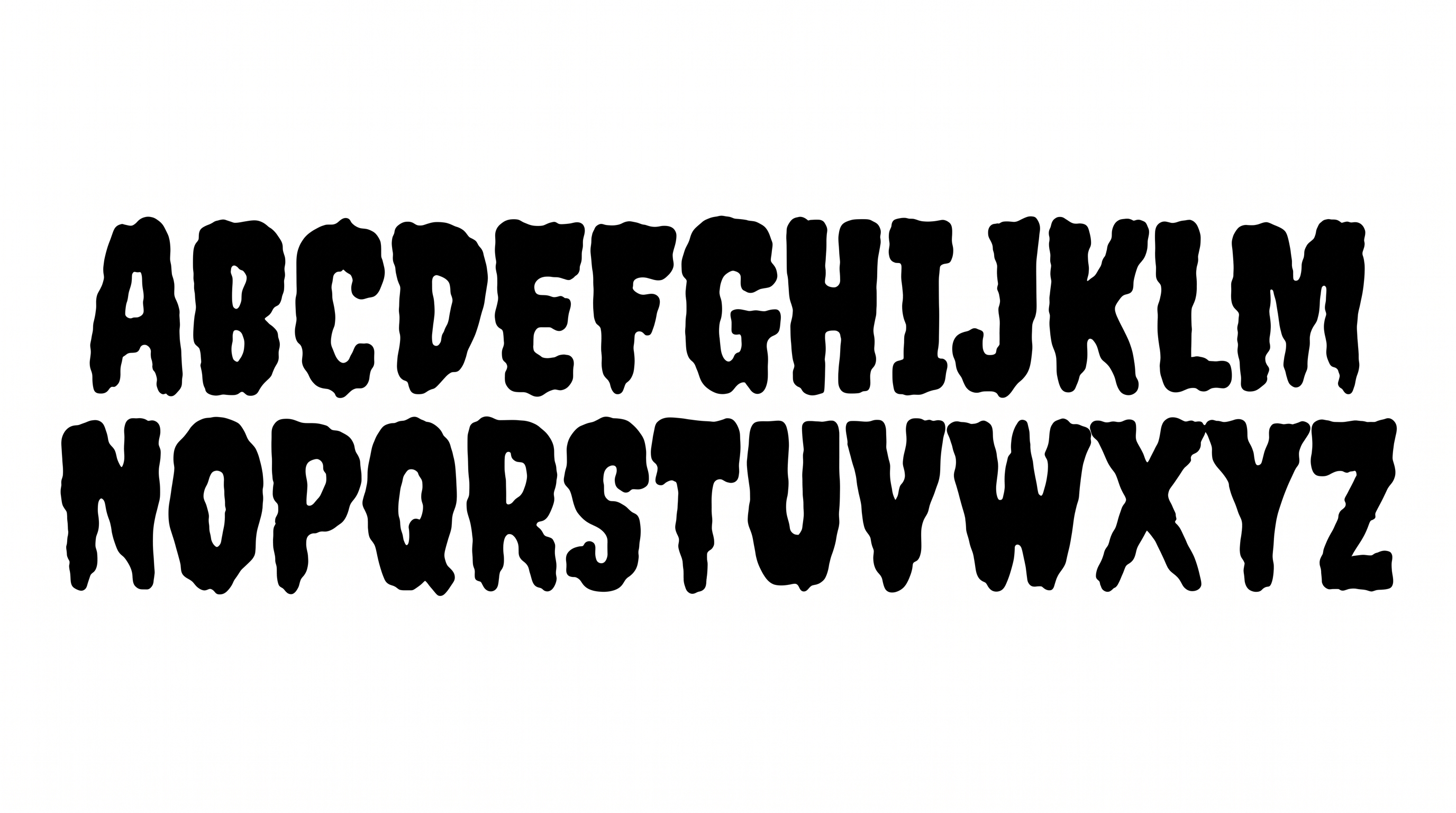
Heavy uppercase forms, chipped surfaces, and ragged drips create a stark horror silhouette.

  • Stroke Weight

    Heavy stroke bodies give the uppercase letters a dense, imposing silhouette.

  • Stroke Endings

    Lower strokes finish in ragged points and restrained downward drips.

  • Surface Texture

    Chipped cut-ins and rough edges distress the otherwise solid black forms.

  • Letter Construction

    Uppercase letters use solid silhouettes interrupted by irregular notches and cuts.

  • Letter Connections

    Letters remain separate, with clear breaks between neighboring characters.

  • Baseline Rhythm

    Uneven lower edges and varied drips create an irregular baseline rhythm.
Frequently asked questions about Scary Halloween Font Generator

It creates text artwork with heavy uppercase silhouettes, chipped edges, and restrained downward drips. The strong shapes suit short Halloween headings, horror titles, signs, packaging, and event graphics. Results are downloadable images rather than an installable font file.

The minimum membership covers personal use, while a higher membership covers commercial use. Review pricing to select the membership that matches your project before publishing, selling, or distributing work that uses the generated artwork.

Download the Scary Halloween Font artwork as a PNG. Upload it in Canva or insert it into a Google Docs document. Import it into a project in the Cricut app, also known as Cricut Design Space. In each platform, treat the result as placed image artwork.

Browse the related tools section and compare broad qualities such as weight, edge treatment, spacing, and mood. Look for another generator whose samples suit your layout, then test the same short phrase to make the visual differences easier to judge.

Use it for short focal text on haunted-attraction signs, candy packaging, event tickets, covers, apparel, or online promotions. Its heavy uppercase shapes read best as a headline, while the distressed edges and drips supply the horror mood.

Keep the phrase short, give the characters strong contrast, and preserve clear space around the line. Check the final image at its intended size because the chipped edges and downward drips carry more detail than plain block lettering.

Place the lettering near the main visual entry point and give its ragged lower edge enough breathing room. For banners, stage backdrops, or facade signs, reserve the strongest contrast for the headline and organize supporting details beneath it.

Pair it with a clean, simpler supporting style for dates, locations, prices, or instructions. Keep the area around the main heading free of busy details so its chipped edges remain distinct and the information hierarchy stays clear.

Use a short warning, title, or event name so the heavy silhouettes dominate the composition. High contrast emphasizes the irregular cuts, while restrained surrounding decoration lets the pointed drips and rough edges carry the tension.
READY TO CREATE?

Create Custom Scary Halloween Fonts & Text Effects

Try Scary Halloween Font Generator Free