Free Roblox Cursive Font Generator Online
Create elegant calligraphic lettering with dramatic thick-to-thin strokes and an expressive initial flourish, suited to invitation and poster titles.
- Templates
- 252
- Generations
- 98
- Downloads
- 212
- Rating
- 5.0
How to Use the Roblox Cursive Font Generator
Shape names or headings into high-contrast calligraphy and download the finished lettering as an image.
- 01
Enter your calligraphic wording
Type a name, heading, or short phrase for the flourished script treatment.
- 02
Choose the artwork layout
Select an image size such as 1:1 or 16:9, then choose font and background colors.
- 03
Generate and download PNG or SVG
Generate the lettering, review the result, and download the finished image in PNG or SVG format.
Roblox Cursive Font Generator in Use: Design Examples & Showcase
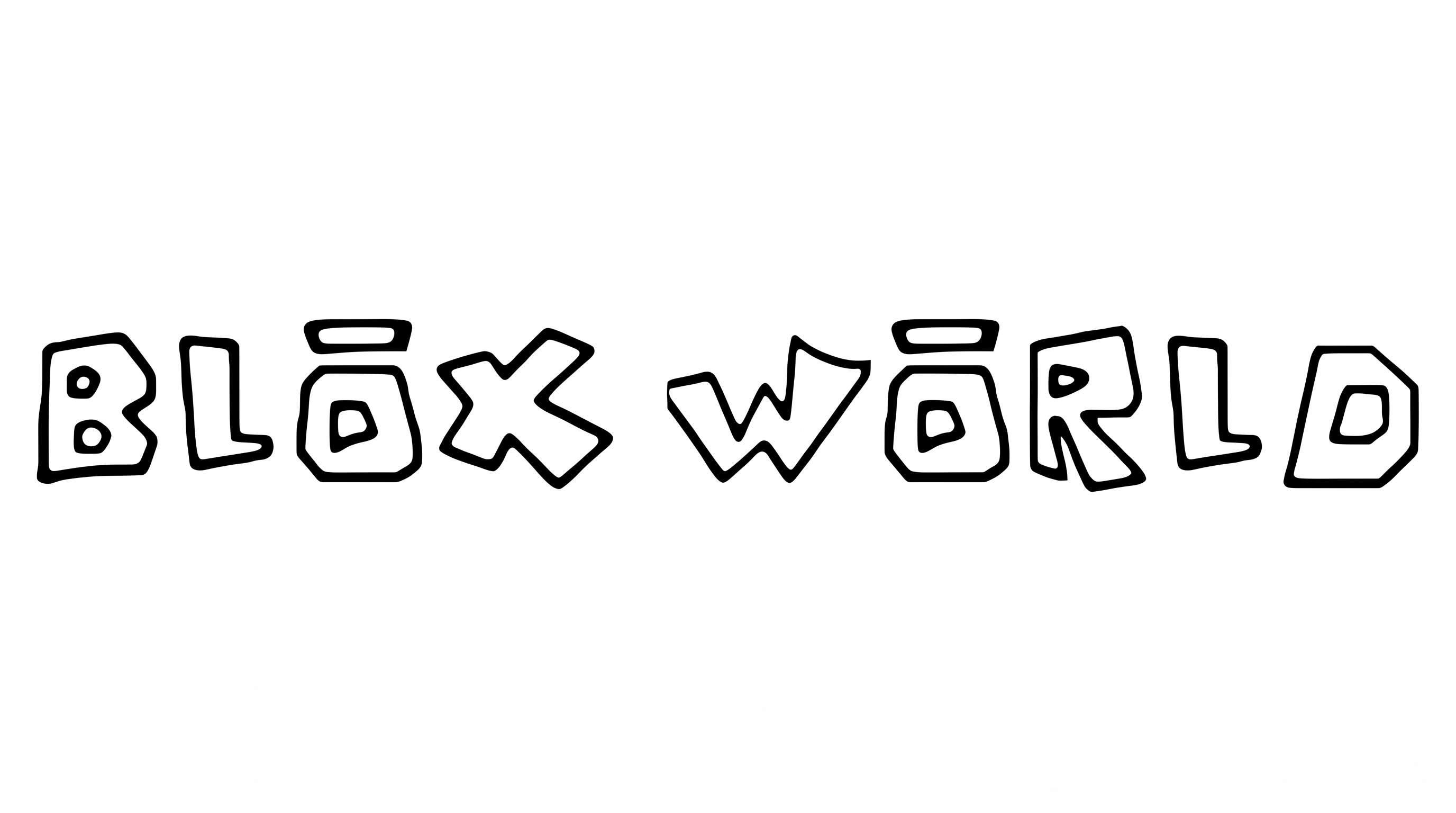
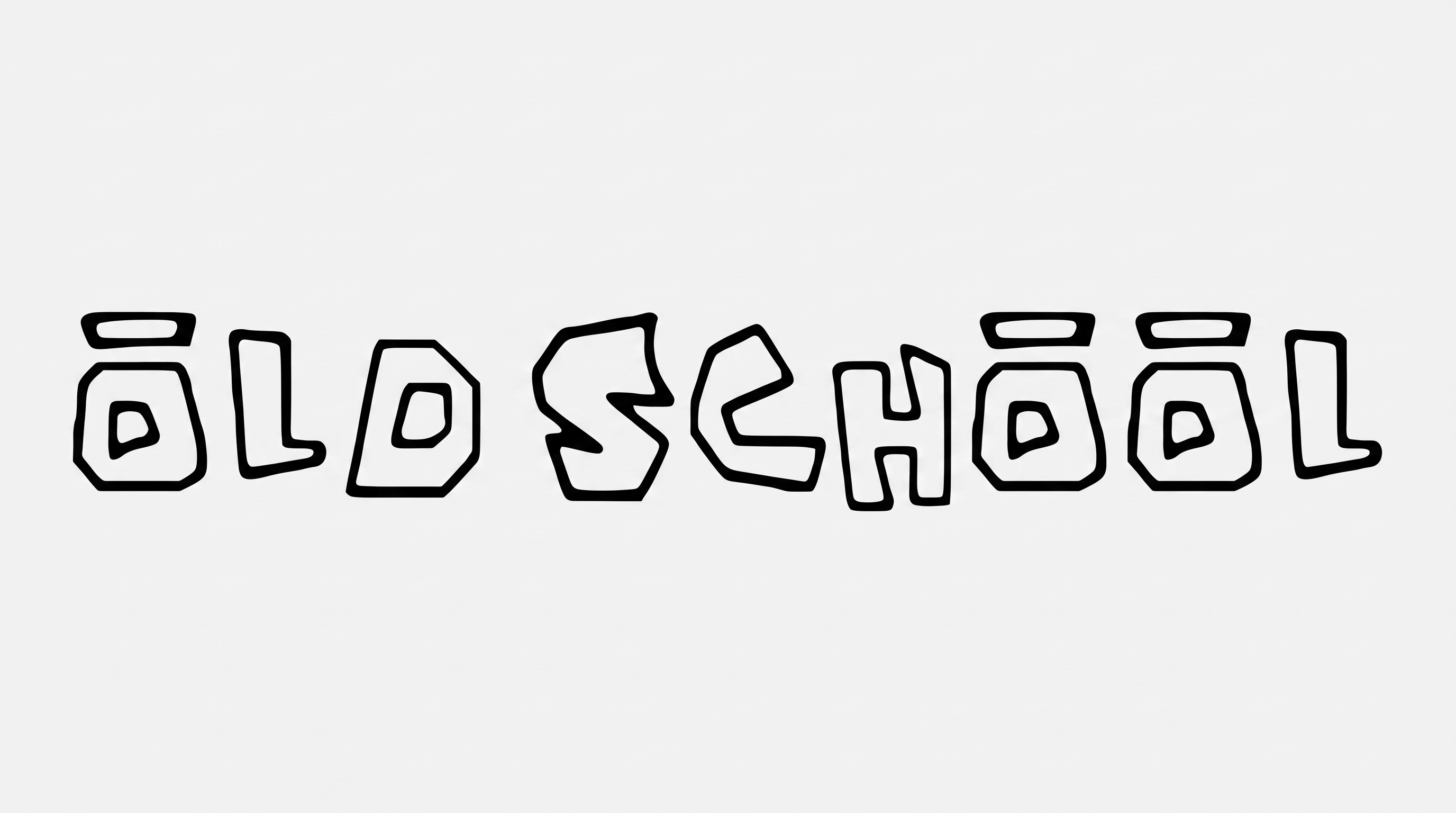
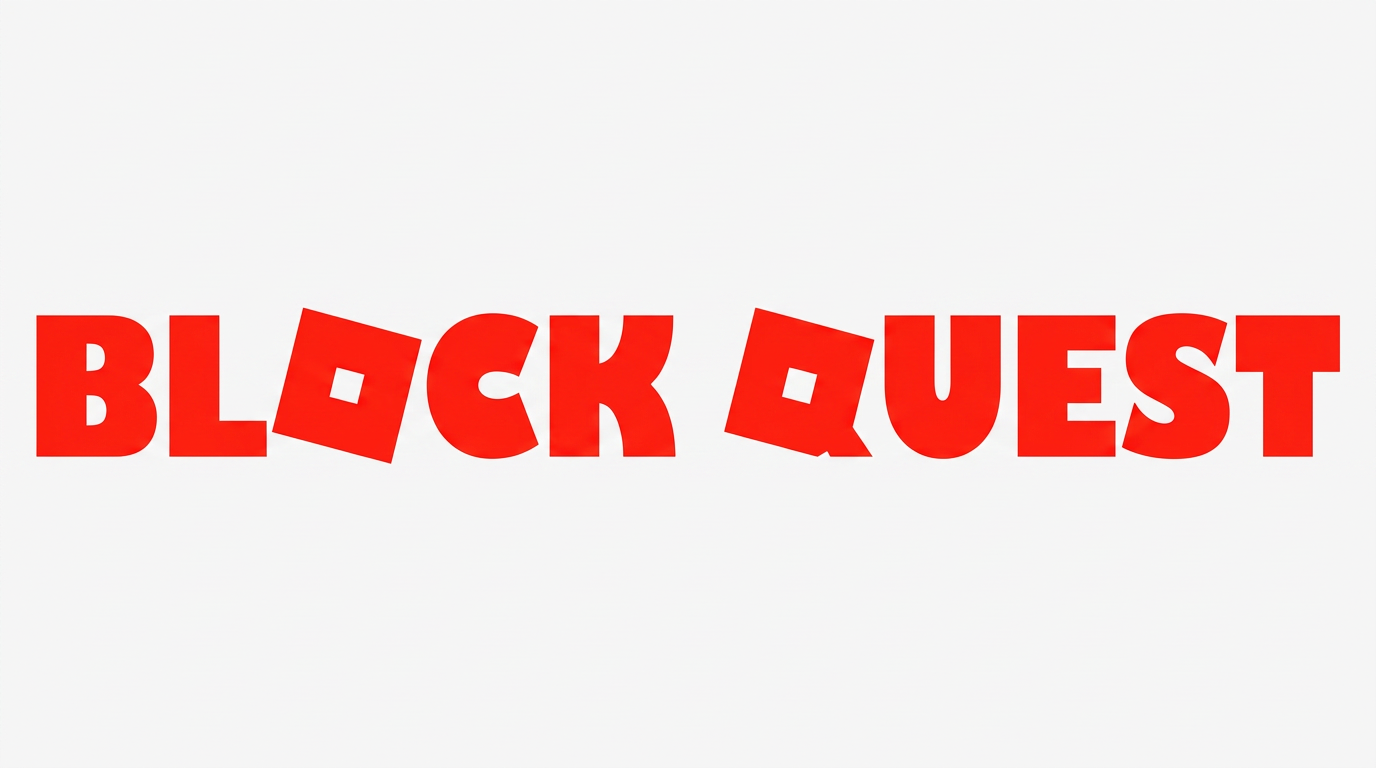
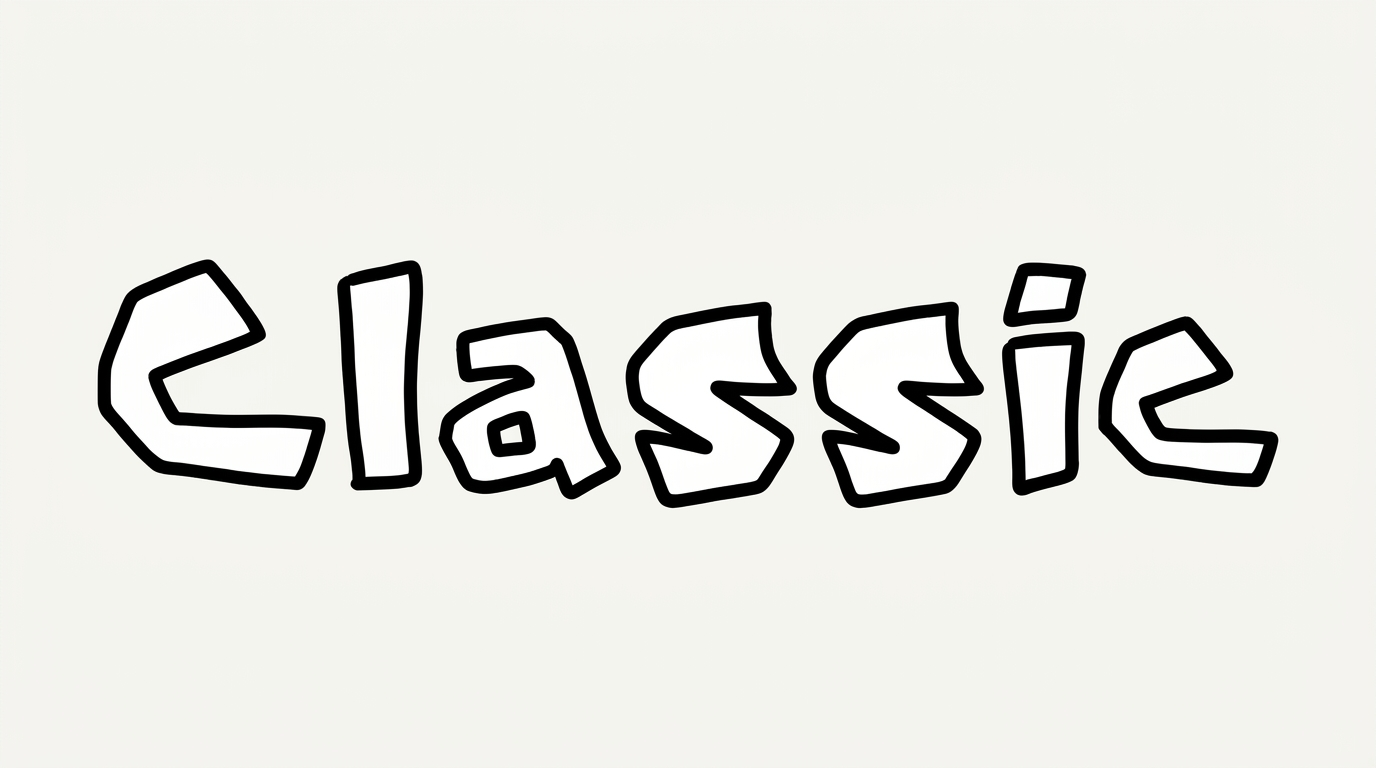
Browse examples of the calligraphic lettering on invitations, posters, product labels, book covers, and other title-focused designs.
Roblox Cursive Font Style Profile
Strong stroke contrast, a rightward slant, and sweeping flourishes define the calligraphic lettering.
Stroke Contrast
Bold strokes contrast with fine hairlines throughout the calligraphic lettering.
Flourishes
A sweeping loop around the initial letter adds a prominent decorative flourish.
Slant
The visible letters lean consistently to the right along the baseline.
Stroke Endings
Visible stroke endings taper into fine points and delicate curves.
Letter Connections
The letters remain mostly separate, with clear breaks between neighboring forms.
Letter Spacing
Small visible gaps separate most neighboring letters within the word.