Get 5 Free Credits

Free Chicano Graffiti Font Generator Online

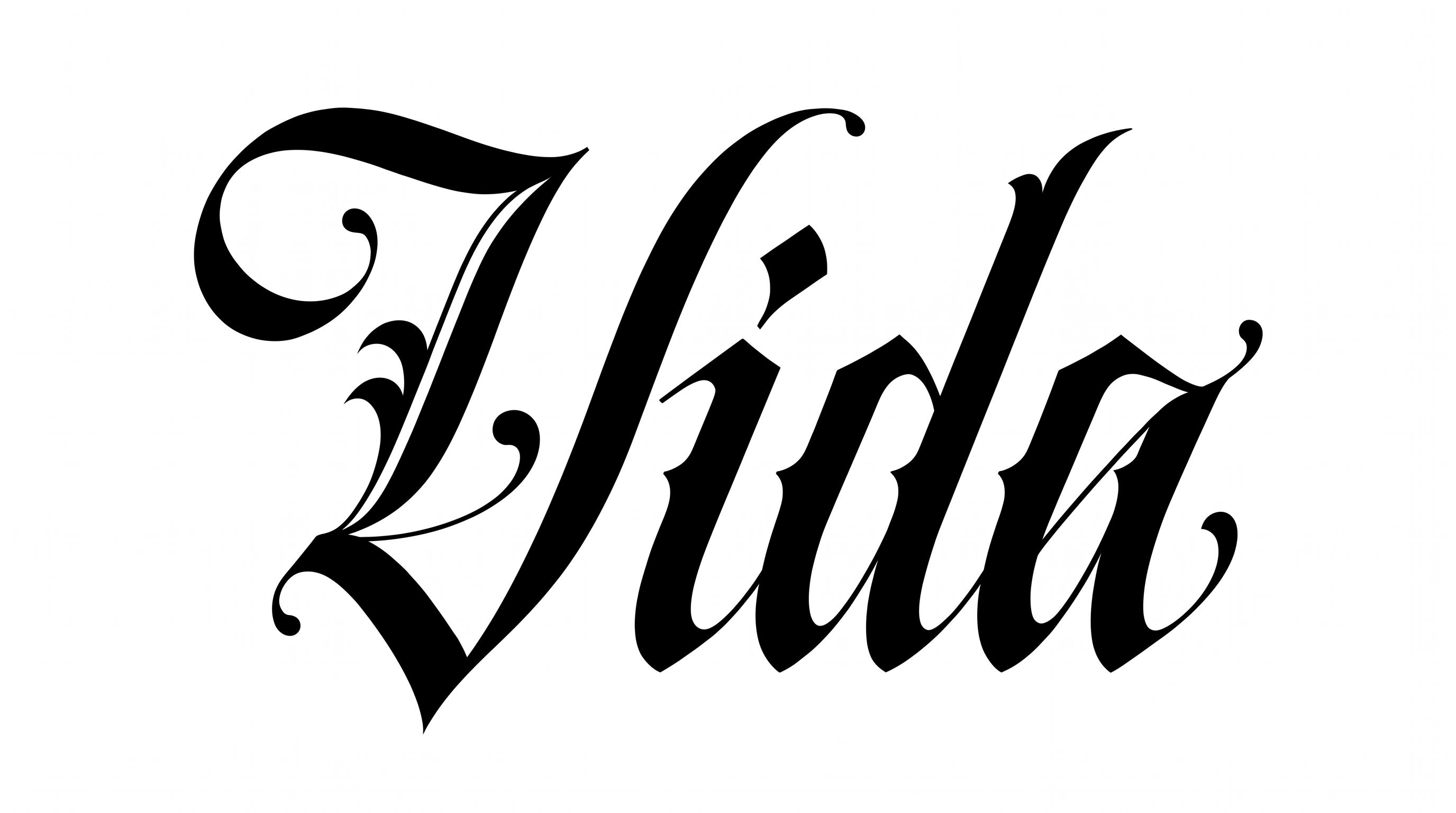
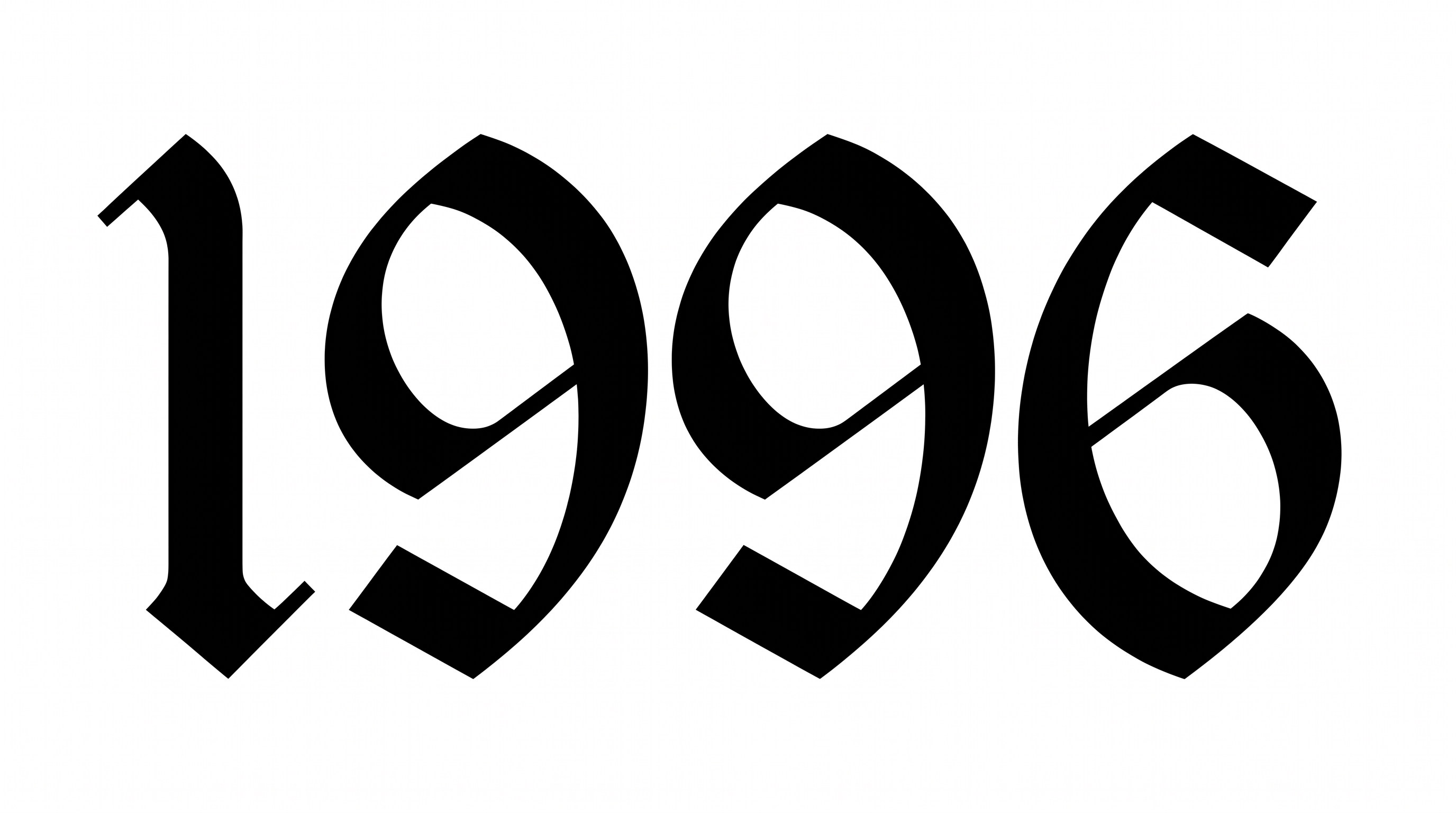
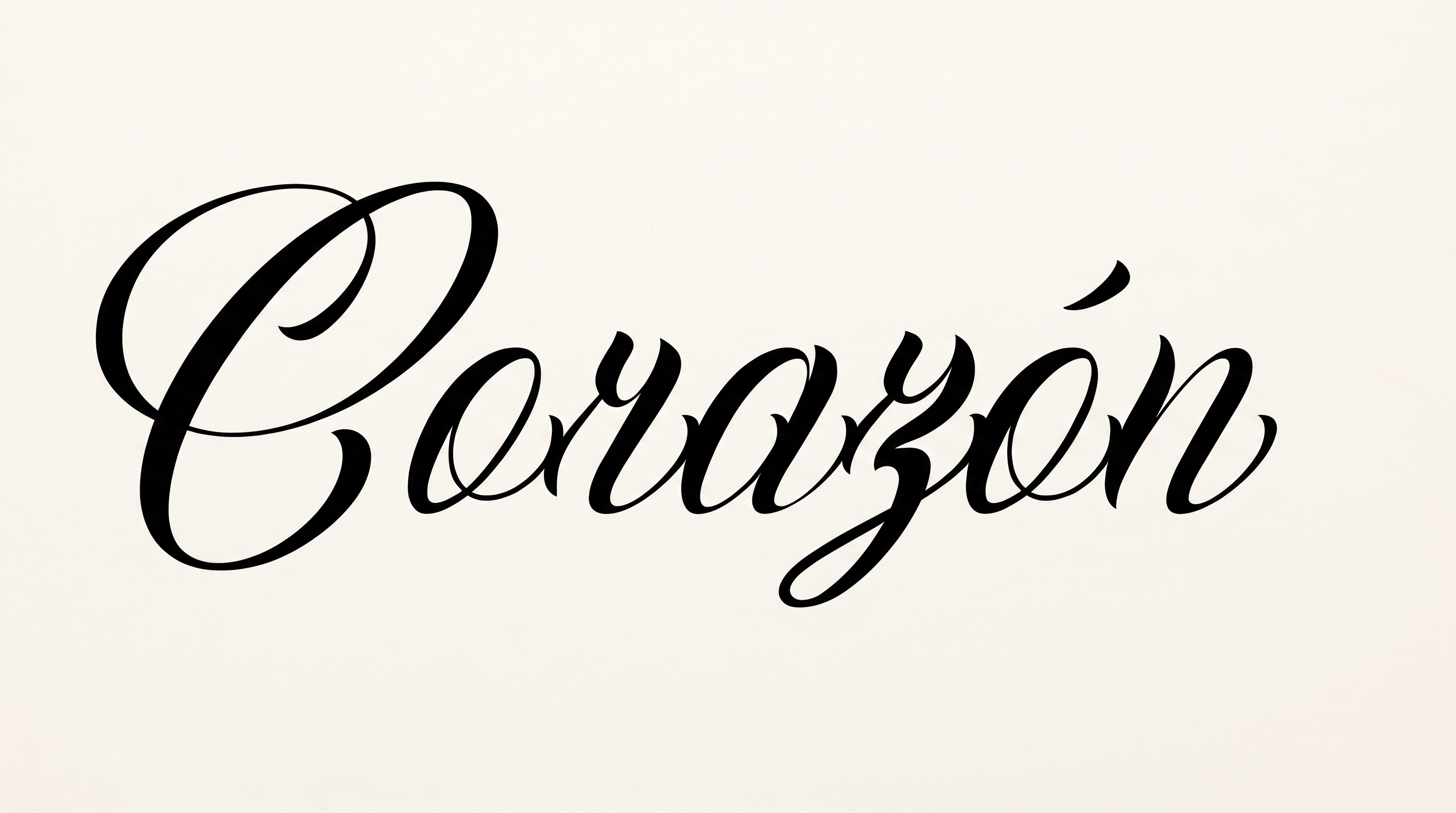
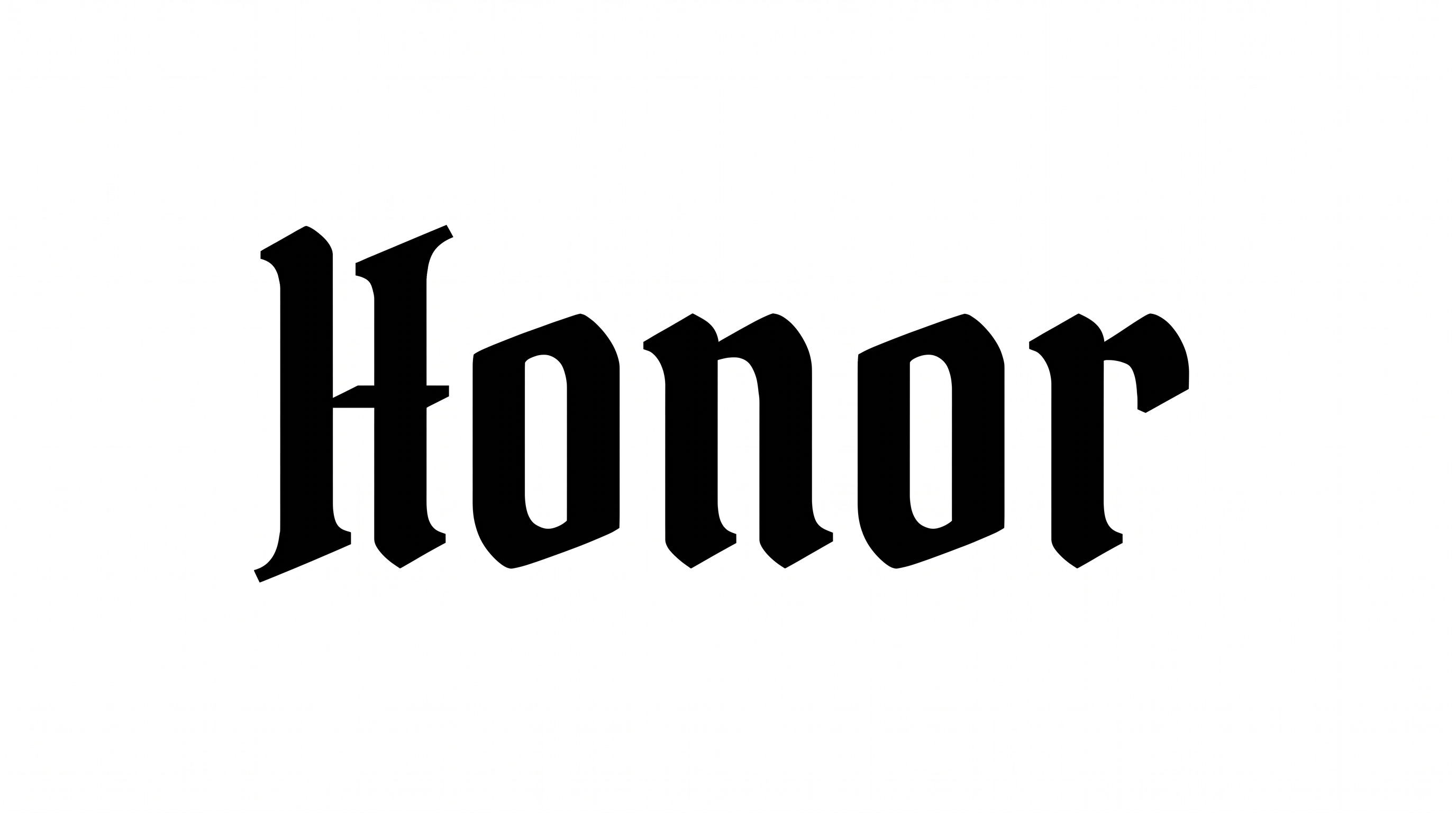
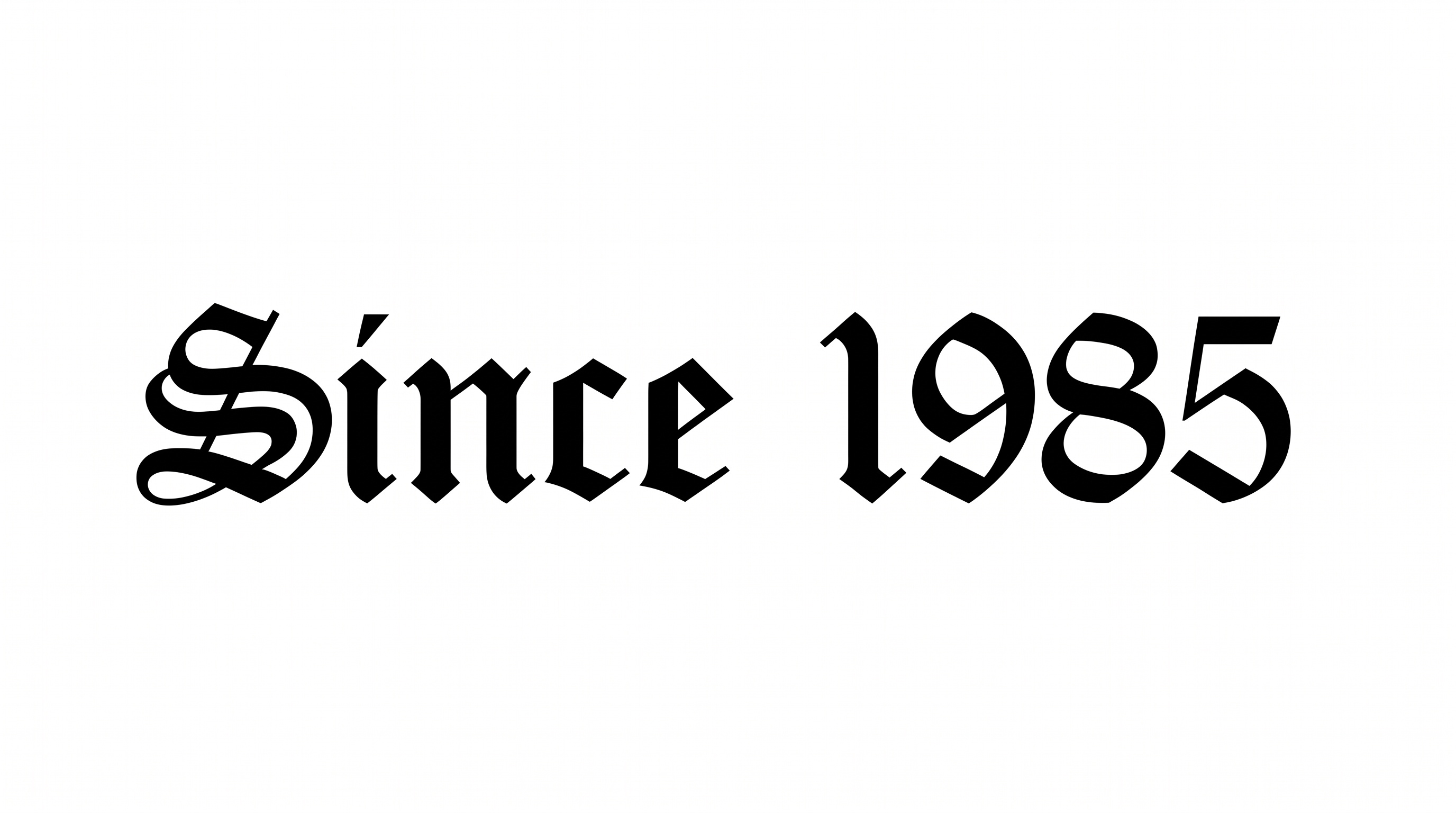
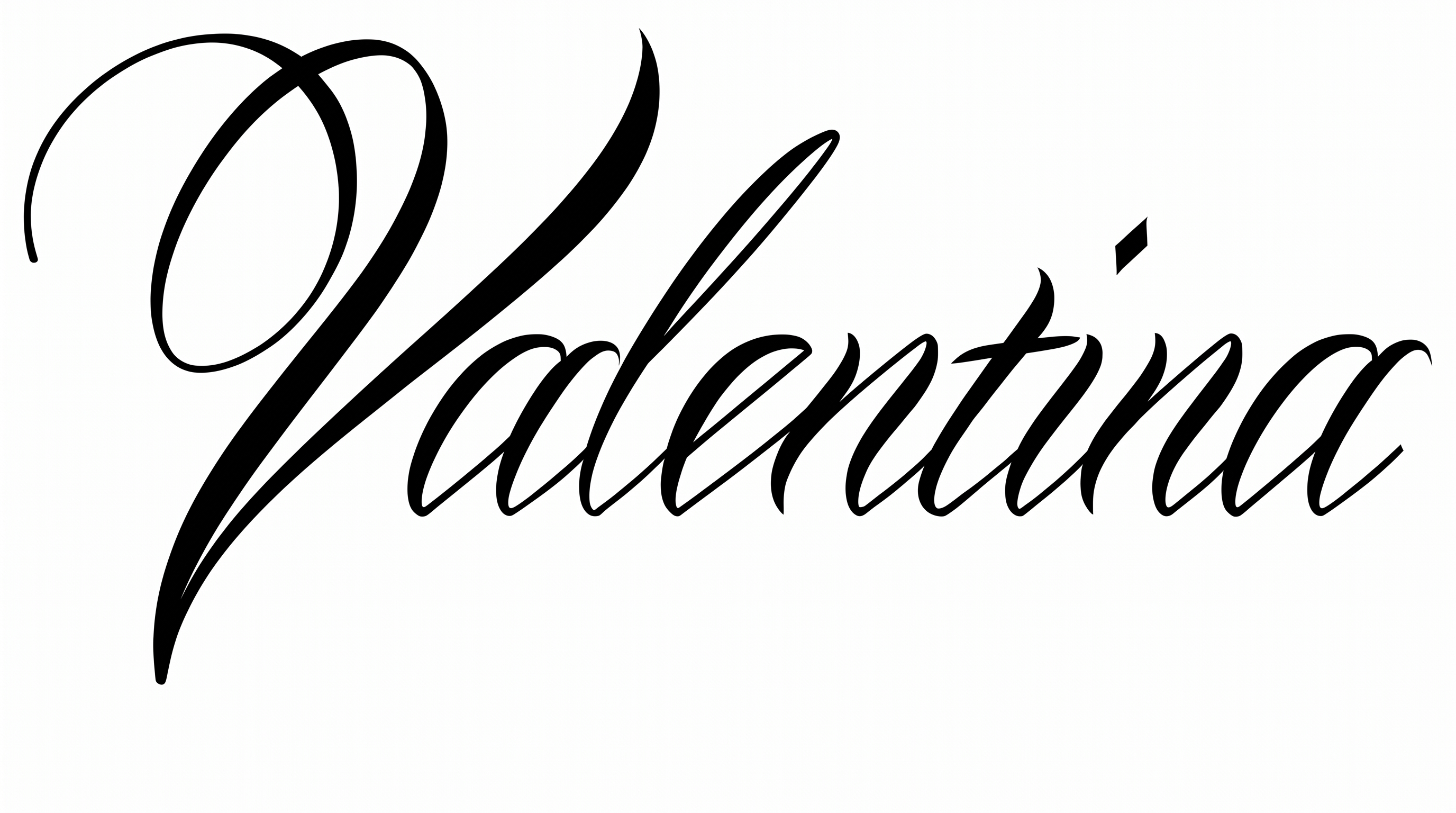
Turn names and short phrases into high-contrast calligraphic lettering with dramatic capitals and sweeping ornamental flourishes.

Enter the text to generate, e.g. Fontify.ai

Font color
Background
Templates
426
Generations
163
Downloads
295
Rating
5.0

How to Use the Chicano Graffiti Font Generator

Shape dramatic calligraphic lettering for a layout while preserving its fine hairlines and sweeping flourishes.

  1. 01

    Write your wordmark

    Enter a name or short phrase to shape the calligraphic wordmark.

  2. 02

    Set the color and proportions

    Choose a custom font color and an aspect ratio that suits the intended layout.

  3. 03

    Generate and download PNG or SVG

    Review the rendered lettering, then download the finished image in PNG or SVG format.

Chicano Graffiti Font Style Profile

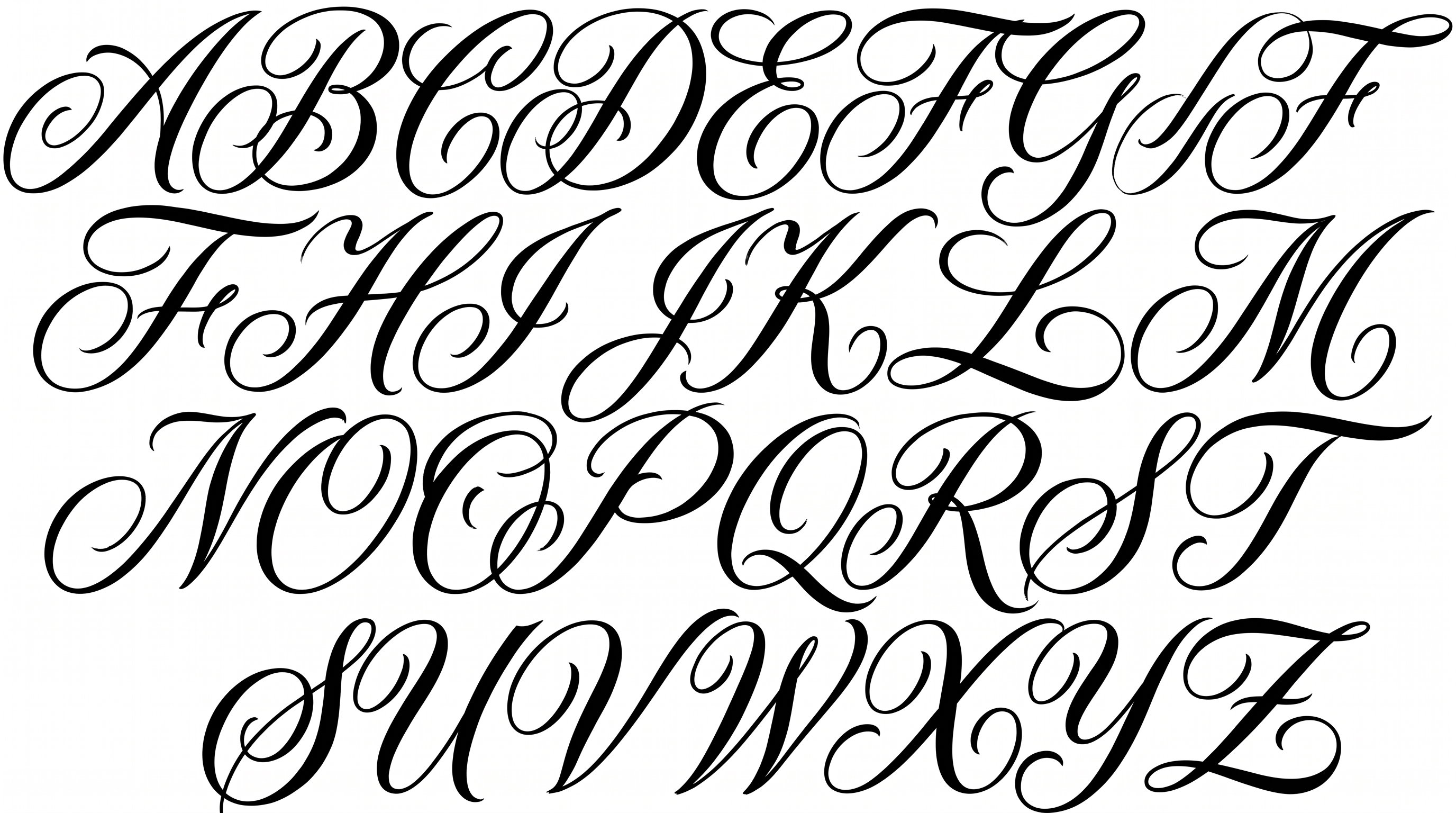
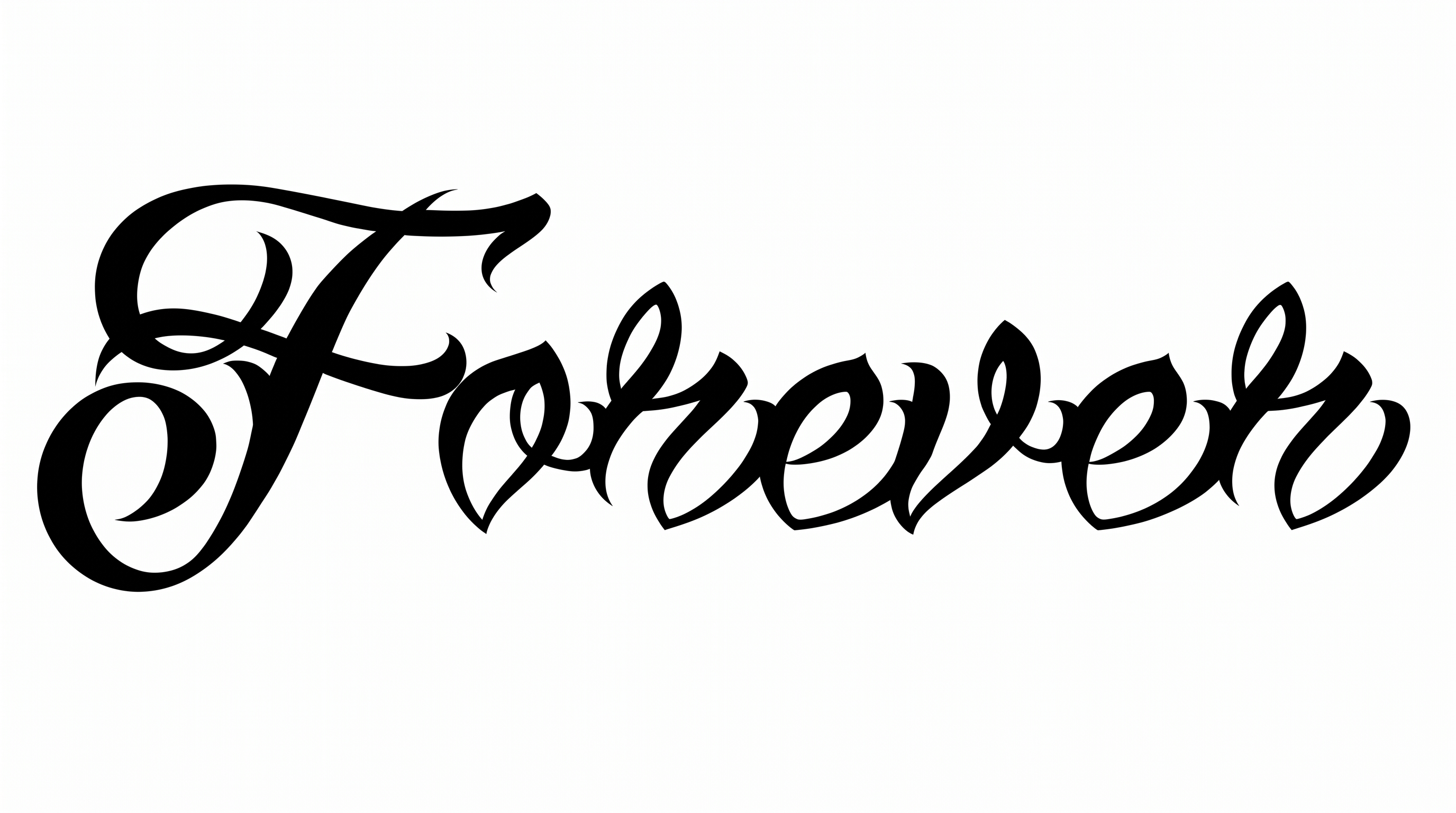
Strong stroke contrast, rightward slant, and sweeping flourishes define the calligraphic lettering.

  • Stroke Contrast

    Bold downstrokes alternate with delicate hairlines throughout the visible letters.

  • Flourishes

    Long loops and sweeping swashes extend from the capitals and final strokes.

  • Slant

    The letterforms lean distinctly to the right along the horizontal baseline.

  • Letter Connections

    Continuous curved strokes join many neighboring lowercase letters within the words.

  • Stroke Endings

    Fine strokes finish in sharp tapered tips and graceful curved terminals.

  • Letter Construction

    Large capitals combine broad curved bodies with layered interior loops.
Frequently asked questions about Chicano Graffiti Font Generator

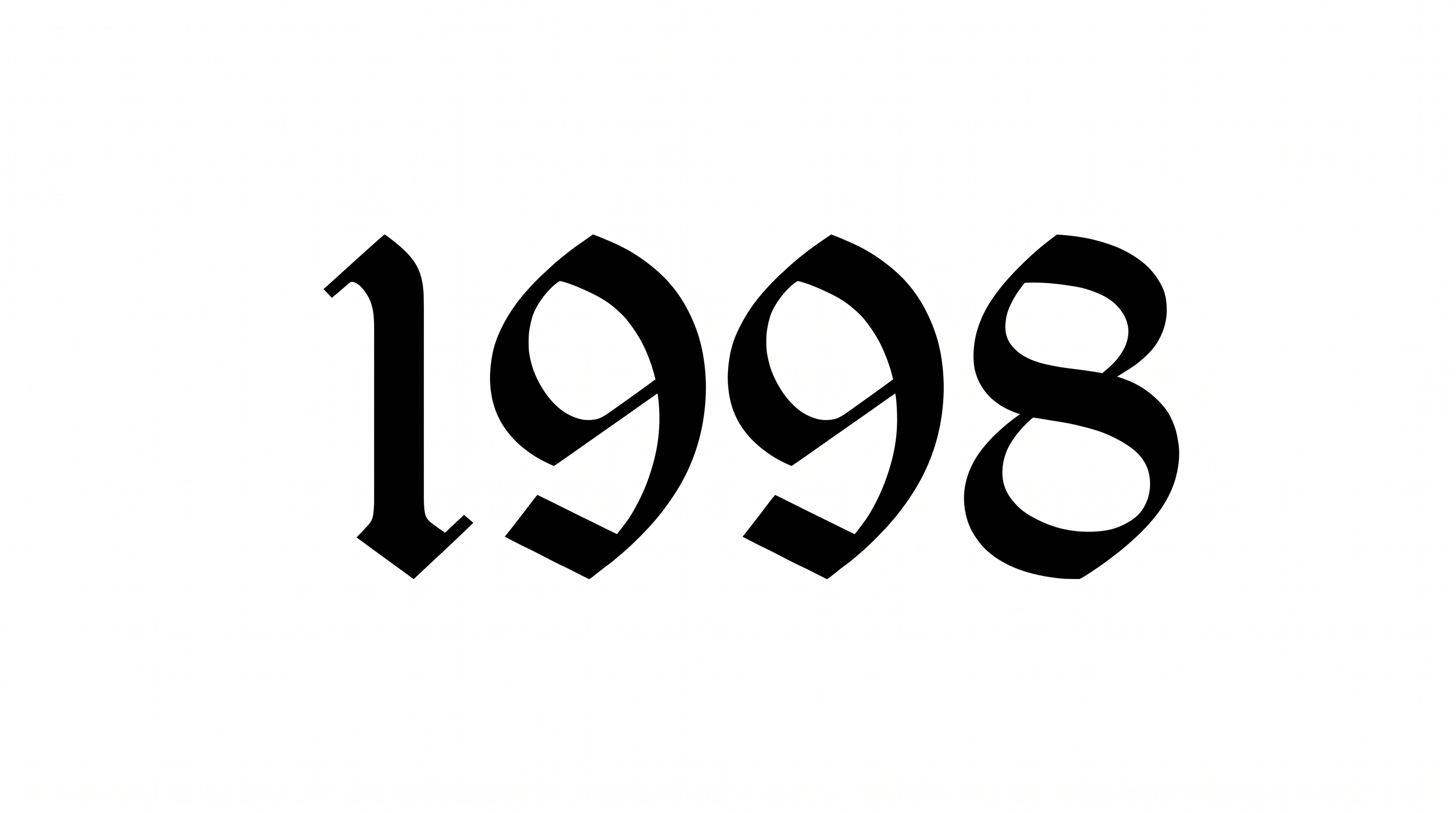
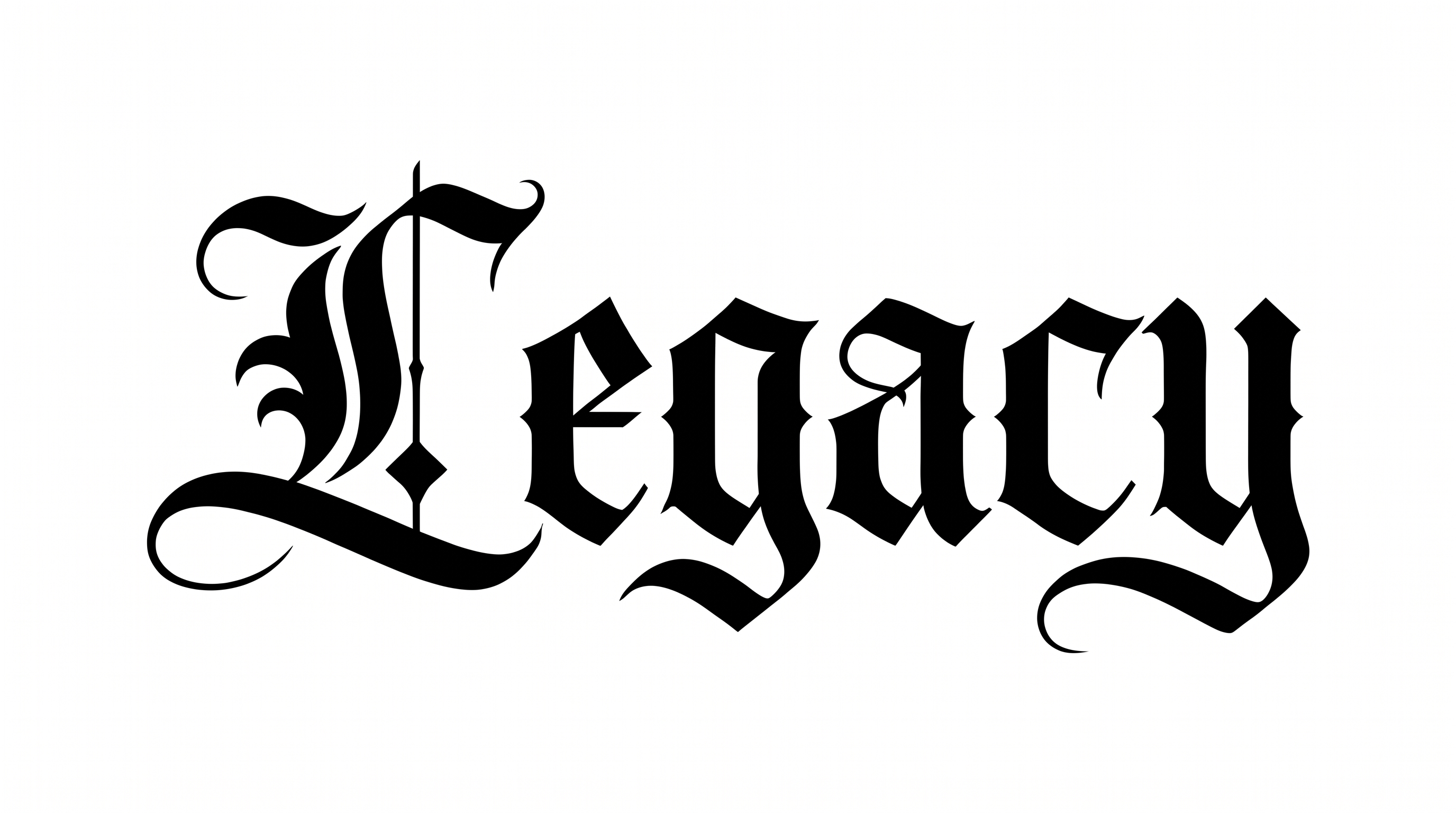
It creates text artwork in an ornate, Chicano-inspired calligraphic style. Dramatic capitals, delicate hairlines, blackletter influence, and sweeping flourishes shape names or short phrases into a rendered image. It suits designs such as posters, album artwork, apparel graphics, or signage.

Yes. You can use the generator and download the resulting image for free. Free access does not by itself grant free commercial rights, so review the applicable membership and pricing terms for your intended use before publishing.

Transparent-background output is supported, so the lettering can be layered over other artwork. This template also lets you select a font color, choose a custom background color, upload a background image, and set an image size. Transparency is an output option rather than a guarantee for every result.

Download the Chicano Graffiti Font artwork as a PNG. For Canva, upload it as an image; for Google Docs, insert it into a document. In the Cricut app, also known as Cricut Design Space, import the PNG into a project. Each workflow treats the rendered words as image artwork.

Keep the name or phrase as the main focal point and leave generous space around the capitals and flourishes. A wide ratio can suit a single-line wordmark, while a taller ratio can support a stacked poster composition with supporting details placed separately.

Use a short phrase and choose a font color that contrasts clearly with the background. Preserve open space around the delicate hairlines and flourishes, then inspect the downloaded image at its intended display size before placing supporting text nearby.

Pair the ornate lettering with restrained supporting typography and a clear central area. Its dramatic capitals can anchor album artwork, event posters, storefront graphics, or apparel compositions. Simpler surrounding details help the calligraphic wordmark remain the visual focus.
READY TO CREATE?

Create Custom Chicano Graffiti Fonts & Text Effects

Try Chicano Graffiti Font Generator Free