Free Halloween Dripping Font Generator Online
Turn short Halloween headlines into heavy, irregular uppercase lettering with long melting drips for haunted-house signs.
- Templates
- 385
- Generations
- 145
- Downloads
- 290
- Rating
- 5.0
How to Use the Halloween Dripping Font Generator
Shape short horror headlines into heavy dripping artwork sized for signs, covers, or event graphics.
- 01
Write a compact horror headline
Enter a short headline that gives the heavy uppercase forms room to drip.
- 02
Set the image composition
Select a font color, background, and image size such as 16:9, then generate the image.
- 03
Download the finished artwork
Review the rendered lettering, then download it as a PNG or SVG for your layout.
Halloween Dripping Font Generator in Use: Design Examples & Showcase
Compare how the dripping headline adapts to haunted signage, packaging, apparel, book covers, invitations, and other seasonal layouts.
Halloween Dripping Font Style Profile
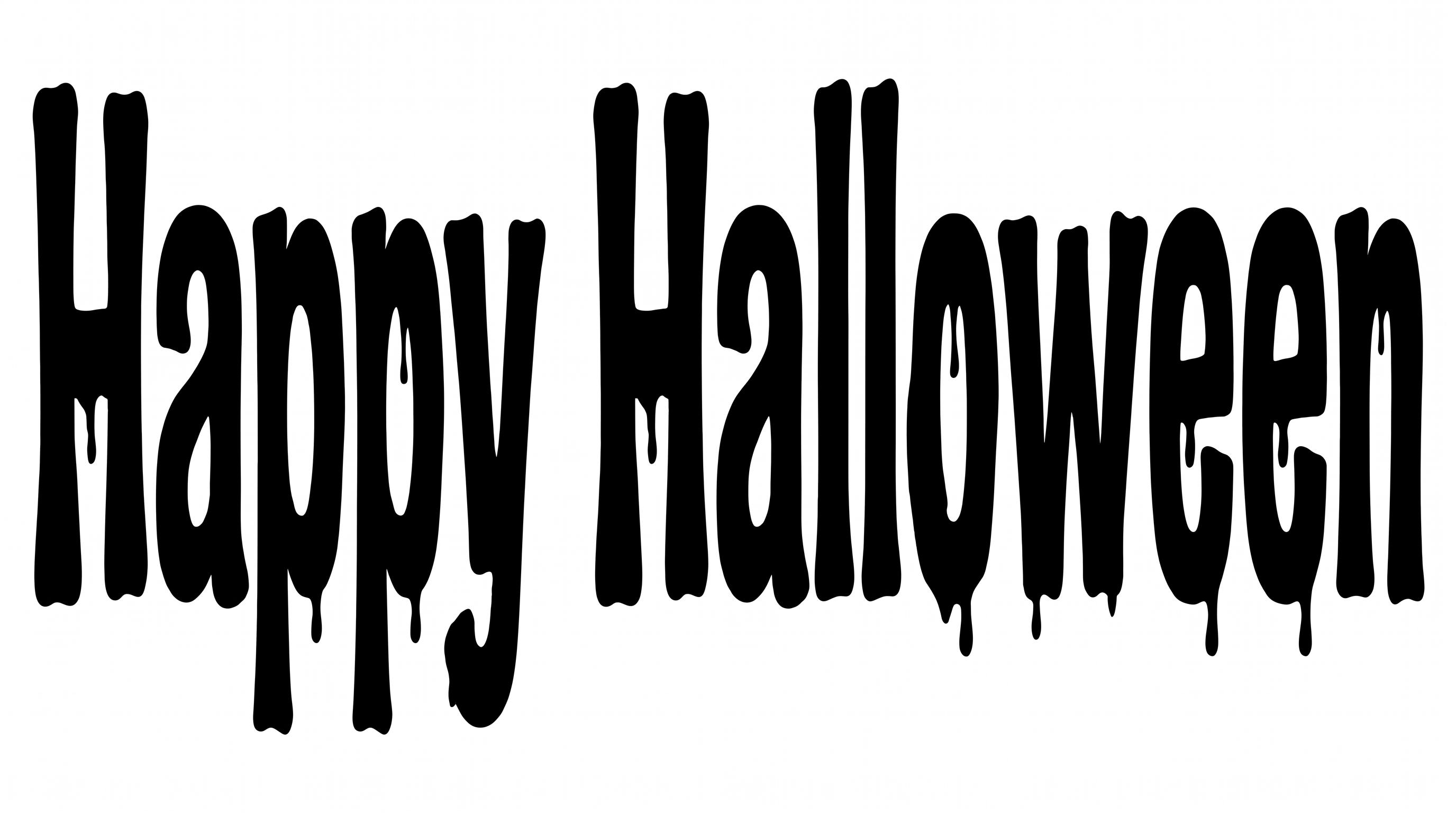
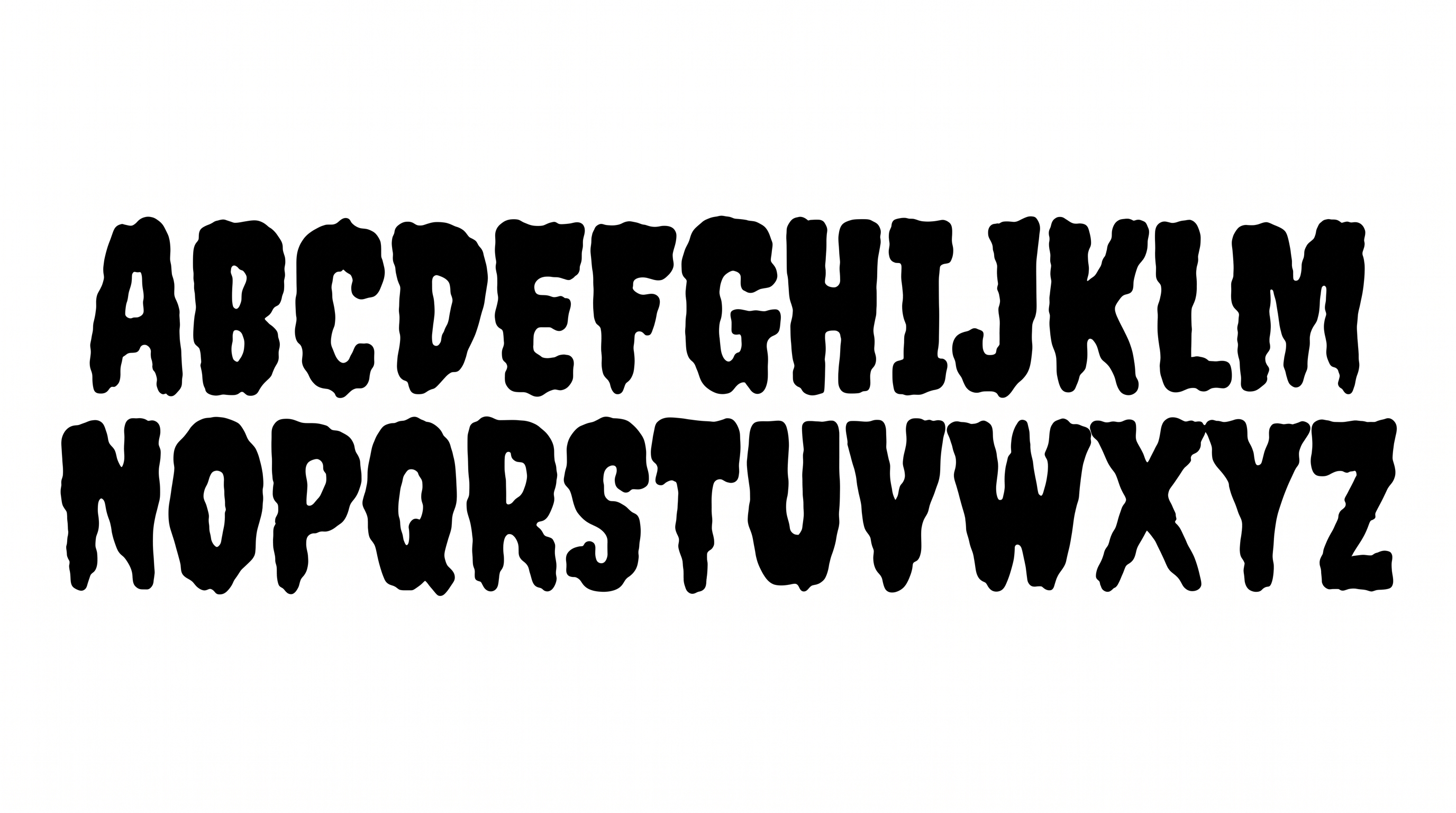
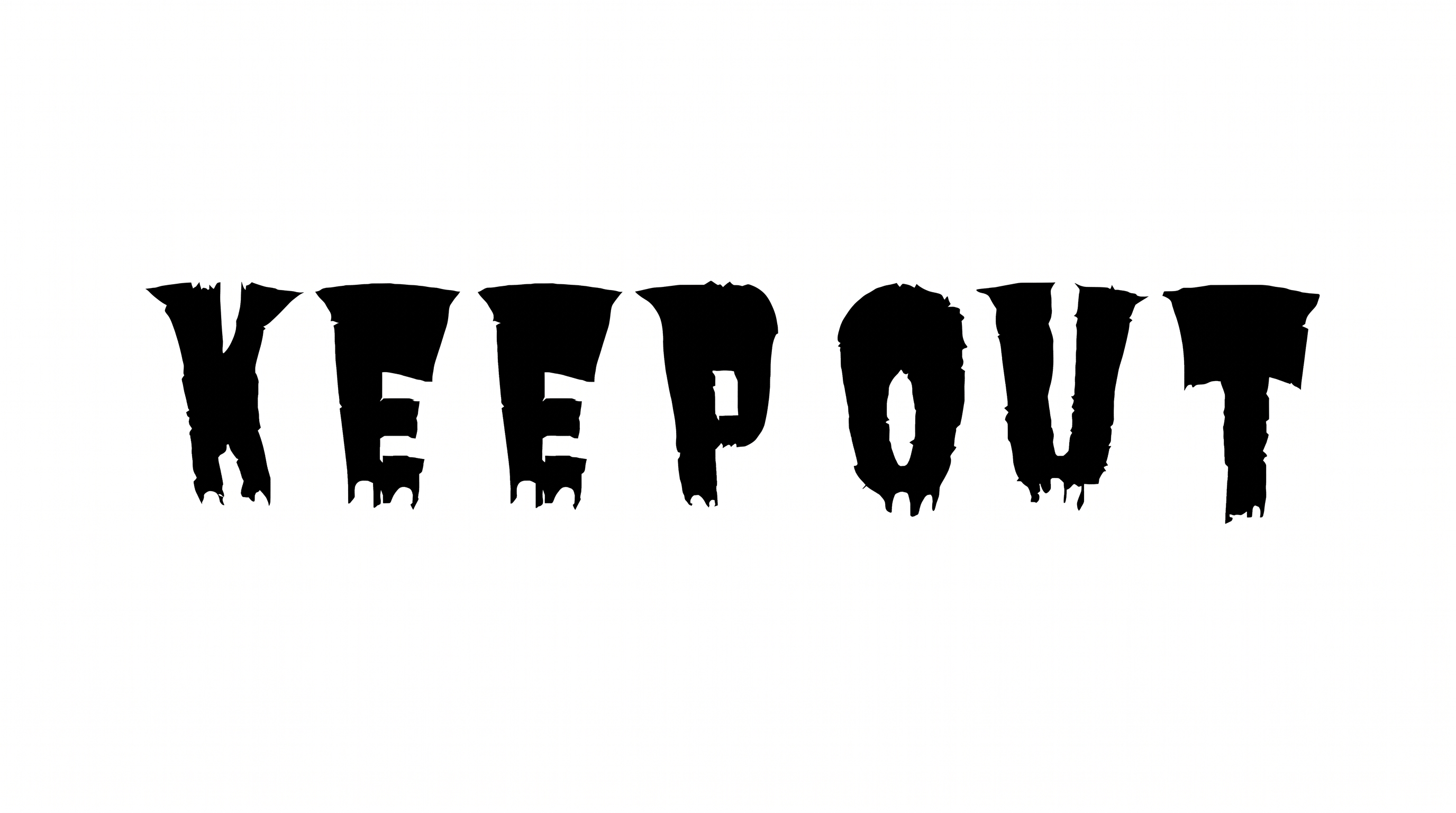
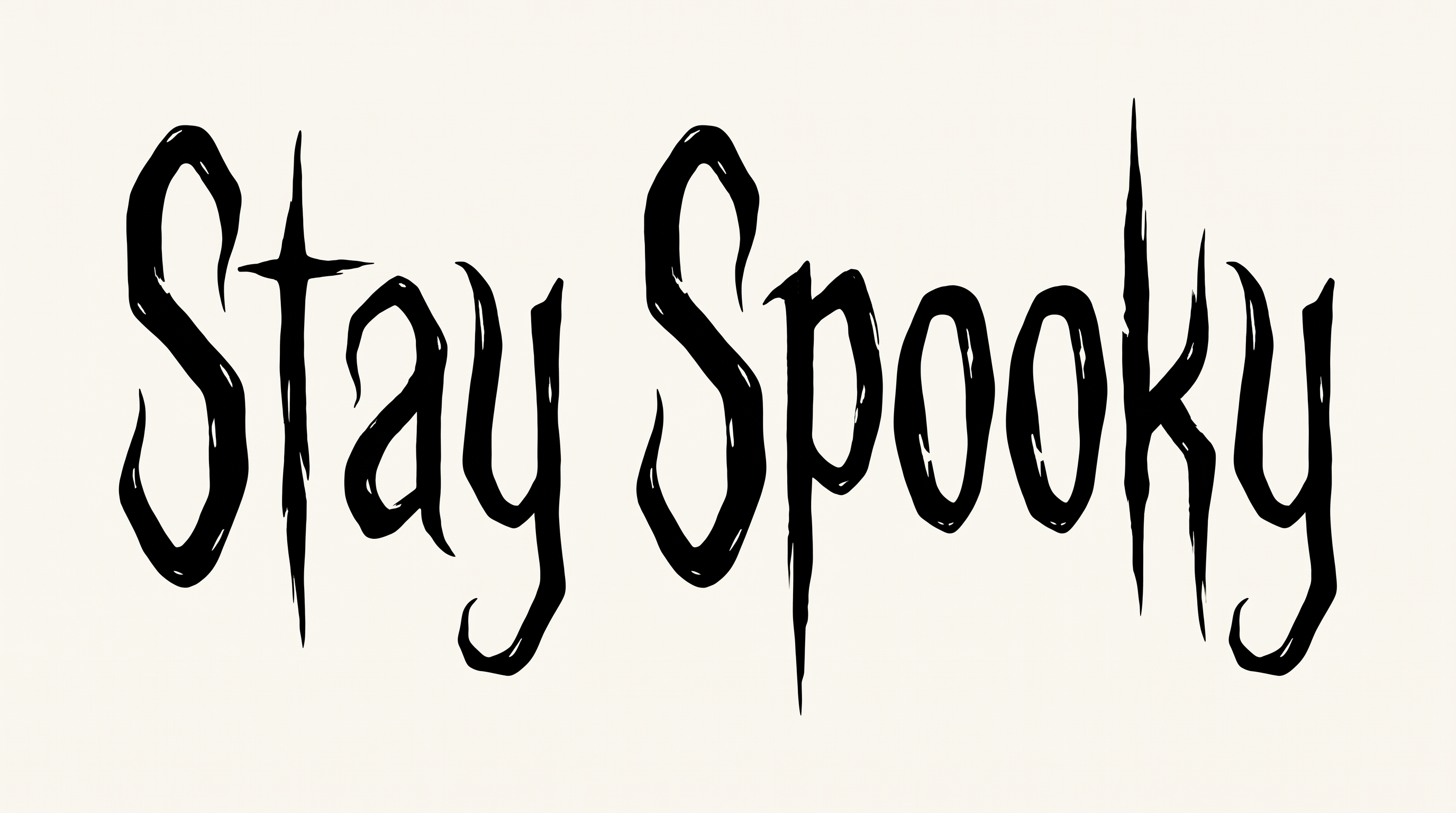
Heavy black uppercase forms use irregular contours, separate construction, and long tapered drips.
Stroke Endings
Long, uneven drips taper from the lower edges into rounded and pointed tips.
Stroke Weight
Heavy stroke bodies give the uppercase letters a massive silhouette.
Letter Construction
Each uppercase letter uses a solid silhouette around open interior counters.
Corner Shape
Rounded outer turns mix with irregular notches along the letter edges.
Letter Connections
Letters remain separate, with clear gaps between neighboring characters.
Color Treatment
Solid black fills the visible letter faces with a flat, consistent treatment.