Get 5 Free Credits

Free Halloween Handwriting Font Generator Online

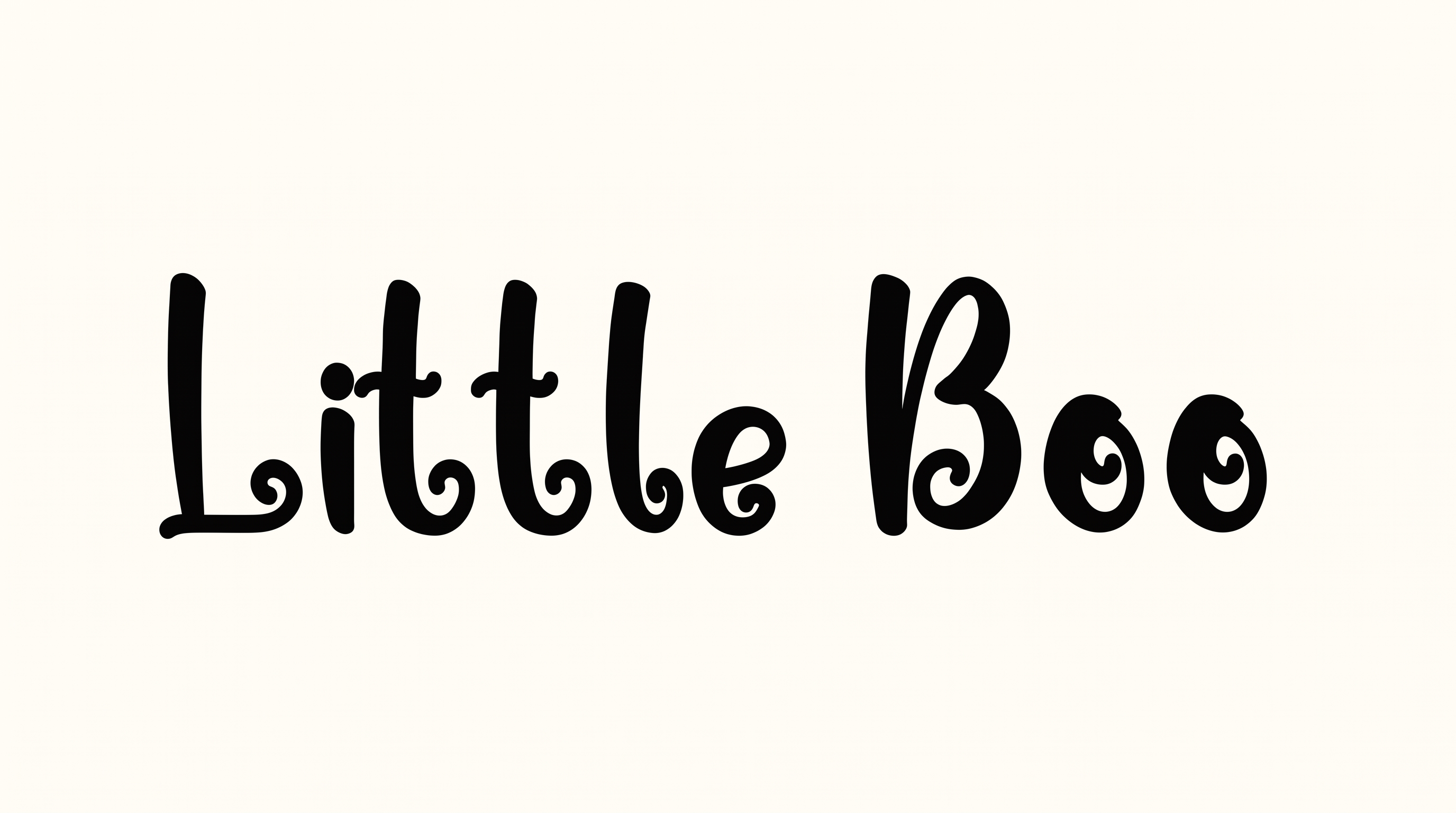
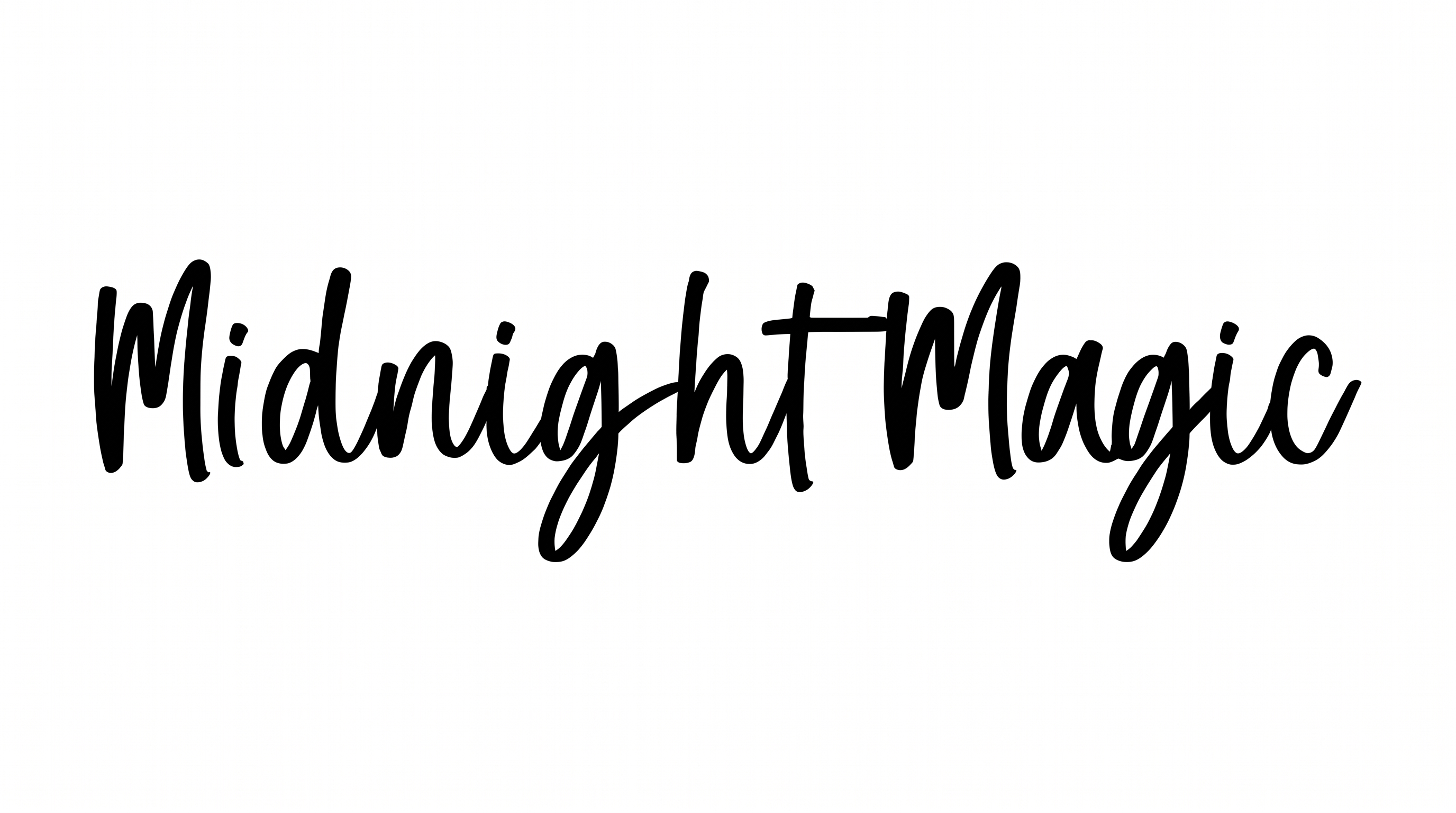
Expressive black brush strokes and lively connected script give Halloween messages a playful, spooky look for party invitations.

Enter the text to generate, e.g. Fontify.ai

Font color
Background
Templates
385
Generations
181
Downloads
208
Rating
5.0

How to Use the Halloween Handwriting Font Generator

Shape playful brush lettering for seasonal messages and save the finished artwork for your layout.

  1. 01

    Write your Halloween message

    Enter a short phrase that suits the playful, casual brush-script treatment.

  2. 02

    Set the artwork format

    Choose a font color, background, and aspect ratio such as 1:1 or 16:9.

  3. 03

    Generate and download PNG or SVG

    Render the text image, review the lettering, and save it in a supported format.

Halloween Handwriting Font Style Profile

Strong stroke contrast, connected letters, and looped flourishes create an animated handwritten rhythm.

  • Stroke Contrast

    Bold downstrokes alternate with noticeably finer curves and joining strokes.

  • Letter Connections

    Continuous strokes join many lowercase letters into fluid handwritten words.

  • Flourishes

    Looped descenders and extended terminal strokes add playful decoration.

  • Stroke Endings

    Visible strokes finish with tapered or softly rounded brush-like tips.

  • Baseline Rhythm

    Varied letter positions create a lively, gently bouncing baseline.

  • Slant

    The letters maintain a mostly upright stance with a gentle rightward lean.
Frequently asked questions about Halloween Handwriting Font Generator

It turns your wording into a text image with playful, casual brush-script styling. Expressive stroke changes, connected lowercase forms, and handwritten movement give the artwork a seasonal character suited to Halloween messages.

Yes. Transparent backgrounds are supported for layering the lettering over other artwork. This template also lets you select a font color, use a custom background color, upload a background image, and choose an image size.

Download the Halloween Handwriting Font artwork as a PNG. Upload it in Canva or insert it into a Google Docs document. Import it into a project in the Cricut app, also known as Cricut Design Space. These workflows use the rendered image rather than an installable font.

Yes. You can use the generator and download the resulting artwork through the supported free-use options. The available image formats include PNG and SVG, with transparent-background output also supported.

It suits seasonal invitations, treat packaging, event tickets, labels, apparel graphics, posters, and party displays. In an online promotion, reserve a free area around the brush lettering so its expressive shapes remain the visual focus.

Use the brush-script artwork as a prominent heading, then place dates, locations, and event details in a separate information area. Generous surrounding space helps the lively strokes stand apart from supporting content.

Favor a short phrase and choose an image ratio that gives the wording enough horizontal room. Check the rendered artwork at its intended display size, especially for labels, tickets, and mobile layouts.

The playful brush movement works well with spooky, casual, or festive compositions. Pair it with restrained supporting typography and simple seasonal graphics so the handwritten message remains distinctive.
READY TO CREATE?

Create Custom Halloween Handwriting Fonts & Text Effects

Try Halloween Handwriting Font Generator Free