Get 5 Free Credits

Free Spooky Halloween Font Generator Online

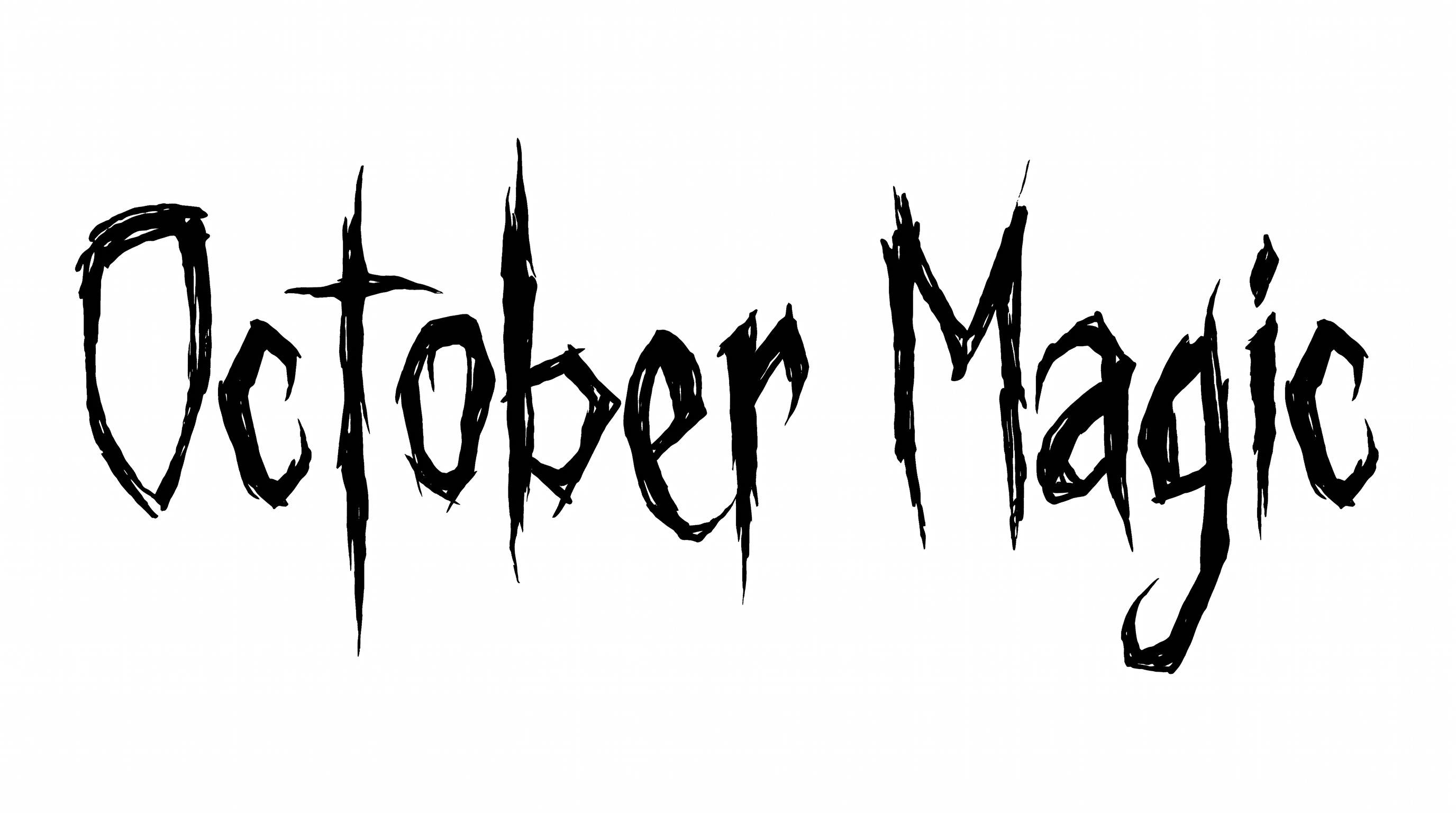
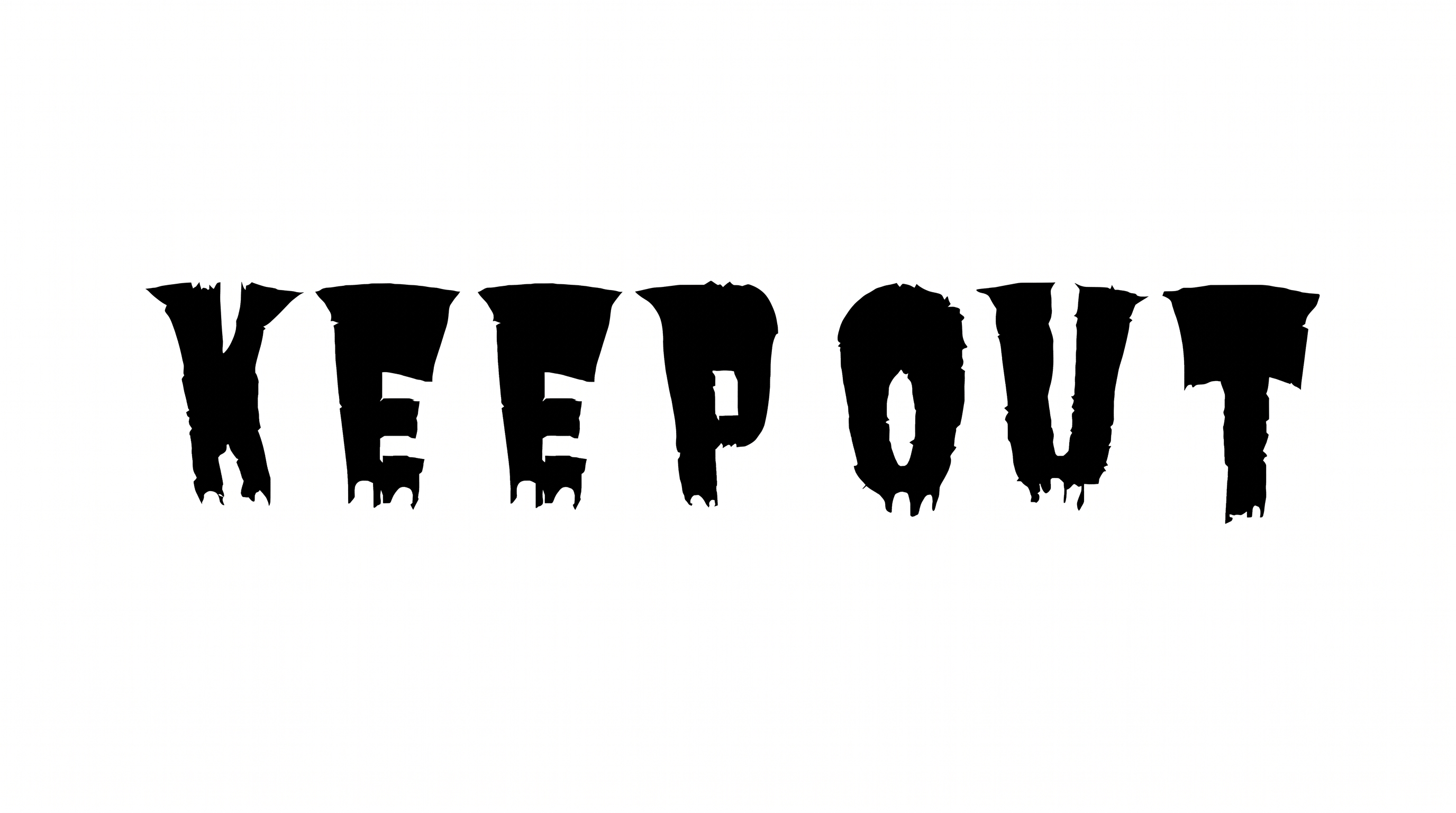
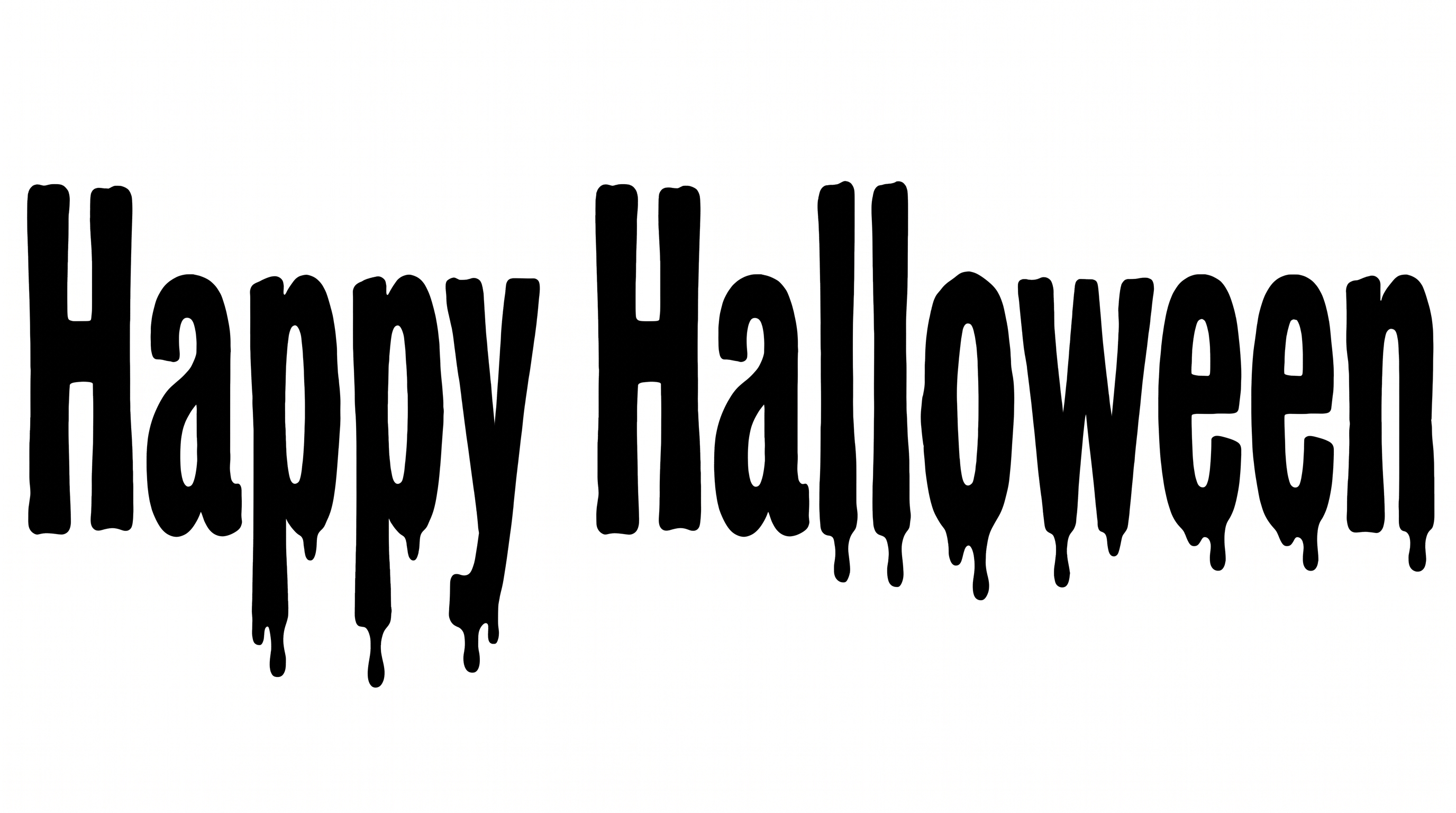
Stark horror-serif lettering pairs tall, narrow forms with torn, thorn-like edges for Halloween covers, signs, and event graphics.

Enter the text to generate, e.g. Fontify.ai

Font color
Background
Templates
385
Generations
167
Downloads
286
Rating
5.0

How to Use the Spooky Halloween Font Generator

Shape distressed horror-serif headlines for the layout you need, then save crisp image artwork.

  1. 01

    Write your spooky headline

    Enter a short title or phrase to emphasize the tall, thorned horror-serif forms.

  2. 02

    Set the image composition

    Choose a font color, background treatment, and an aspect ratio such as 16:9 before generating.

  3. 03

    Download the finished image

    Review the rendered lettering, then download it as a PNG or SVG image.

Spooky Halloween Font Style Profile

Condensed forms, sharp endings, and chipped surfaces create a stark horror-serif profile.

  • Surface Texture

    Torn notches and chipped edges roughen the solid black letter faces.

  • Stroke Endings

    Sharp serif tips and thorn-like projections punctuate many visible stroke endings.

  • Letter Width

    Tall, narrow letterforms create a strongly condensed silhouette.

  • Stroke Contrast

    Heavy vertical stems contrast with much finer cross-strokes and serifs.

  • Corner Shape

    Angular joins and pointed corners give the letters a jagged profile.

  • Letter Connections

    Letters remain separate, with clear breaks between neighboring characters.
Frequently asked questions about Spooky Halloween Font Generator

It turns your wording into a text image featuring stark horror-serif lettering with torn, chipped, thorn-like contours. The result works as display artwork for Halloween covers, signs, tickets, packaging, and other layouts that need a distressed headline.

Download the PNG artwork, upload it in Canva, and place it in your layout. Insert the same image into a Google Docs document. In the Cricut app, also known as Cricut Design Space, import it into a project as image artwork.

Transparent backgrounds are supported for layering the lettering over other artwork. This template lets you select a font color and custom background color. You can upload a background image and set an image size or aspect ratio.

The minimum membership covers personal use, while a higher membership covers commercial use. Check pricing to choose the applicable membership for your project before using the generated artwork in client, retail, or promotional work.

Use the Spooky Halloween Font Generator for a dominant headline on book covers, event tickets, banners, or square media artwork. Choose an aspect ratio that matches the format, then leave free space around the distressed lettering so online details remain easy to scan.

Keep the wording concise and give the tall letters strong contrast against the background. Use the design as a prominent title, then review the rendered image at its intended thumbnail, label, or ticket size.

Pair the lettering with moonlit architecture, foggy landscapes, woodcut scenes, or restrained seasonal illustrations. Keep detailed imagery away from the jagged contours so the title remains distinct while preserving its eerie, distressed mood.
READY TO CREATE?

Create Custom Spooky Halloween Fonts & Text Effects

Try Spooky Halloween Font Generator Free