Get 5 Free Credits

Free Happy Halloween Spooky Font Generator Online

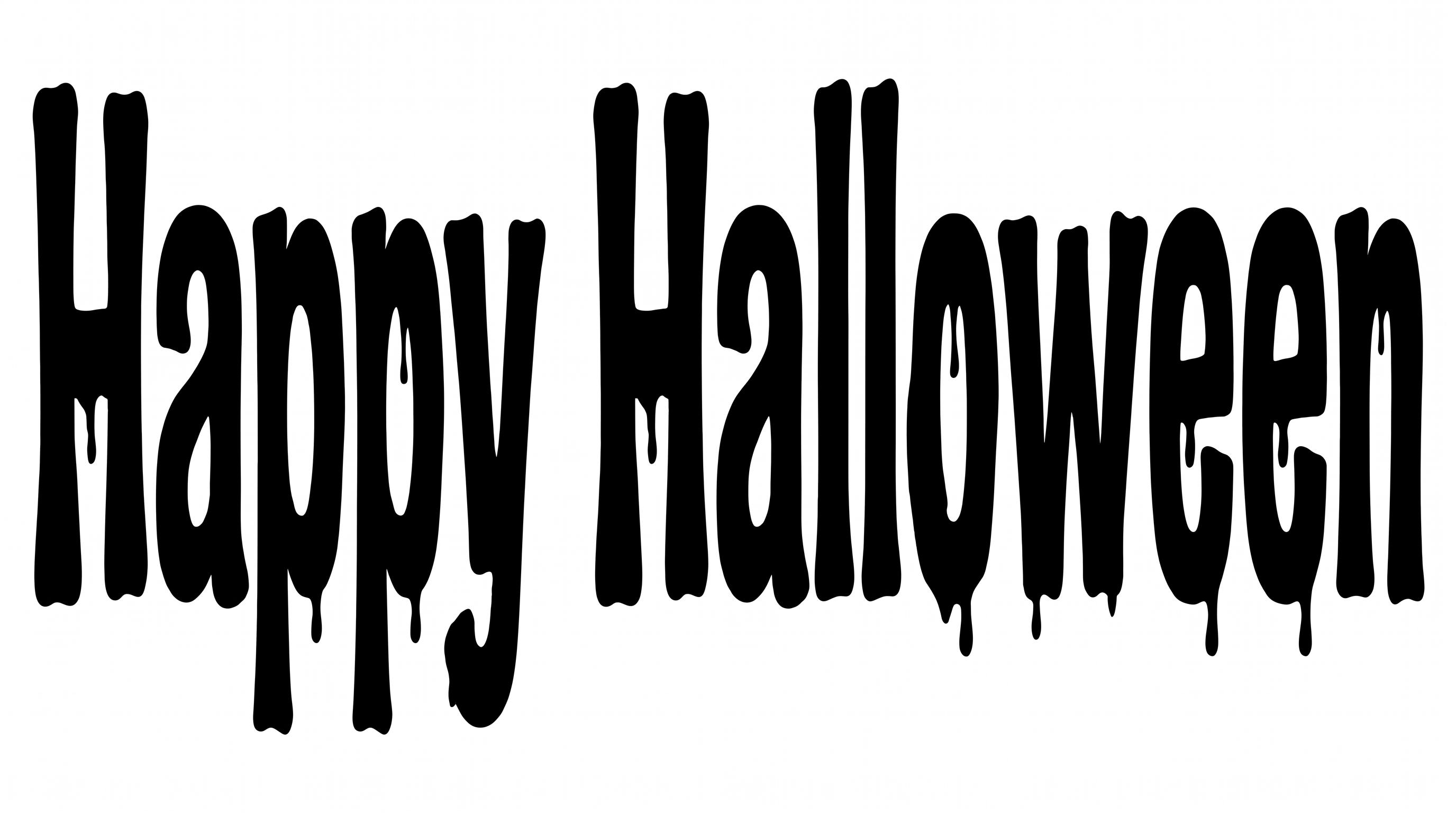
Shape Halloween greetings into heavy, condensed horror lettering with irregular forms and restrained dripping terminals.

Enter the text to generate, e.g. Fontify.ai

Font color
Background
Templates
385
Generations
110
Downloads
268
Rating
5.0

How to Use the Happy Halloween Spooky Font Generator

Build bold Halloween artwork while keeping condensed letterforms and dripping terminals clear in the final image.

  1. 01

    Write your Halloween message

    Type a short greeting, event title or product name into the text field.

  2. 02

    Set the image layout

    Choose a font color, background and aspect ratio such as 16:9 for your layout.

  3. 03

    Download PNG or SVG artwork

    Generate the text image, review the condensed lettering, then download it as PNG or SVG.

Happy Halloween Spooky Font Style Profile

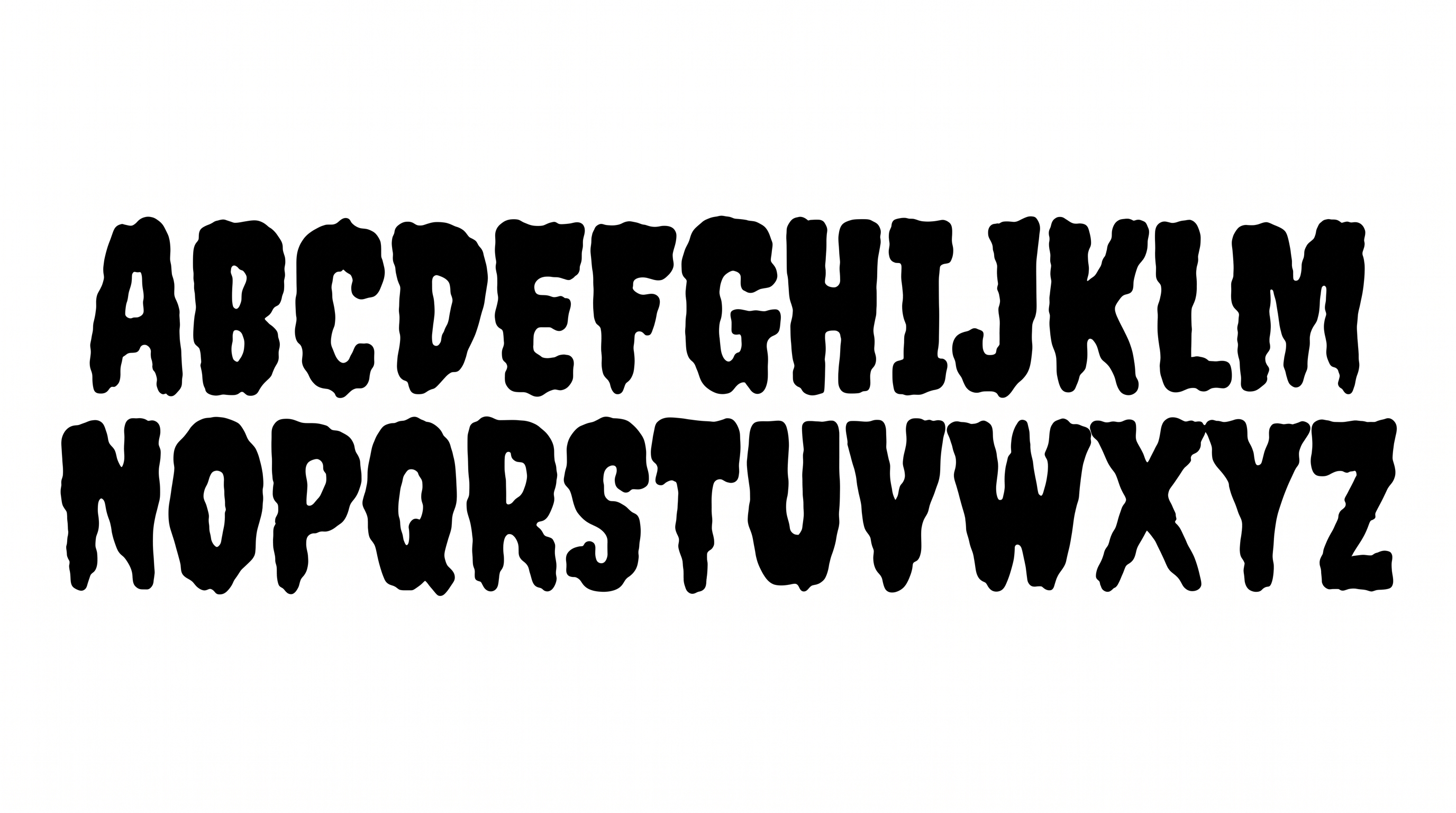
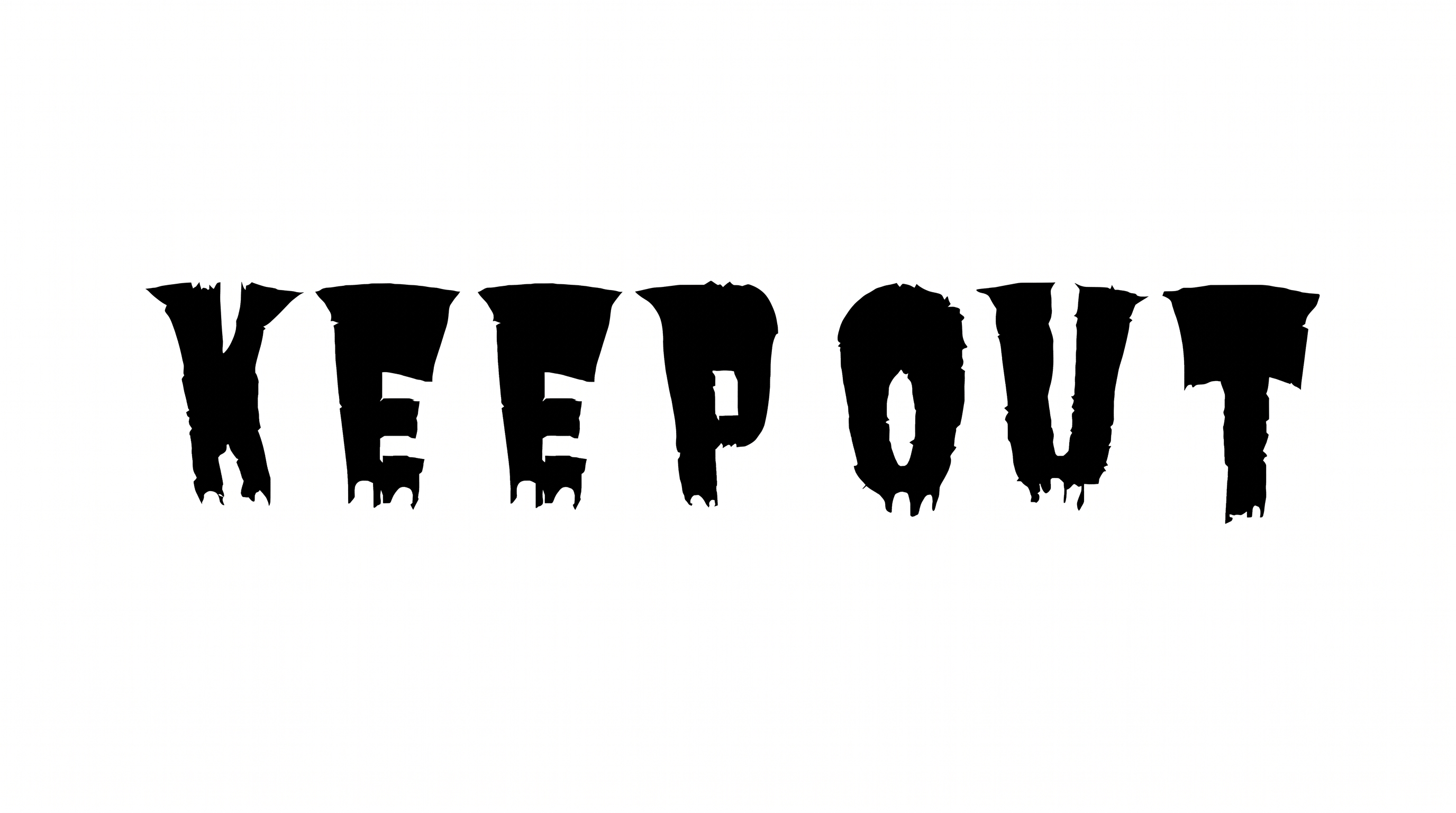
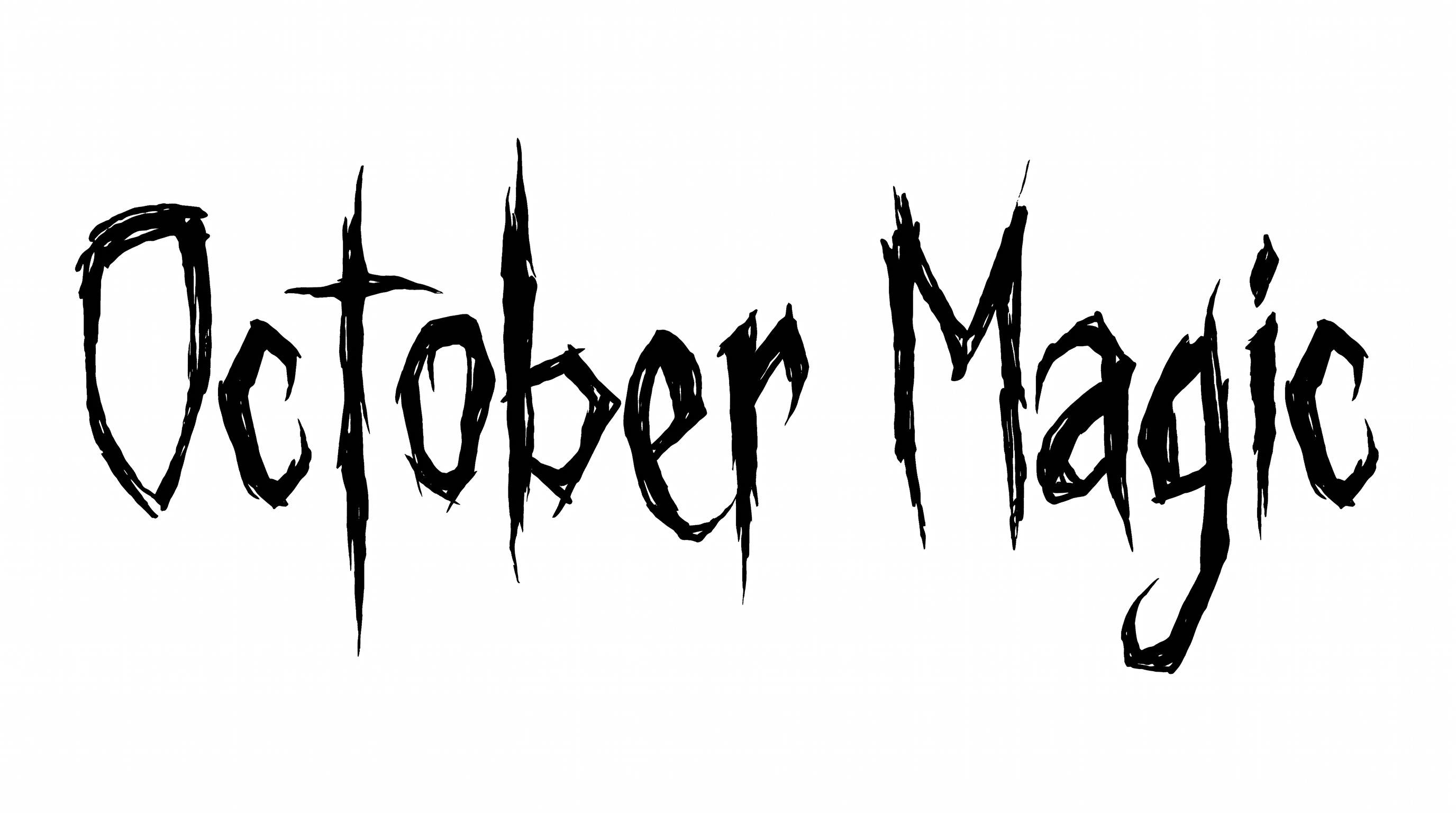
Heavy condensed letters, separate forms and dripping endings create an irregular horror silhouette.

  • Stroke Endings

    Several lower strokes taper into elongated drips and pointed tips.

  • Letter Width

    Most characters use narrow, condensed proportions with tall vertical bodies.

  • Stroke Weight

    Heavy black stroke bodies give the letters a dense silhouette.

  • Letter Connections

    Letters remain separate, with clear breaks between neighboring characters.

  • Letter Spacing

    Compact gaps keep neighboring letters close while preserving visible separation.

  • Color Treatment

    Solid black fills create a stark, uniform treatment across the letter faces.
Frequently asked questions about Happy Halloween Spooky Font Generator

It turns your wording into a styled text image with heavy, condensed horror lettering. Irregular forms and restrained dripping terminals give the artwork a recognizable Halloween character suitable for prominent headings and seasonal designs.

Download the Happy Halloween Spooky Font artwork as a PNG. Upload the PNG in Canva and insert it into a Google Docs document. Import the same image into a project in the Cricut app, also known as Cricut Design Space.

Yes. You can use the generator and download supported PNG or SVG artwork for free. Choose the format that suits your design, then apply the usage terms appropriate to your project.

Use the related-tools section to browse other generators and compare letter shape, weight, spacing and overall mood. Test the same wording in several styles to make their visual differences easier to judge.

Use the condensed lettering as a prominent headline on invitations, packaging, apparel, signs or banners. Leave generous space around the dripping terminals and reserve supporting areas for dates, product details or event information.

Use a short phrase, strong size contrast and a clear surrounding area. Preview the artwork at its intended display size, especially for social stories, banners and compact profile graphics viewed online.

Its heavy silhouettes, irregular forms and restrained drips create a playful horror mood. It works well when a seasonal design needs a bold Halloween identity across greetings, party graphics or promotional headings.

Pair the display lettering with a simpler supporting type style for dates, descriptions and practical details. Keep the dripping forms in the focal position so the secondary text can provide a clear visual hierarchy.
READY TO CREATE?

Create Custom Happy Halloween Spooky Fonts & Text Effects

Try Happy Halloween Spooky Font Generator Free