Get 5 Free Credits

Free Medieval Script Font Generator Online

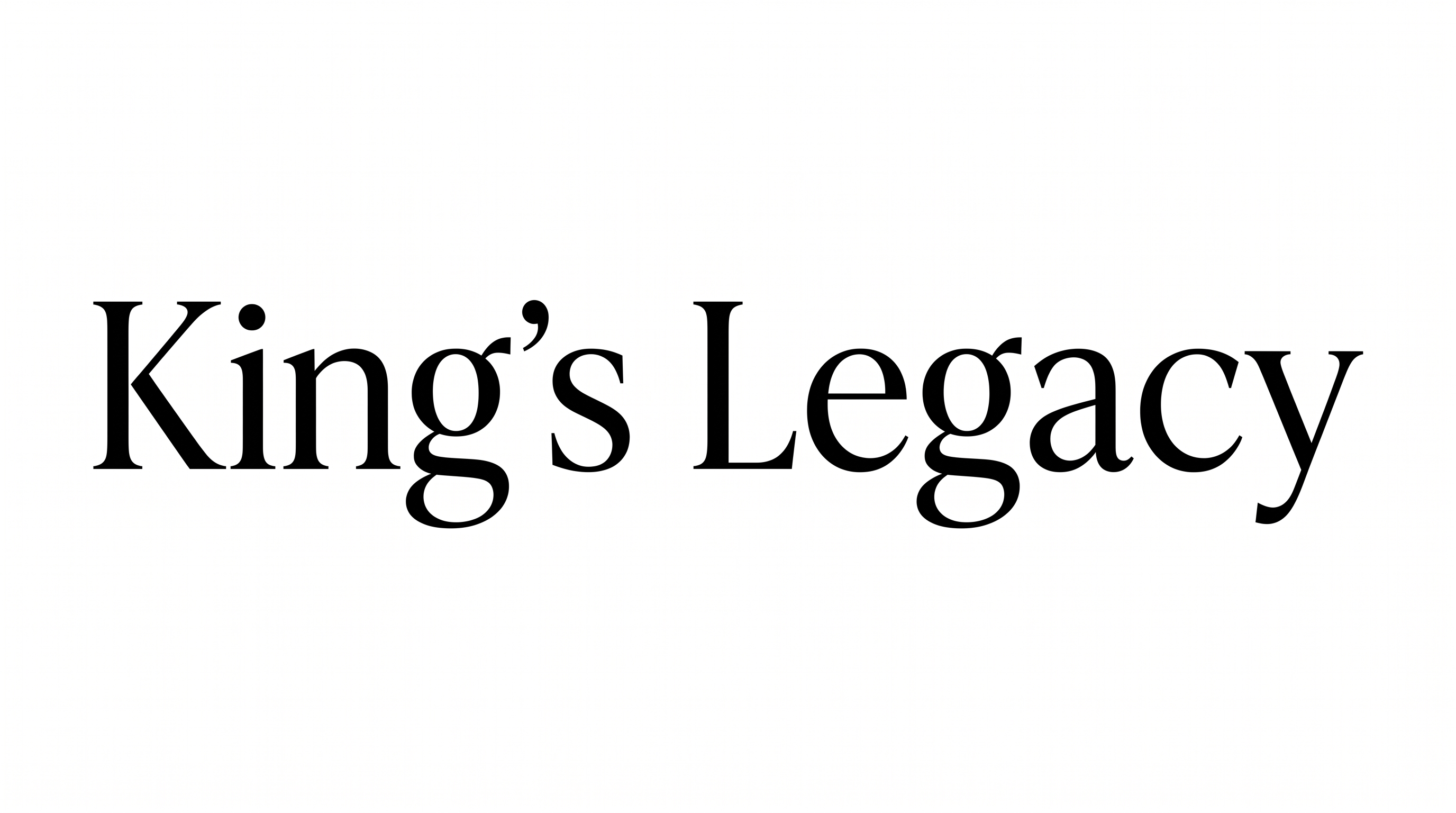
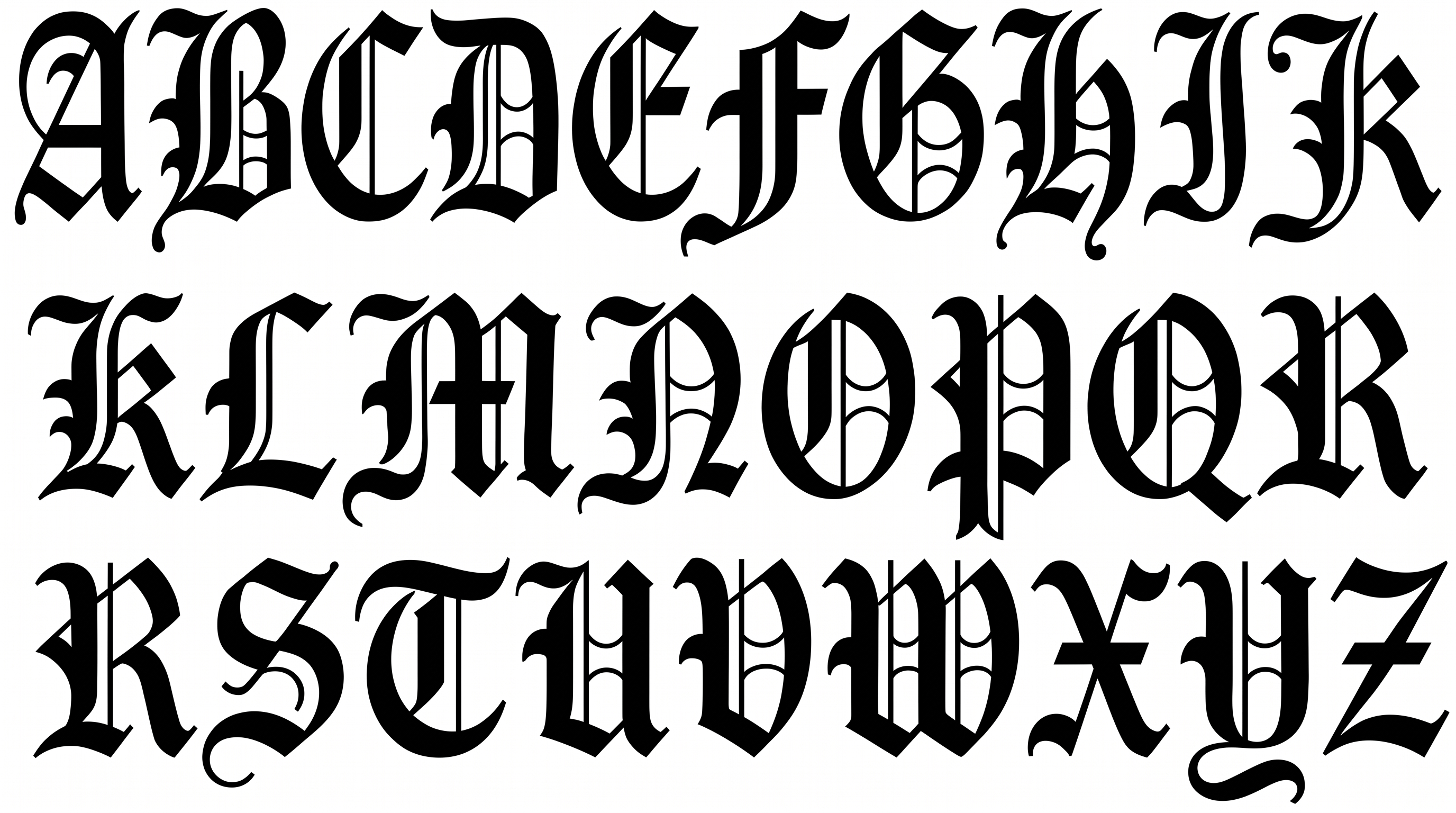
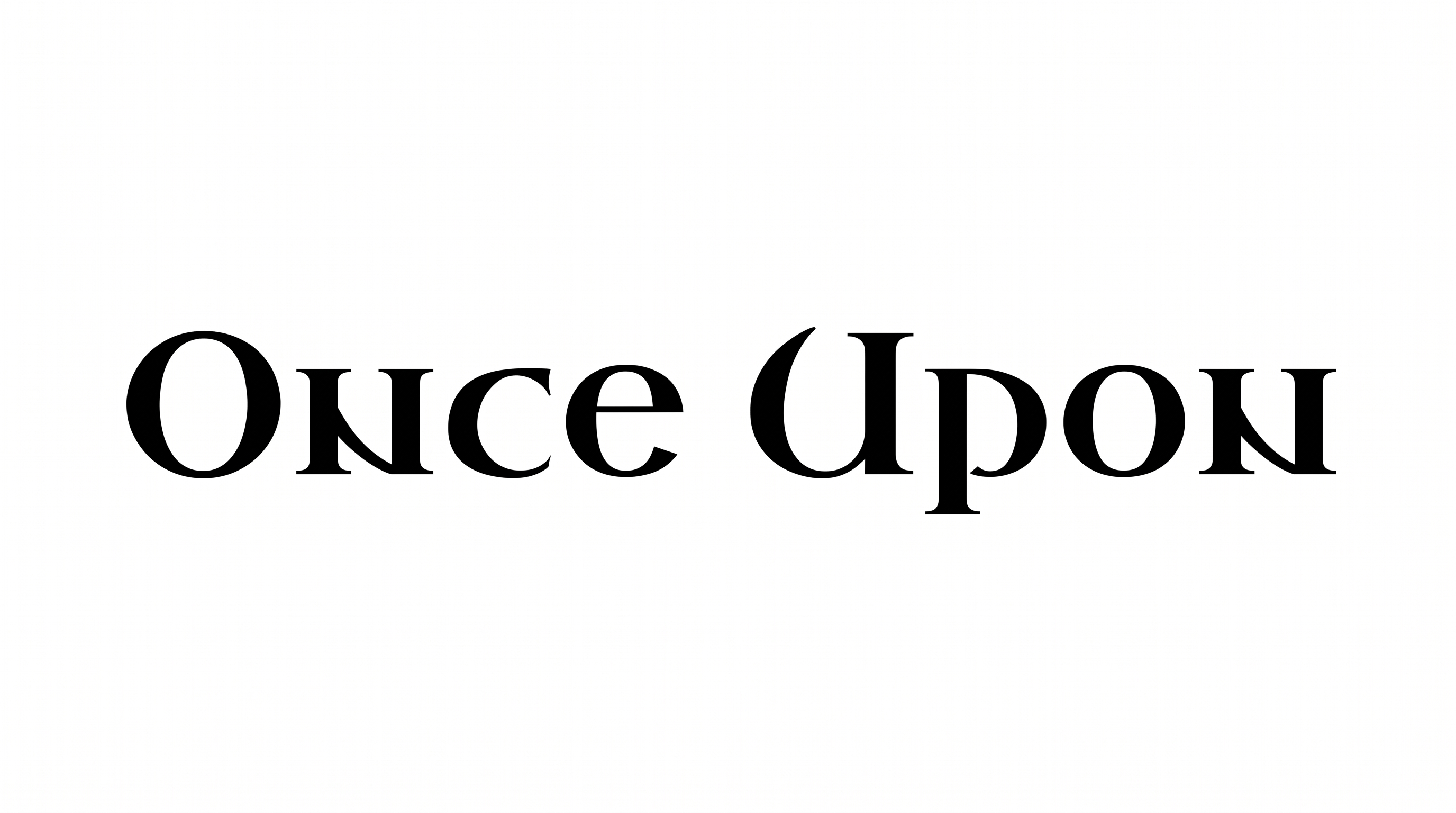
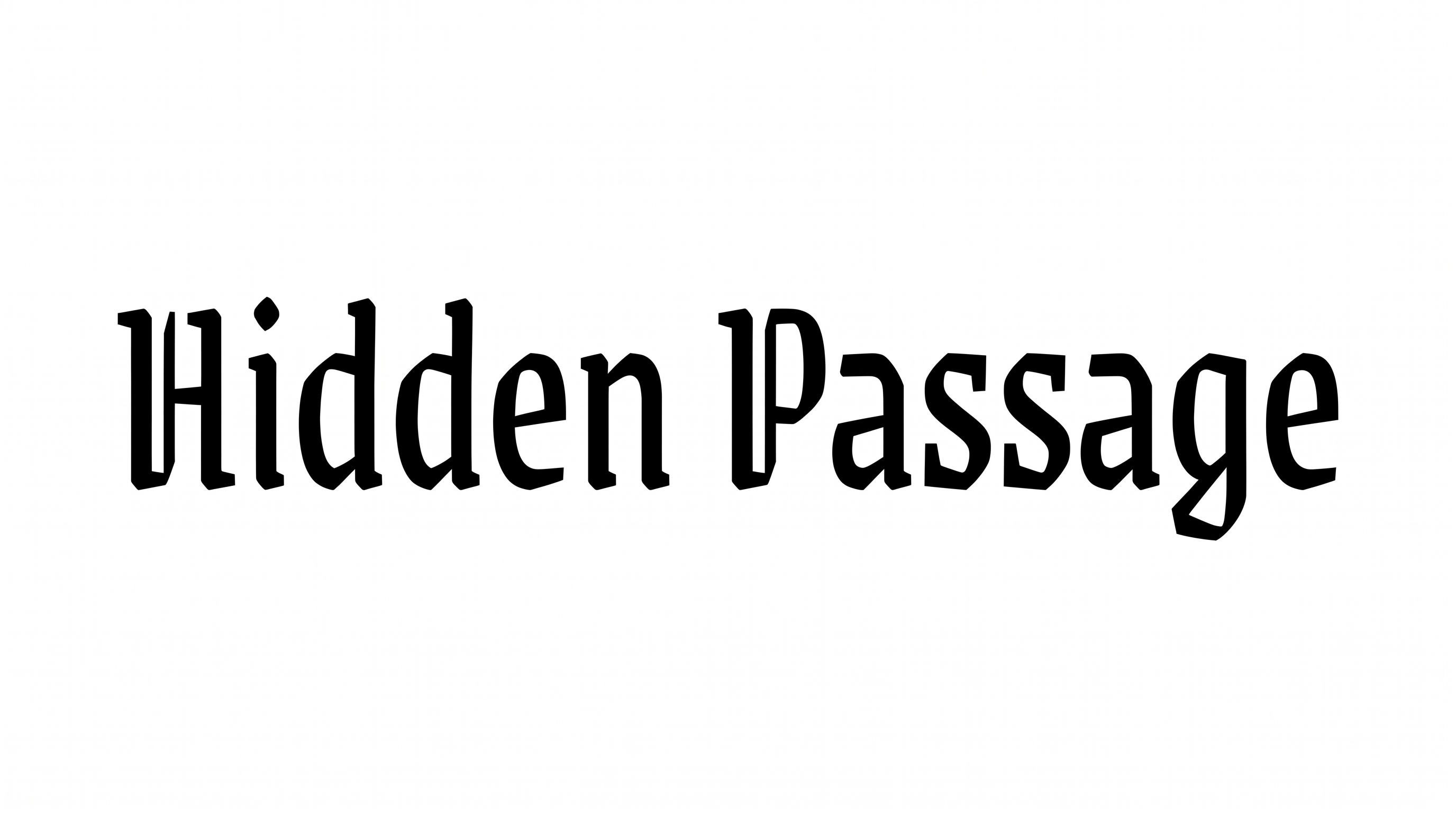
Dramatic thick-and-thin calligraphic strokes and sharp wedge serifs give formal headings a manuscript-inspired presence.

Enter the text to generate, e.g. Fontify.ai

Font color
Background
Templates
260
Generations
108
Downloads
260
Rating
5.0

How to Use the Medieval Script Font Generator

Shape formal headings around dramatic stroke contrast, then save the finished lettering for print or digital layouts.

  1. 01

    Enter your formal heading

    Type a short heading that suits the formal, high-contrast calligraphic style.

  2. 02

    Set the color and frame

    Choose a font color and a 16:9 image size, then generate the lettering.

  3. 03

    Save the PNG or SVG

    Review the sharp wedge serifs, then download the finished image as PNG or SVG.

Medieval Script Font Style Profile

Dramatic stroke contrast, sharp wedge endings, and angular details create a formal calligraphic style.

  • Stroke Contrast

    Dramatic thick and thin strokes create a distinctly calligraphic texture.

  • Stroke Endings

    Sharp wedge serifs finish many visible strokes with pointed, formal accents.

  • Letter Construction

    Curved bowls and angular serif details form a calligraphic display structure.

  • Corner Shape

    Angular turns sharpen the joins around several visible letterforms.

  • Letter Connections

    Letters remain separate, with clear breaks between neighboring characters.

  • Baseline Rhythm

    The visible letters align along a steady, formal baseline.
Frequently asked questions about Medieval Script Font Generator

Download the generated lettering as a PNG. Upload it in Canva or insert it into a Google Docs document. In the Cricut app, also known as Cricut Design Space, import it into a project. Treat the rendered words as image artwork in each platform.

Yes. You can use the generator and download supported image output through the free-use options. Usage rights depend on membership: the minimum membership covers personal use, while a higher membership covers commercial use. Check pricing for the membership that fits your project.

Transparent backgrounds are supported for layering lettering over other artwork. This template also lets you choose a font color, select a custom background color, upload a background image, and set an image size. Transparency is a supported output capability rather than a promise that every result uses it by default.

Type your wording, choose available options such as font color, background, and image size, then generate the design. Review the rendered text image and download it as PNG or SVG. The result is image artwork rather than an installable font file.

The high-contrast calligraphic lettering suits book covers, invitations, certificates, heritage menus, product labels, and historical fantasy titles. Use it as the principal wording where its sharp wedge serifs can establish a formal hierarchy. Give the heading ample surrounding space so its detailed shapes remain prominent.

Build the heading as the main focal point, then reserve quieter areas for dates, subtitles, or supporting details. For an online banner, choose a wide 16:9 or 21:9 image size and keep the wording concise. Centered placement can reinforce the formal, decree-like presentation.

Use a short phrase, strong contrast between the lettering and background, and enough space around each line. Check the generated image at its intended display size before placing it. The sharp serifs and thick-to-thin changes read most clearly when the heading remains prominent.

Pair the decorative heading with restrained supporting typography and a simple hierarchy. Let the script carry the title while clearer, quieter text handles dates, descriptions, or instructions. Keep the supporting text smaller and separate so the calligraphic details remain the visual focus.

Black on ivory creates a formal manuscript mood, while a custom font color can adapt the artwork to a project palette. Keep the area around the title free of busy details. Choose a background with clear contrast so the high-contrast strokes retain their definition.
READY TO CREATE?

Create Custom Medieval Script Fonts & Text Effects

Try Medieval Script Font Generator Free