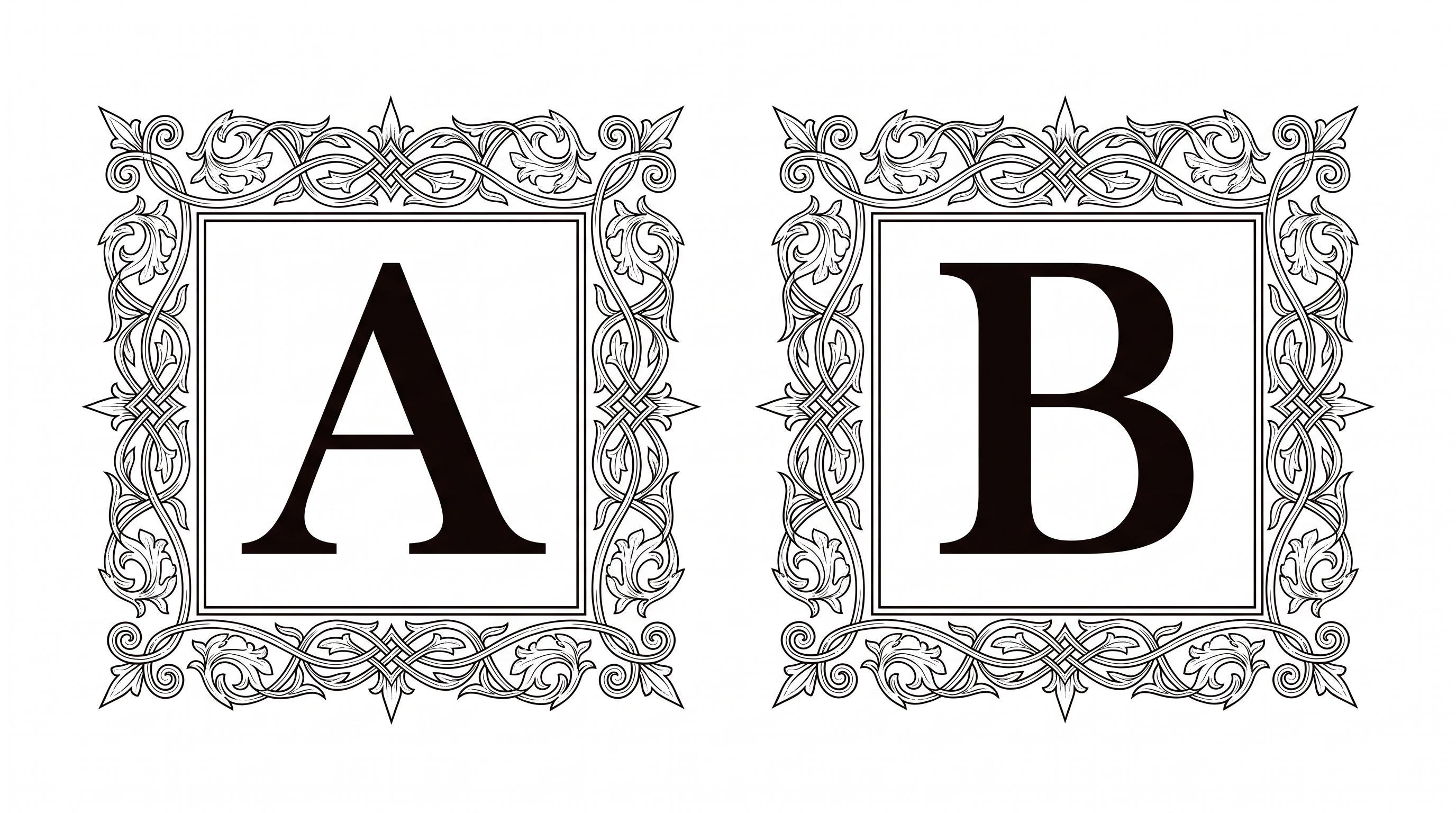
Free Medieval Writing Font Generator Online
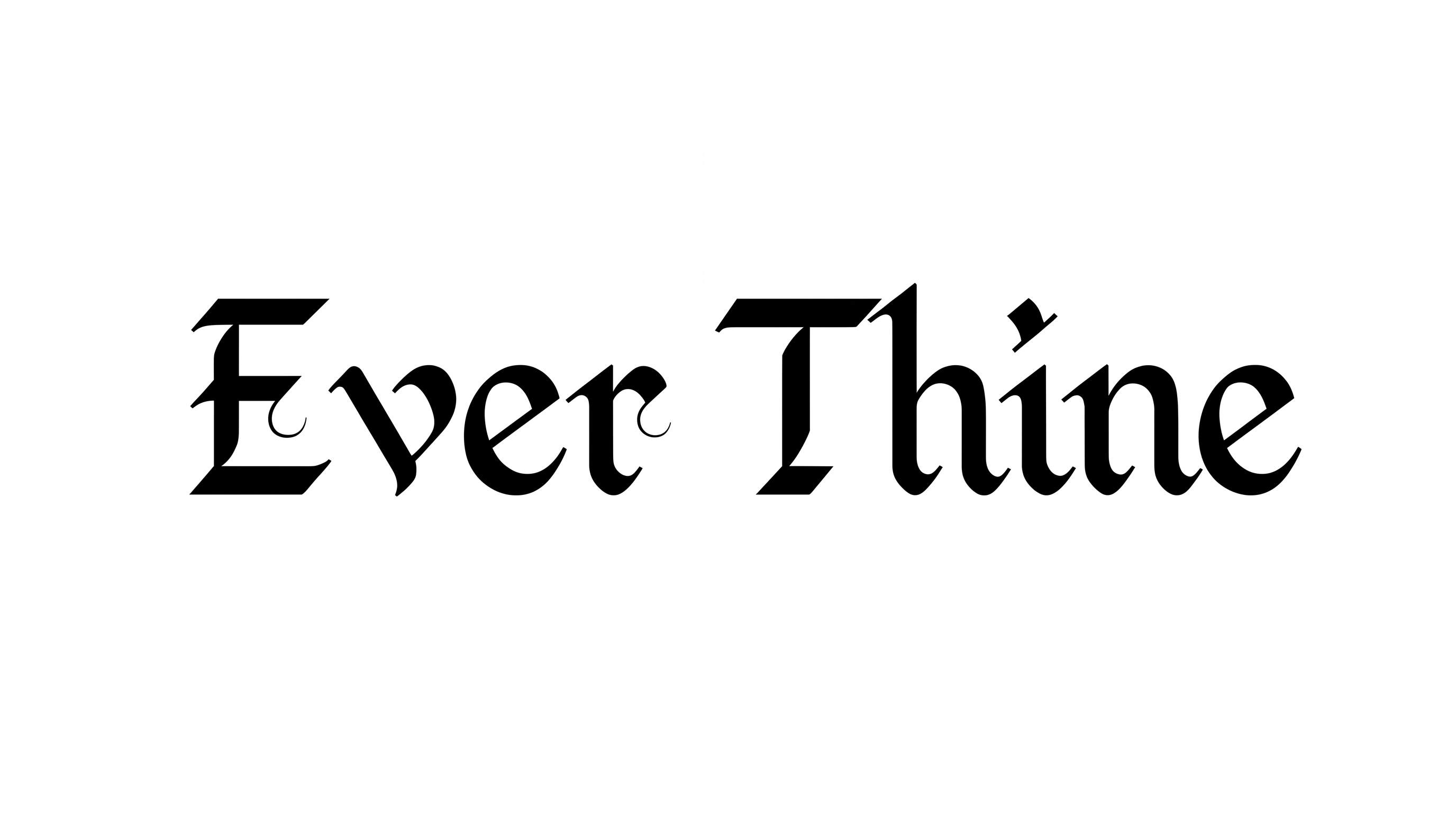
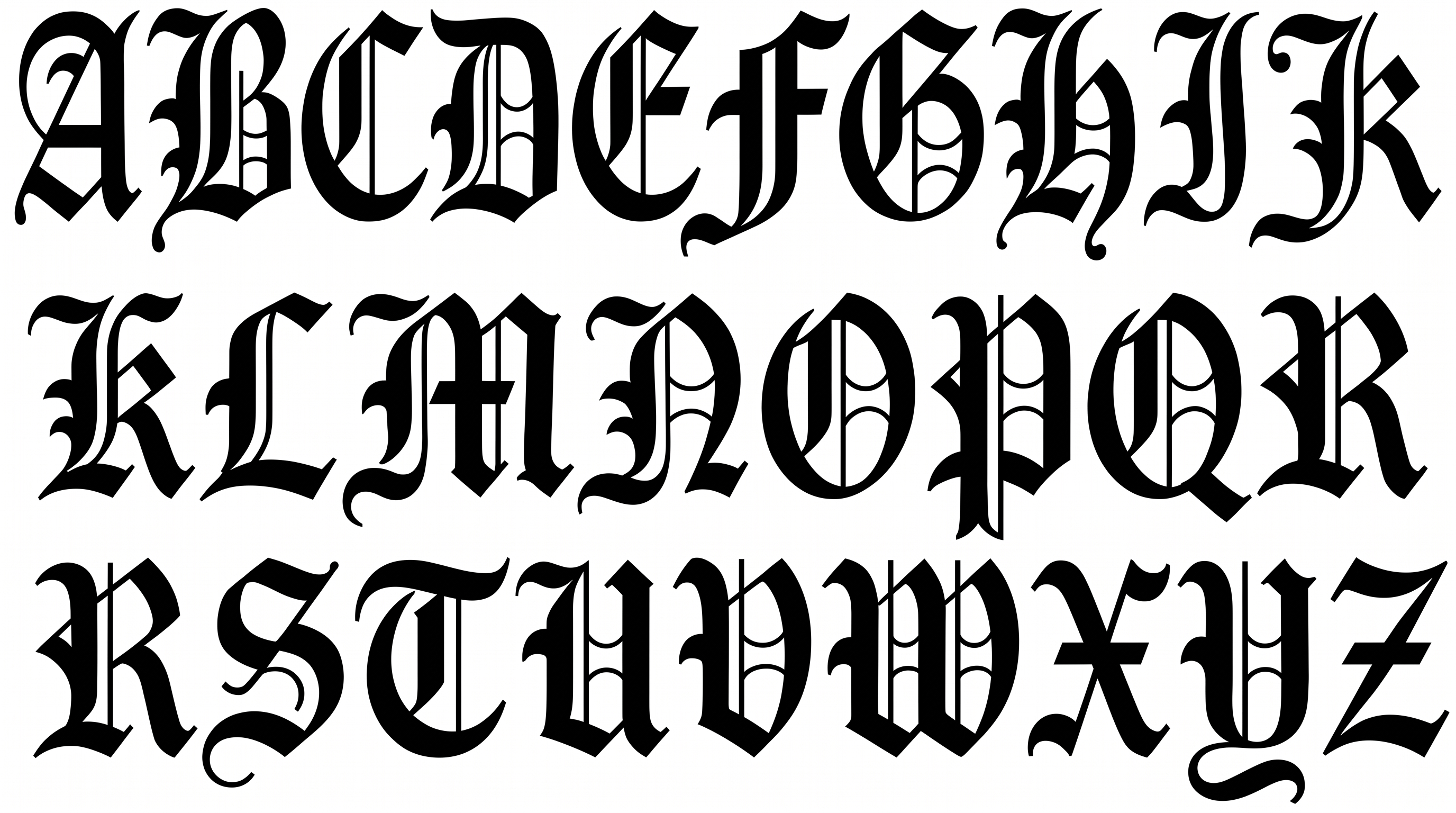
Turn words into tall, condensed blackletter with angular Gothic forms and solid strokes suited to fantasy covers or game titles.
- Templates
- 260
- Generations
- 182
- Downloads
- 262
- Rating
- 5.0
How to Use the Medieval Writing Font Generator
Shape a clear title around condensed blackletter forms, suitable colors, and the intended layout.
- 01
Enter a concise title
Type your words, keeping tall condensed blackletter forms clear in a short heading.
- 02
Set the canvas and colors
Choose font color, a custom background or uploaded image, and an aspect ratio such as 16:9.
- 03
Generate and download PNG or SVG
Generate the text image, review its angular forms, then download it as PNG or SVG.
Medieval Writing Font Generator in Use: Design Examples & Showcase
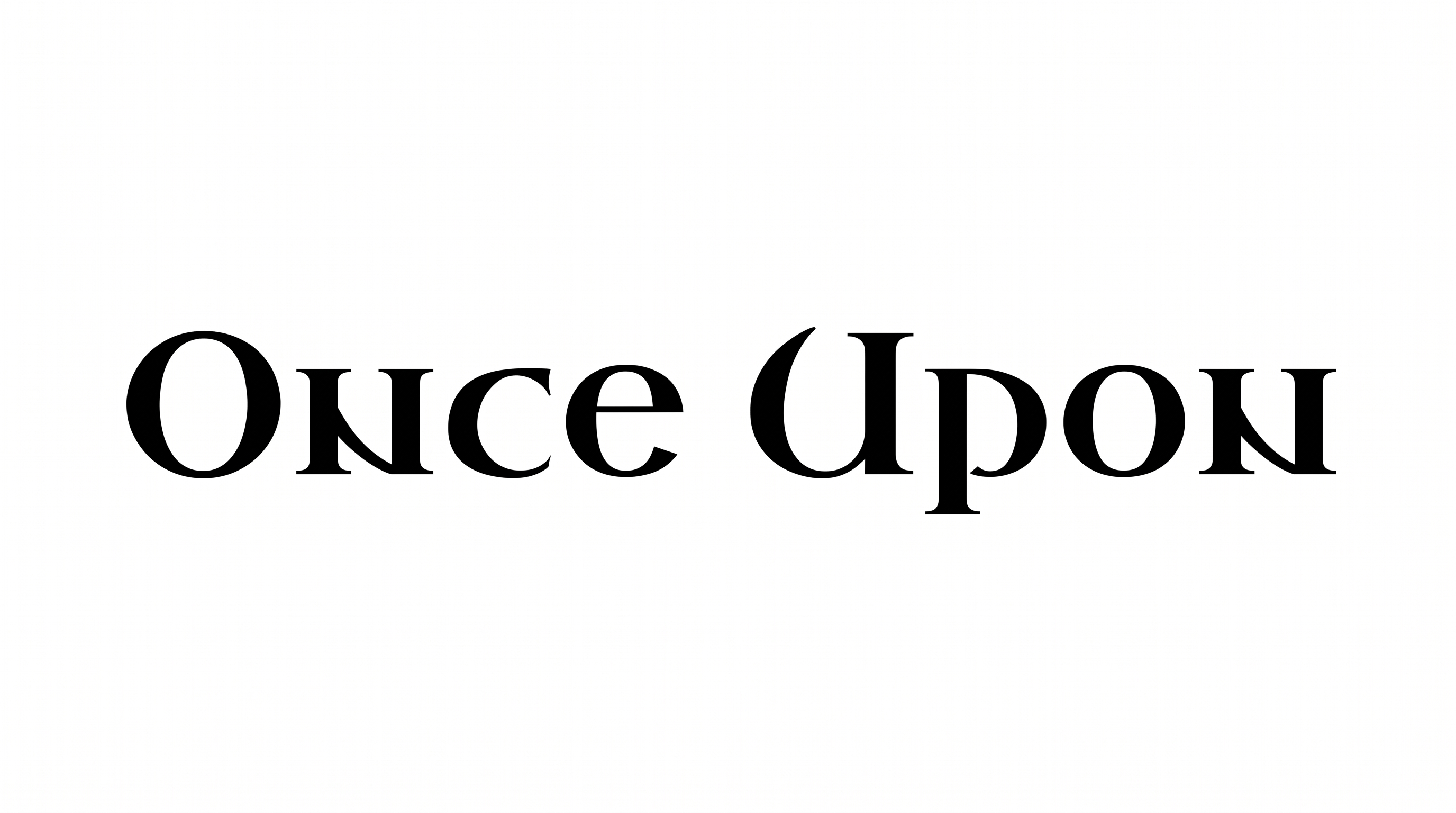
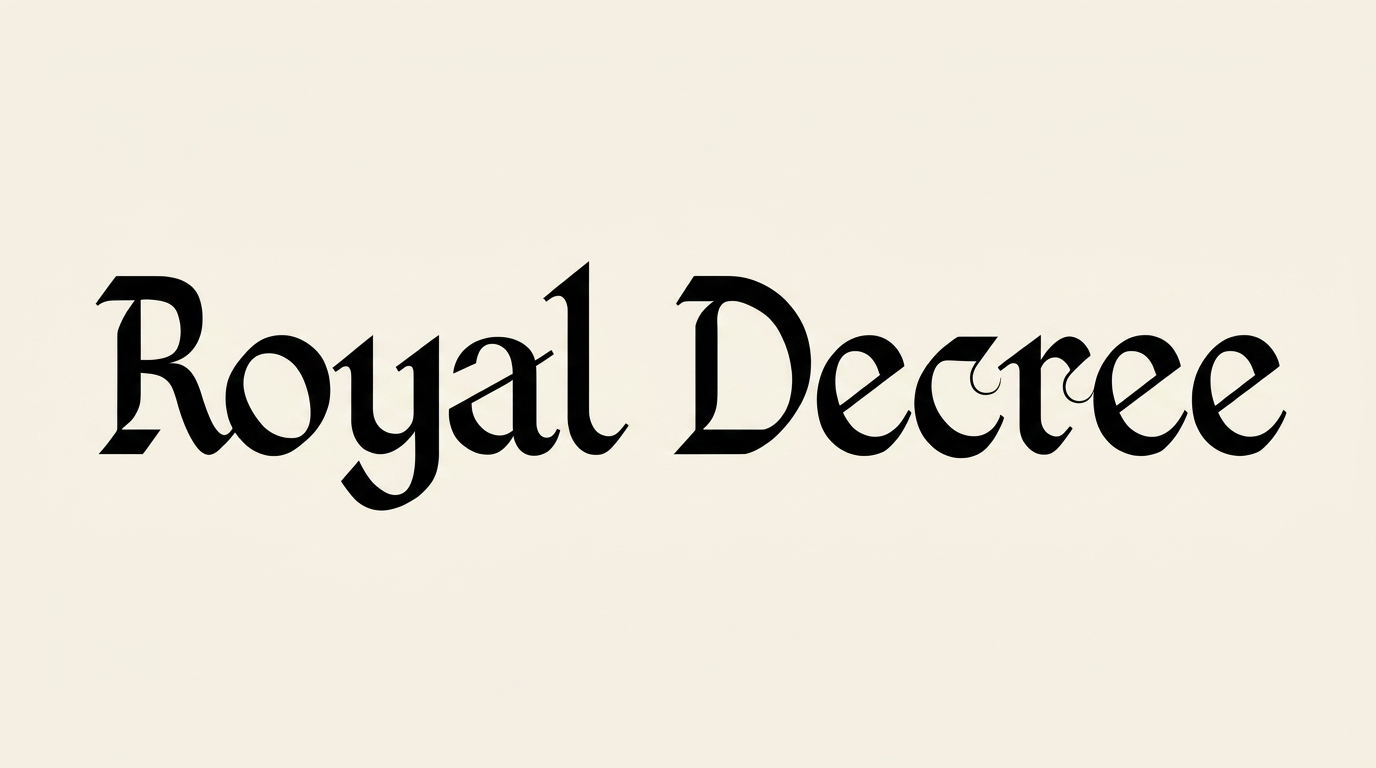
See how tall blackletter headings adapt to book covers, game titles, tavern signs, invitations, packaging, and editorial pages.
Medieval Writing Font Style Profile
Tall, narrow construction, sharp corners, and strong stroke contrast create a compact blackletter appearance.
Letter Construction
Tall vertical stems and angular joins build compact blackletter forms.
Letter Width
Most visible letters use narrow, condensed proportions.
Stroke Contrast
Heavy vertical strokes alternate with finer cross strokes and diagonals.
Corner Shape
Sharp corners and pointed turns define many visible letterforms.
Stroke Endings
Wedge-like serifs and pointed terminals finish the visible strokes.
Letter Connections
Letters remain separate, with clear breaks between neighboring characters.