Get 5 Free Credits

Free Medieval Serif Font Generator Online

Create refined, high-contrast serif lettering with a formal, historical character suited to book covers and ceremonial designs.

Enter the text to generate, e.g. Fontify.ai

Font color
Background
Templates
260
Generations
151
Downloads
226
Rating
5.0

How to Use the Medieval Serif Font Generator

Shape high-contrast serif lettering for formal headings and save it as versatile image artwork.

  1. 01

    Write your formal heading

    Enter a title, name, or phrase that suits the formal serif treatment.

  2. 02

    Set the layout and colors

    Choose a custom font color, background, and aspect ratio for your layout.

  3. 03

    Generate and download PNG or SVG artwork

    Review the rendered text image, then download it as PNG or SVG.

Medieval Serif Font Style Profile

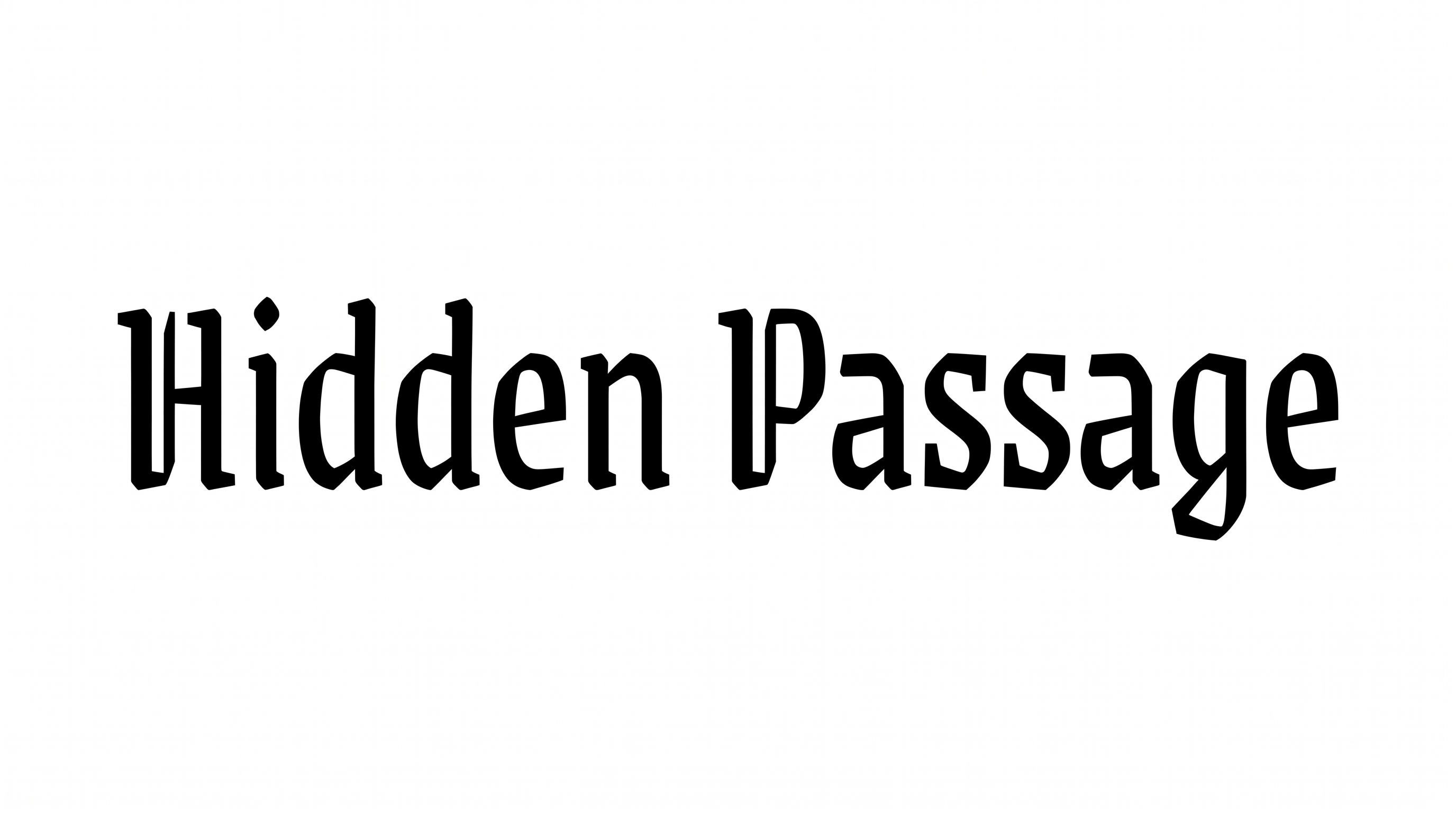
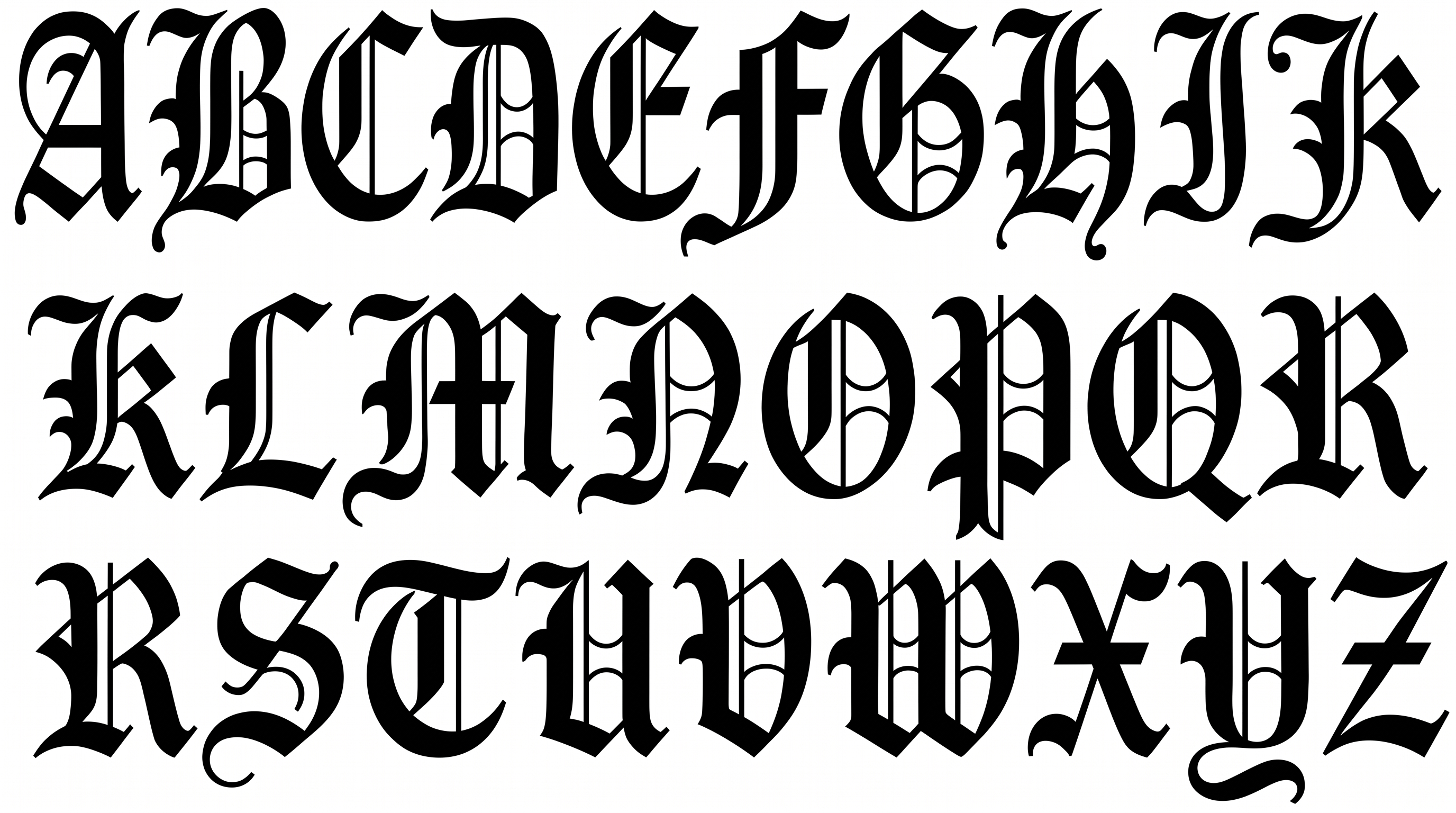
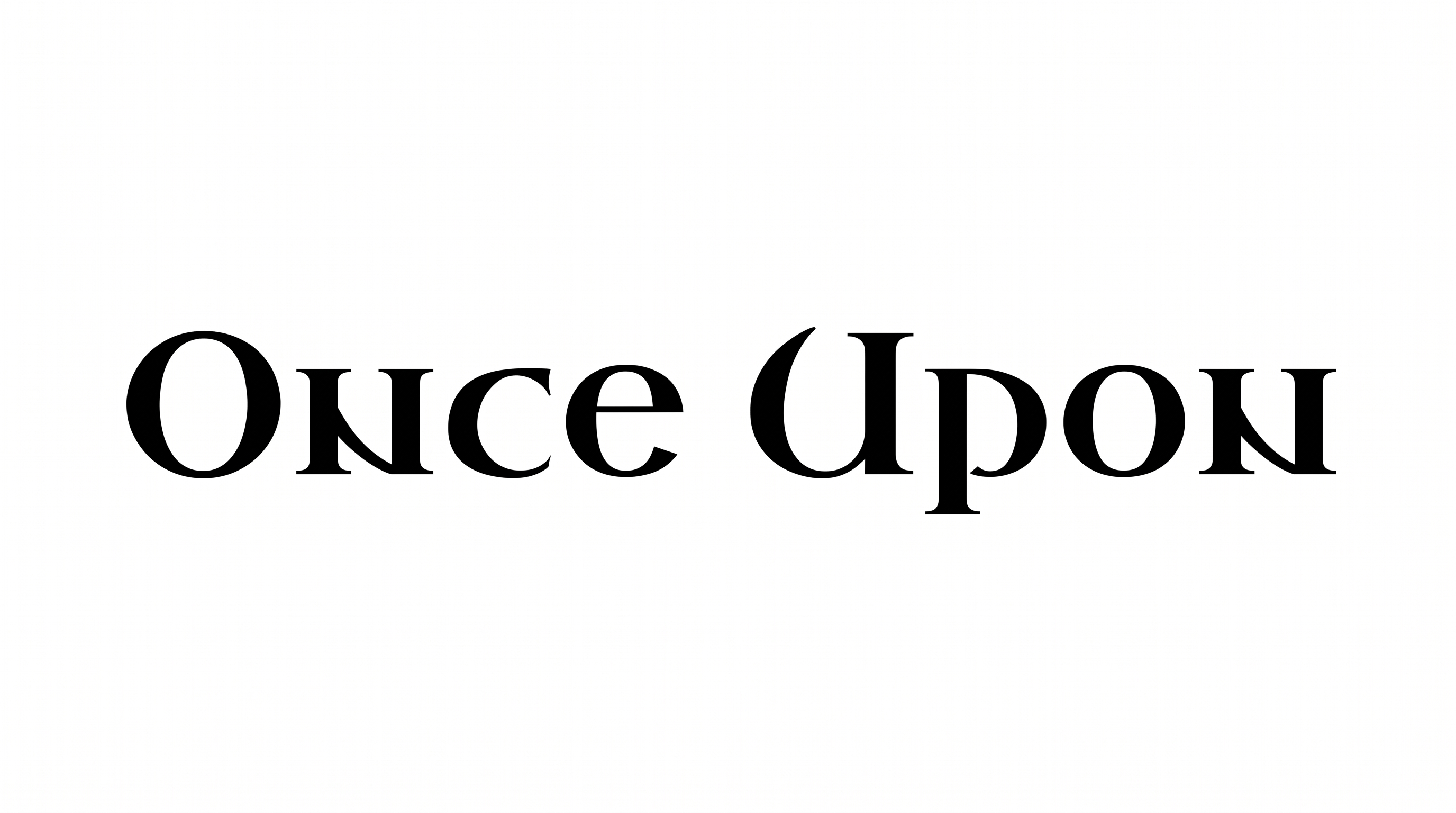
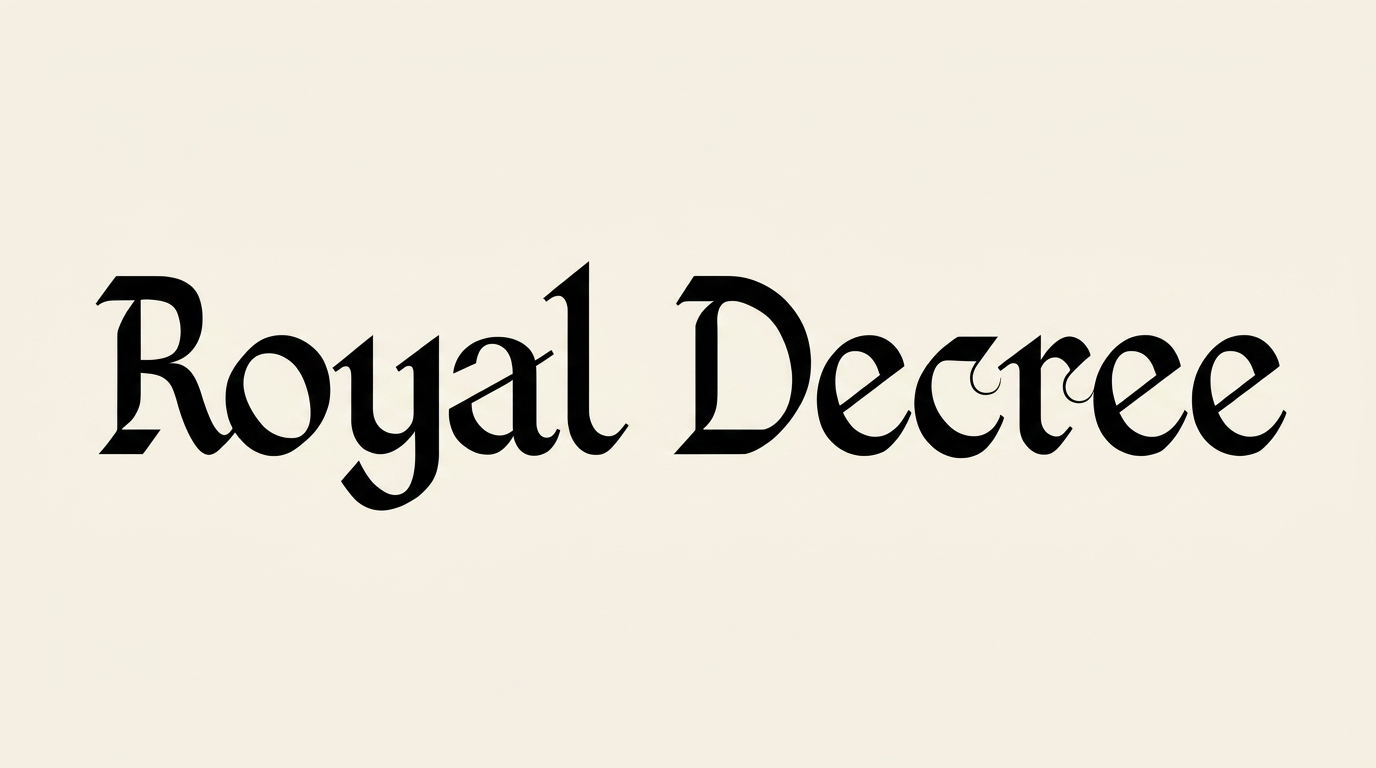
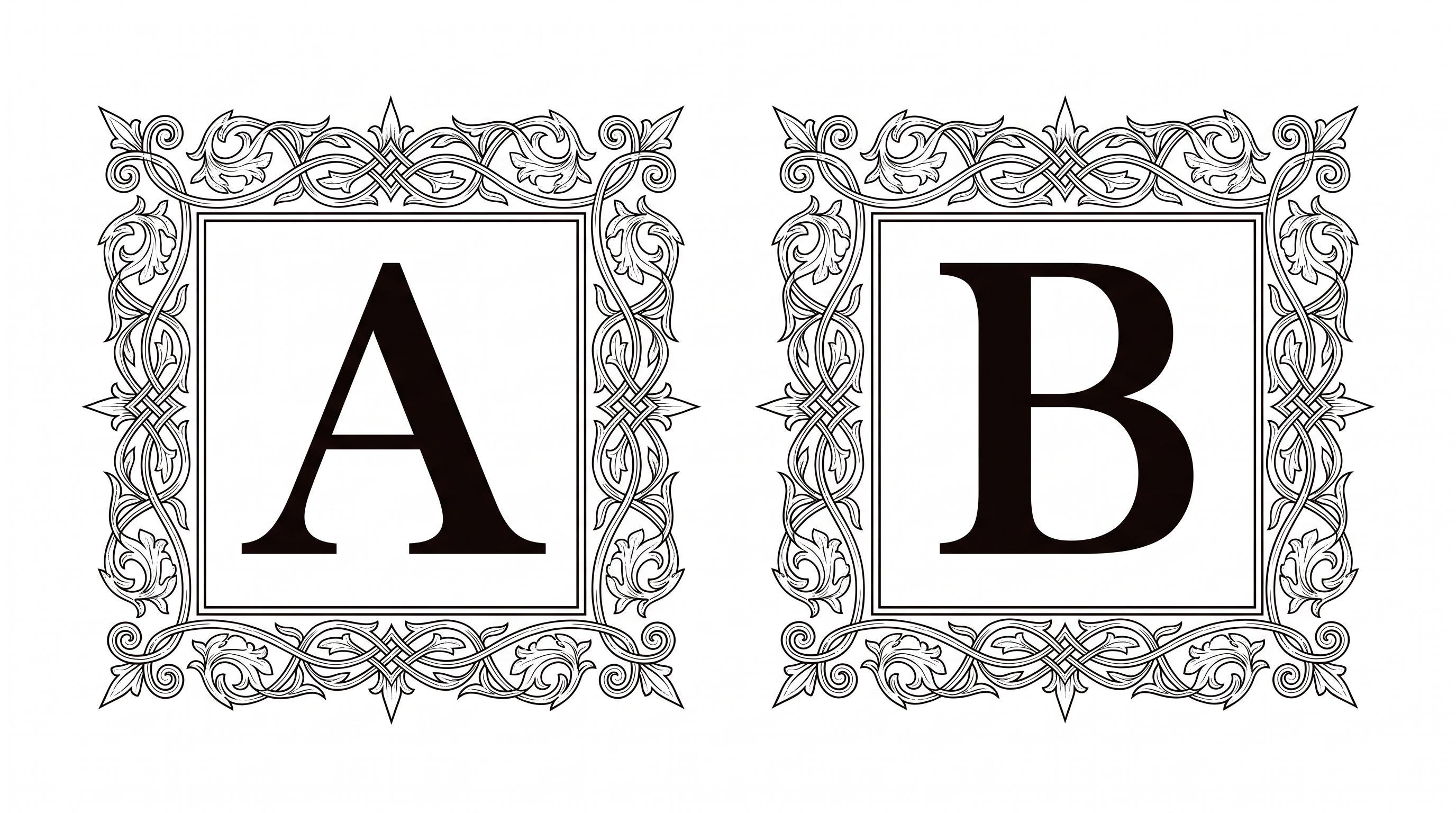
Strong stroke contrast, crisp serif endings, and separate upright letters create a refined formal appearance.

  • Stroke Contrast

    Thick main strokes alternate with fine hairlines throughout the visible lettering.

  • Stroke Endings

    Crisp serifs finish the visible strokes with refined, pointed details.

  • Letter Connections

    Letters remain separate, with clear breaks between neighboring characters.

  • Slant

    The main letterforms stand upright along a level baseline.

  • Baseline Rhythm

    The letters align evenly on a steady baseline.

  • Letter Spacing

    Moderate gaps keep neighboring letters distinct within each word.

Frequently asked questions about Medieval Serif Font Generator

It turns your wording into a text image featuring refined, high-contrast serif lettering. The formal display style suits prominent titles, names, and headings where a classic historical character supports the design.

Download the Medieval Serif Font artwork as a PNG. Upload the image in Canva or insert it into a Google Docs document. For Cricut, import it into a project in the Cricut app, also known as Cricut Design Space. Each workflow treats the rendered wording as image artwork.

Enter your text, then choose an available font color, background, and image size or aspect ratio. Generate the preview and download the finished artwork as PNG or SVG. The result is an image rather than an installable font file.

Yes. The generator is free to use, and the image can be downloaded for free. Usage rights follow membership terms: minimum membership covers personal use, while higher membership covers commercial use. Check pricing for the membership that applies to your project.

Use a short heading, allow generous space around the letters, and preserve clear contrast with the background. Review the Medieval Serif Font image at its intended display size, especially for place cards, labels, usernames, or other compact layouts.

Its formal, historical tone works well for book covers, invitations, certificates, menus, museum panels, fantasy titles, and map cartouches. Centered layouts emphasize ceremony, while asymmetric editorial grids can give the lettering a more contemporary presentation.

Pair the high-contrast heading with simple supporting text and keep the surrounding area free of dense ornament. A restrained secondary style lets the serif details lead while dates, captions, or descriptions remain easy to scan.
READY TO CREATE?

Create Custom Medieval Serif Fonts & Text Effects

Try Medieval Serif Font Generator Free