Get 5 Free Credits

Free Medieval Fairy Tale Font Generator Online

Create elegant, high-contrast serif lettering with an uncial-inspired storybook character for book covers, banners, and fantasy titles.

Enter the text to generate, e.g. Fontify.ai

Font color
Background
Templates
260
Generations
107
Downloads
277
Rating
5.0

How to Use the Medieval Fairy Tale Font Generator

Shape high-contrast storybook lettering for covers, banners, and other title-focused designs.

  1. 01

    Write your storybook title

    Enter a short name, heading, or phrase for the high-contrast serif treatment.

  2. 02

    Set the color and composition

    Choose a font color, background, and image size such as 16:9 for a wide banner.

  3. 03

    Generate and download the artwork

    Review the rendered lettering, then download the finished image as PNG or SVG.

Medieval Fairy Tale Font Style Profile

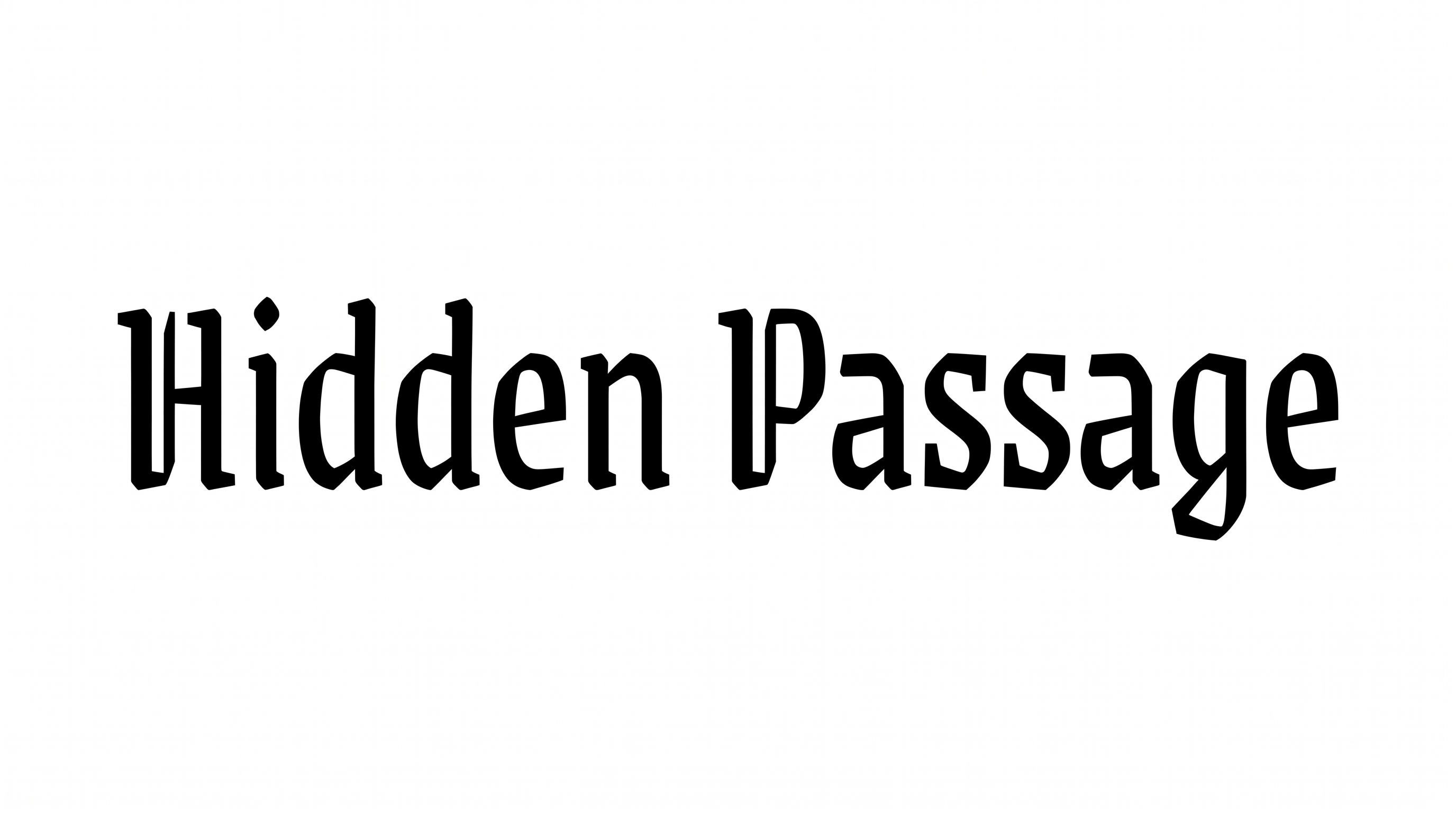
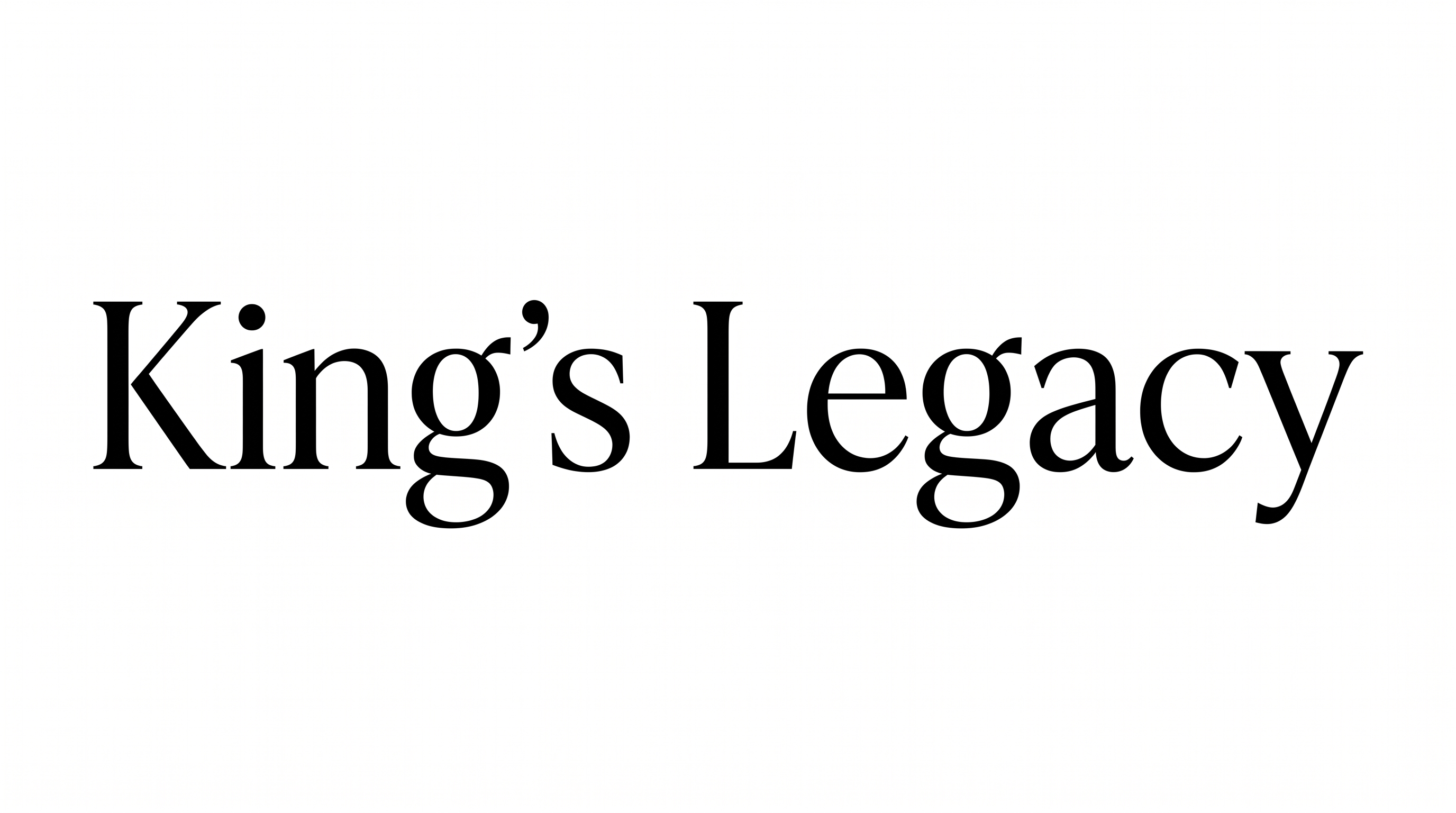
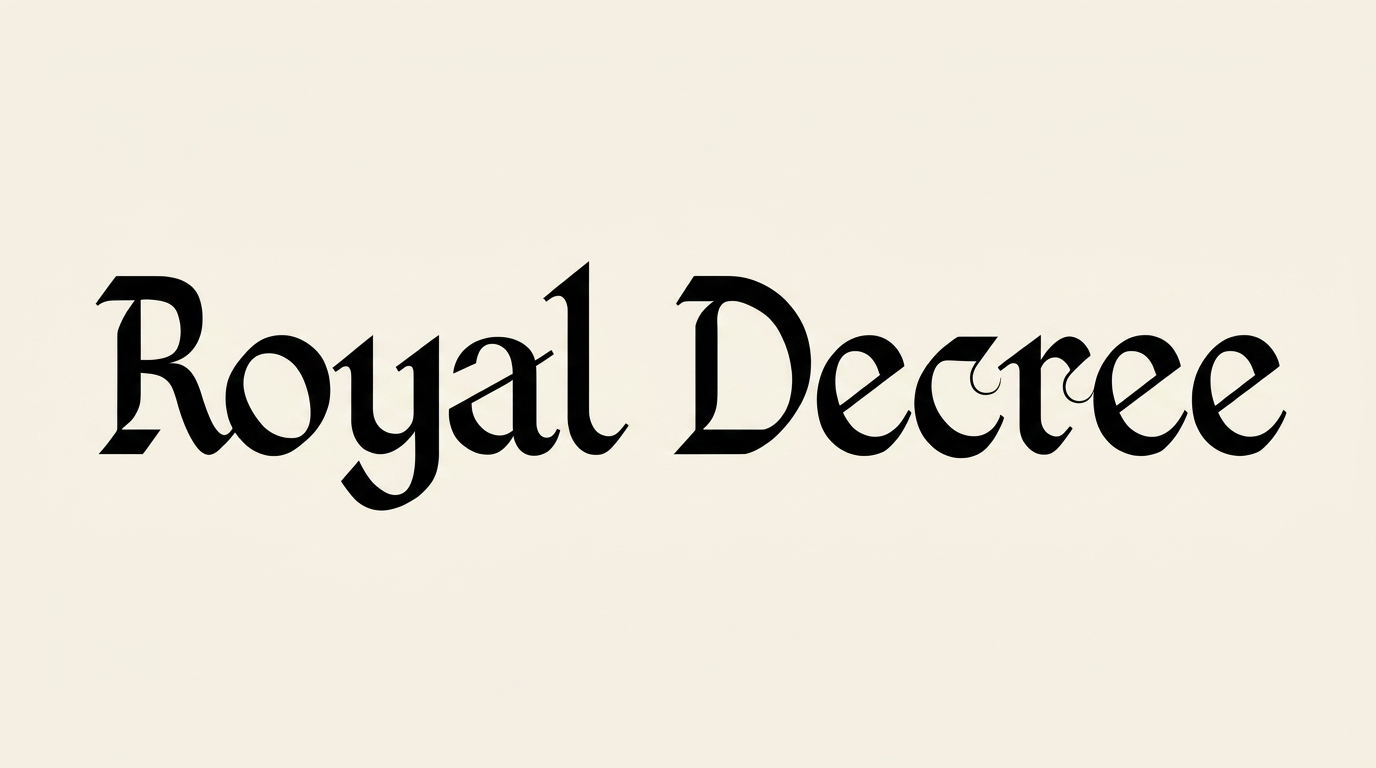
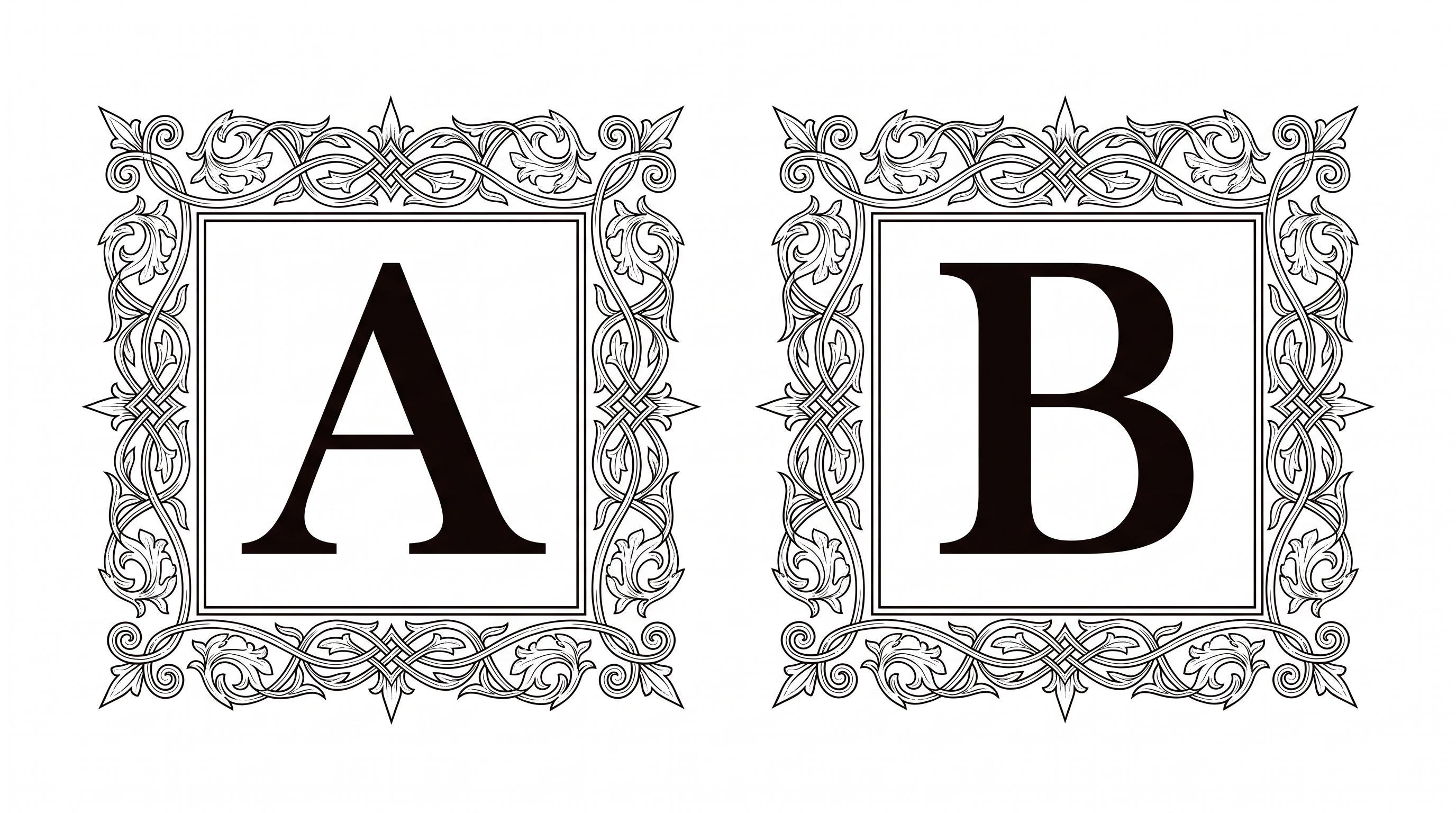
Strong stroke contrast, upright forms, and crisp serif endings create a refined storybook character.

  • Stroke Contrast

    Bold main strokes alternate with fine hairlines throughout the visible letters.

  • Stroke Endings

    Crisp wedge-like serifs finish many visible strokes.

  • Slant

    The visible letters stand upright along a level baseline.

  • Letter Connections

    Letters remain separate, with clear breaks between neighboring characters.

  • Letter Spacing

    Moderate gaps keep neighboring letters distinct within each word.

  • Baseline Rhythm

    The visible letters align evenly along a steady baseline.
Frequently asked questions about Medieval Fairy Tale Font Generator

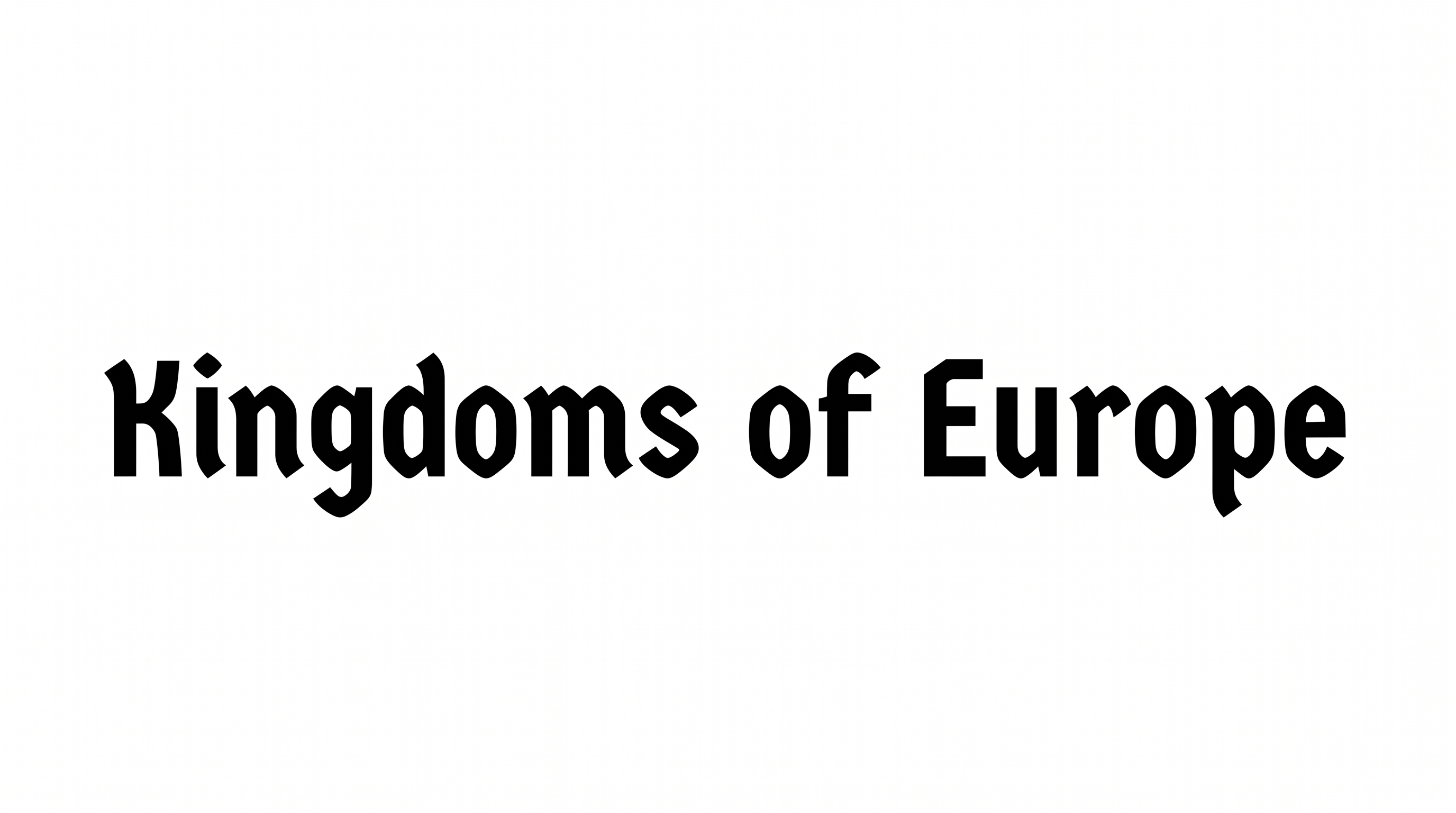
It turns your wording into a text image with an uncial-inspired, high-contrast display serif style. The lettering has a refined medieval storybook character suited to prominent titles and wordmarks. You can use the resulting artwork in a wider design.

Transparent backgrounds are supported, making it possible to layer the lettering over other artwork. This template also lets you choose a custom font color, set a custom background color, or upload a background image. Available image sizes include square, portrait, landscape, and wide aspect ratios.

Enter your text, choose an available font color, background, and image size, then generate the design. Review the rendered preview and download the result as PNG or SVG image artwork. The output is an image rather than an installable font file.

Save the generated artwork as a PNG image. Upload it in Canva and insert it into a Google Docs document. Import it into a project in the Cricut app, also known as Cricut Design Space. This workflow treats the rendered lettering as image artwork.

Use it for a short title and give the high-contrast letterforms generous surrounding space. Check the Medieval Fairy Tale Font artwork at its final display size, especially when the composition includes detailed scenery or supporting text.

The Medieval Fairy Tale Font Generator suits a centered title with a clear supporting hierarchy. Keep the main phrase prominent, place secondary details in a simpler supporting style, and preserve open space around the storybook serif lettering.
READY TO CREATE?

Create Custom Medieval Fairy Tale Fonts & Text Effects

Try Medieval Fairy Tale Font Generator Free