Free Medieval Calligraphy Font Generator Online
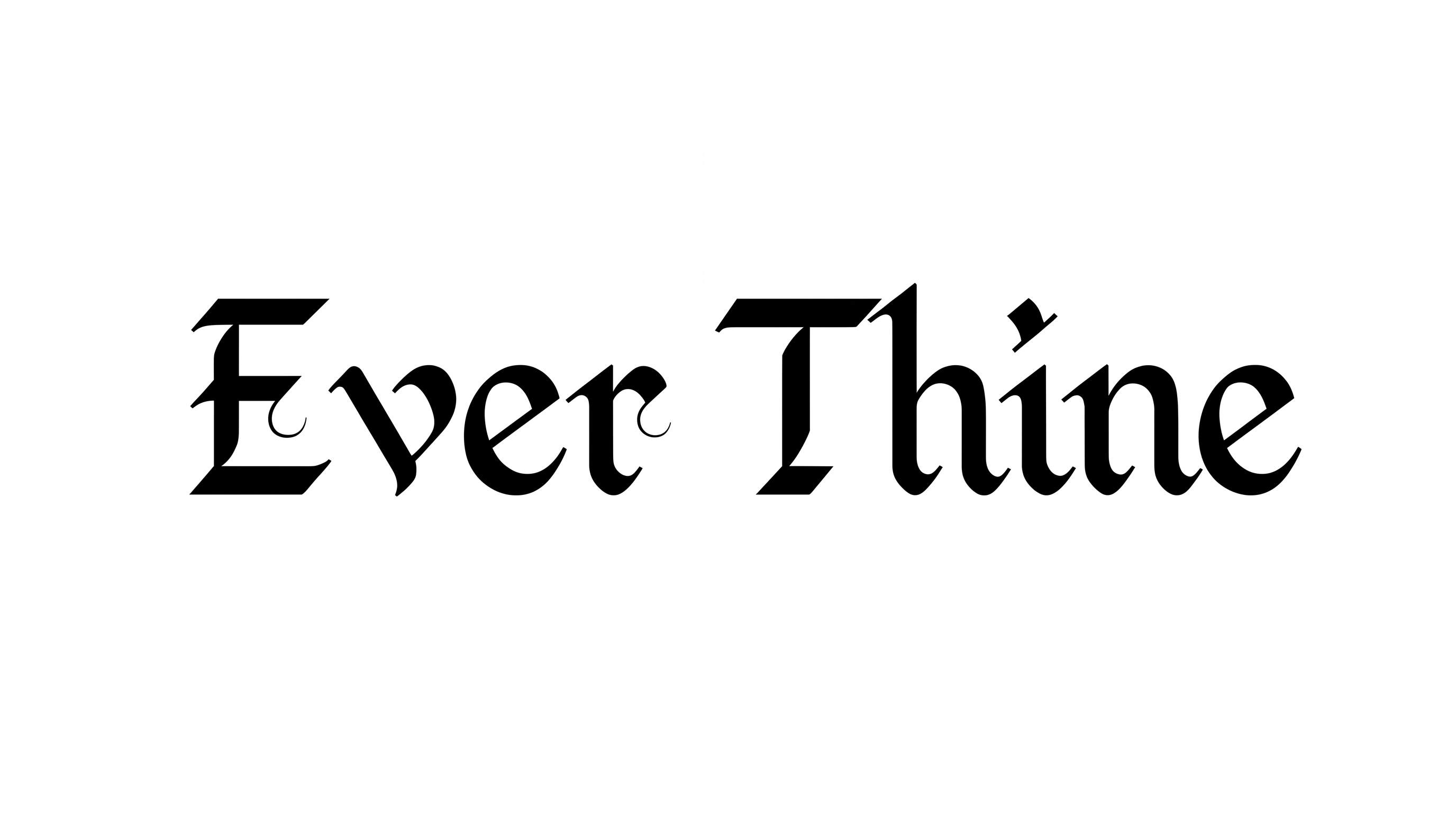
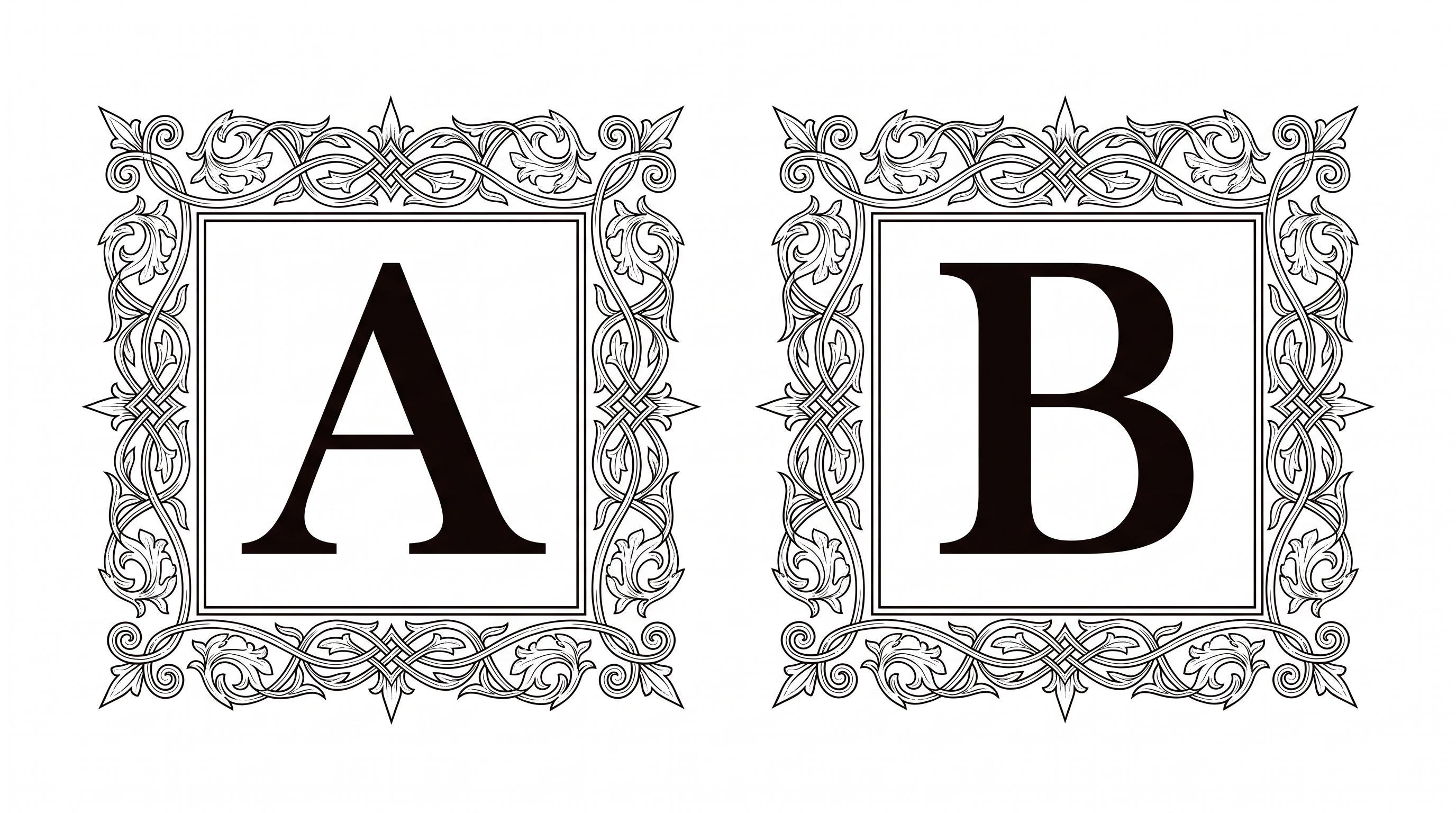
Angular broad-nib strokes and ornate capitals create a centered blackletter wordmark suited to book covers, invitations, and dramatic poster titles.
- Templates
- 260
- Generations
- 138
- Downloads
- 287
- Rating
- 5.0
How to Use the Medieval Calligraphy Font Generator
Shape ornate blackletter wording for covers, invitations, or posters, then save the finished artwork.
- 01
Compose your blackletter wording
Enter a short title, name, or phrase that suits the ornate capitals.
- 02
Choose the image presentation
Select a font color, background, and image size such as 3:2 or 16:9.
- 03
Generate and download PNG or SVG
Create the image, review the centered composition, and save the finished lettering.
Medieval Calligraphy Font Generator in Use: Design Examples & Showcase
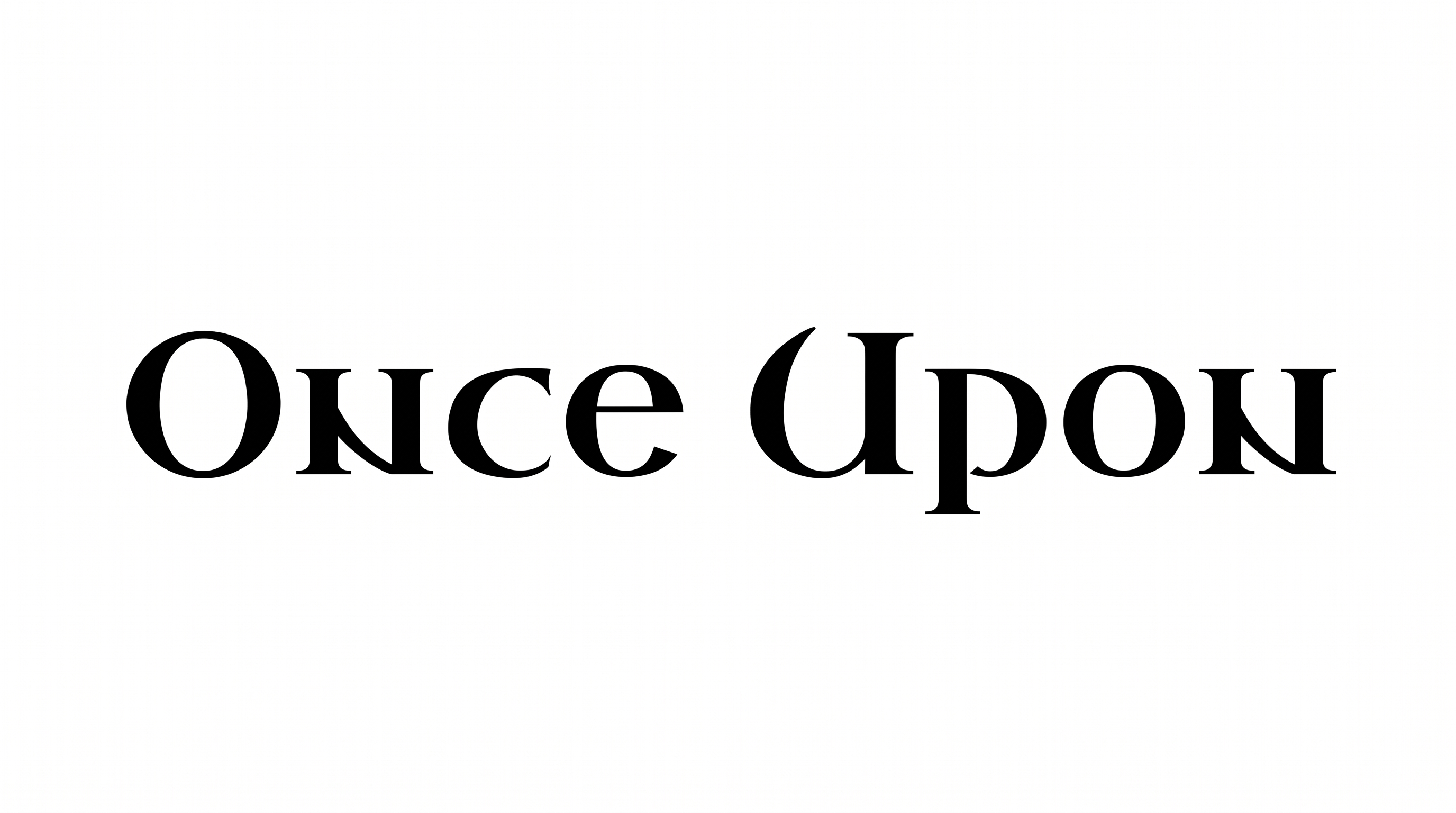
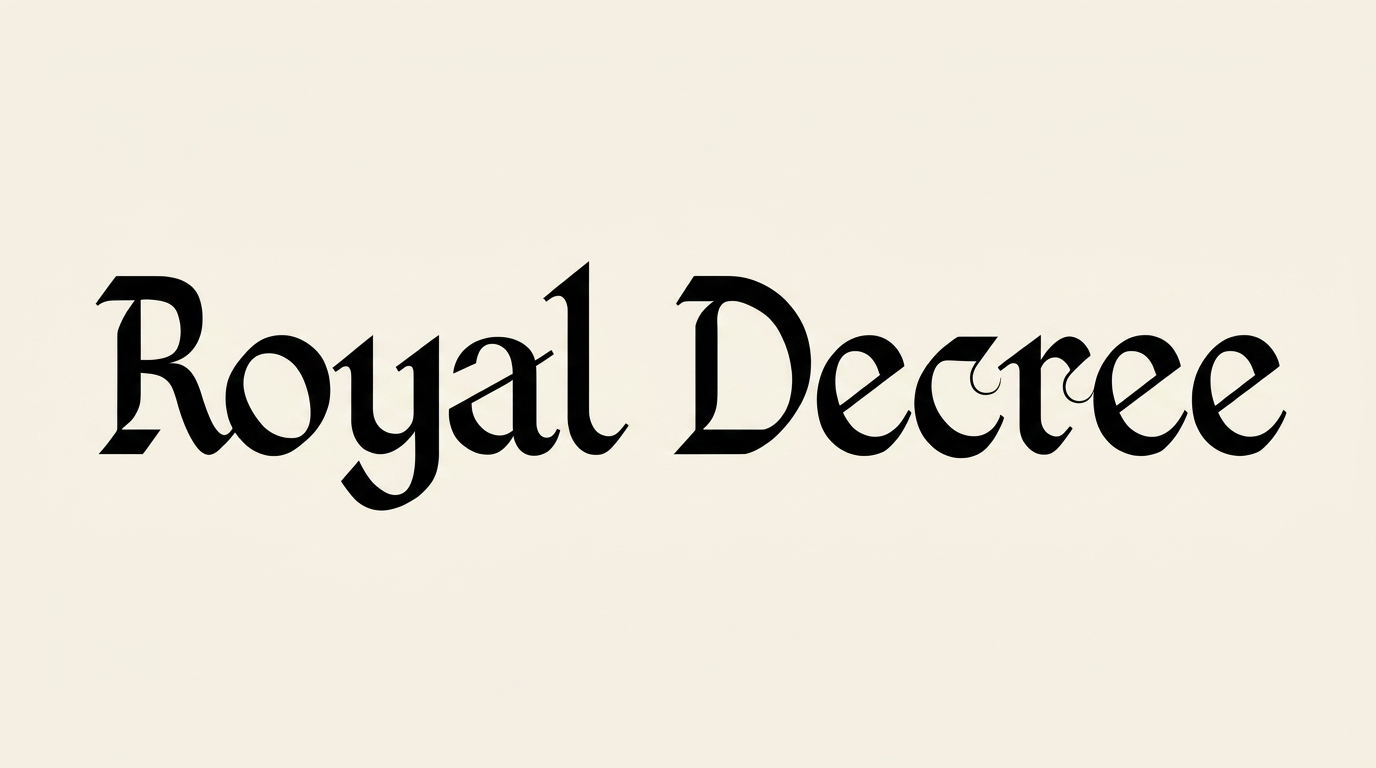
See ornate blackletter lettering on book covers, invitations, posters, labels, certificates, storefront signs, and other display designs.
Medieval Calligraphy Font Style Profile
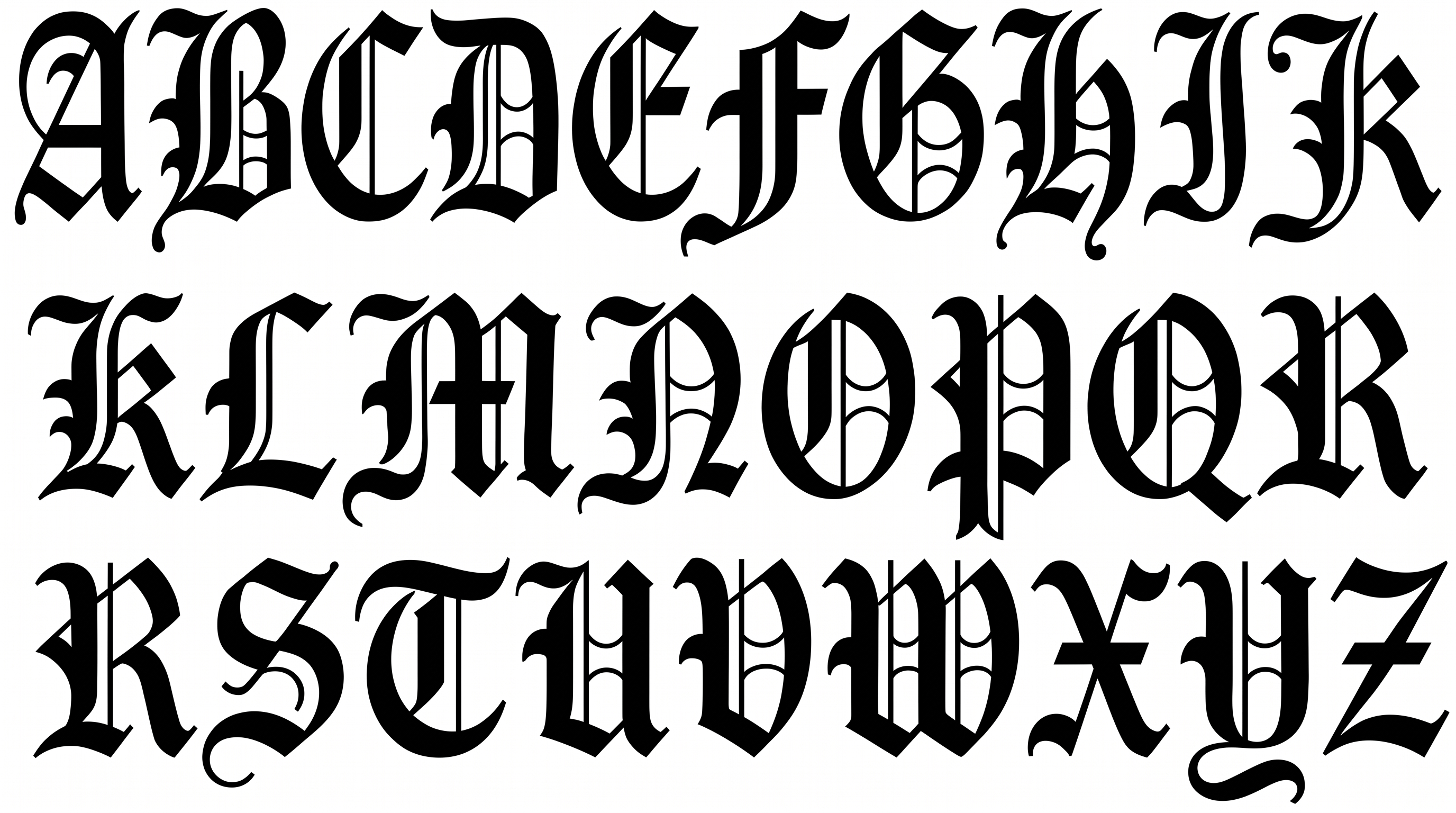
Angular construction, sharp corners, and strong stroke contrast define the ornate blackletter lettering.
Letter Construction
Angular broad-nib forms build each letter with compact blackletter structure.
Stroke Contrast
Heavy vertical strokes alternate with fine hairlines throughout the visible lettering.
Corner Shape
Sharp corners and pointed joins give the letters a distinctly angular profile.
Flourishes
Extended strokes on the capitals add controlled decorative flourishes.
Stroke Endings
Visible strokes finish in pointed tips, flat cuts, and pronounced serifs.
Letter Spacing
Narrow gaps keep neighboring letters compact while preserving clear separation.