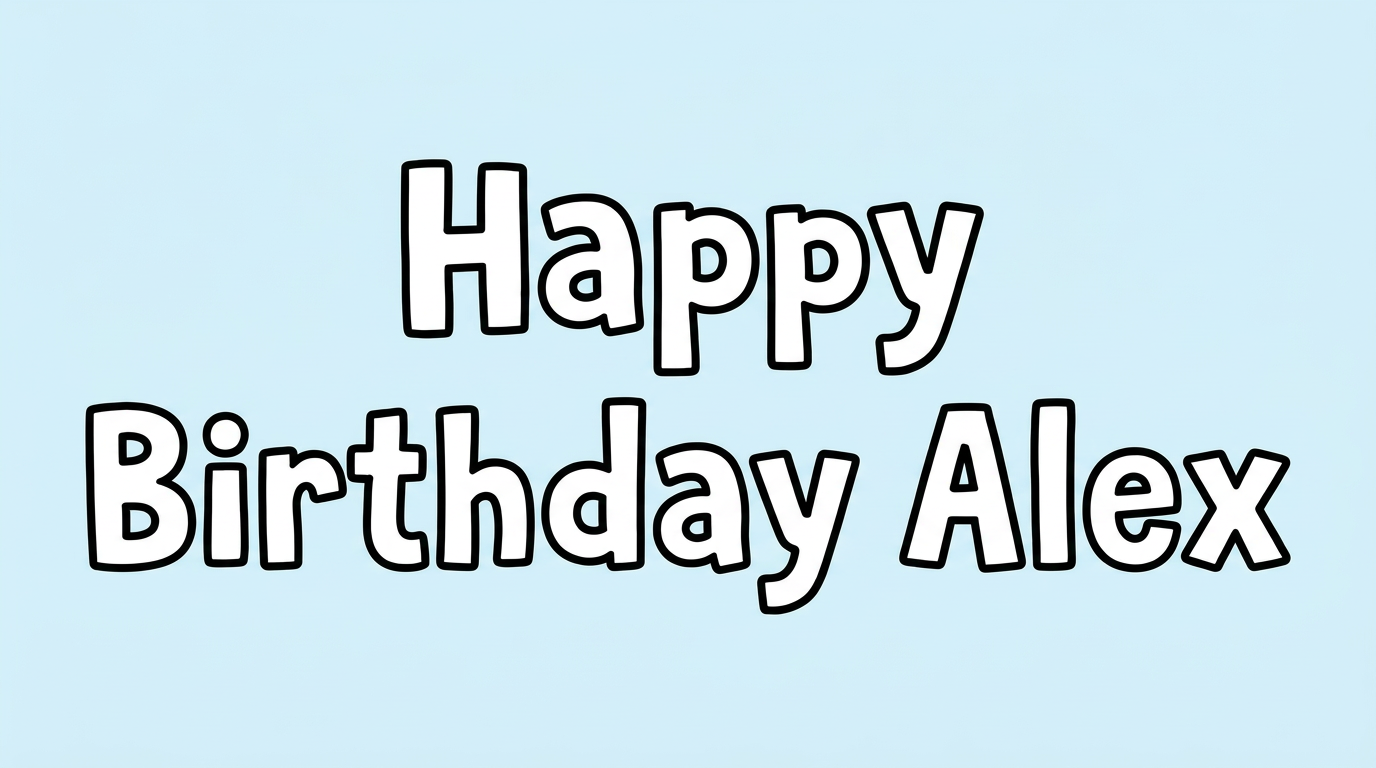
Free Roblox 2016 Font Generator Online
Create text with irregular hollow capitals, angular geometric contours, and a red-and-white look suited to game-inspired graphics.
- Templates
- 252
- Generations
- 129
- Downloads
- 206
- Rating
- 5.0
How to Use the Roblox 2016 Font Generator
Shape bold outlined lettering for a title or graphic, then save the result as an image.
- 01
Enter your wording and choose a size
Type a short phrase and select an image size, such as 16:9 for a wide title.
- 02
Set the image colors and generate
Choose a font color and background option, then generate your outlined lettering as a PNG.
- 03
Review and download the artwork
Check the generated image in your layout and download the PNG for your design.
Roblox 2016 Font Generator in Use: Design Examples & Showcase
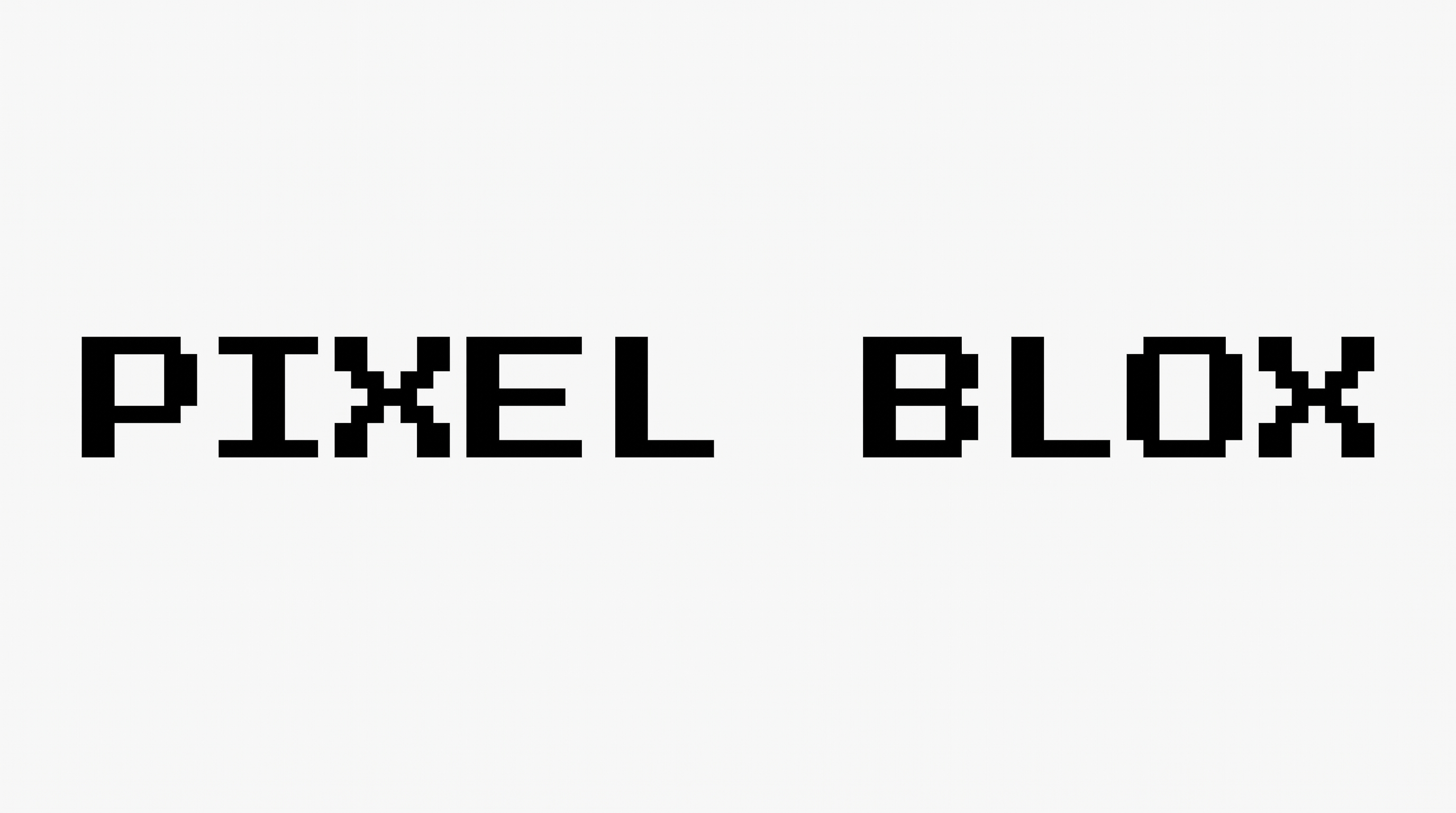
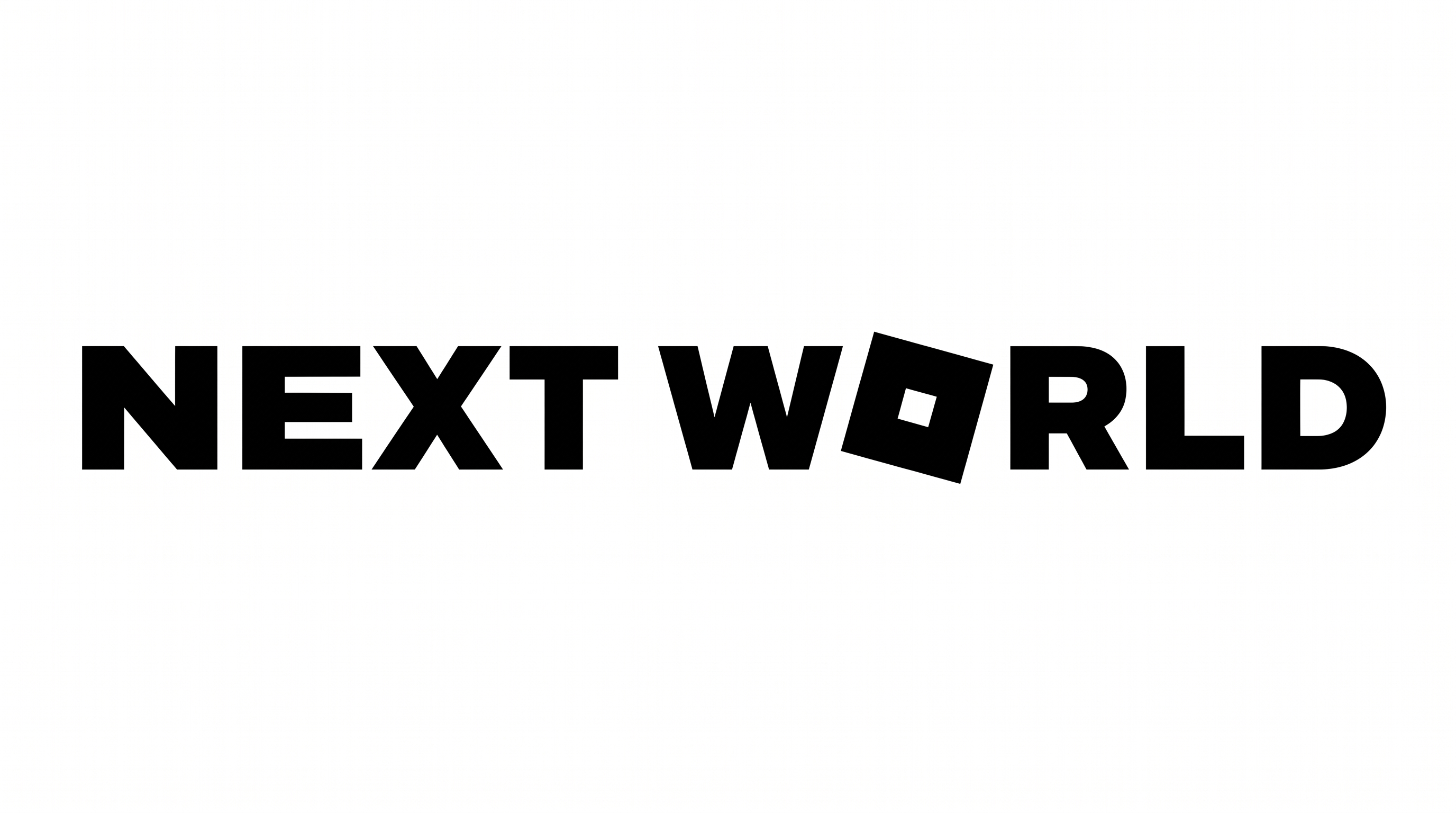
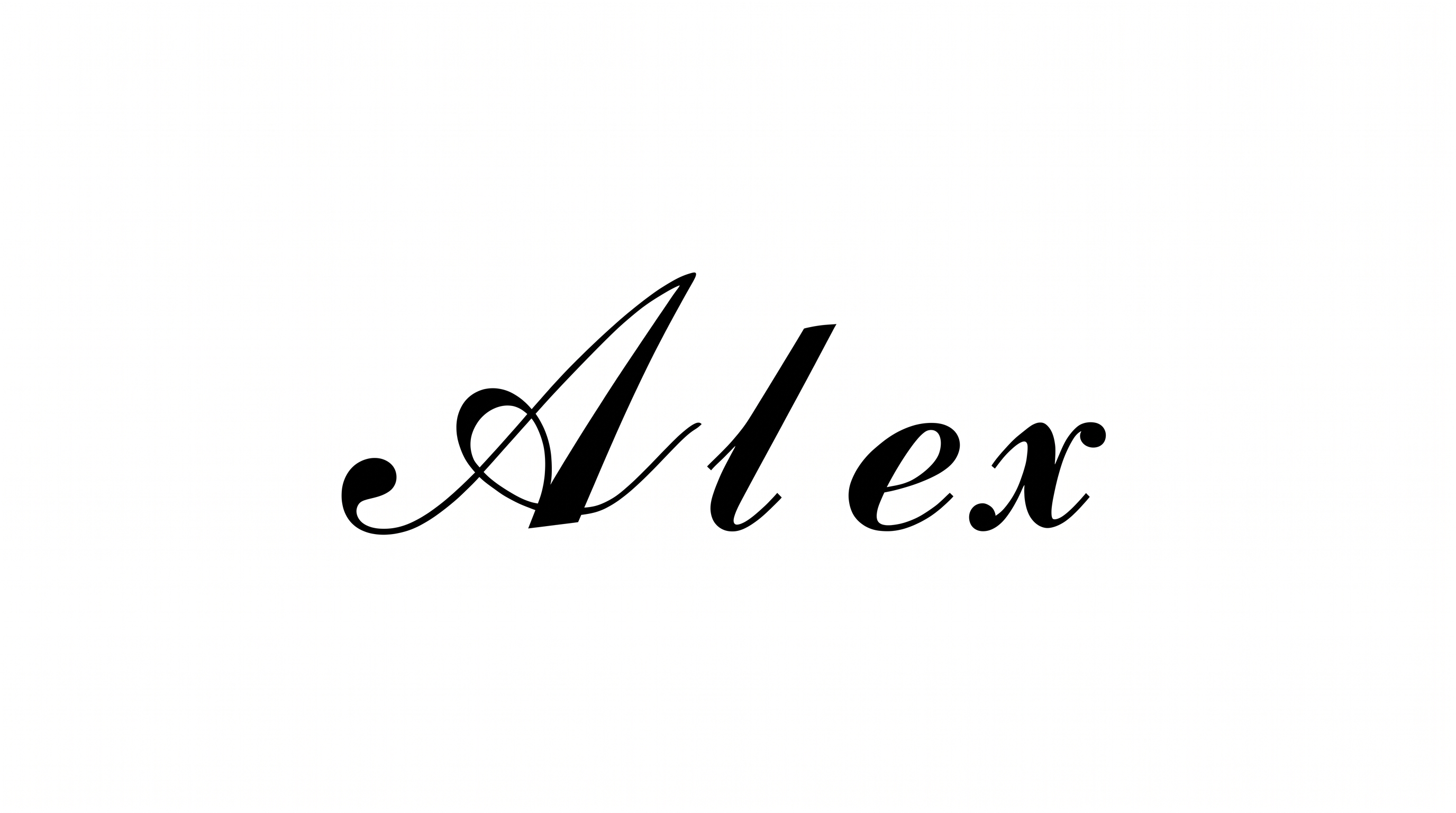
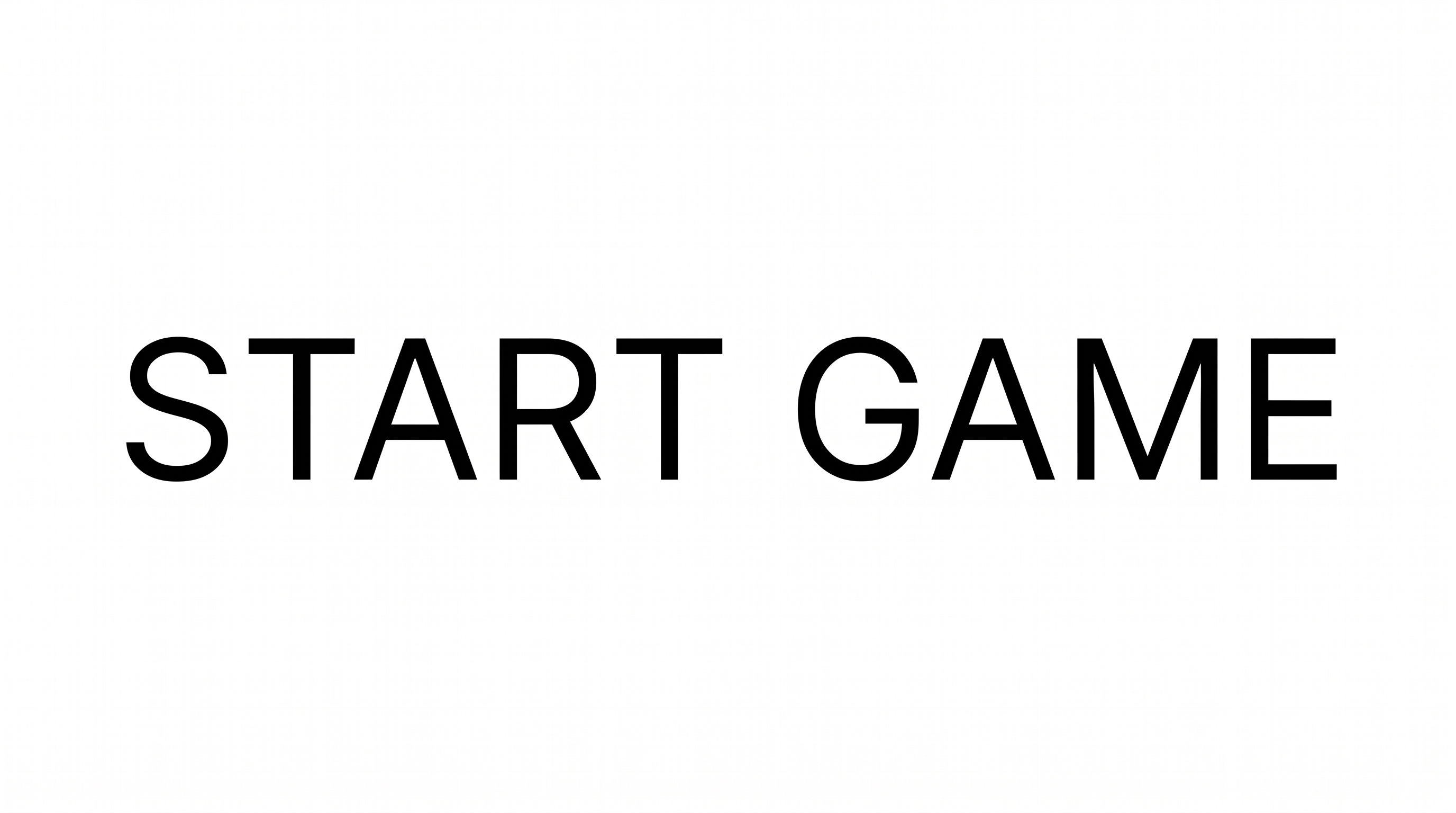
See how hollow, angular lettering appears in game-inspired graphics and applications such as toy packaging, arcade displays, apparel, and banners.
Roblox 2016 Font Style Profile
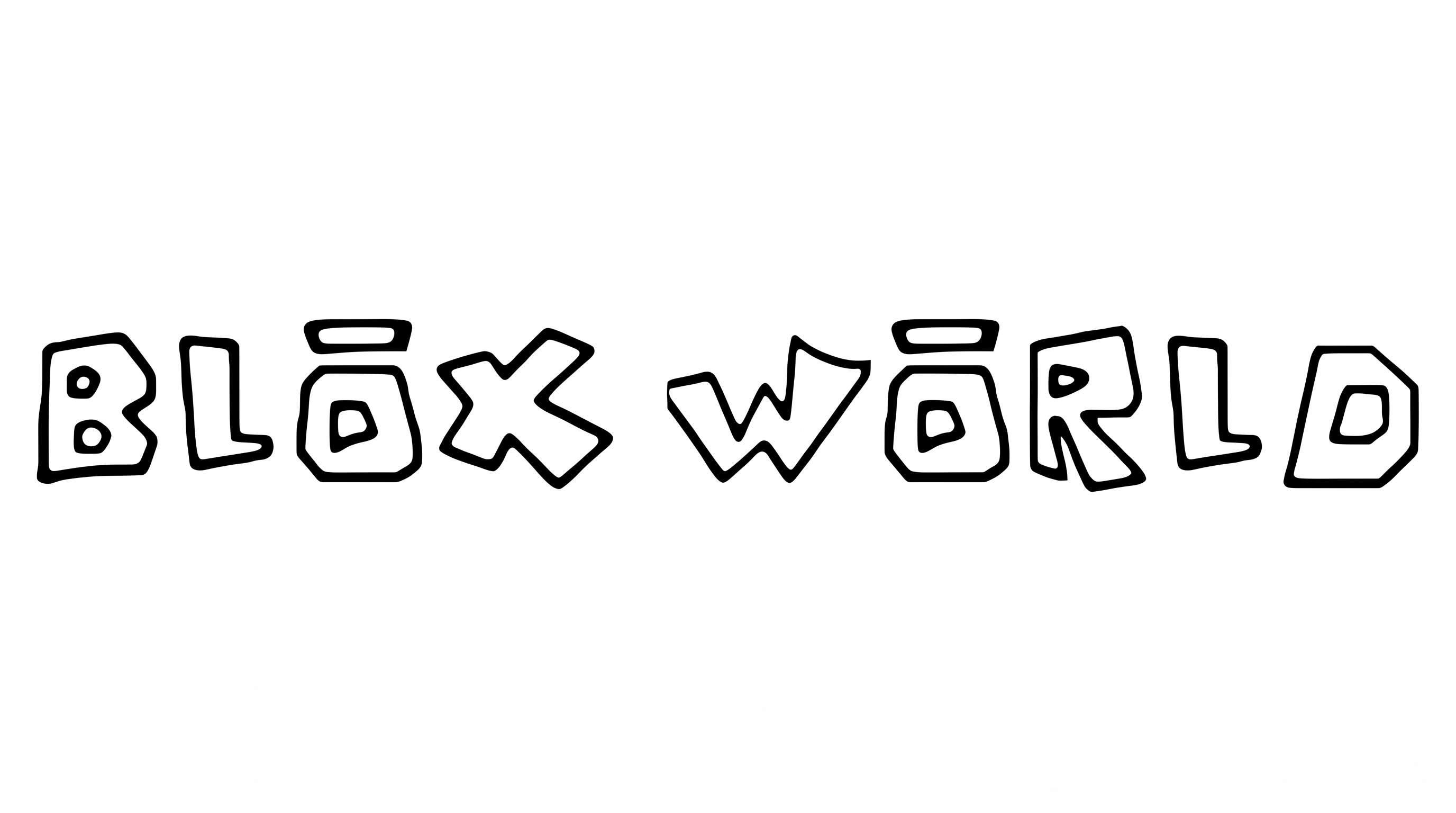
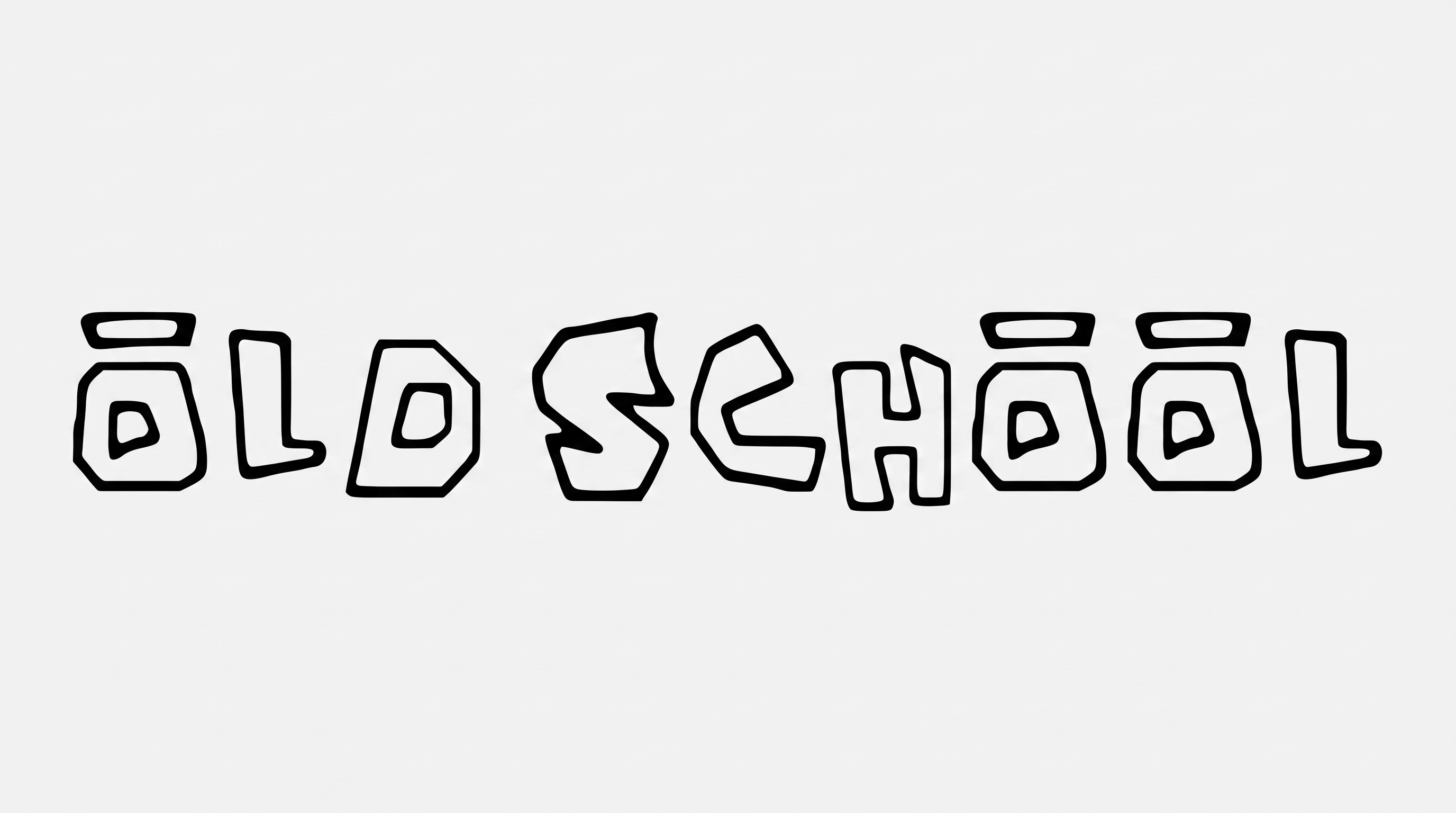
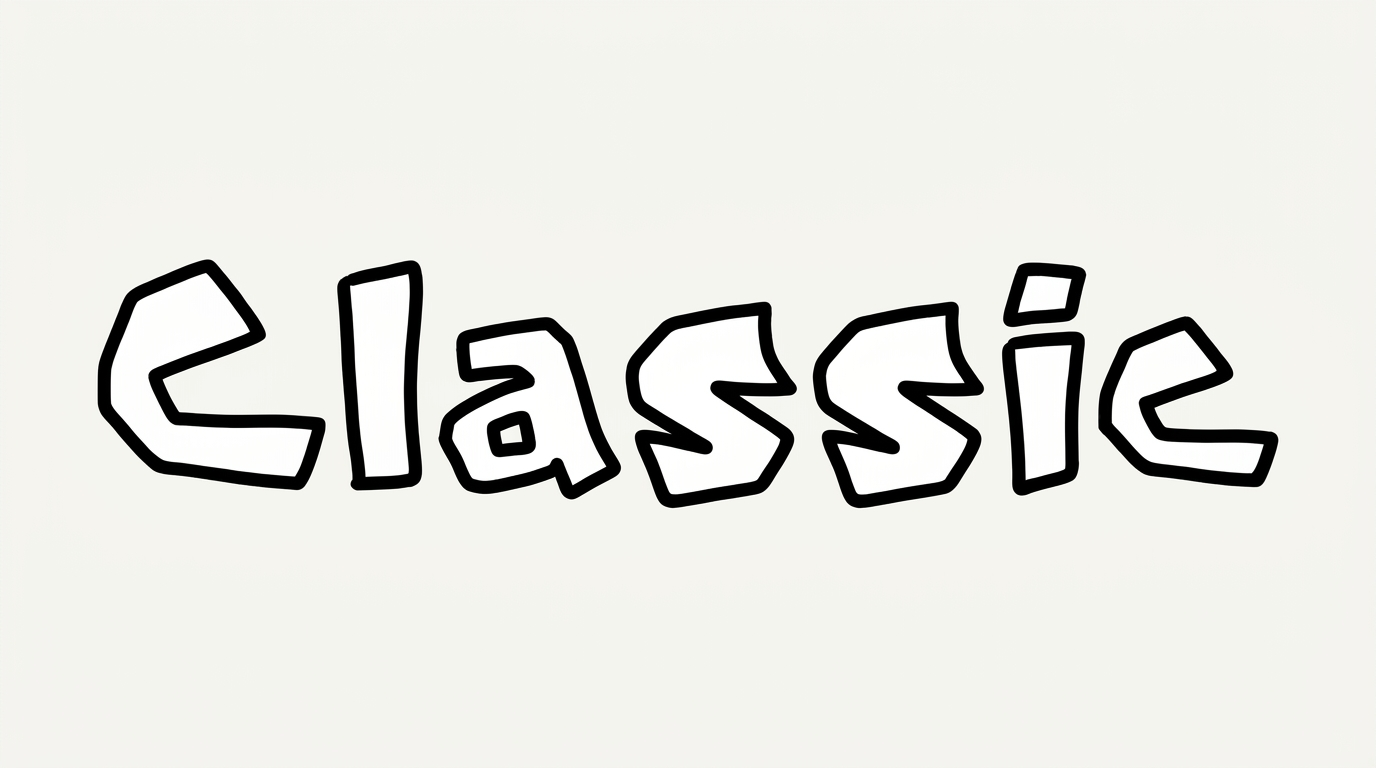
Hollow geometric capitals, sharp corners, and crisp red outlines create an irregular display style.
Outline
A crisp red border follows each hollow capital.
Letter Construction
Hollow interiors and irregular geometric contours build the capital letterforms.
Corner Shape
Sharp angular turns define many corners and joins.
Color Treatment
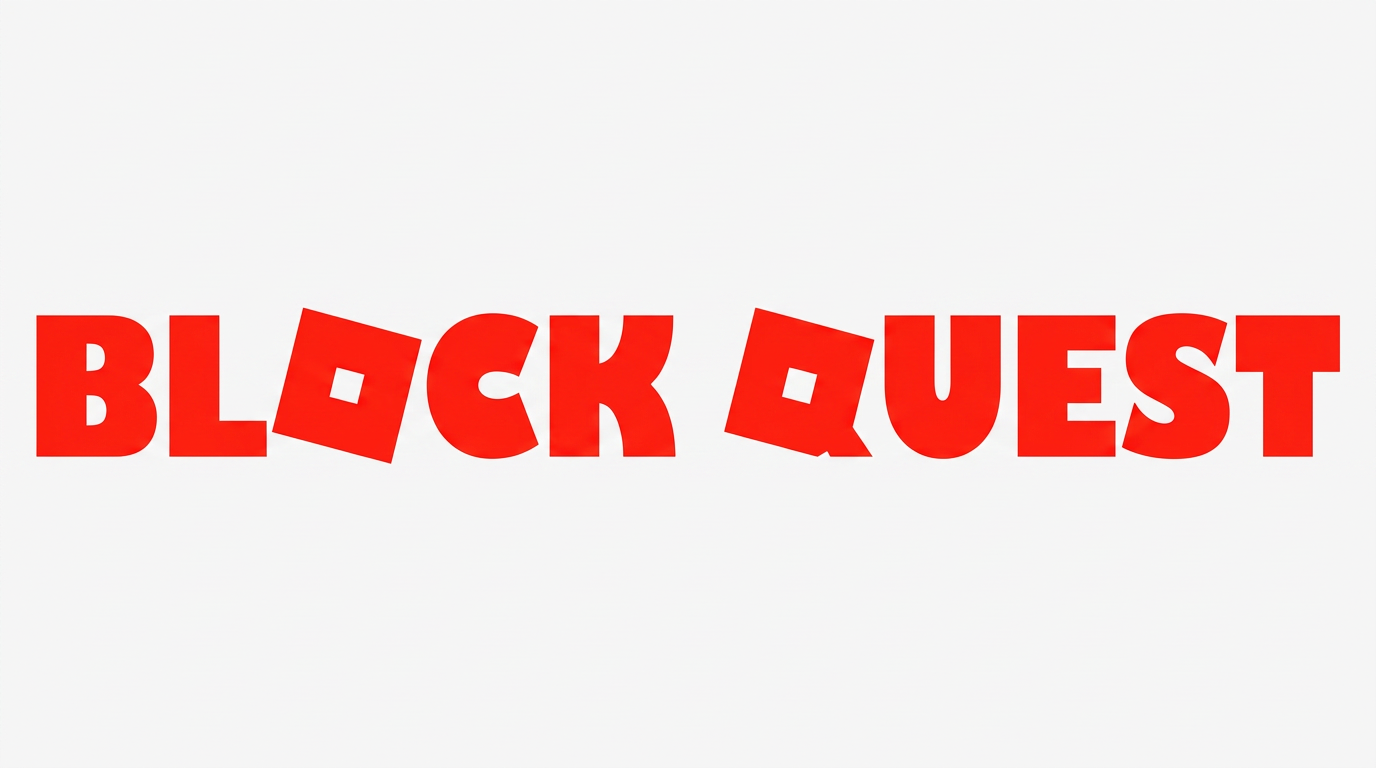
Red outlines provide the dominant color treatment across the phrase.
Baseline Rhythm
Slightly varied capital positions create an uneven baseline rhythm.
Letter Spacing
Narrow gaps keep neighboring capitals close while preserving separation.