Get 5 Free Credits

Free Spongebob Logo Font Generator Online

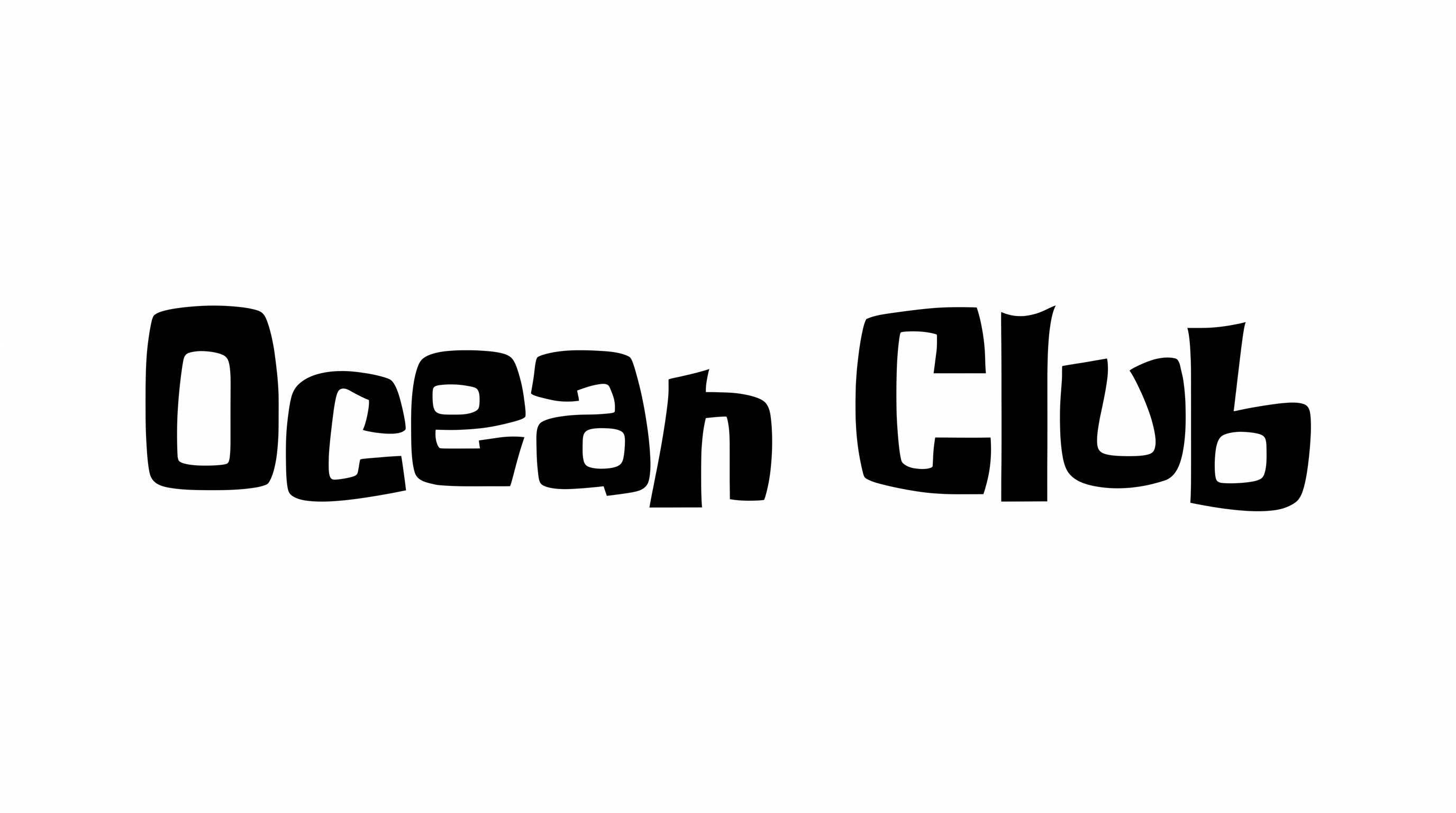
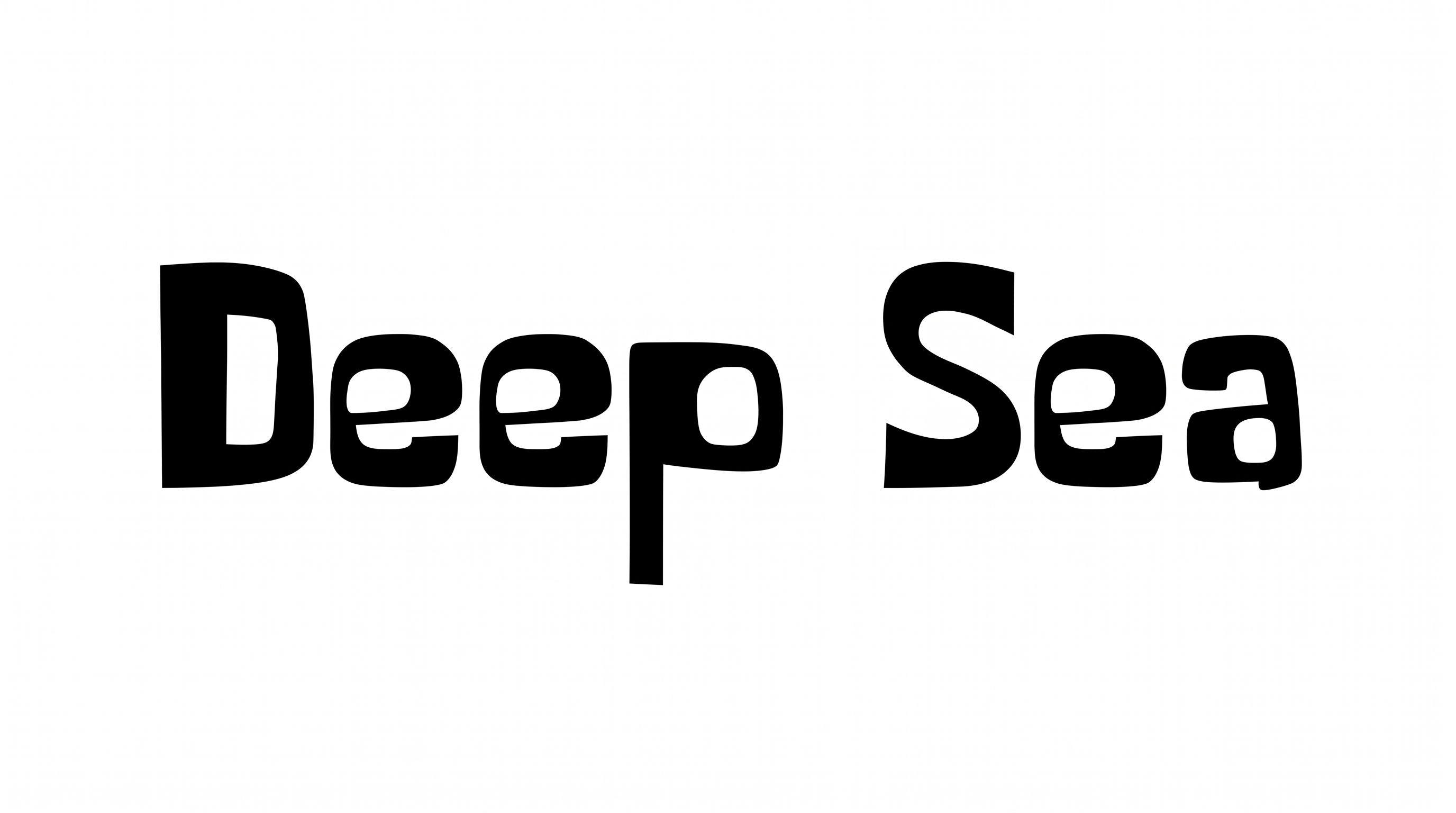
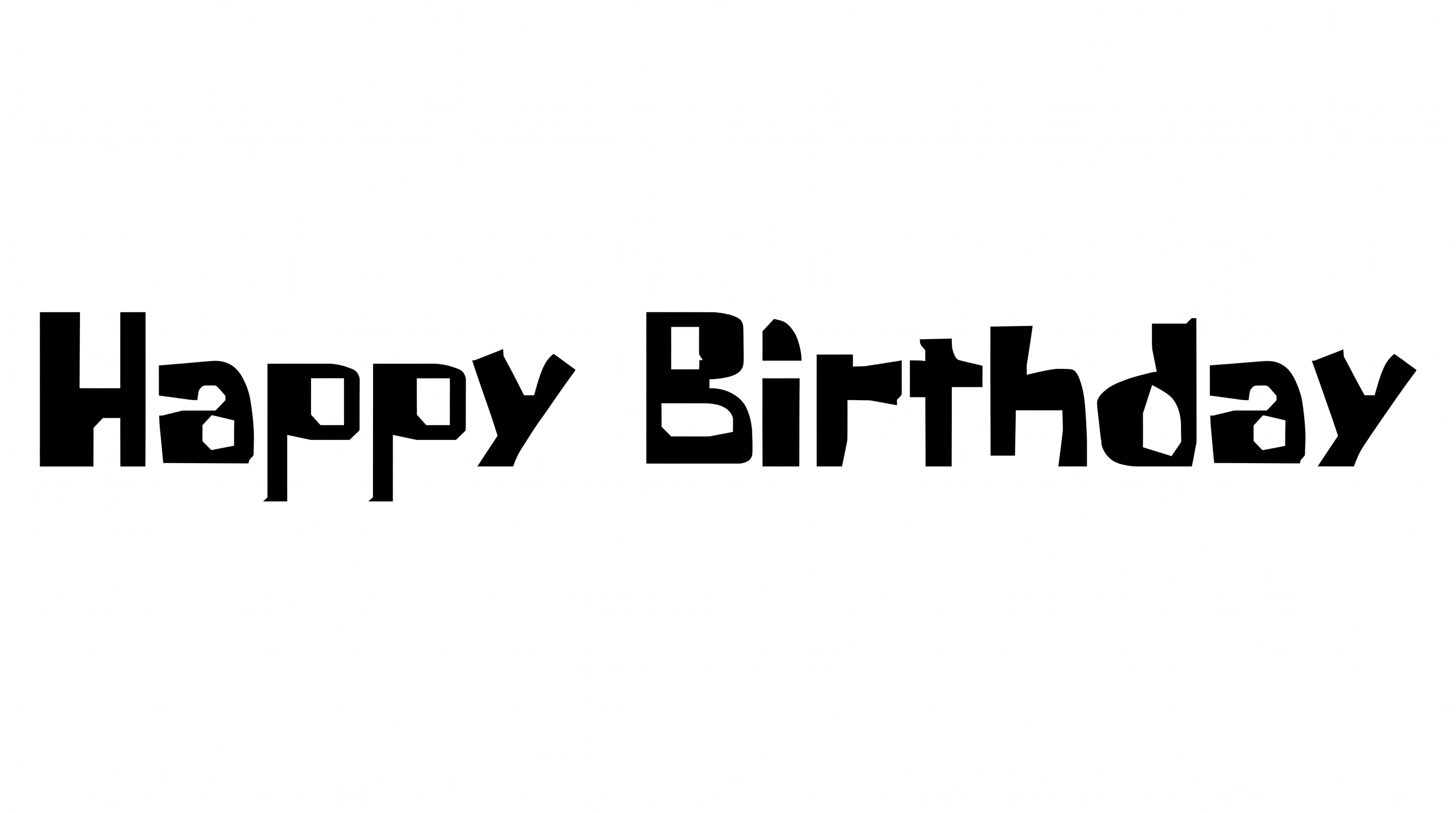
Turn words into a bold cartoon wordmark with chunky, irregular rounded forms suited to playful packaging, signs, and title graphics.

Enter the text to generate, e.g. Fontify.ai

Font color
Background
Templates
242
Generations
90
Downloads
251
Rating
5.0

How to Use the Spongebob Logo Font Generator

Create chunky cartoon lettering that fits your chosen canvas and works clearly in the finished design.

  1. 01

    Enter your wordmark text

    Type a short name, heading, or phrase for the irregular display lettering.

  2. 02

    Shape the canvas and colors

    Choose a 16:9 image size, then set a font color and background for the bold wordmark.

  3. 03

    Generate and download PNG or SVG

    Generate the image, review the chunky letter shapes, then download your preferred supported format.

Spongebob Logo Font Style Profile

Heavy, irregular letterforms combine rounded corners, separate characters, and a lively bouncing baseline.

  • Letter Construction

    Solid, irregular shapes build each letter with playful variations in form.

  • Stroke Weight

    Heavy stroke bodies give the visible letters a bold, substantial presence.

  • Baseline Rhythm

    Letter bottoms shift subtly, creating a lively, uneven baseline rhythm.

  • Corner Shape

    Rounded turns mix with a few sharper interior and exterior corners.

  • Letter Width

    Individual letters vary from compact forms to notably broad shapes.

  • Letter Connections

    Letters remain separate, with clear breaks between neighboring characters.
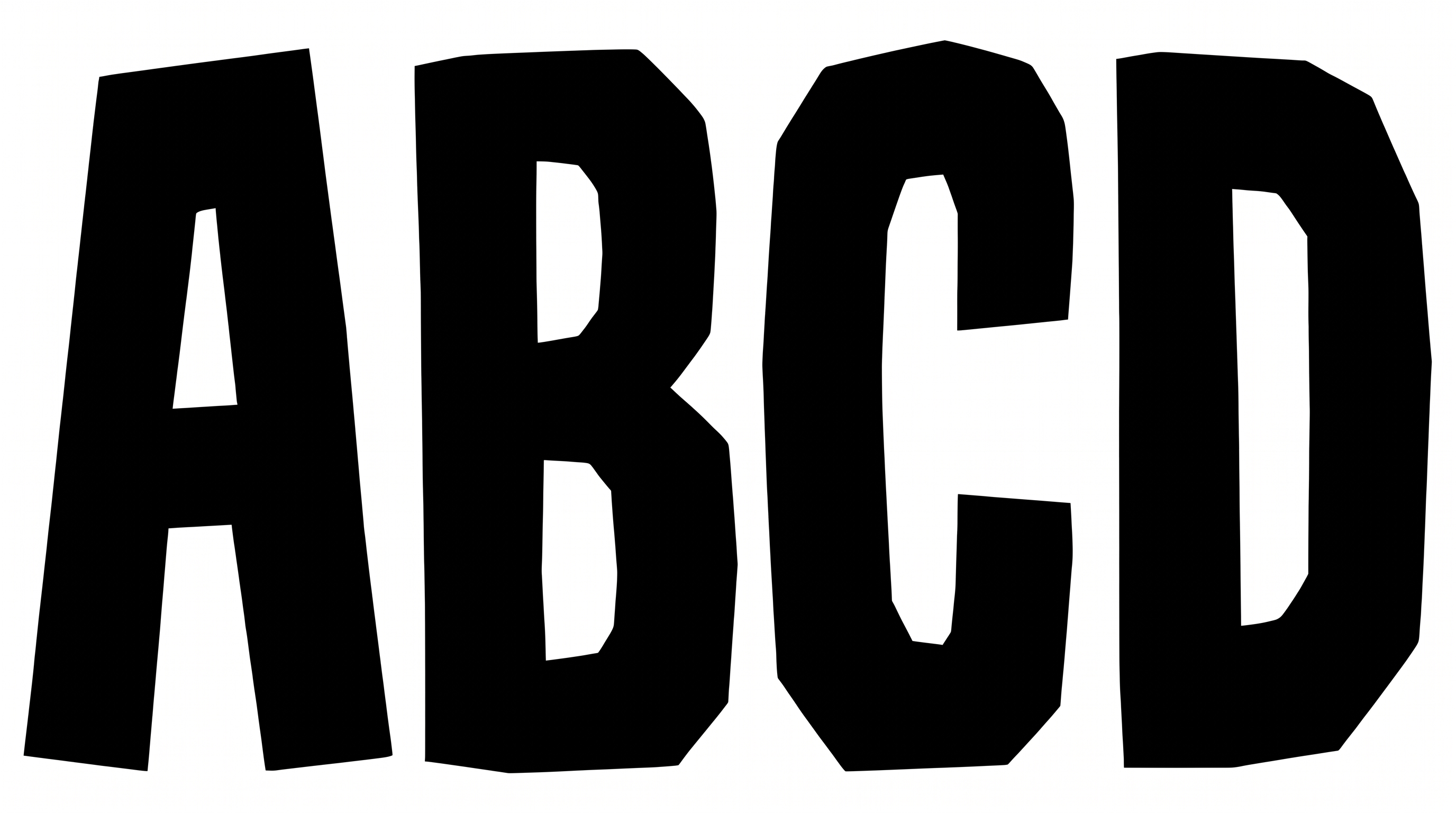
Frequently asked questions about Spongebob Logo Font Generator

It turns your wording into a finished text image with bold, chunky, irregular display lettering. The rounded forms and playful wordmark structure suit headings, packaging concepts, signs, and other graphic designs.

The minimum membership covers personal use, while a higher membership covers commercial use. Review pricing to choose the membership that applies to your project before using the artwork commercially.

Enter your text and choose an available font color, background, and image size. Generate the design and review the rendered text image. You can then download the result as a PNG or SVG.

Download the generated PNG artwork, then upload it in Canva for your design. Insert the image into a Google Docs document. For Cricut, import the PNG into a project in the Cricut app, also known as Cricut Design Space.

Spongebob Logo Font works well for prominent names and headings on packaging, signs, covers, invitations, and playful digital graphics. Keep the area around it free of busy details, especially in online layouts.

Treat the result from the Spongebob Logo Font Generator as the main visual anchor. Give its uneven silhouette generous surrounding space, and place supporting details in a simpler, structured area of the layout.

Pair the chunky wordmark with simple supporting text and a background that provides clear contrast. Use the display lettering for the main message, while smaller information stays organized in a quieter visual style.
READY TO CREATE?

Create Custom Spongebob Logo Fonts & Text Effects

Try Spongebob Logo Font Generator Free