Get 5 Free Credits

Free Spongebob Letter Font Generator Online

Turn words into very heavy uppercase cartoon lettering with irregular angular contours, suited to bold menu, poster, and packaging headlines.

Enter the text to generate, e.g. Fontify.ai

Font color
Background
Templates
242
Generations
66
Downloads
271
Rating
5.0

How to Use the Spongebob Letter Font Generator

Shape bold uppercase wording for clear display use and save it as adaptable image artwork.

  1. 01

    Write a bold display heading

    Enter a short uppercase heading that suits the bold, angular display style.

  2. 02

    Set the image appearance

    Choose a font color, background, and 16:9 image size before generating.

  3. 03

    Download the finished PNG or SVG

    Review the rendered lettering, then download the finished image as PNG or SVG.

Spongebob Letter Font Style Profile

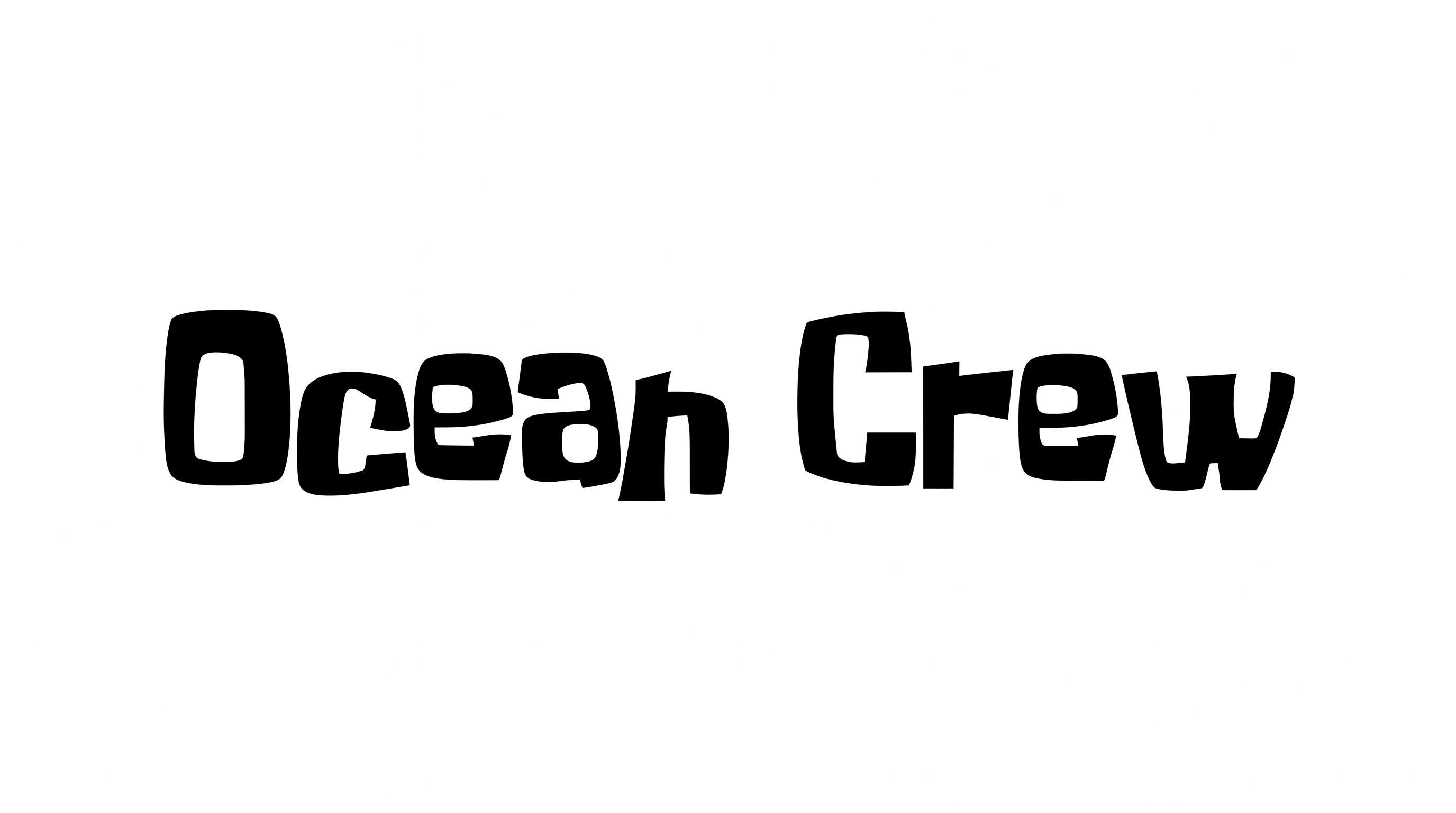
Heavy strokes, angular corners, and solid black faces define the irregular uppercase lettering.

  • Stroke Weight

    Very heavy stroke bodies give the uppercase forms a dense, emphatic presence.

  • Corner Shape

    Sharp and irregular angular corners shape the visible turns and joins.

  • Letter Construction

    Each letter is built as a solid silhouette with open interior counters.

  • Stroke Endings

    Broad, blunt cuts finish the visible stroke ends.

  • Letter Connections

    The uppercase letters remain separate, with clear breaks between characters.

  • Color Treatment

    Solid black fills create a flat, uniform treatment across the letter faces.
Frequently asked questions about Spongebob Letter Font Generator

The generator turns typed words into text-image artwork with very heavy uppercase forms, irregular angular contours, and a flat-color cartoon look. The result suits bold display uses such as headings, signs, invitations, and packaging.

Transparent backgrounds are supported for layering lettering over other artwork. This template also lets you choose the preset or a custom font color, select a preset or custom background color, and upload a background image. Image size choices help fit the result to your layout.

Download the Spongebob Letter Font artwork as a PNG. Upload it in Canva, insert it into a Google Docs document, and import it into a project in the Cricut app. That app is also known as Cricut Design Space, where the PNG remains image artwork.

Explore the related-tools section to compare how different lettering treatments affect weight, shape, and mood. Use the same short phrase in several tools, then judge which visual direction best fits your headline or display layout.

The heavy uppercase forms work well as concise headings on menu boards, invitations, packaging, posters, signs, apparel graphics, and classroom displays. Give the lettering a prominent position and reserve supporting details for a simpler text style.

Use a short phrase and leave free space around the heavy letters. Preview the artwork at its intended online size, especially for thumbnails or story layouts. Strong contrast between the lettering and background helps preserve the angular silhouettes.

Pair the flat, heavy lettering with simple supporting text and uncluttered shapes. Its irregular angular contours already create a playful cartoon mood. Clear hierarchy lets the headline lead while dates, prices, and details remain easy to scan.
READY TO CREATE?

Create Custom Spongebob Letter Fonts & Text Effects

Try Spongebob Letter Font Generator Free