Get 5 Free Credits

Free Calligraphy Chicano Graffiti Font Generator Online

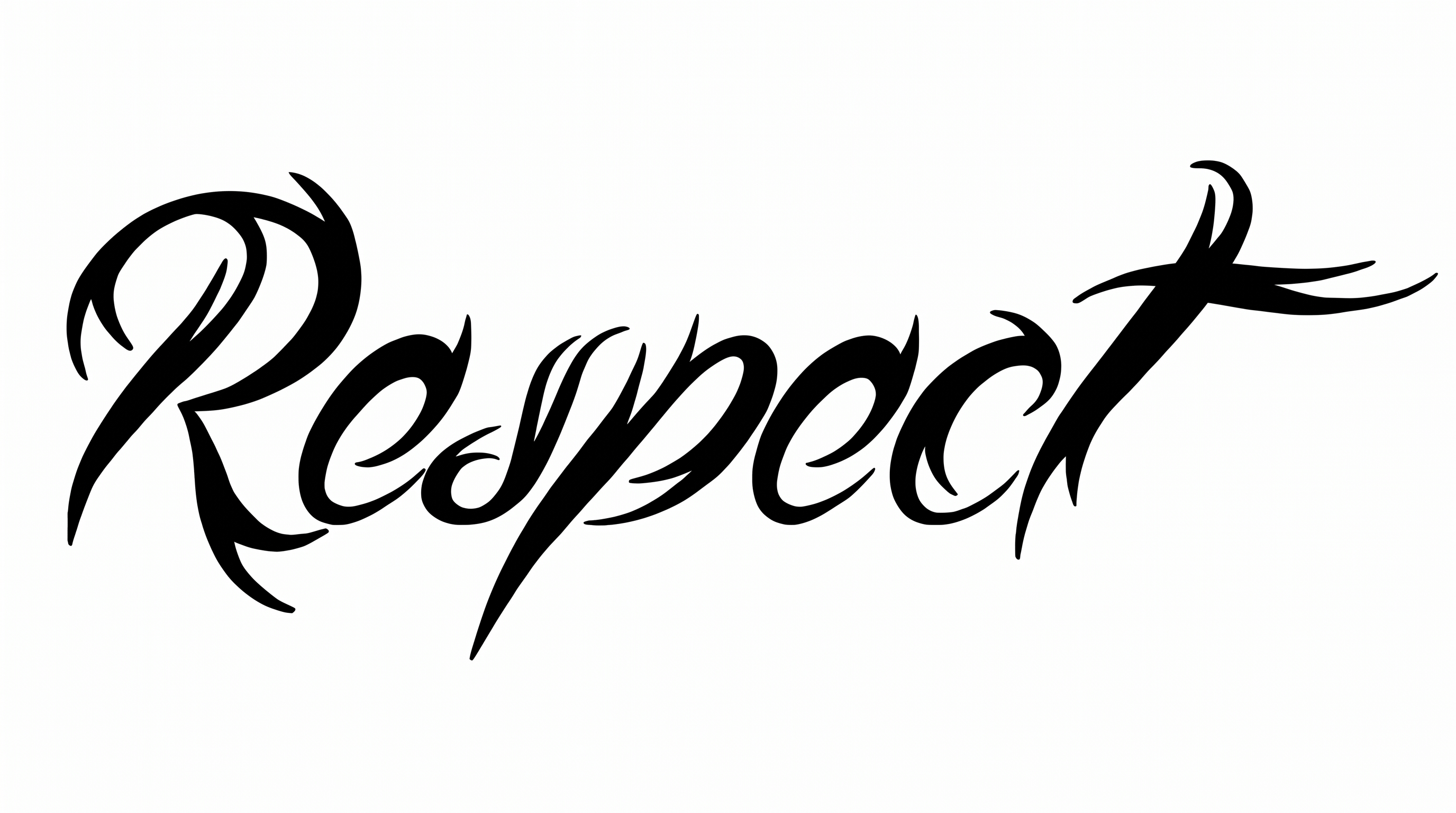
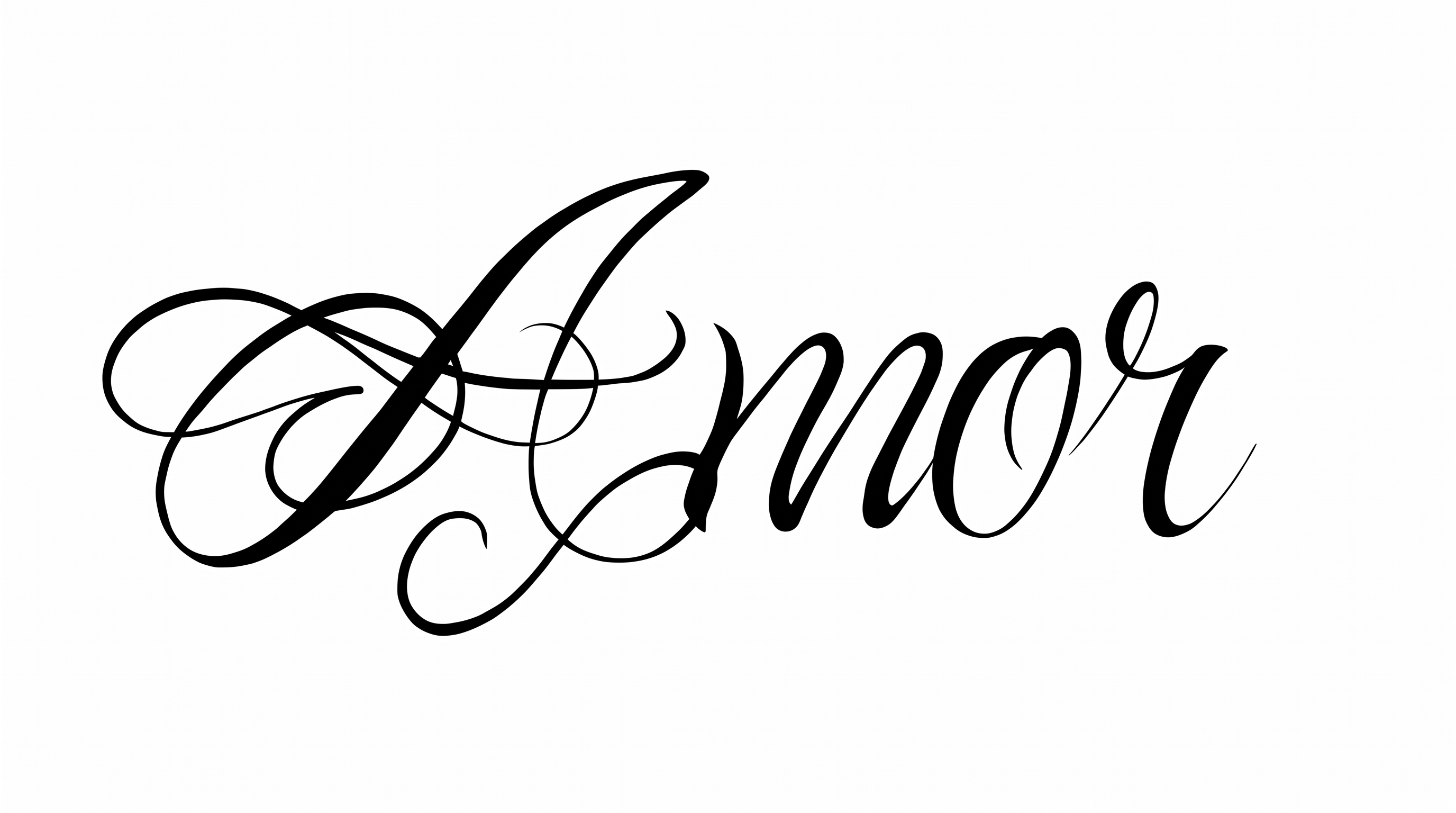
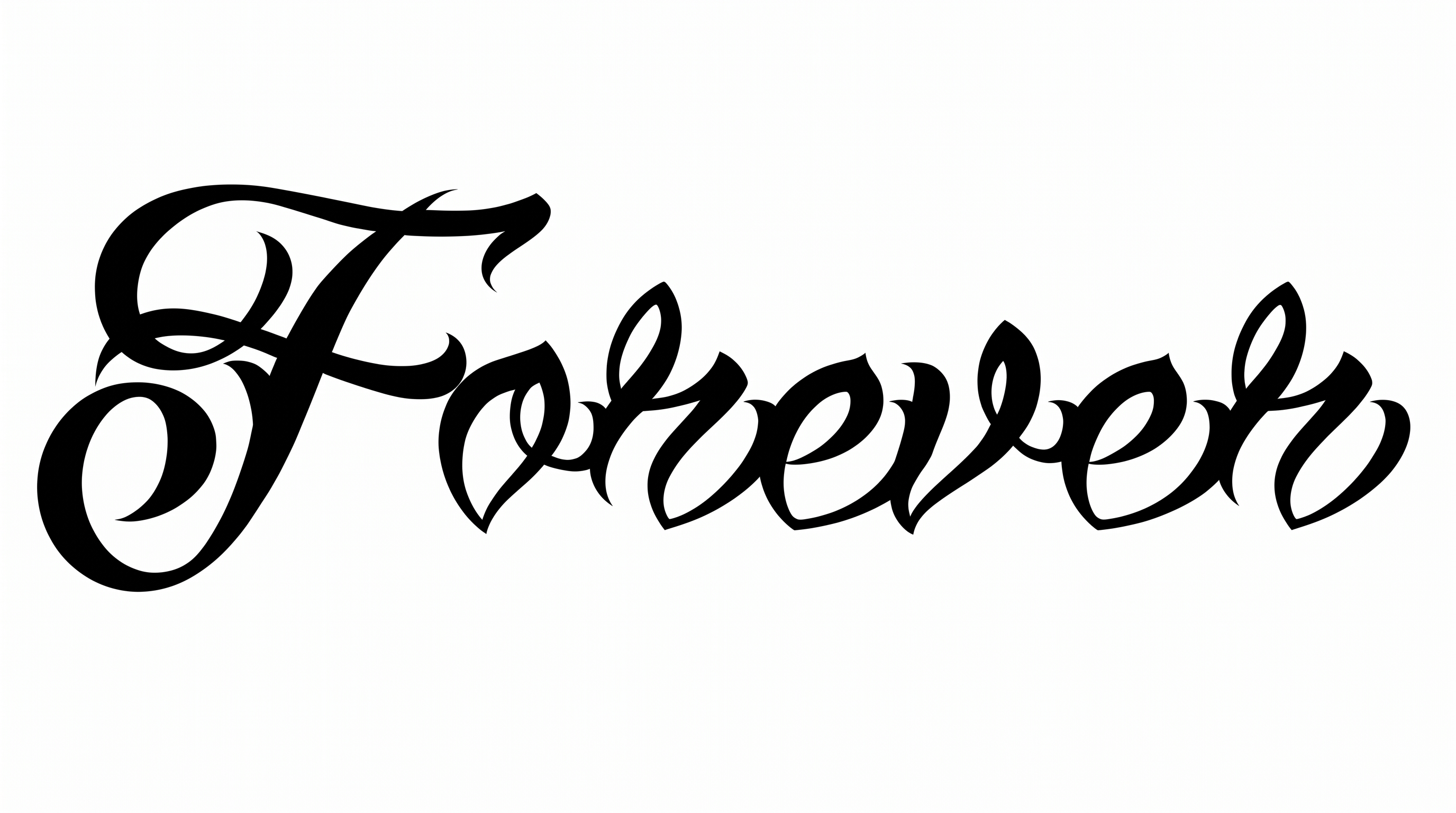
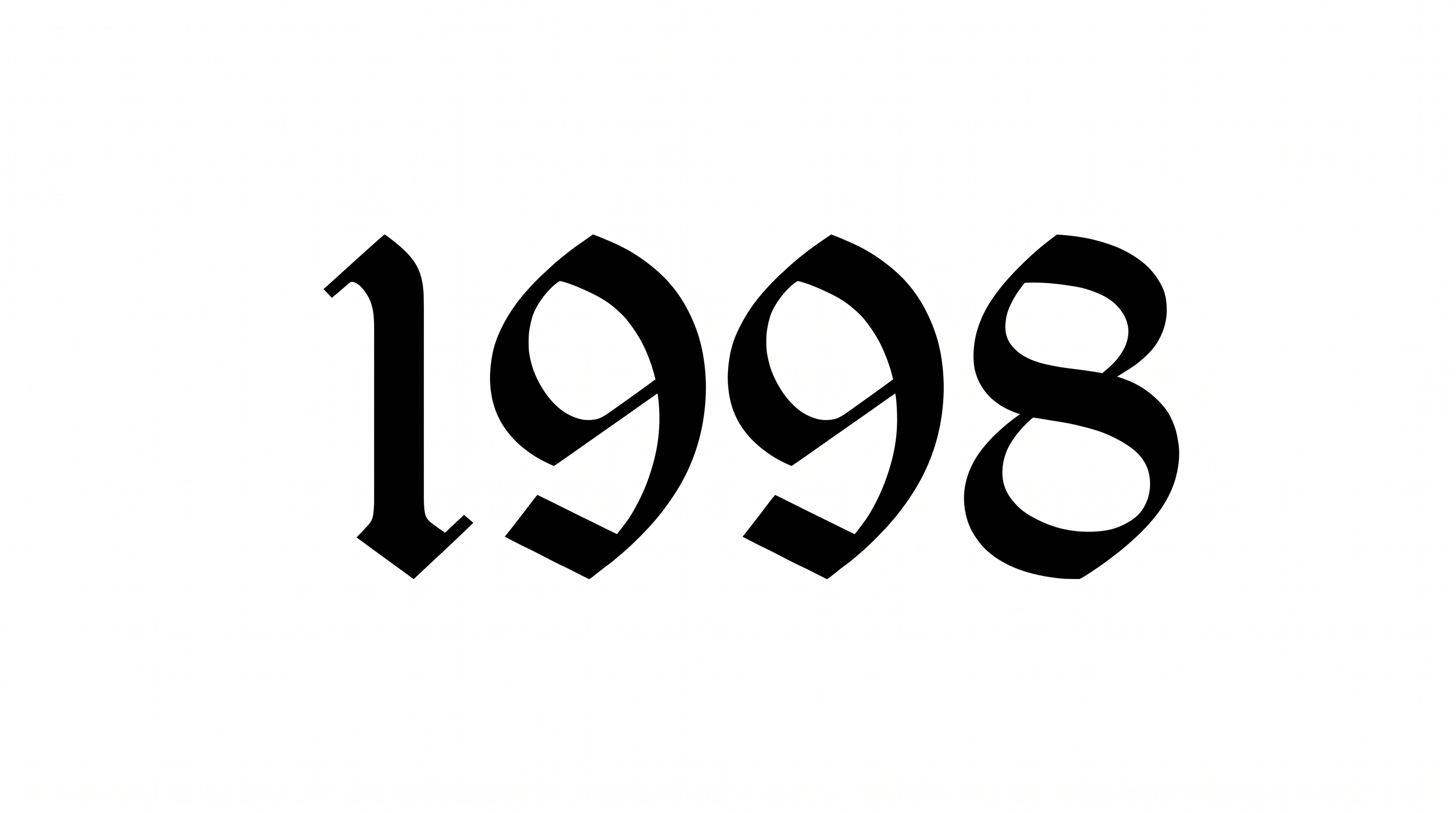
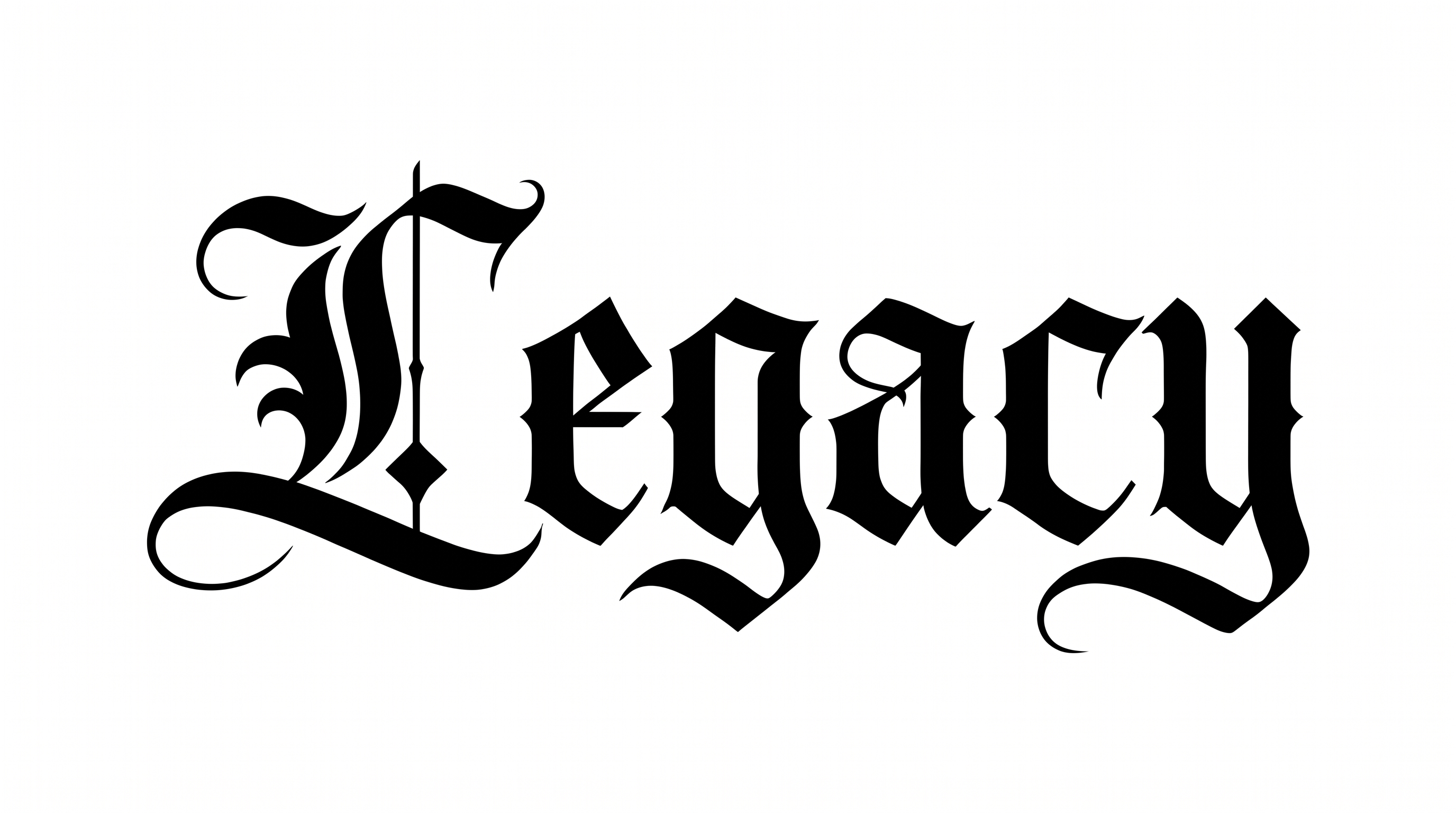
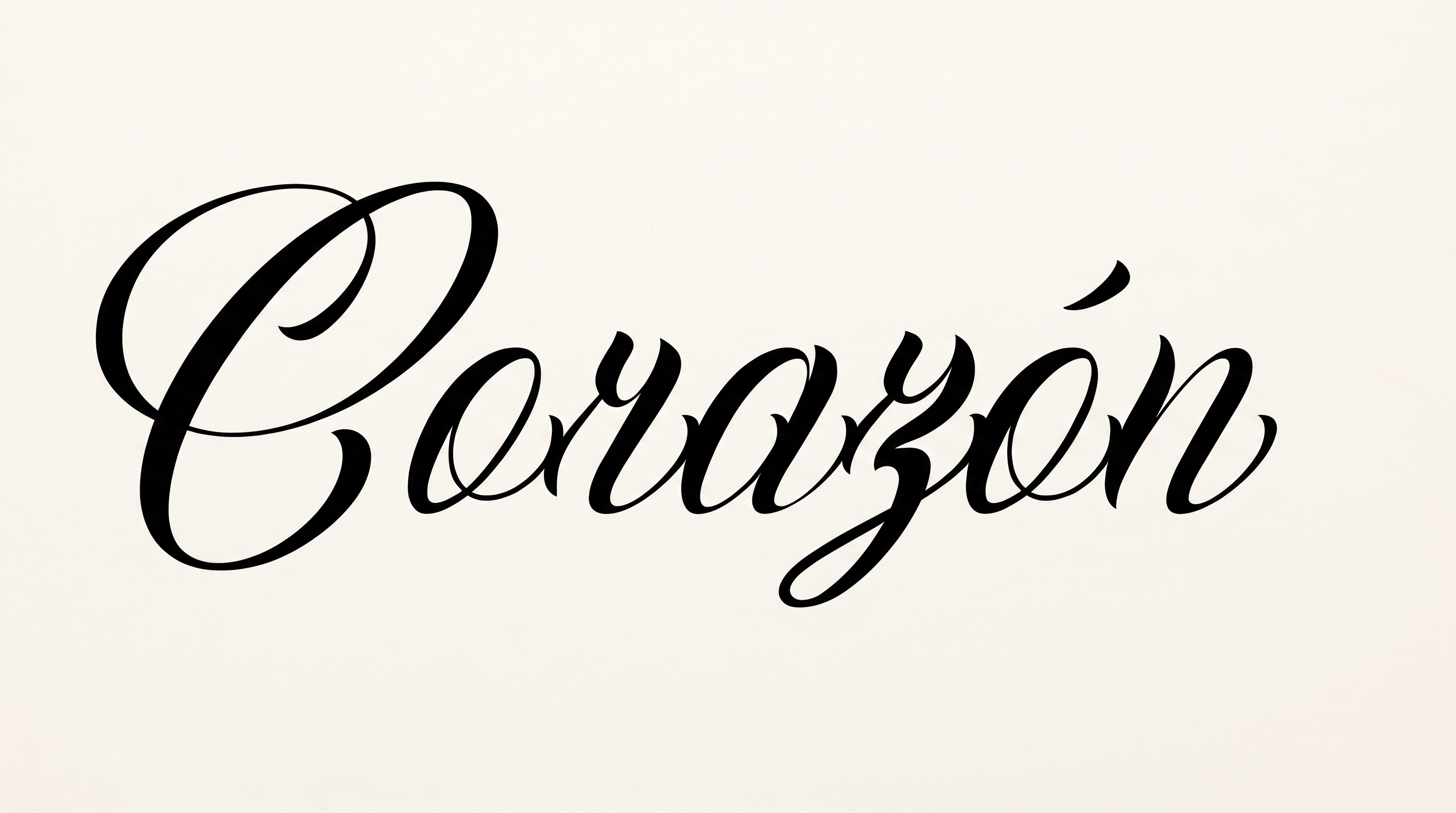
Shape words into narrow, right-leaning calligraphy with pointed-pen contrast and integrated flourishes, suited to dramatic wordmarks.

Enter the text to generate, e.g. Fontify.ai

Font color
Background
Templates
426
Generations
162
Downloads
210
Rating
5.0

How to Use the Calligraphy Chicano Graffiti Font Generator

Shape pointed-pen script for a chosen layout while preserving its narrow forms and expressive flourishes.

  1. 01

    Write your calligraphic phrase

    Type a short word or phrase that suits the narrow, flourished script.

  2. 02

    Set the composition and colors

    Choose a 16:9 image size, then set font and background colors for your layout.

  3. 03

    Generate and download PNG or SVG

    Generate the artwork, review its contrast and flourishes, then download a PNG or SVG.

Calligraphy Chicano Graffiti Font Style Profile

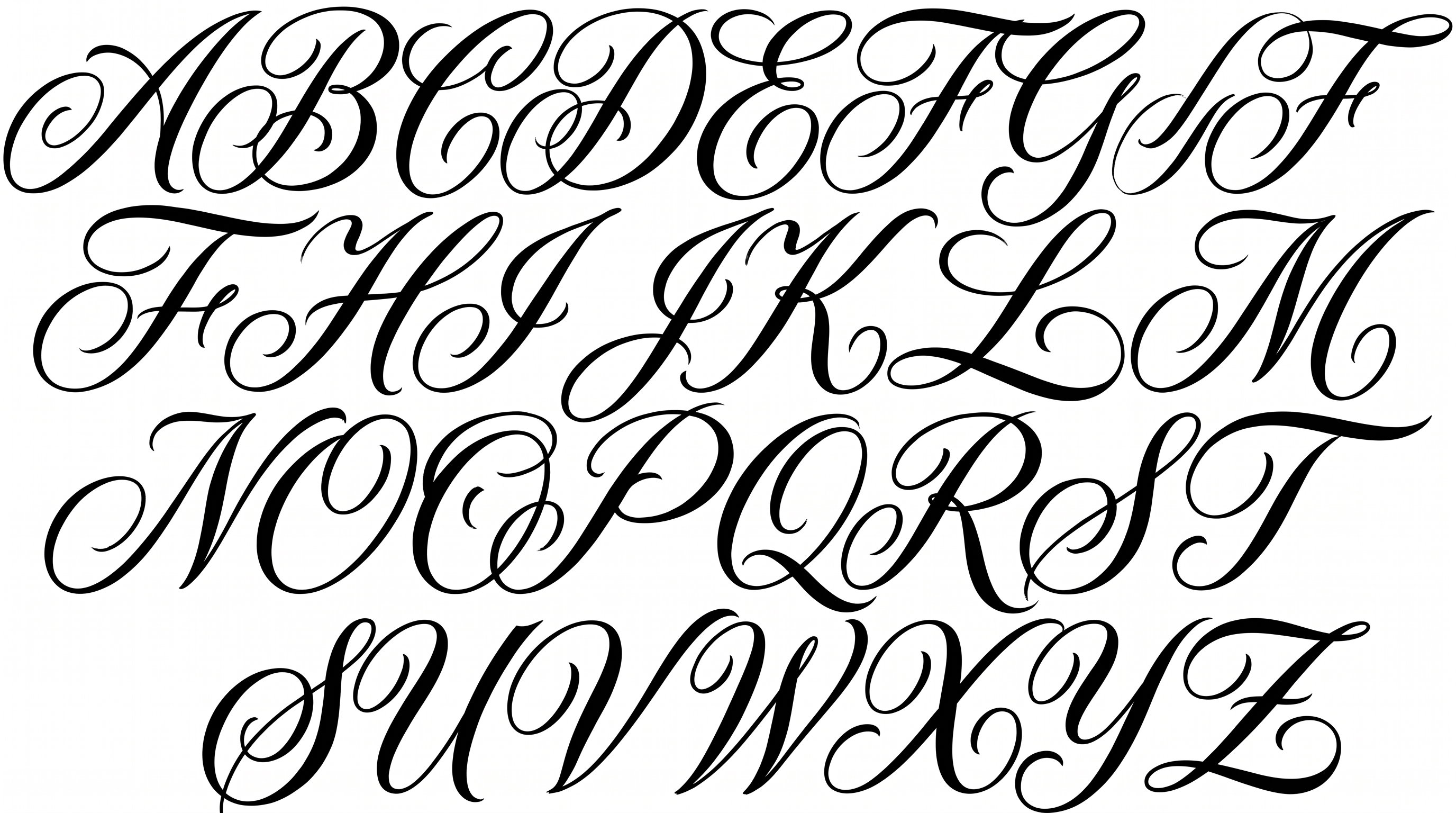
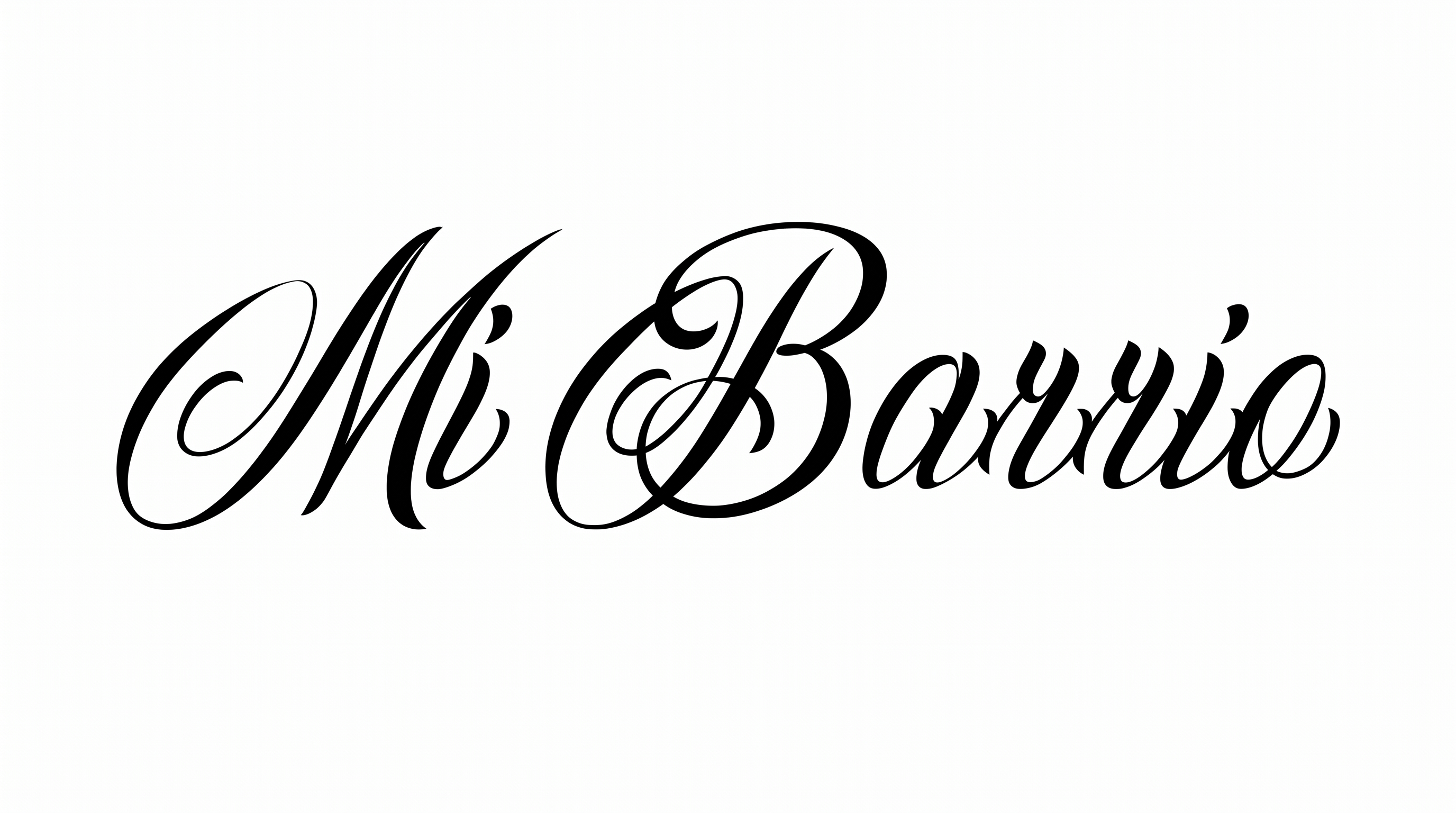
Dramatic stroke contrast, narrow right-leaning forms, and integrated flourishes define the ornamental script.

  • Stroke Contrast

    Bold downstrokes alternate sharply with hairline-thin interior and joining strokes.

  • Slant

    The letterforms lean decisively to the right along a level baseline.

  • Flourishes

    Sweeping entry strokes, loops, and extended tails ornament the visible letters.

  • Letter Width

    Narrow character proportions create a tall, compressed calligraphic silhouette.

  • Stroke Endings

    Fine strokes taper into sharp points, while broader terminals curve into hooks.

  • Letter Connections

    Continuous joining strokes link several lowercase letters within the shown word.
Frequently asked questions about Calligraphy Chicano Graffiti Font Generator

Explore the related-tools section and compare broad traits such as stroke contrast, slant, flourishes, and letter width. Use the examples to judge how each direction fits your intended layout rather than looking for a named match.

Enter your text, choose an image size, font color, and background treatment, then generate the design. Review the rendered image and download it as PNG or SVG. The result is image artwork rather than an installable font file.

Download the generated PNG artwork. Upload it in Canva and insert it into a Google Docs document. For Cricut, import it into a project in the Cricut app, also known as Cricut Design Space. Each workflow places the rendered lettering as an image.

Transparent backgrounds are supported for layering the lettering over other artwork. This template also lets you select a font color, custom background color, uploaded background image, and image size. Transparency is a supported output choice, not a promise that every result starts transparent.

Its dramatic script suits focal lettering on album covers, tattoo artwork, apparel graphics, murals, packaging, and storefront identities. Give the ornamental forms enough room to remain the visual centerpiece, especially when the surrounding scene already contains strong detail.

Use the Calligraphy Chicano Graffiti Font Generator to test a short phrase in 3:2, 16:9, or 21:9. Leave breathing room around long entry strokes and flourishes so the wordmark keeps a clear silhouette in your layout.

Use a short heading, make it the primary focal point, and preview the image at its intended display size. Pair the narrow, high-contrast script with generous surrounding space so delicate strokes remain distinct on screen.

Pair the ornamental headline with a restrained supporting type style for dates, credits, prices, or body copy. Keep supporting text smaller and visually quieter so the script retains emphasis across covers, invitations, menus, and social graphics.
READY TO CREATE?

Create Custom Calligraphy Chicano Graffiti Fonts & Text Effects

Try Calligraphy Chicano Graffiti Font Generator Free