Get 5 Free Credits

Free Chicano Numbers Font Generator Online

Create sharp, calligraphic blackletter numerals with broad curves and pointed details for tattoo flash, apparel graphics, or bold year displays.

Enter the text to generate, e.g. Fontify.ai

Font color
Background
Templates
426
Generations
155
Downloads
203
Rating
5.0

How to Use the Chicano Numbers Font Generator

Shape bold blackletter numerals for dates and identifiers, then save them as versatile image artwork.

  1. 01

    Enter your numeral sequence

    Type a date, address, jersey number, or another short numeral sequence.

  2. 02

    Set the image presentation

    Select font color, background, and a 1:1 or other available image size, then generate.

  3. 03

    Download the PNG or SVG

    Review the sharp forms, then download the finished artwork as PNG or SVG.

Chicano Numbers Font Style Profile

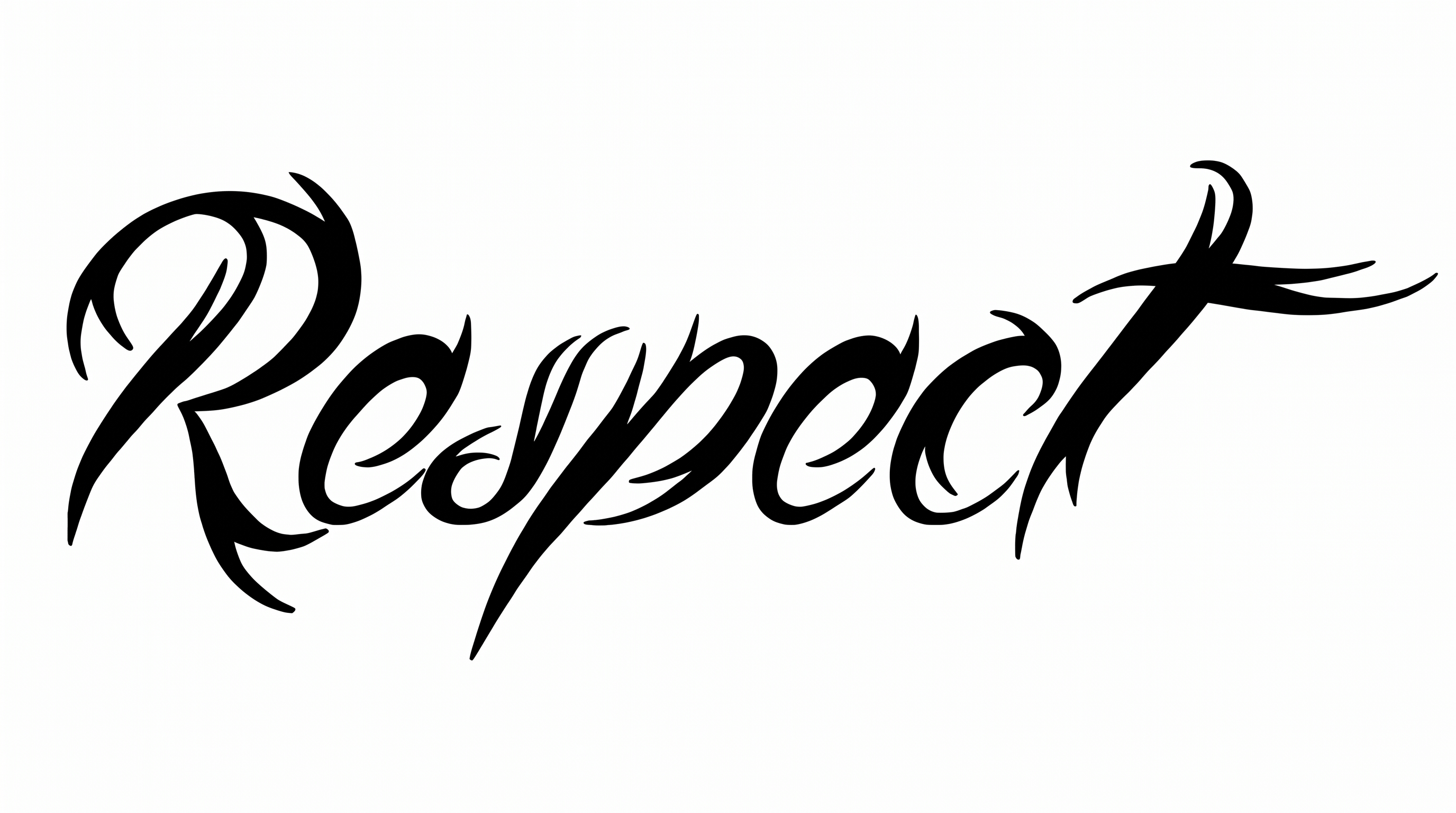
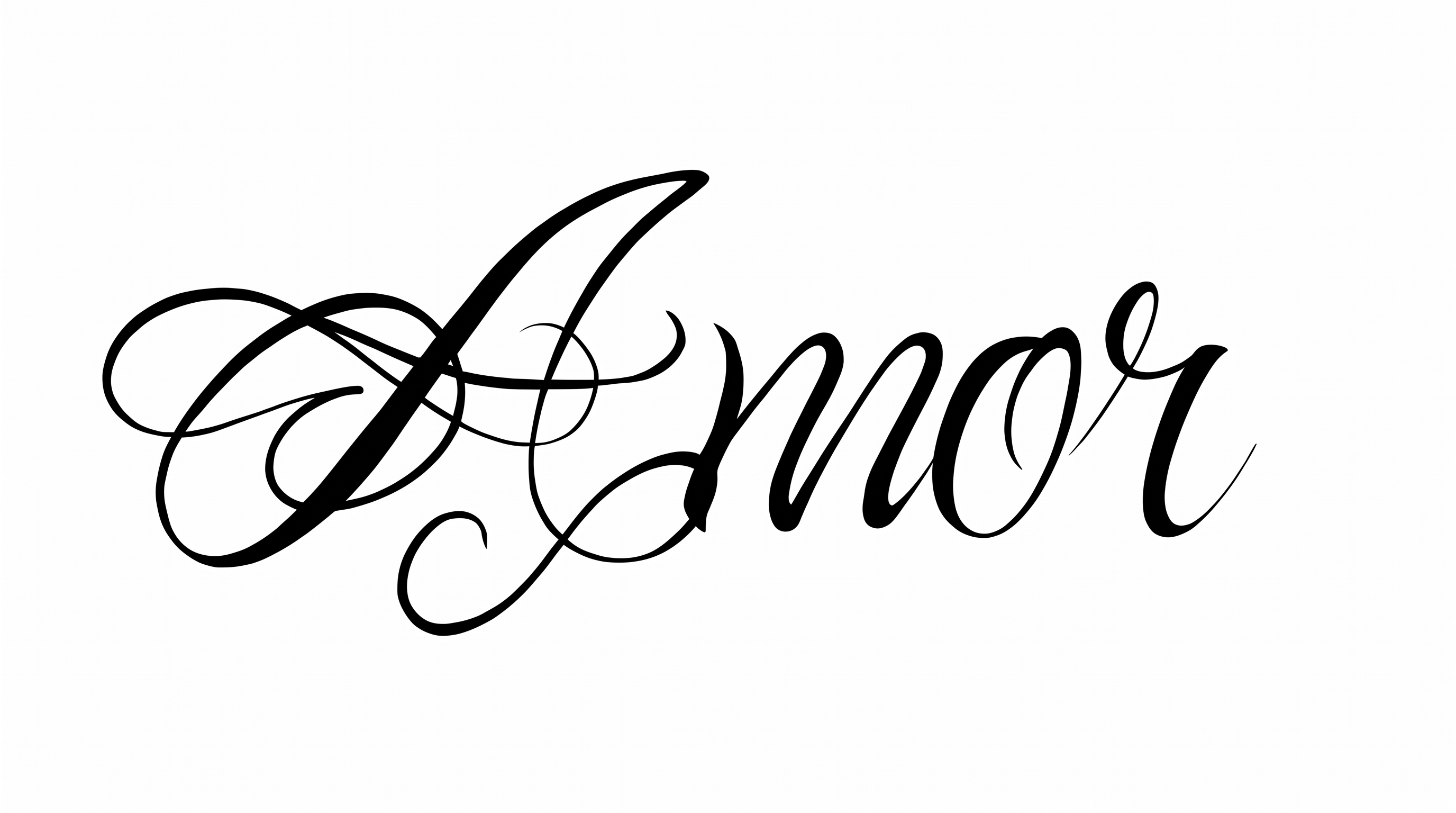
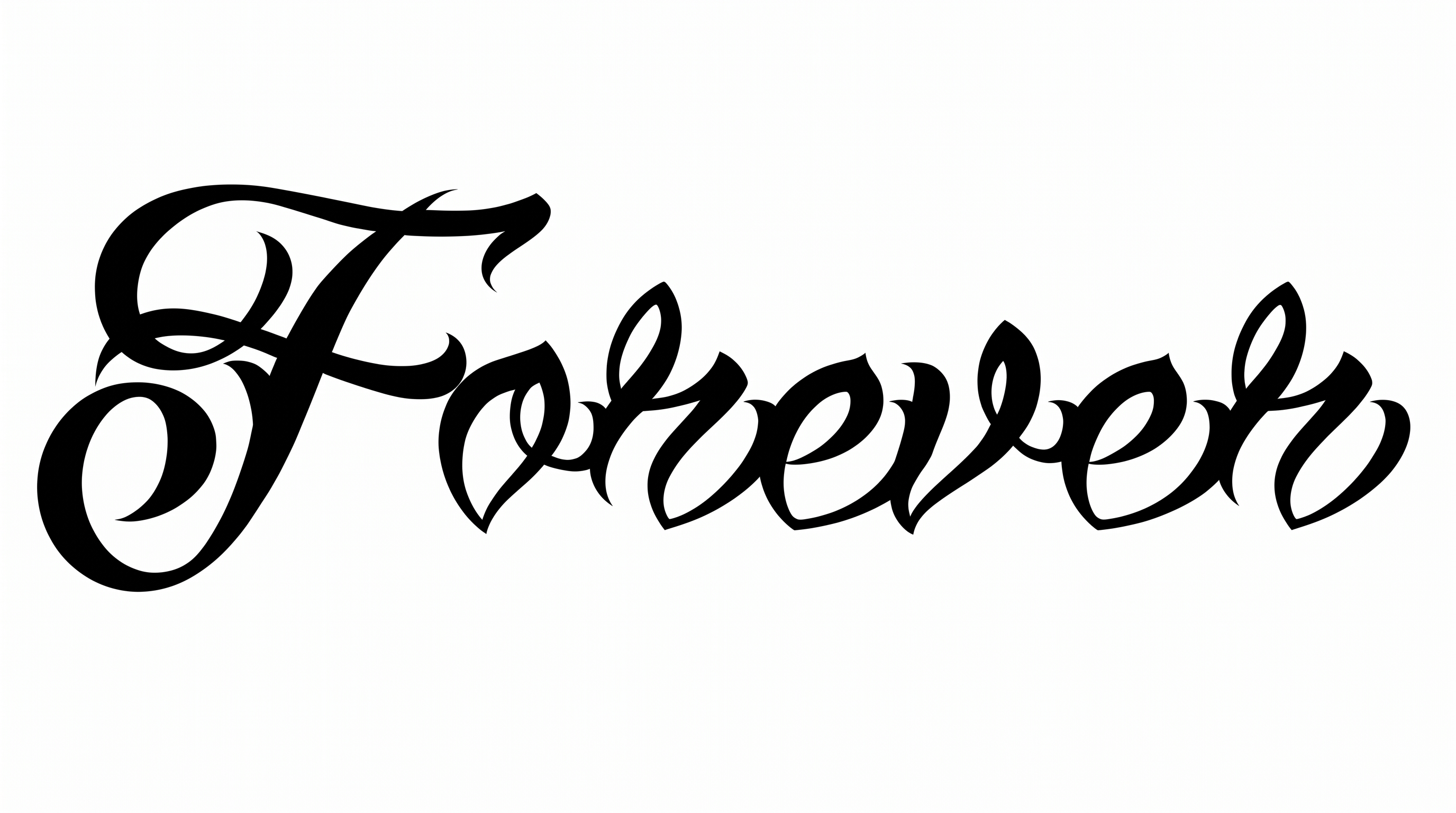
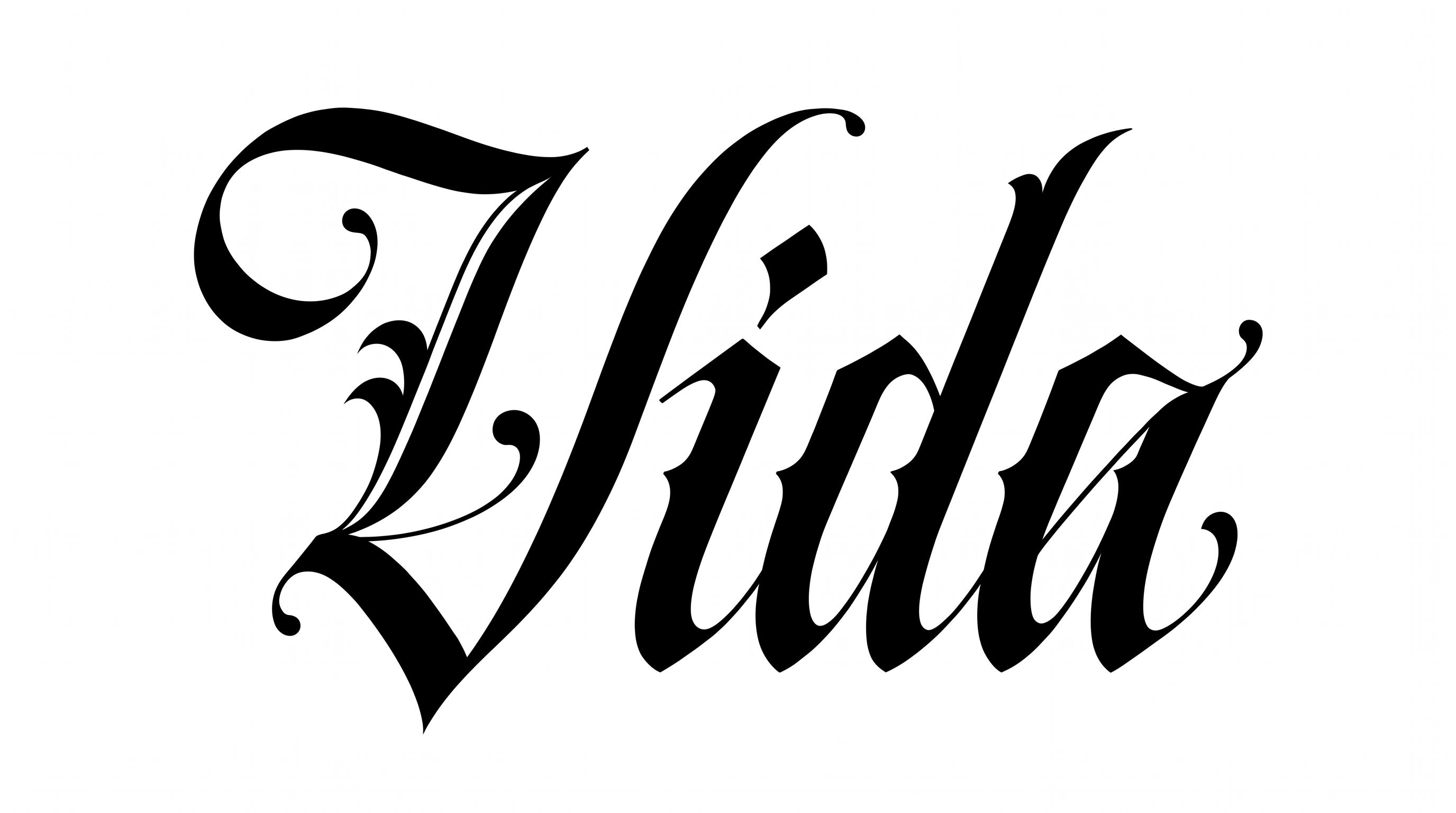
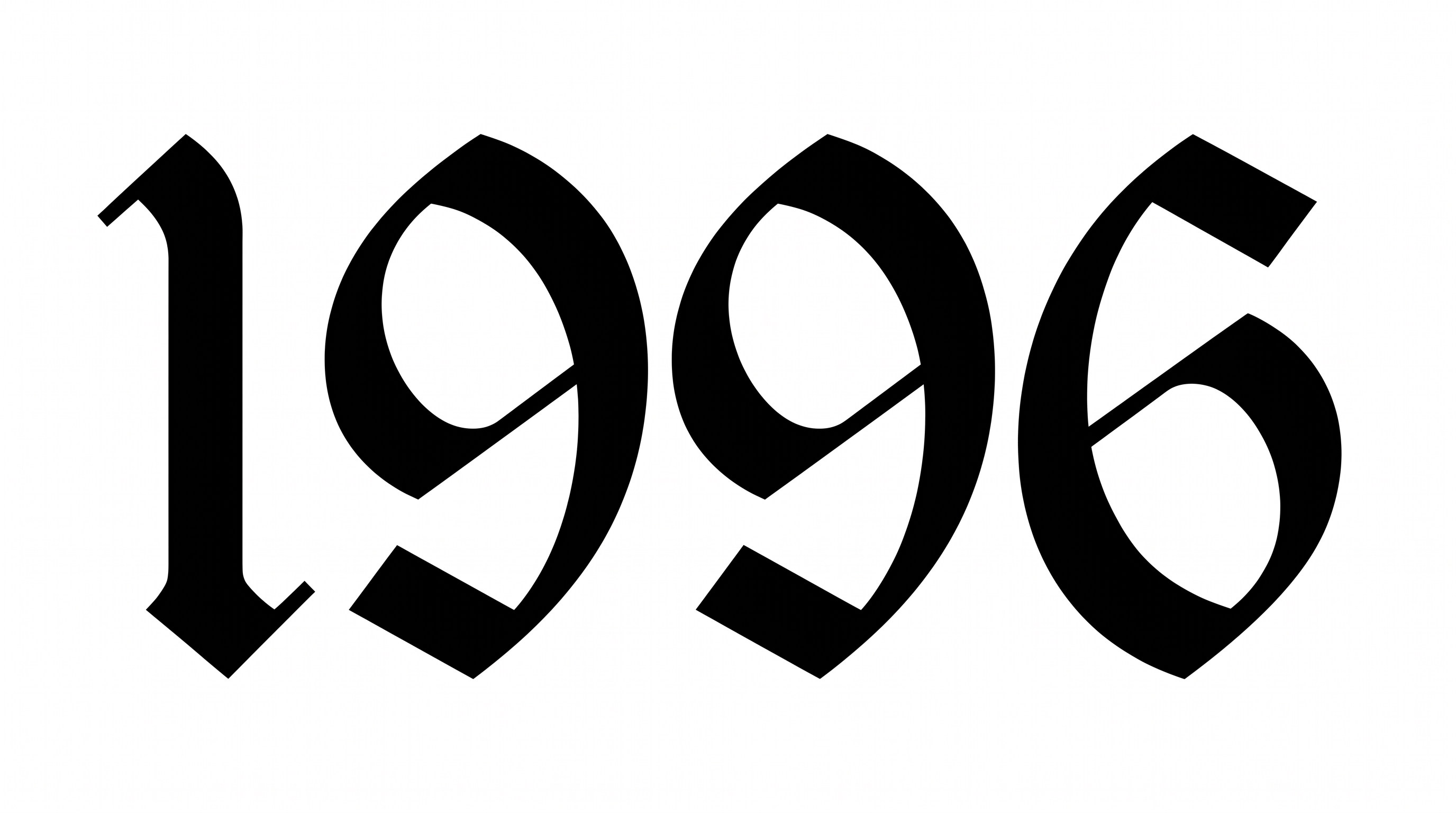
Heavy monochrome forms combine broad curves, strong stroke contrast, and sharply pointed endings.

  • Letter Construction

    Calligraphic curves and angular cuts shape each numeral's blackletter construction.

  • Stroke Contrast

    Broad black strokes narrow sharply through curved joins and interior turns.

  • Corner Shape

    Angular corners punctuate otherwise rounded bowls and sweeping curves.

  • Stroke Endings

    Visible strokes finish in pointed tips and crisp diagonal cuts.

  • Stroke Weight

    Heavy stroke bodies give the numerals a bold, substantial presence.

  • Color Treatment

    Solid black fills create a flat monochrome treatment across the numerals.

Frequently asked questions about Chicano Numbers Font Generator

The minimum membership covers personal use, while a higher membership covers commercial use. Review pricing to choose the membership that matches your project before using the generated artwork in paid campaigns, merchandise, client work, or other commercial settings.

Enter your number or text, choose an available font color, background, and image size, then generate the design. Review the rendered image and download it as PNG or SVG. The result is image artwork rather than an installable font file.

Download the Chicano Numbers Font artwork as a PNG. Upload it in Canva and insert it into a Google Docs document. Import it into a project in the Cricut app, also known as Cricut Design Space. It remains image artwork rather than an installed font or natively editable text.

Transparent backgrounds are supported for layering the lettering over other artwork. This template also lets you select font color, choose a custom background color, upload a background image, and set an image size. Transparency support does not mean every result starts transparent or that backgrounds are removed automatically.

Use the sharp numeral artwork as the main year or date, then leave generous margins around its pointed forms. On an online poster, place supporting details in a simpler type style and test the complete composition at its intended display size.

The bold blackletter construction suits dramatic tattoo-flash, streetwear, and music artwork. Pair the numeral image with restrained supporting text, strong contrast, and plenty of free space. This keeps its broad curves and pointed terminals as the visual focus.
READY TO CREATE?

Create Custom Chicano Numbers Fonts & Text Effects

Try Chicano Numbers Font Generator Free