Get 5 Free Credits

Free Chicano Font Alphabet Generator Online

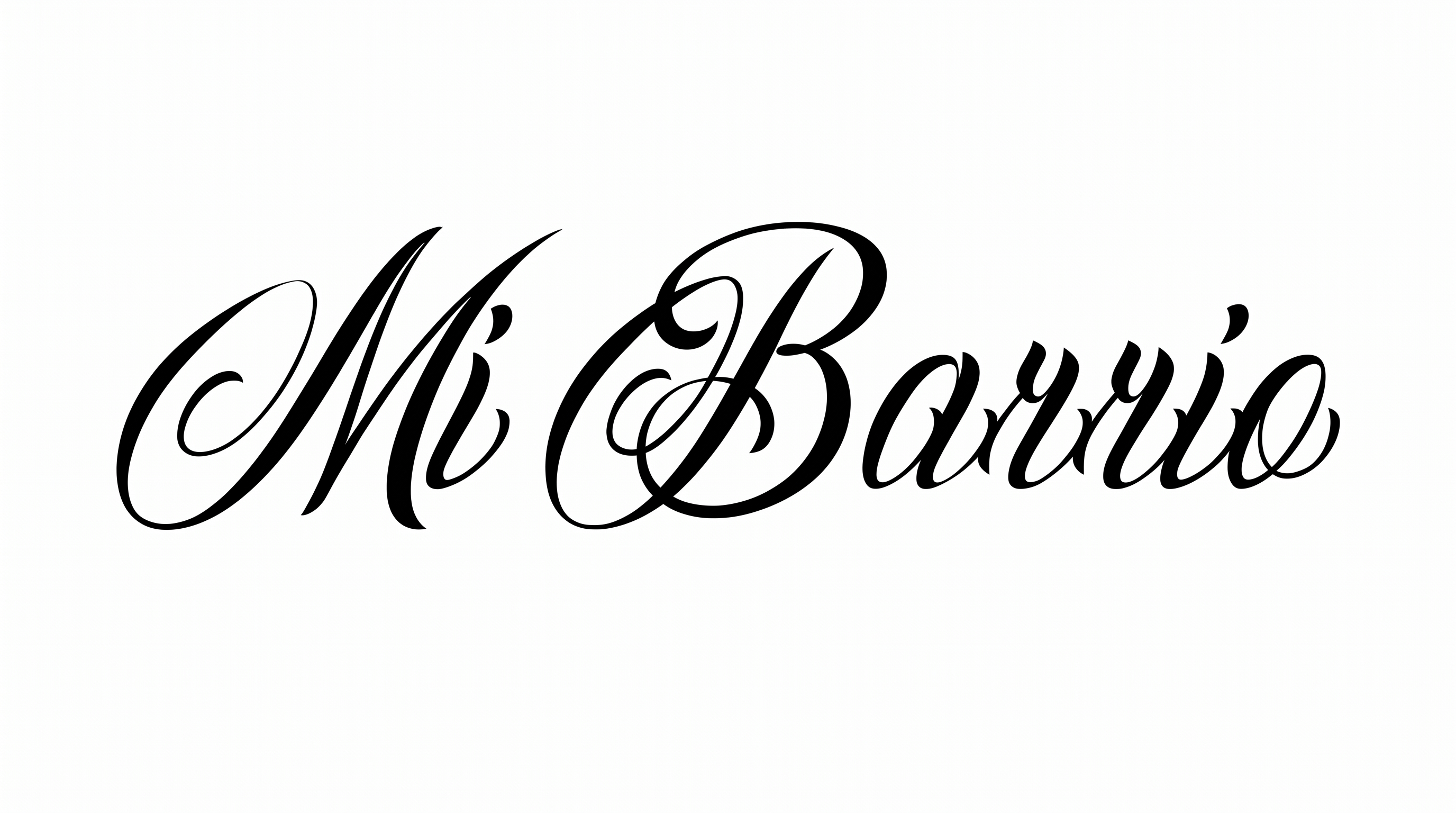
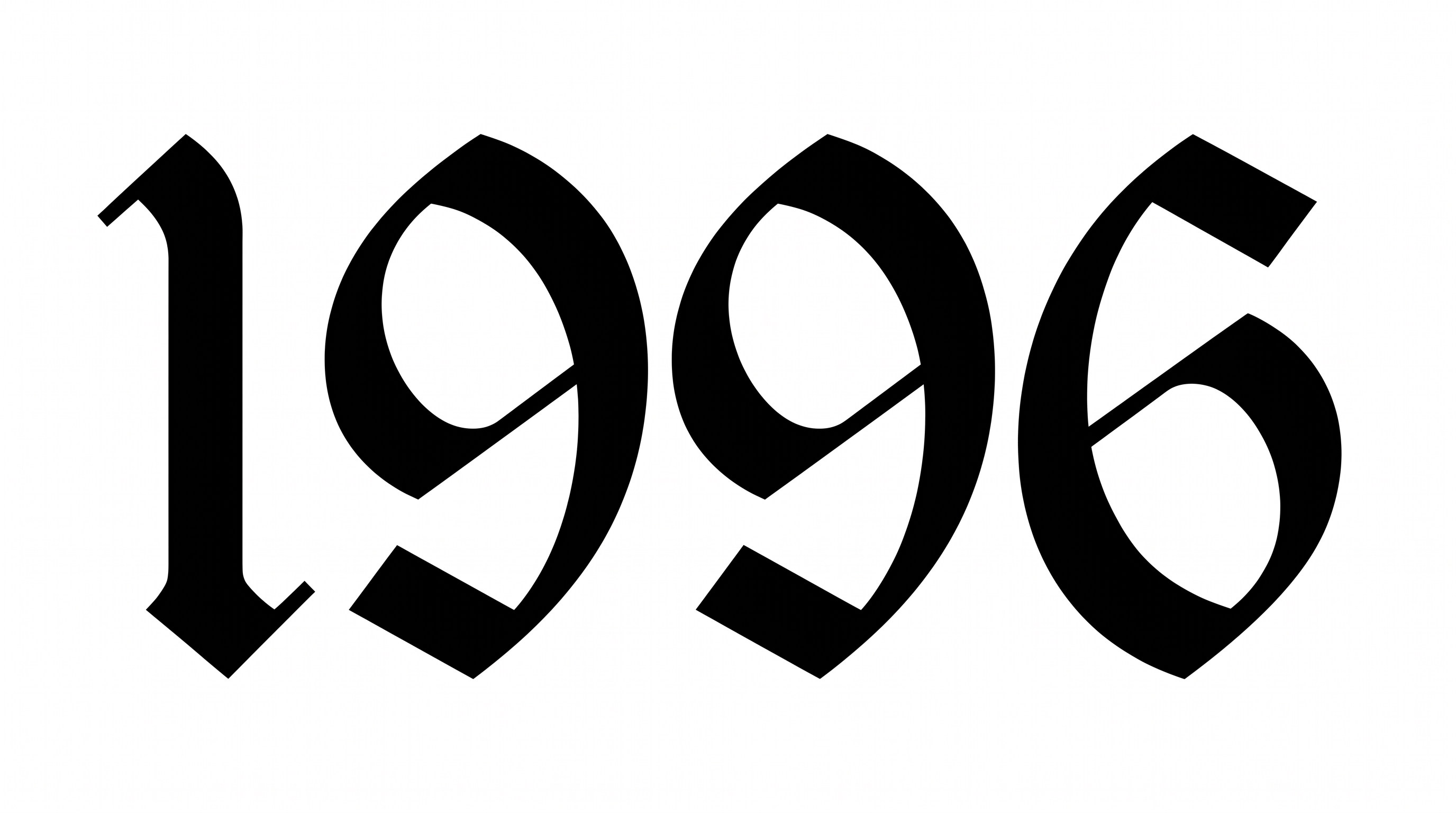
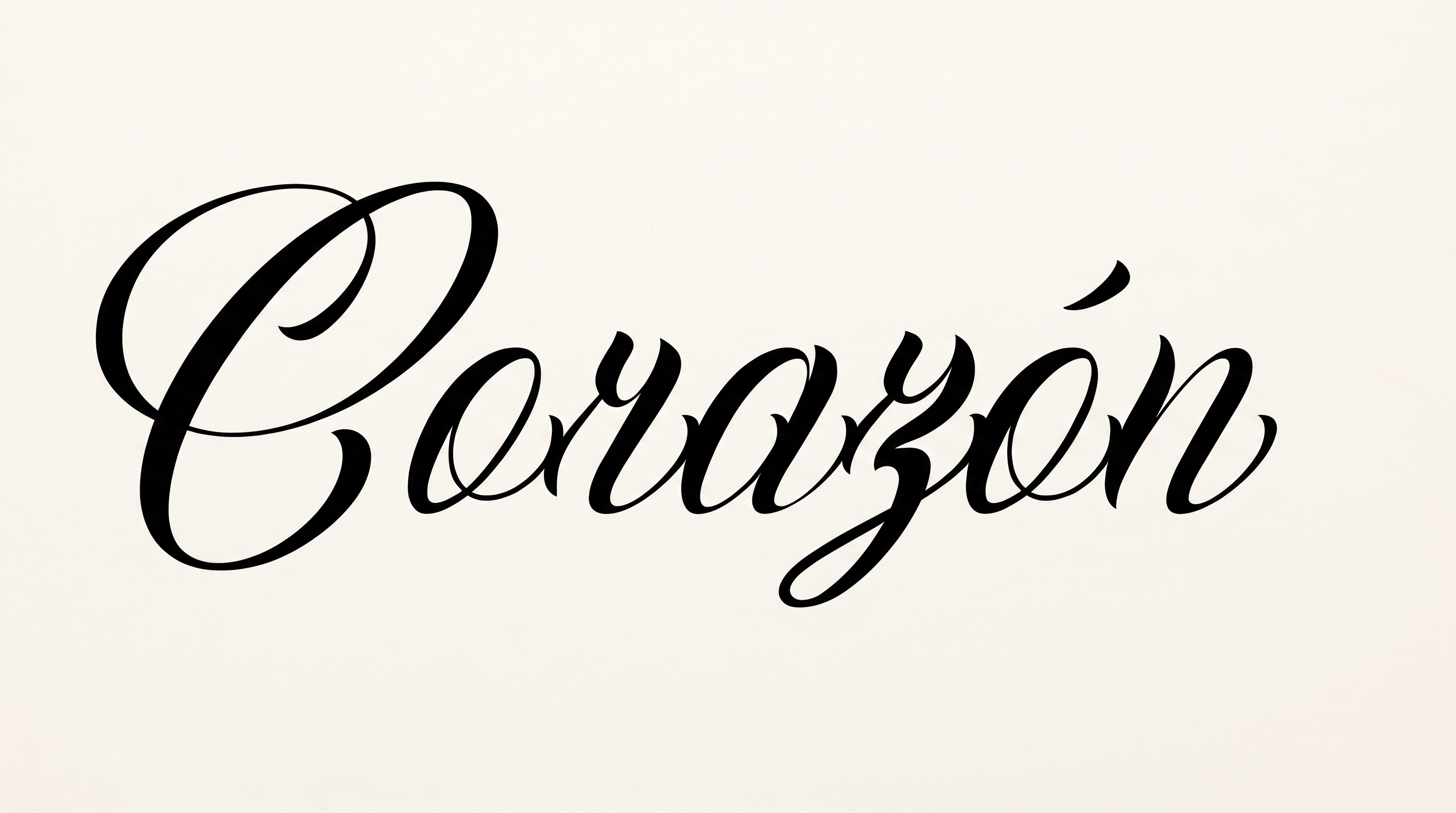
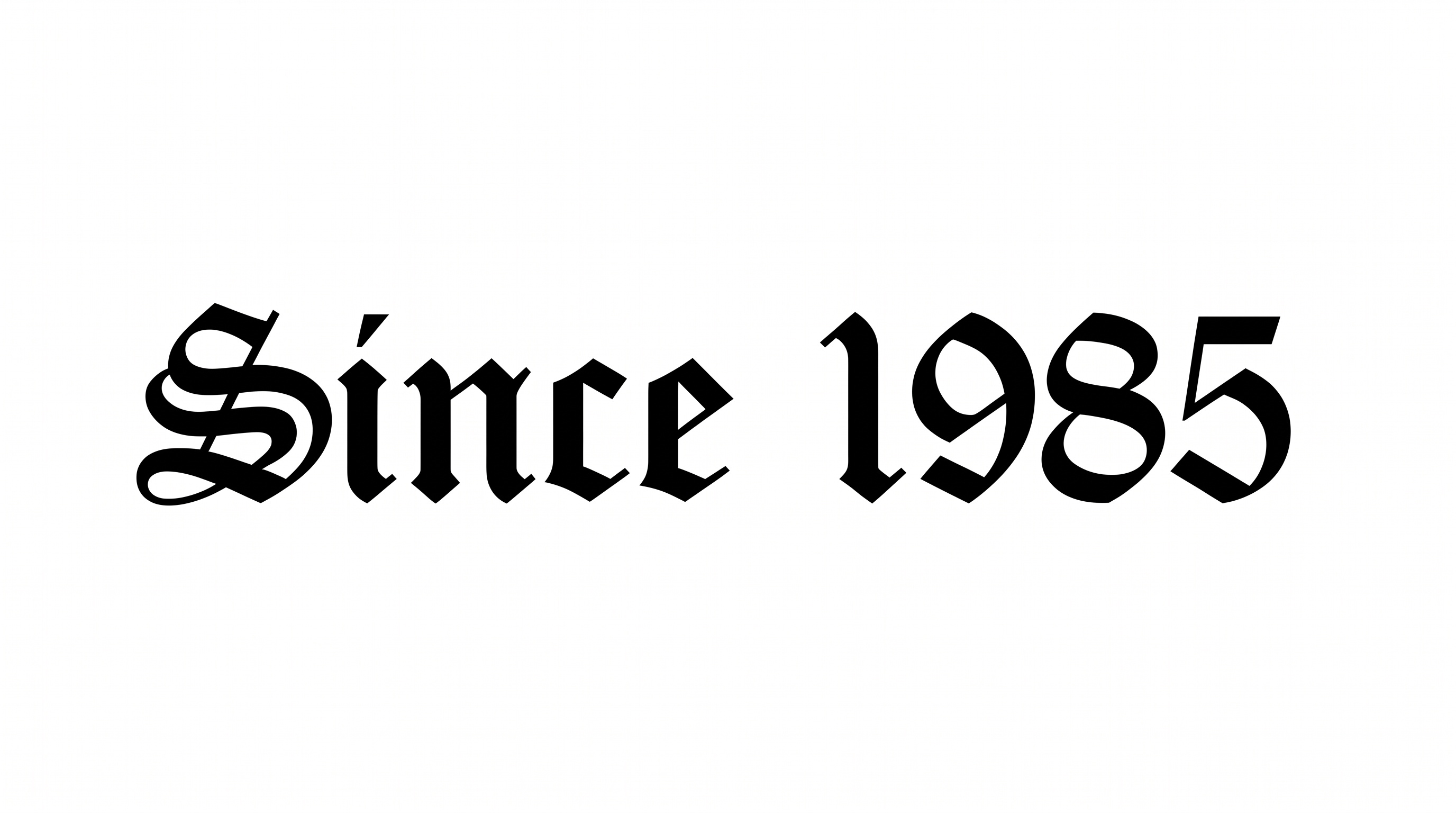
Create ornate, high-contrast uppercase calligraphy with sweeping swashes for tattoo flash, decals, album covers, and bold typographic artwork.

Enter the text to generate, e.g. Fontify.ai

Font color
Background
Templates
426
Generations
197
Downloads
268
Rating
5.0

How to Use the Chicano Font Alphabet Generator

Shape ornate uppercase calligraphy with color and size choices, then save the lettering as image artwork.

  1. 01

    Enter your display text

    Type a name, phrase, or alphabet to render in ornate uppercase calligraphy.

  2. 02

    Choose the image presentation

    Select font color, background treatment, and an image size such as 16:9.

  3. 03

    Generate and download PNG artwork

    Review the rendered swashes for clarity, then download the finished lettering image.

Chicano Font Alphabet Style Profile

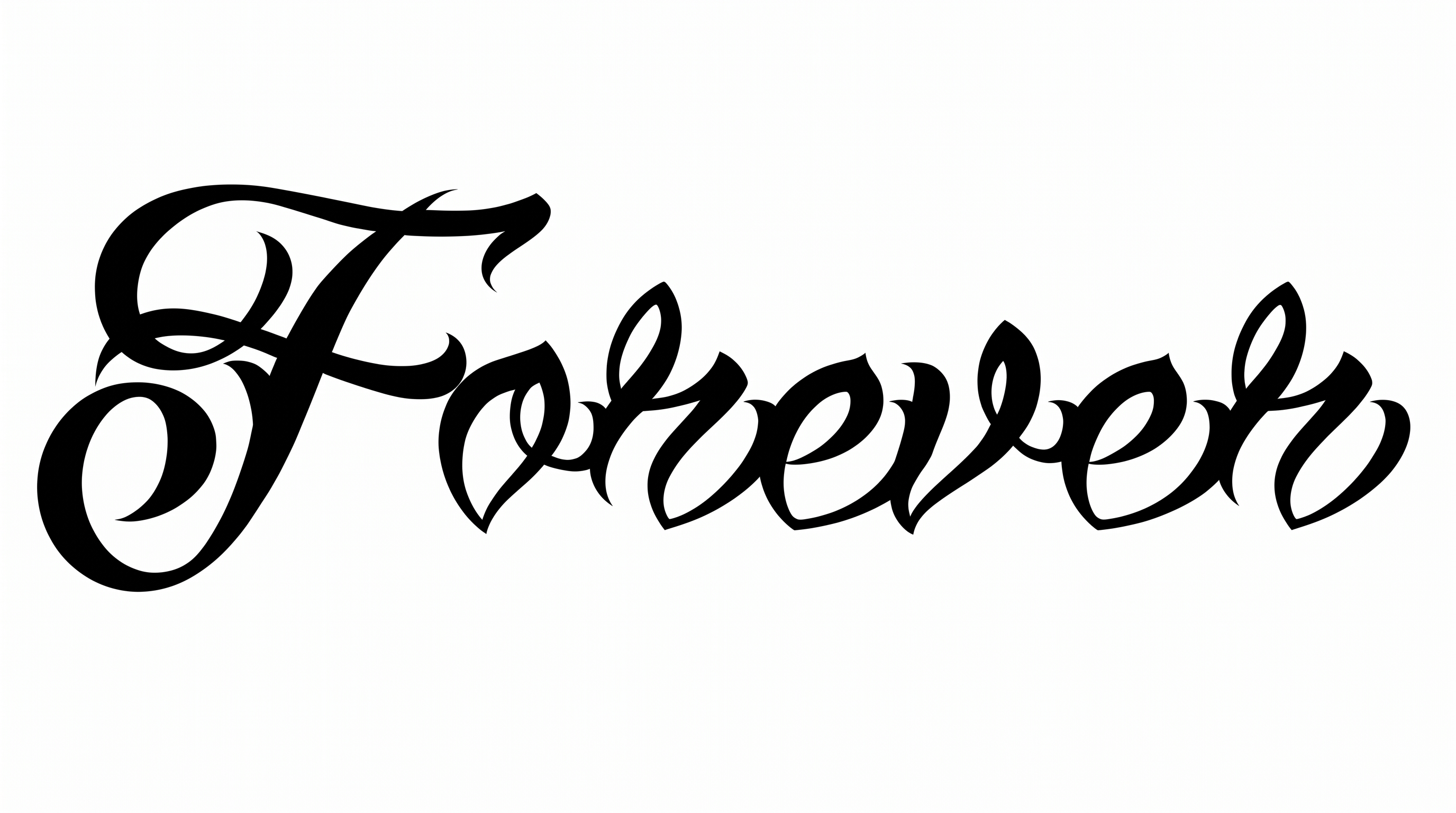
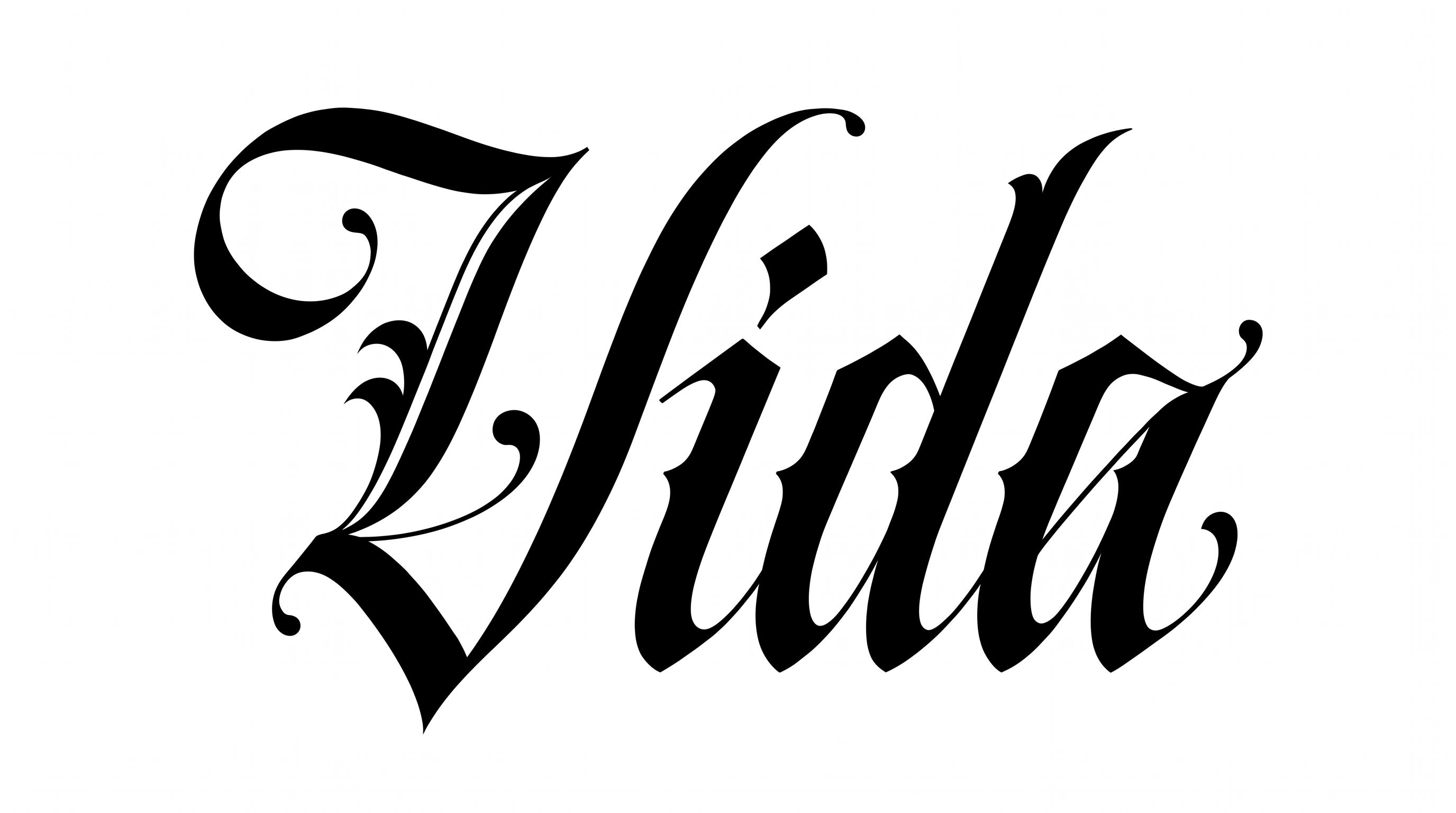
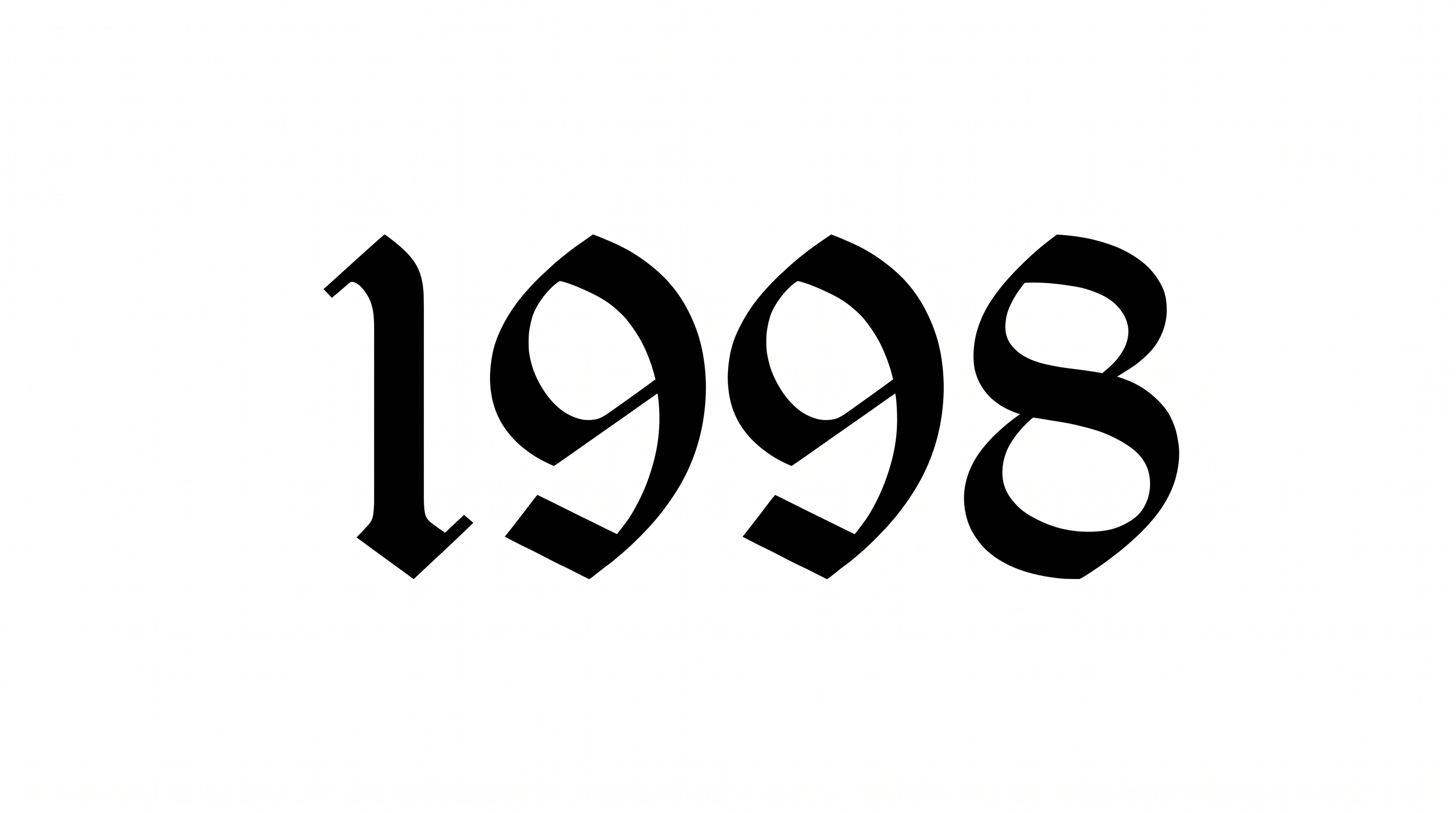
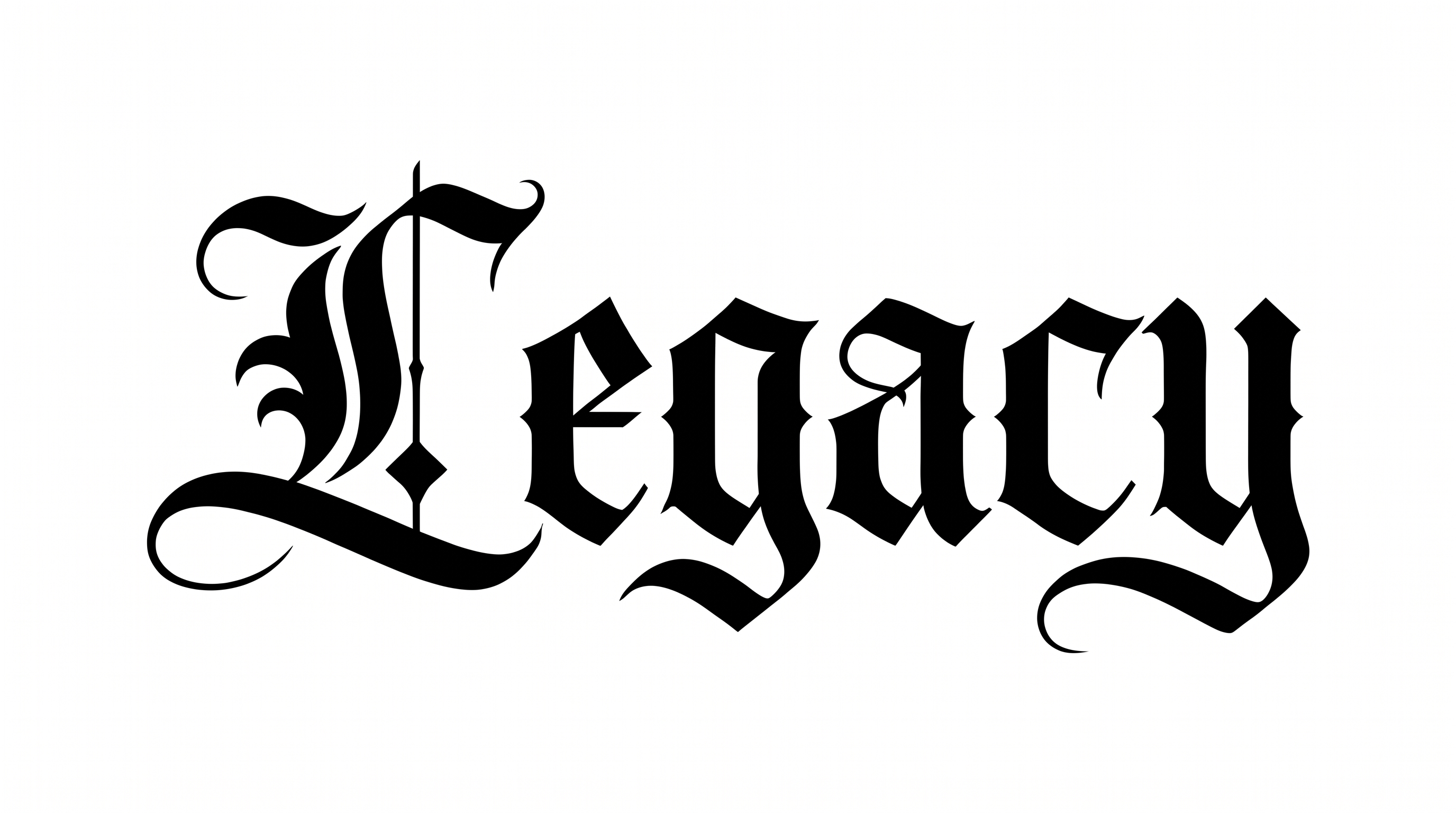
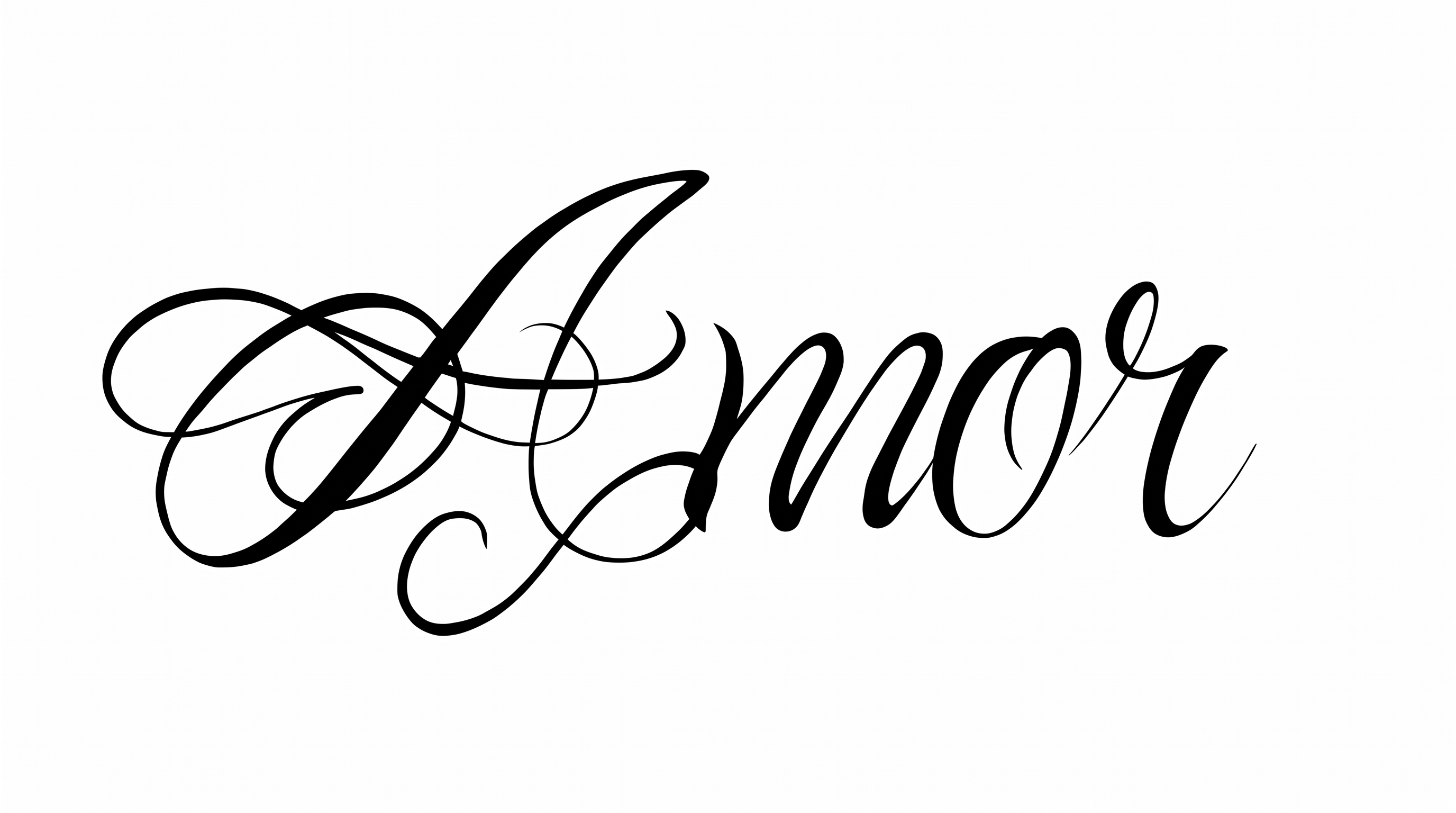
Sweeping flourishes, strong stroke contrast, and a rightward slant define the calligraphic uppercase lettering.

  • Stroke Contrast

    Broad downstrokes contrast sharply with delicate hairline curves across the uppercase forms.

  • Flourishes

    Extended loops and sweeping tails add ornate decoration to many visible capital letters.

  • Slant

    The individual capitals lean noticeably to the right along the baseline.

  • Letter Construction

    Continuous calligraphic strokes build elaborate uppercase forms with interlaced curves.

  • Stroke Endings

    Many strokes taper into fine pointed tips and extended calligraphic tails.

  • Letter Connections

    The uppercase characters remain separate, with clear breaks between neighboring letters.
Frequently asked questions about Chicano Font Alphabet Generator

Transparent-background output is supported, so the lettering can be layered over other artwork. Available controls include font color, custom background color, uploaded background images, and image size. These controls are separate from platform transparency support.

Enter your text, select options such as font color, background, and image size, then generate the design. Review the rendered image and download it as PNG or SVG artwork. The result is an image rather than an installable font file.

Download the lettering as a PNG image. Upload it in Canva or insert it into a Google Docs document. In the Cricut app, also known as Cricut Design Space, import the PNG into a project. The result remains rendered image artwork.

Yes. You can use the generator and download supported PNG or SVG artwork for free. Usage rights follow membership terms: the minimum membership covers personal use, while a higher membership covers commercial use. Check pricing for the applicable membership.

A short phrase works well when ornate capitals need room for their swashes. Use generous margins and a clear focal position so the Chicano Font Alphabet Generator result remains easy to read.

Use a short word or phrase and inspect the artwork near its intended display size. Strong contrast between lettering and background helps fine hairlines remain visible. Extra surrounding space also keeps decorative strokes distinct.

Pair the decorative capitals with a restrained supporting type style for dates, captions, or practical details. Keep the Chicano Font Alphabet as the main focal point and use simpler secondary text for hierarchy.

Sweeping capitals and dramatic thick-to-thin strokes create a formal, expressive mood. The lettering suits prominent headings for stationery, music artwork, automotive graphics, and other display-focused compositions.

The lettering suits focused display areas such as tattoo flash, album artwork, apparel graphics, signs, and framed typography. Give long swashes enough open space to remain visible in the chosen composition.
READY TO CREATE?

Create Custom Chicano Font Alphabets & Text Effects

Try Chicano Font Alphabet Generator Free