Get 5 Free Credits

Free Chicano Calligraphy Font Generator Online

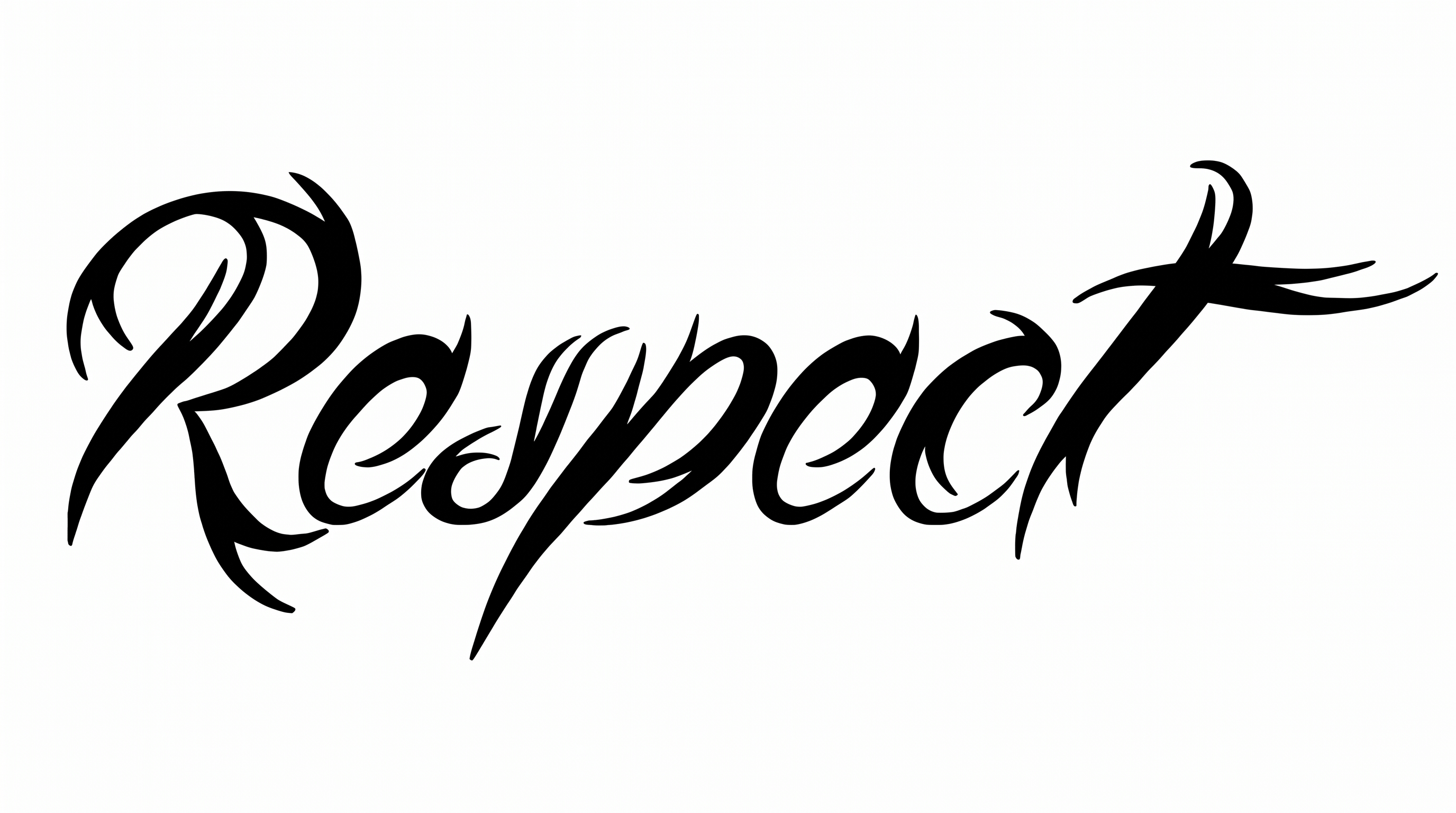
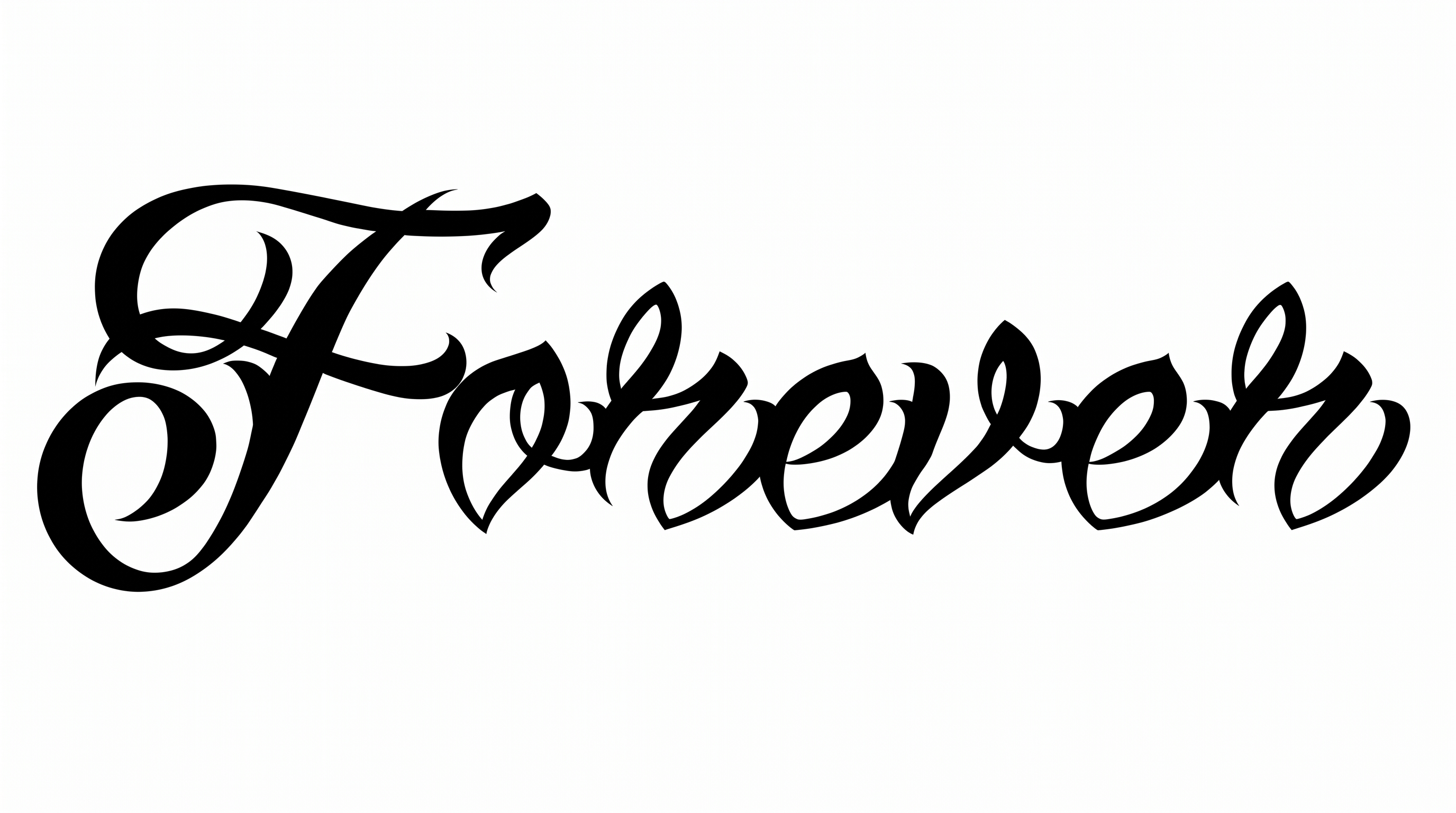
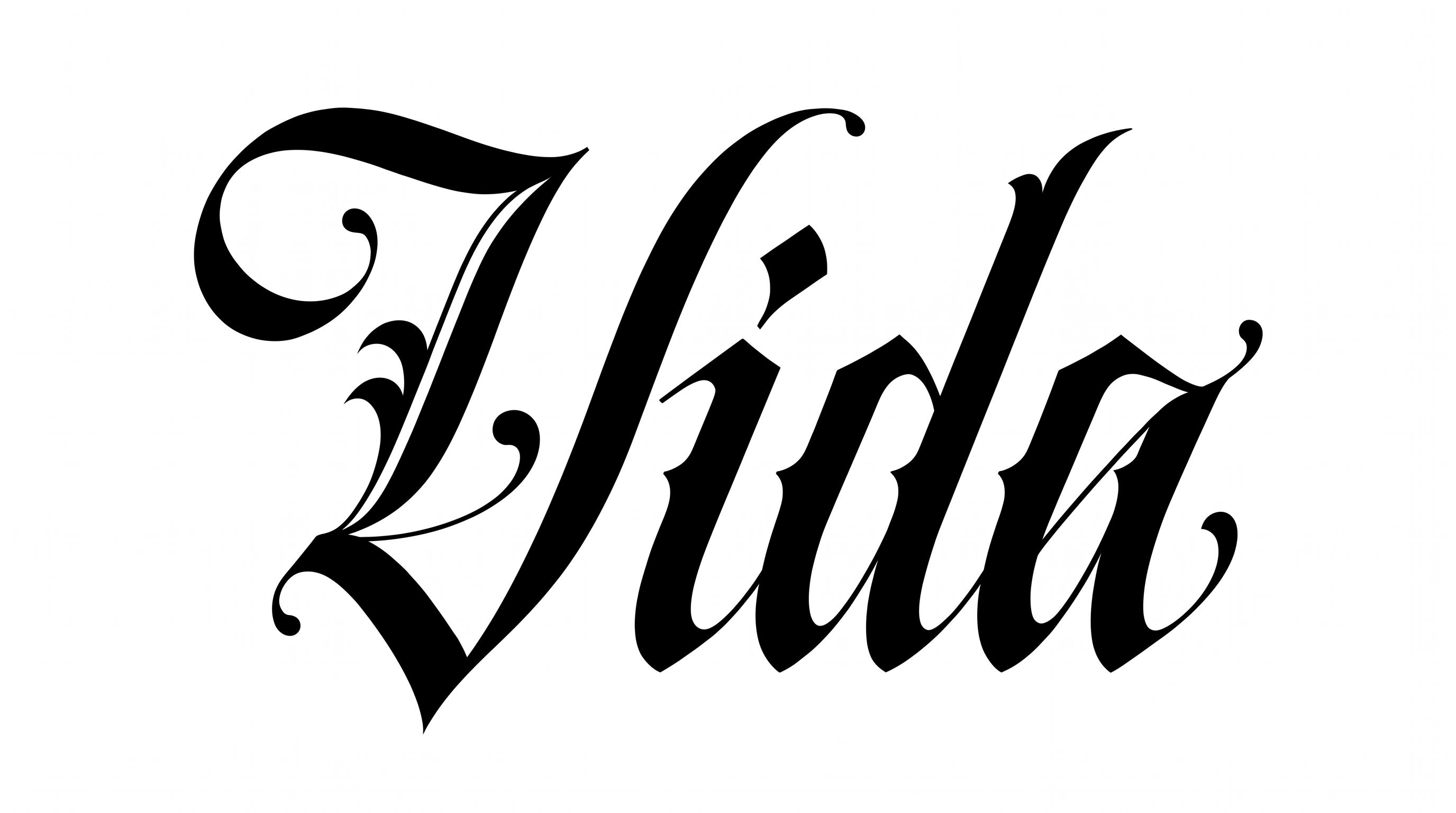
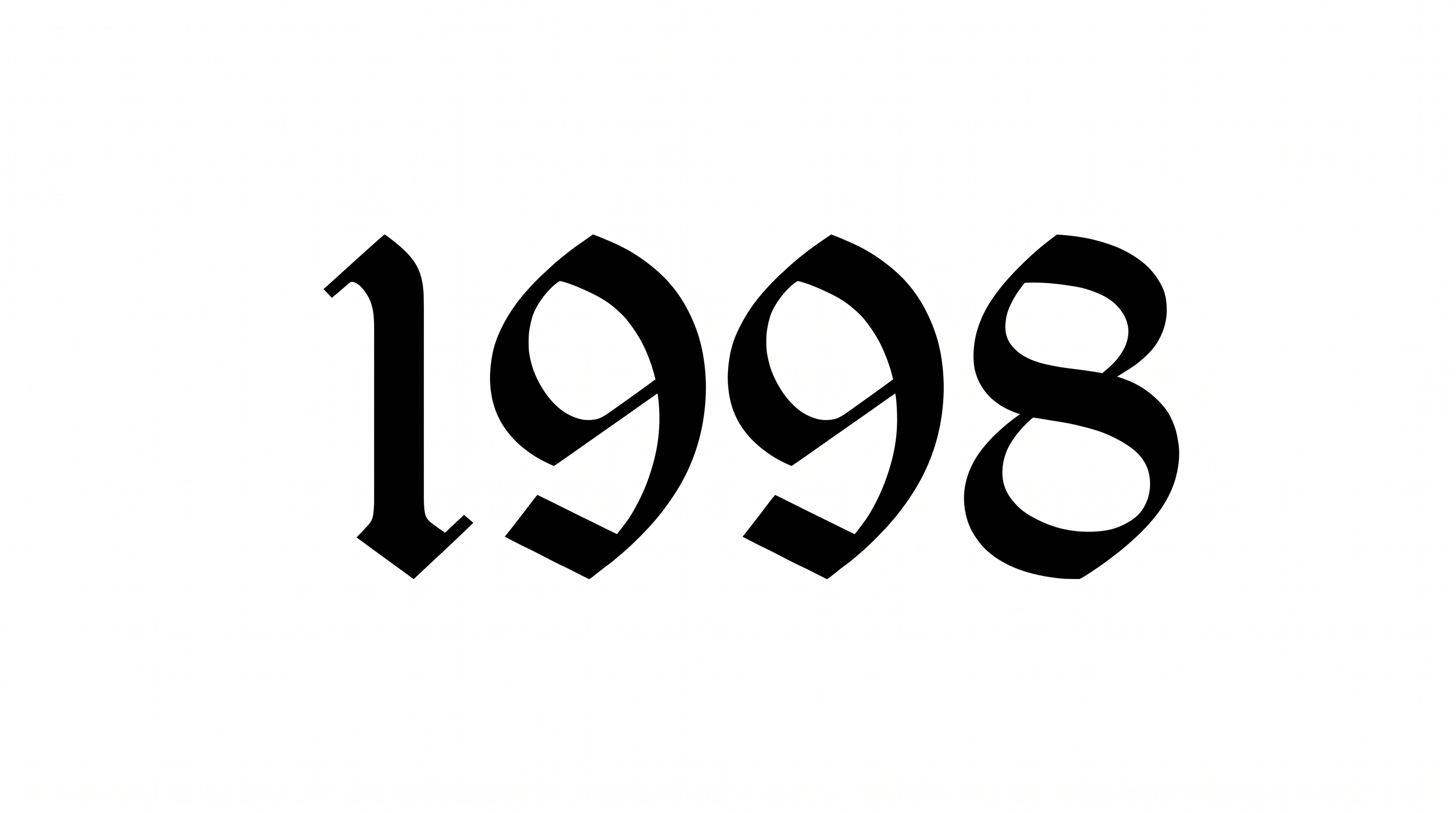
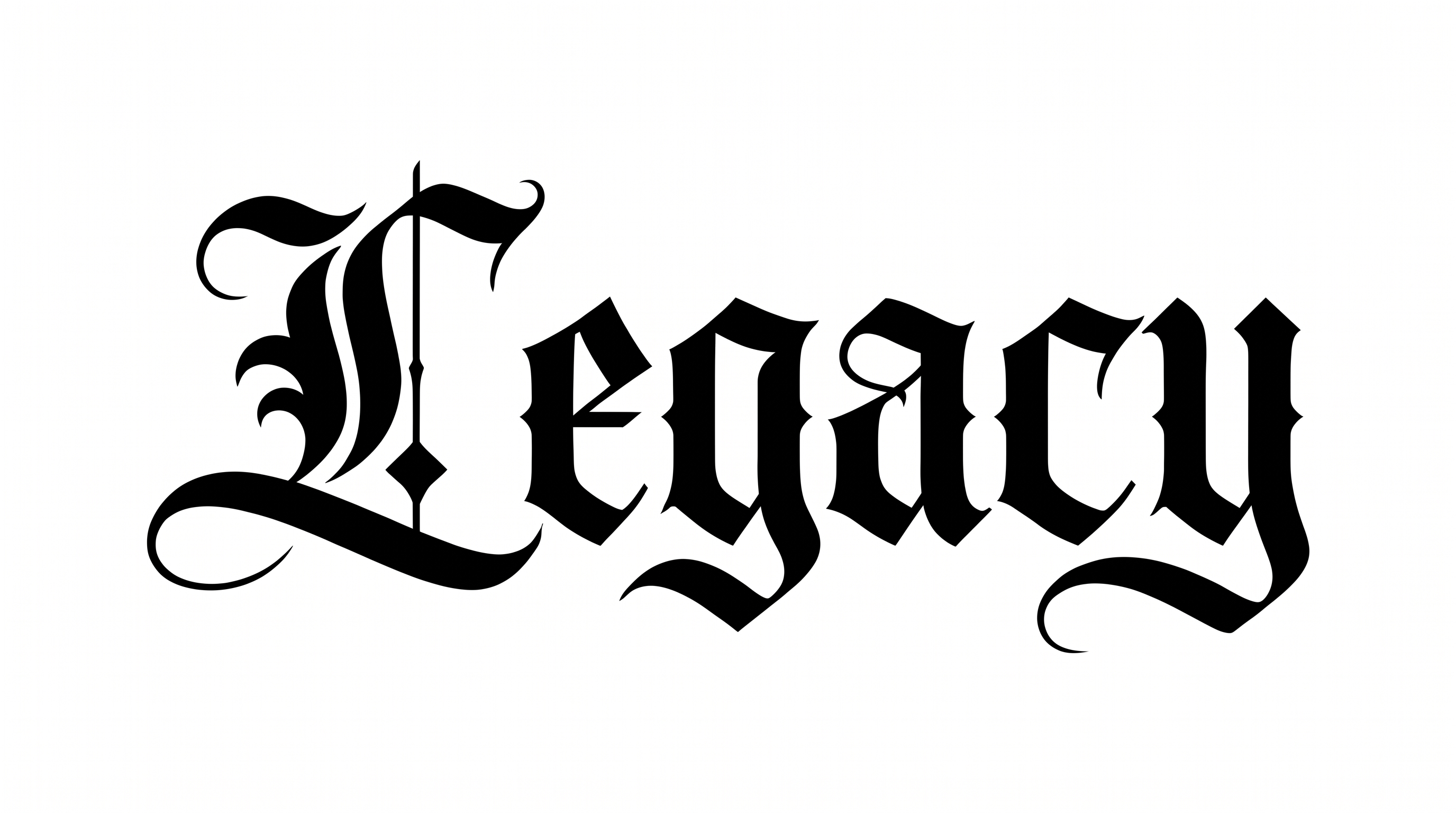
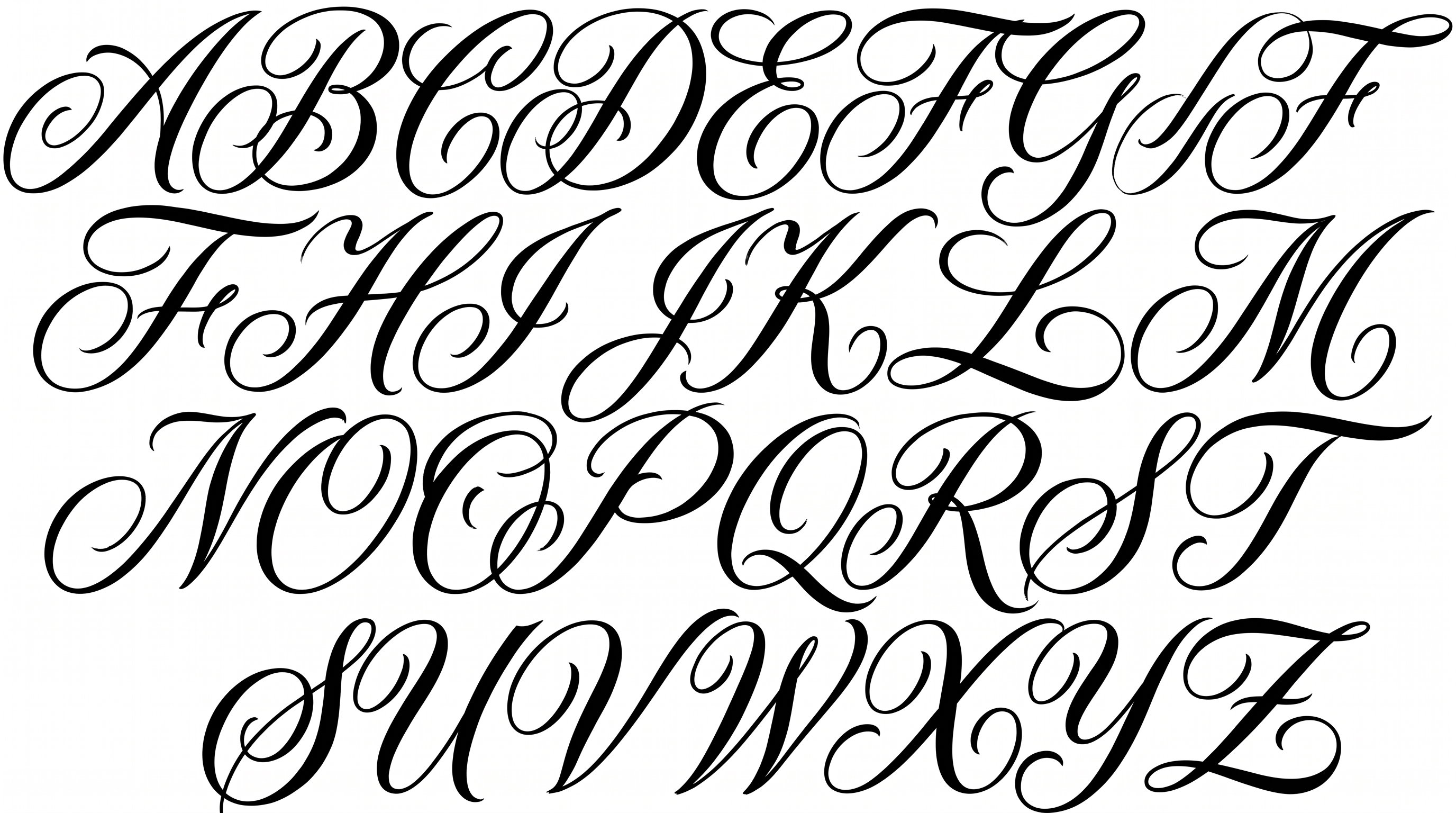
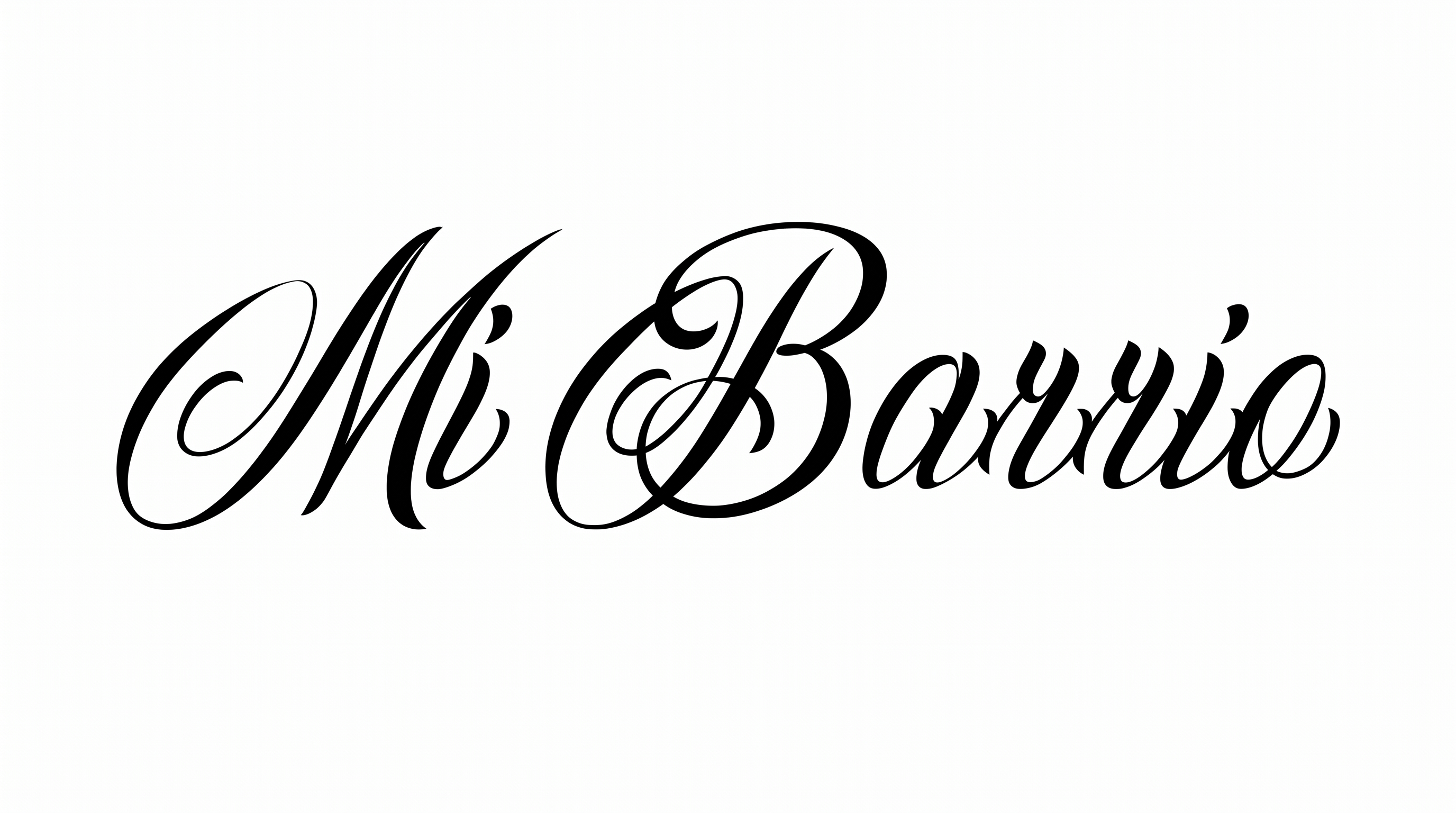
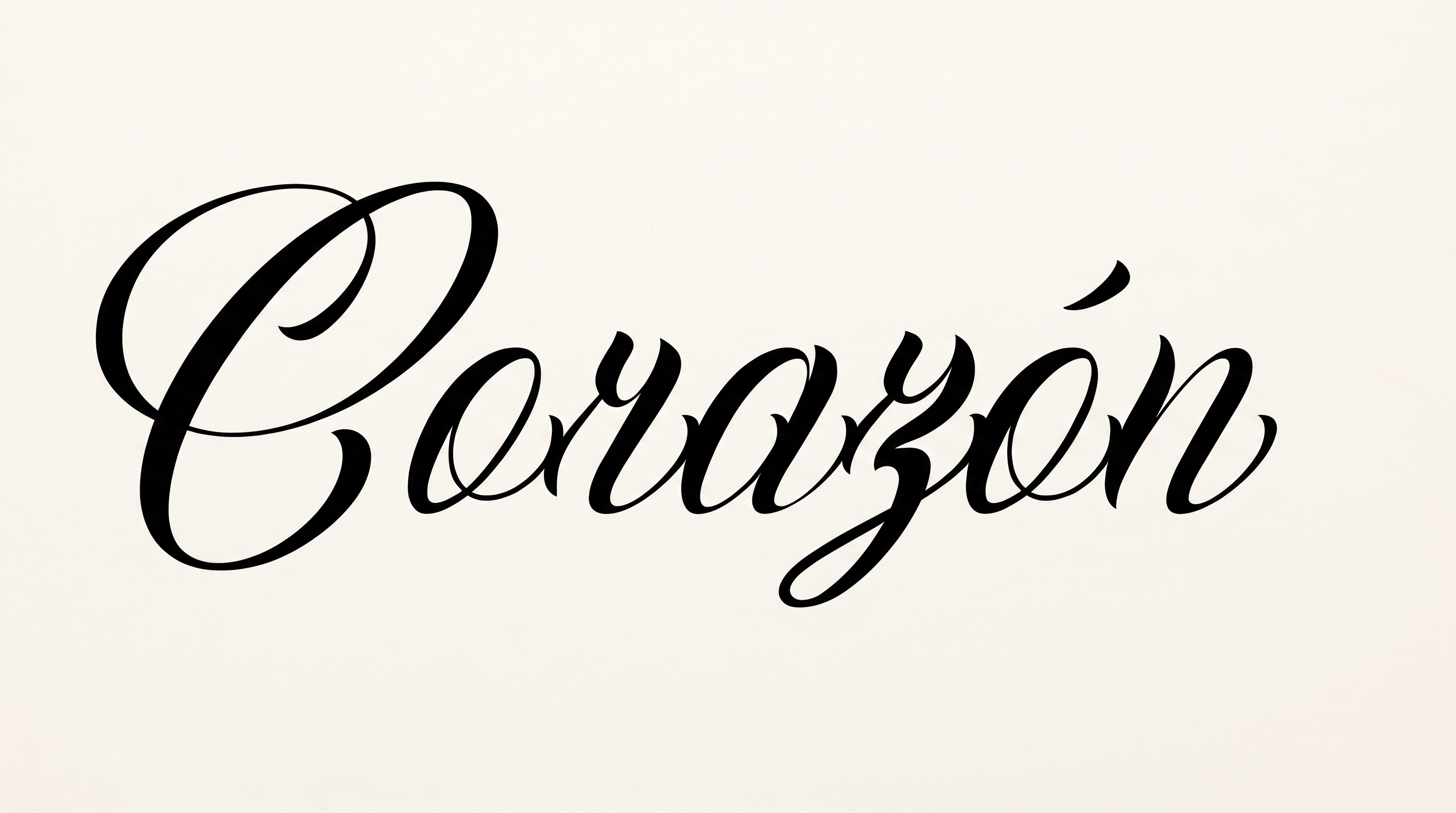
Turn words into ornate, high-contrast script with pointed-pen flourishes, suited to expressive greeting cards and formal cover titles.

Enter the text to generate, e.g. Fontify.ai

Font color
Background
Templates
426
Generations
108
Downloads
293
Rating
5.0

How to Use the Chicano Calligraphy Font Generator

Shape a concise phrase into high-contrast script while preserving its fine strokes and sweeping flourishes.

  1. 01

    Write your calligraphy phrase

    Enter a concise name or phrase to suit the ornate, high-contrast calligraphy.

  2. 02

    Set the color and composition

    Choose font color, a custom or uploaded background, and an aspect ratio such as 3:2.

  3. 03

    Generate and download the artwork

    Generate the lettering, review its fine strokes and flourishes, then download a PNG or SVG.

Chicano Calligraphy Font Style Profile

Sweeping flourishes, dramatic stroke contrast, and a rightward slant define the elegant script.

  • Flourishes

    Long loops and sweeping swashes extend prominently from capitals and terminal strokes.

  • Stroke Contrast

    Broad downstrokes alternate dramatically with hairline curves and connecting strokes.

  • Slant

    Most visible letters lean distinctly toward the right.

  • Letter Connections

    Several lowercase letters join through continuous entry and exit strokes.

  • Stroke Endings

    Fine strokes taper into sharp, delicate tips at visible endpoints.

  • Corner Shape

    Rounded curves meet pointed turns within several ornate letterforms.

Frequently asked questions about Chicano Calligraphy Font Generator

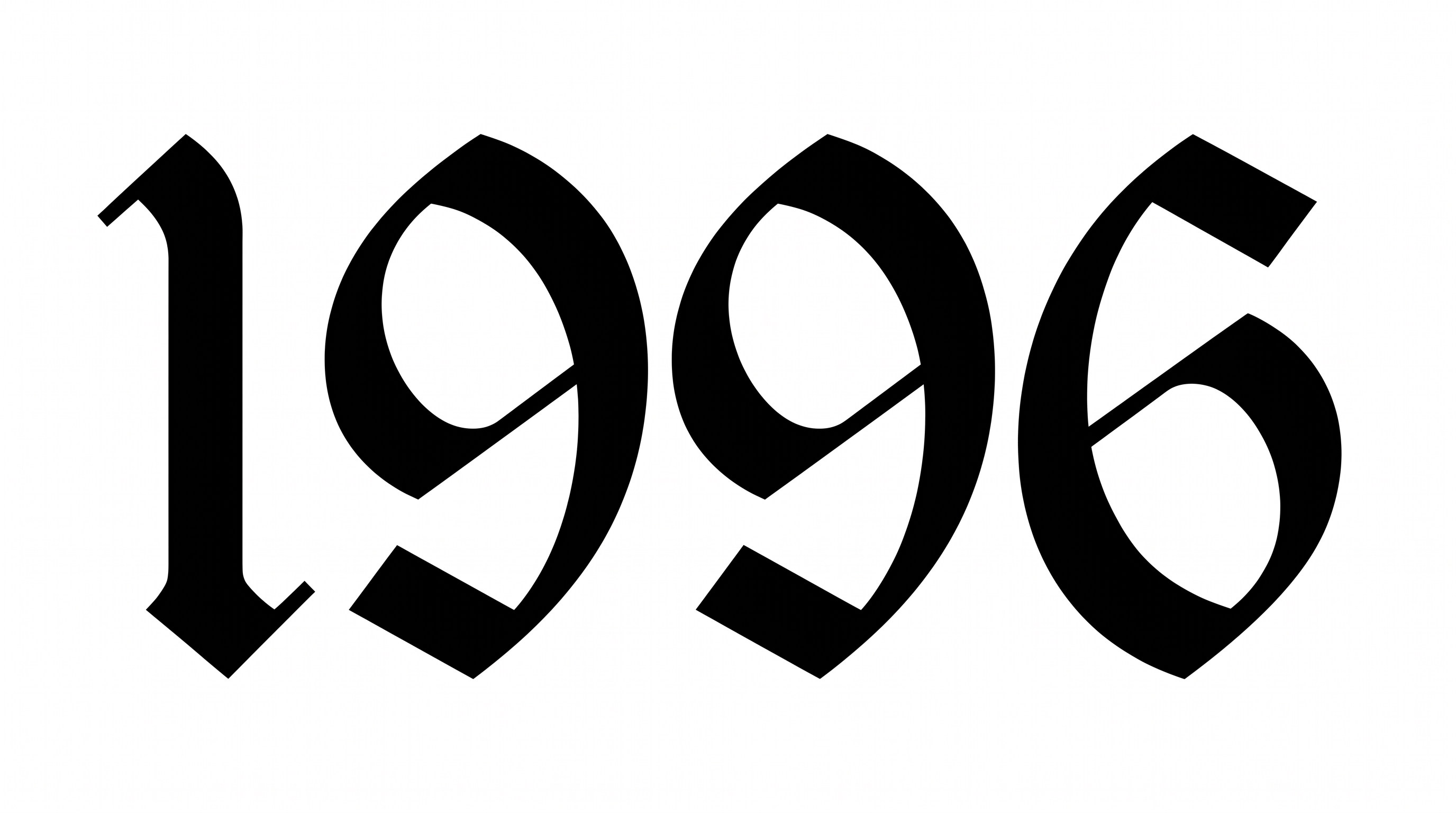
It turns your wording into image artwork with ornate script, pointed-pen contrast, blackletter influence, and sweeping flourishes. The style can give names, headings, and short phrases a formal hand-lettered character.

Yes. Transparent backgrounds are supported for layering the lettering over other artwork. This template also lets you select a font color, use a custom background color or uploaded image, and choose from several image sizes.

Enter your text, select an image size, and adjust the available font color and background options. Generate the design and review the rendered preview. You can then download the artwork as a PNG or SVG image.

Browse the related tools and compare examples by stroke contrast, slant, flourishes, and overall composition. This helps you choose a visual direction that fits your message while keeping the comparison focused on observable lettering traits.

The free Chicano Calligraphy Font Generator works well for testing concise headings. Keep the wording short, give the long swashes generous clear space, and review the downloaded image at its intended size. This helps fine strokes remain visible.

The ornate style suits greeting cards, invitations, book or album covers, packaging, labels, and prominent wordmarks. Use it where a short message can serve as the visual focus and the flourishes have enough surrounding space.

Center a short phrase within a generous clear area and choose an aspect ratio that matches the destination. For square layouts, reduce the phrase length. In vertical designs, reserve a broad title zone so extended swashes remain balanced.

Pair the decorative lettering with a restrained supporting type style for dates, descriptions, or product details. Let the calligraphy carry the main title while simpler secondary text creates hierarchy and protects readability across the composition.

The dramatic contrast, rightward movement, and sweeping extensions create a formal, expressive mood. Monochrome treatment can emphasize the inked character, while spacious placement gives the lettering a ceremonial presence suited to titles and personal messages.
READY TO CREATE?

Create Custom Chicano Calligraphy Fonts & Text Effects

Try Chicano Calligraphy Font Generator Free