Get 5 Free Credits

Free Chicano Blackletter Font Generator Online

Shape your words into ornate, high-contrast Gothic calligraphy suited to bold wordmarks, cover art, and display titles.

Enter the text to generate, e.g. Fontify.ai

Font color
Background
Templates
426
Generations
157
Downloads
231
Rating
5.0

How to Use the Chicano Blackletter Font Generator

Turn short phrases into ornate blackletter artwork sized for clear use across print and digital layouts.

  1. 01

    Enter your wording

    Type a short name, wordmark, or title for the ornate blackletter treatment.

  2. 02

    Set the image composition

    Choose a 1:1 or 16:9 image size, then select a font color and background.

  3. 03

    Generate and download PNG or SVG

    Generate the image, review the rendered lettering, and download it as PNG or SVG.

Chicano Blackletter Font Style Profile

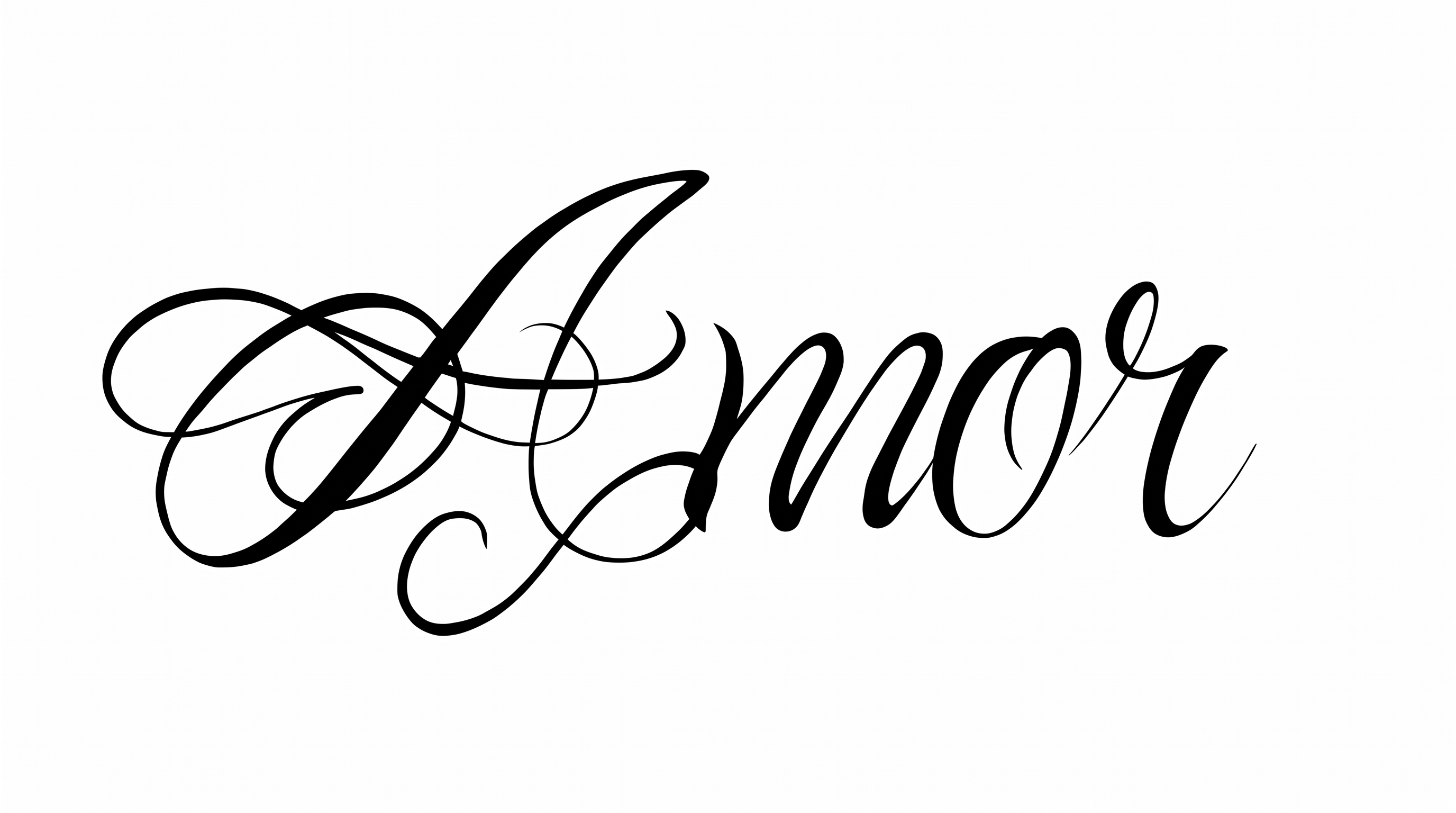
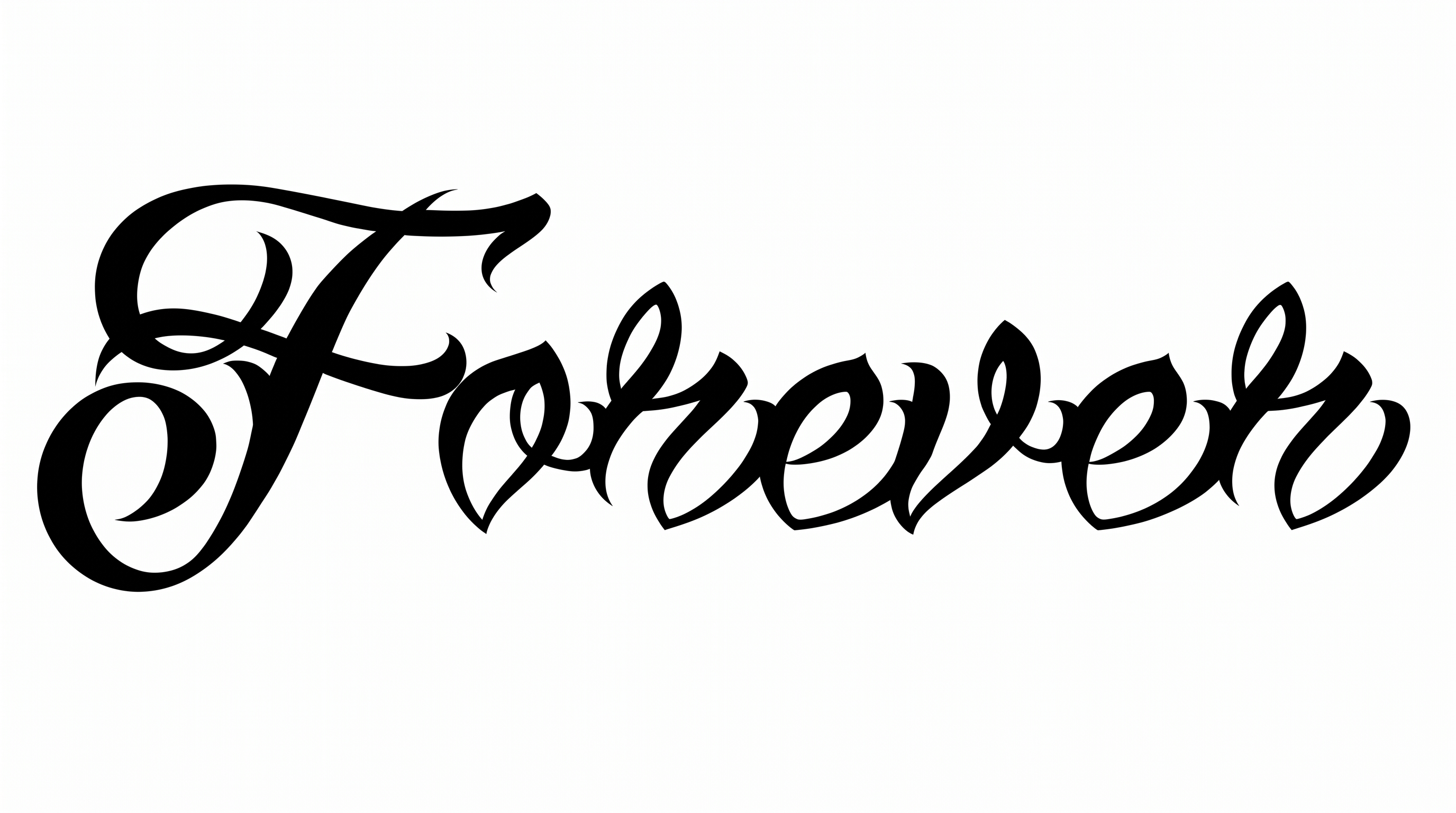
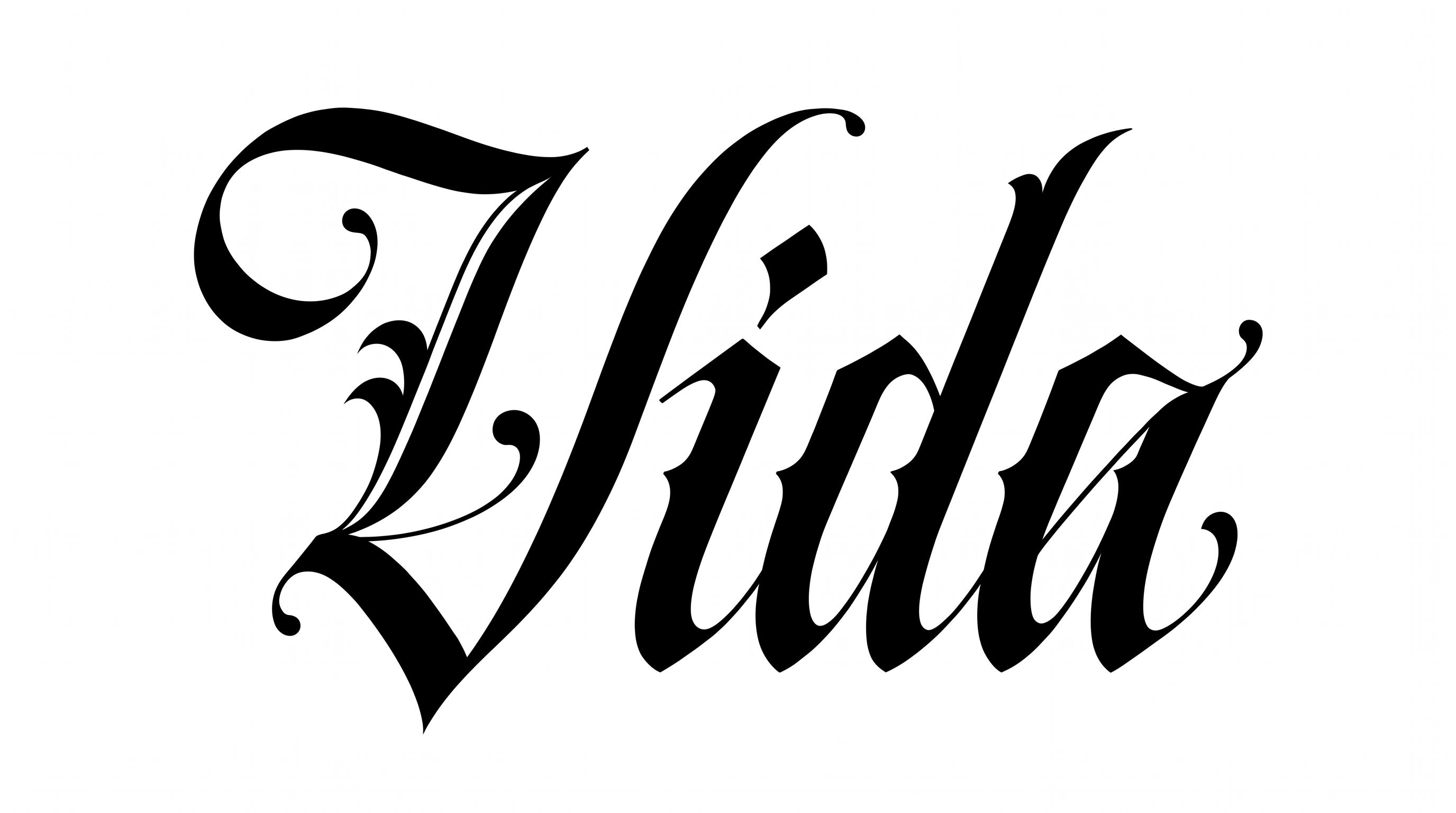
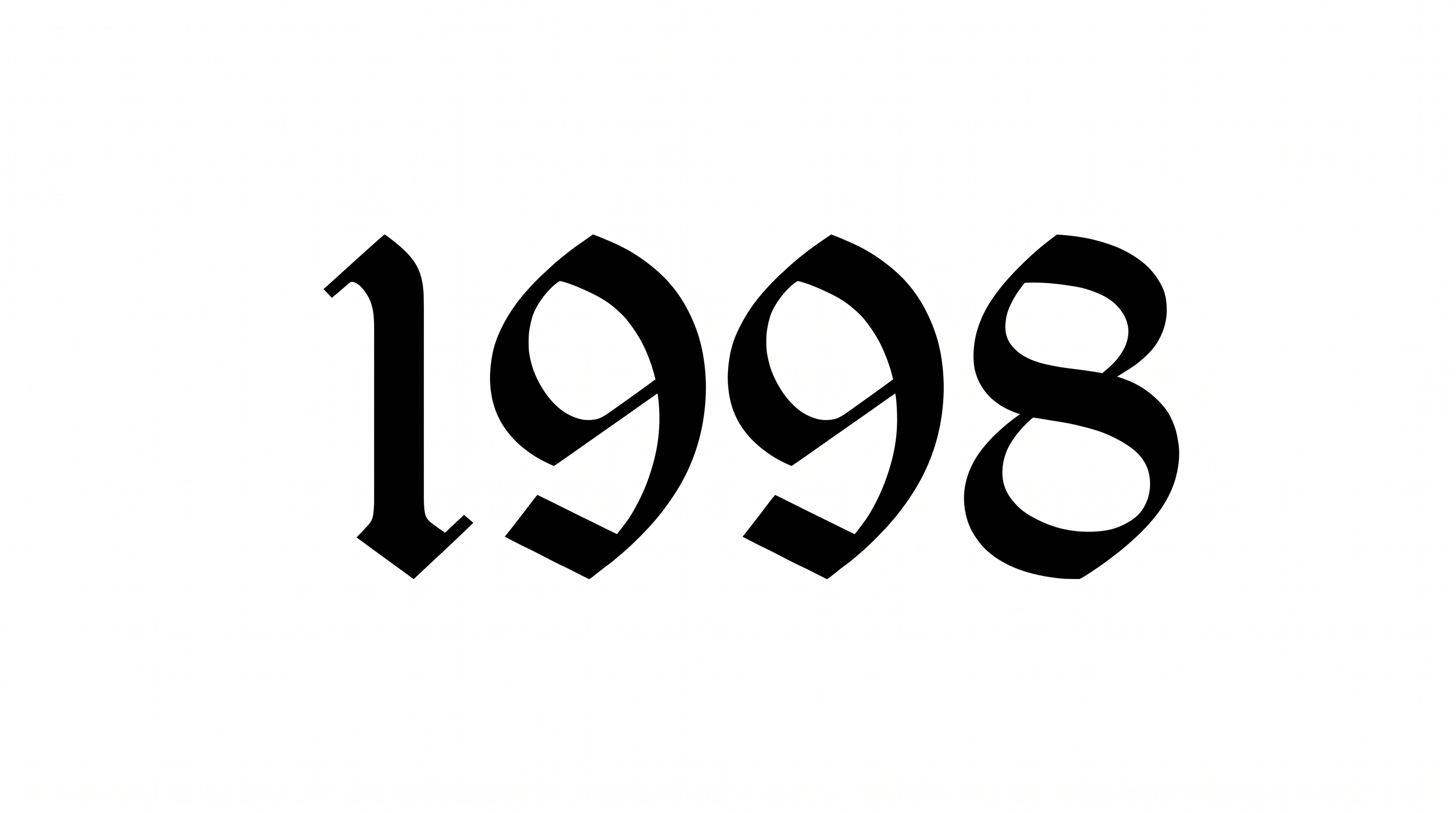
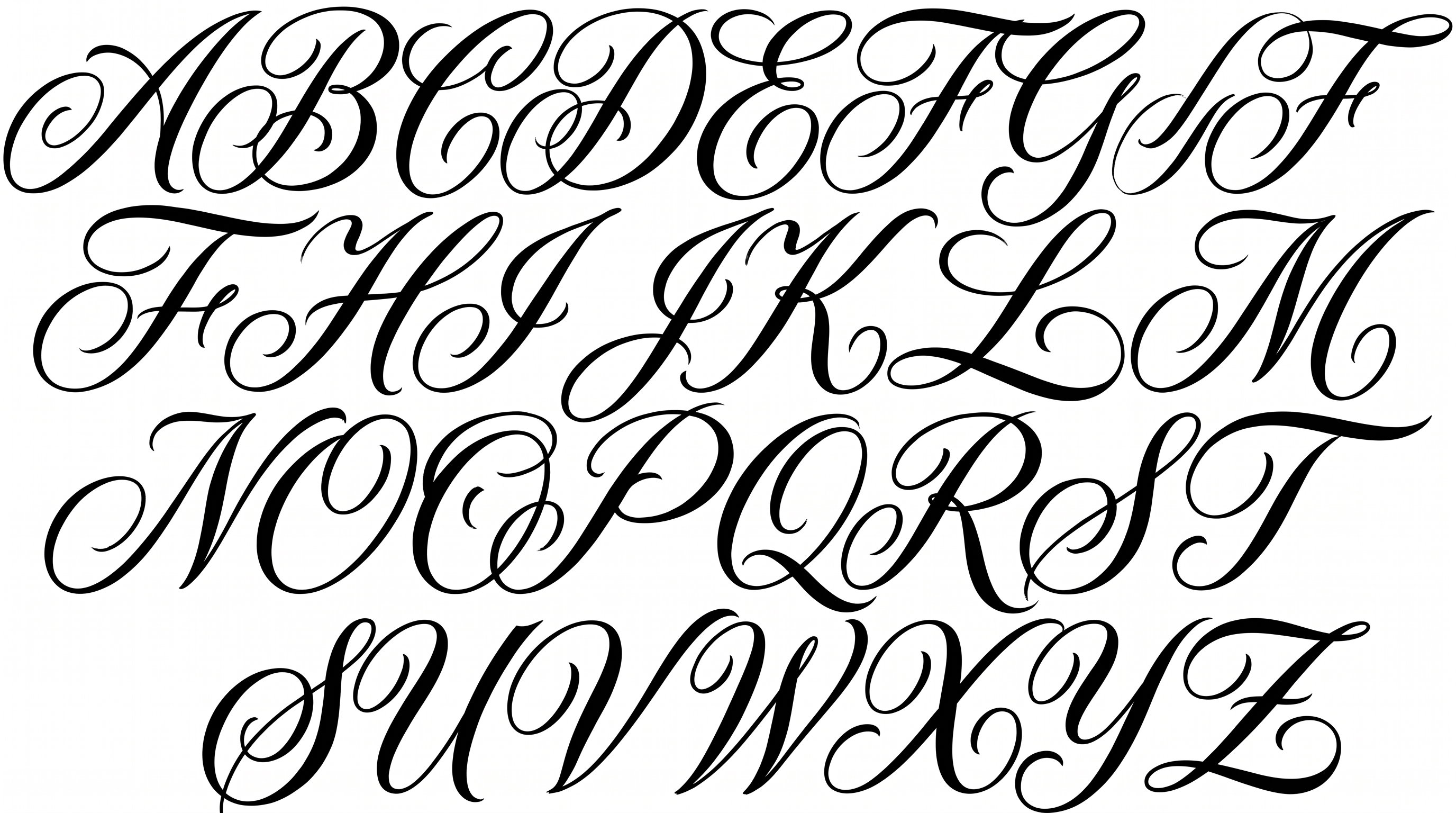
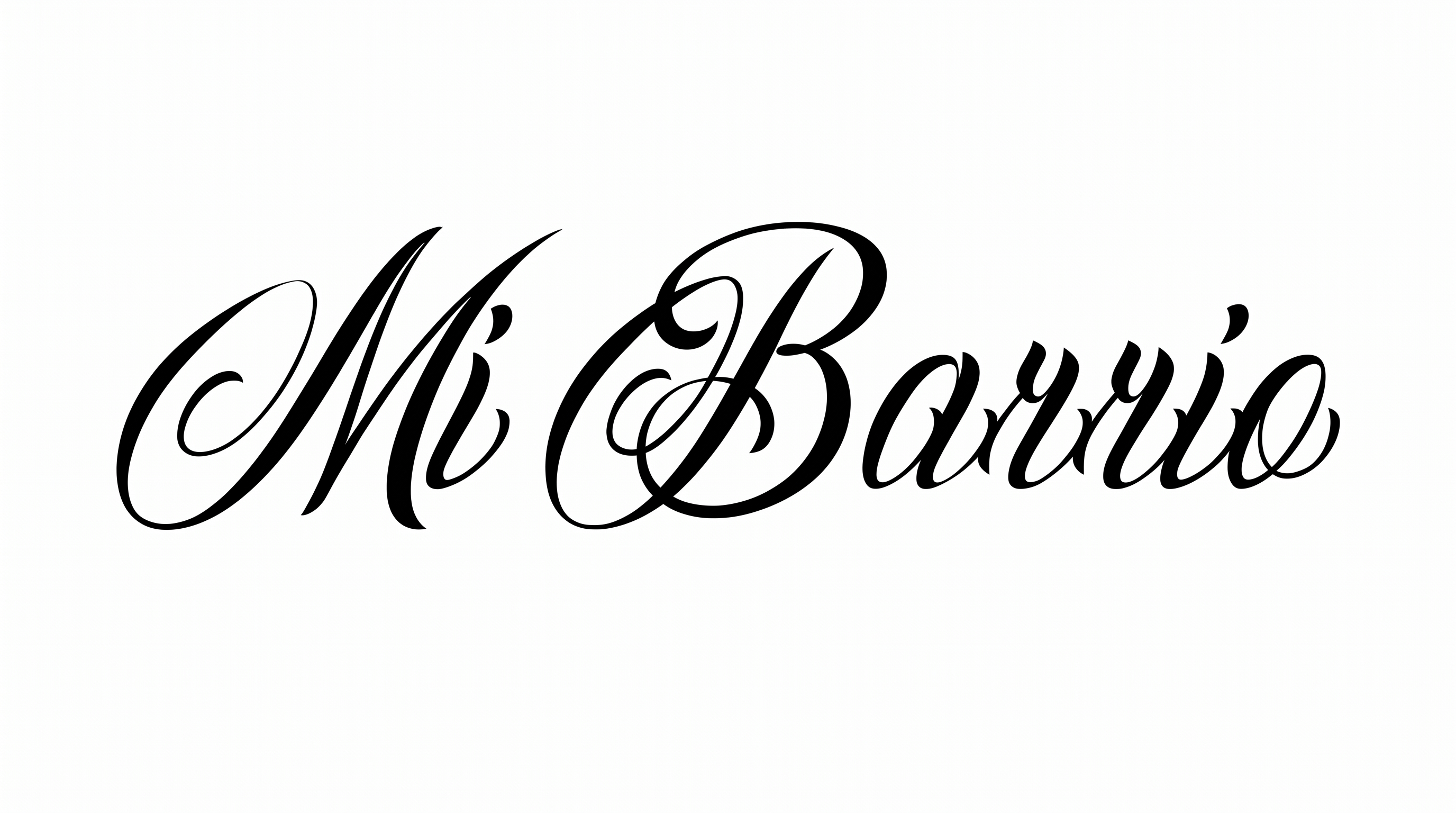
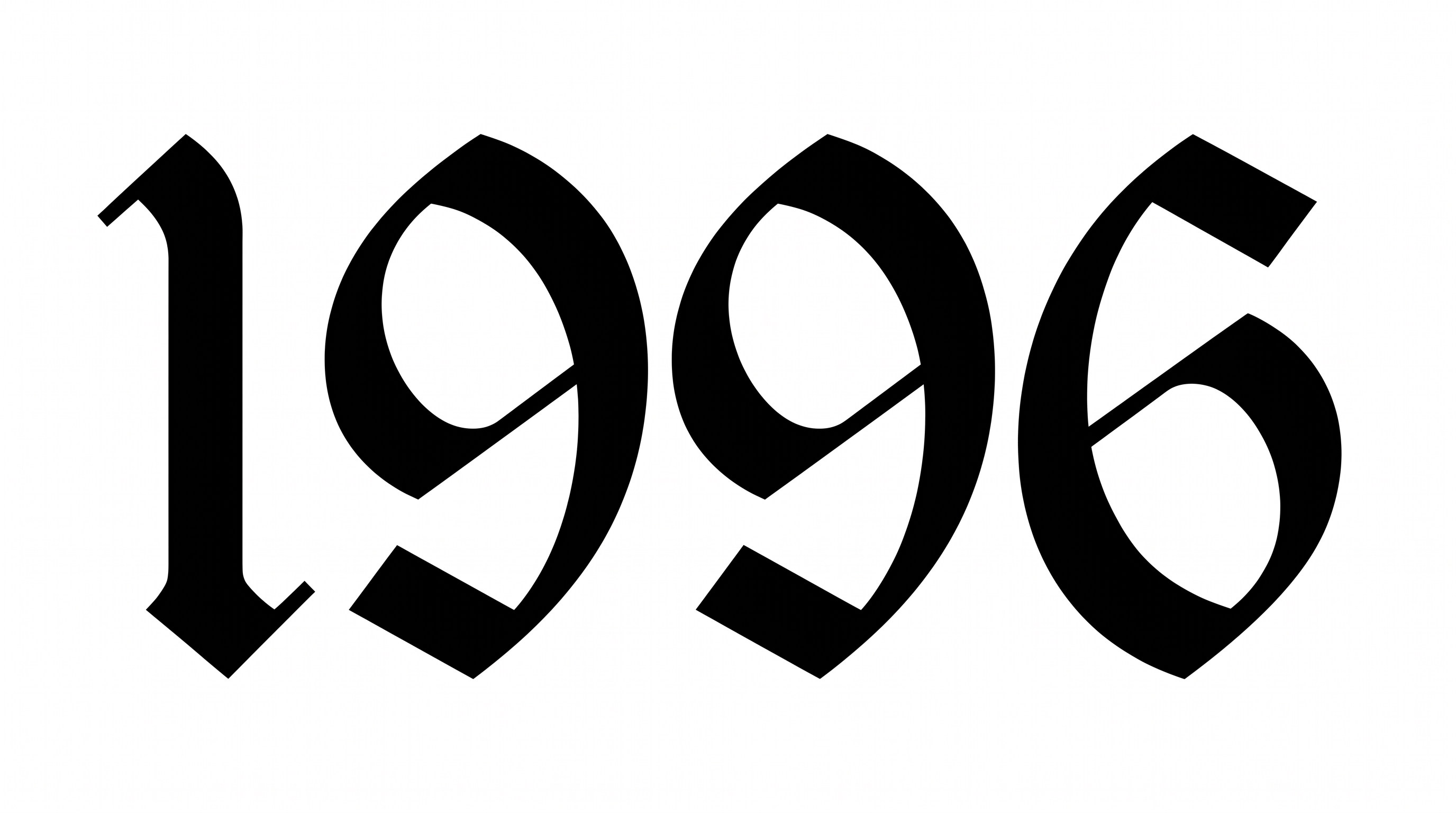
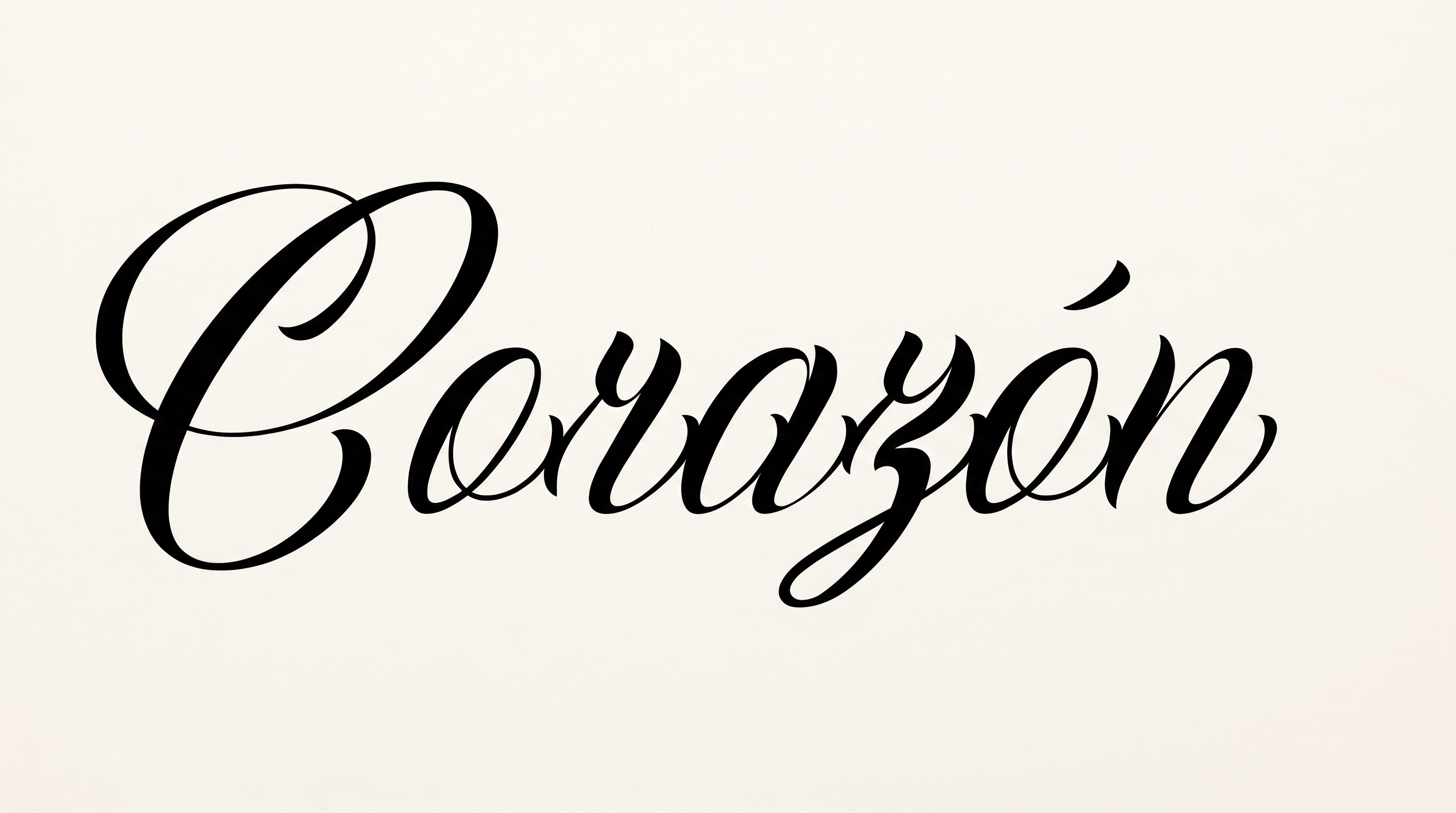
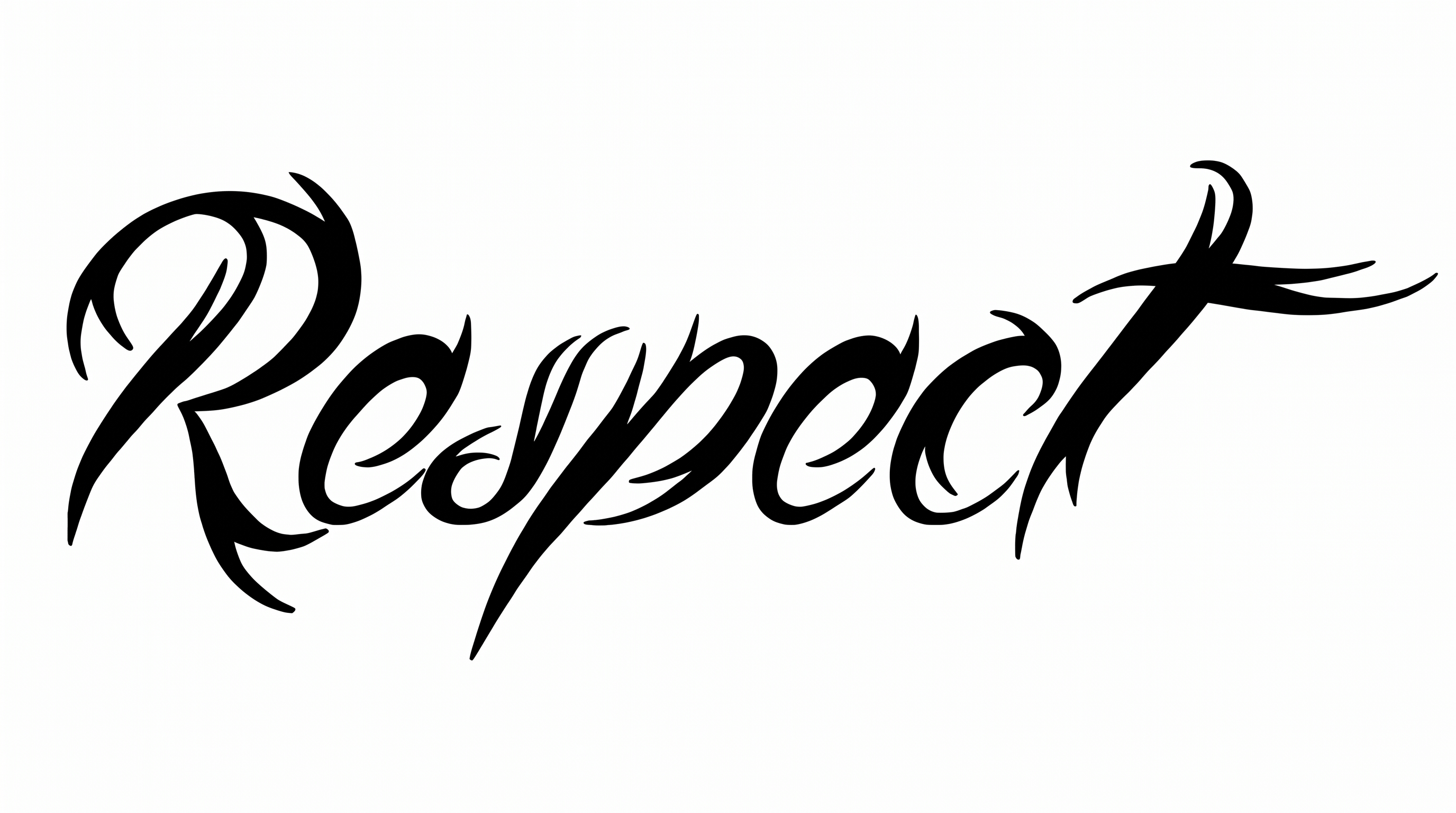
High stroke contrast, angular construction, and sweeping flourishes define the ornate blackletter forms.

  • Stroke Contrast

    Broad black strokes alternate with fine hairlines throughout the visible letters.

  • Letter Construction

    Angular, interlocking forms build each letter from faceted blackletter strokes.

  • Flourishes

    Long curved swashes extend from the capital and final letters.

  • Corner Shape

    Sharp corners and pointed joins give the letterforms a distinctly angular profile.

  • Stroke Endings

    Several strokes end in tapered points or crisp serif-like terminals.

  • Color Treatment

    Solid black fills create a uniform monochrome treatment across the lettering.
Frequently asked questions about Chicano Blackletter Font Generator

The generator turns your wording into a text image shaped by ornate Gothic calligraphy, high stroke contrast, and solid blackletter forms. It is suited to wordmarks, titles, and other display-focused artwork.

The minimum membership covers personal use of generated artwork. Commercial projects require a higher membership for commercial use. Review pricing before publishing or selling a design so you can choose the membership that matches your intended project.

Download the generated Chicano Blackletter Font artwork as a PNG. Upload it in Canva, then insert it into a Google Docs document. For Cricut, import the PNG into a project in the Cricut app, also known as Cricut Design Space.

Enter your own text, then choose an available font color, background, and image size. Generate the styled lettering and review the rendered image. When the composition is ready, download the result as PNG or SVG for placement in your design.

Its ornate, high-contrast lettering suits prominent display roles such as album covers, apparel back prints, book covers, storefront graphics, and event tickets. Give the wordmark a clear focal position so the decorative forms carry the visual hierarchy.

Center the wordmark when it serves as the main identity, and preserve generous space around its swashes. On a photographic cover, position supporting information separately so the ornamental letterforms remain the strongest visual element in the hierarchy.

Use a short phrase, choose an image ratio that fits its length, and inspect fine strokes at the final display size. Strong contrast between the lettering and background helps preserve the angular details, especially in compact layouts.

Pair the ornate wordmark with restrained supporting typography and simple image areas. A cinematic streetscape, monochrome illustration, or uncluttered product surface can frame the lettering while letting its high contrast remain visually dominant in the hierarchy.

For a free online design, the solid black treatment creates a formal, dramatic mood, while sweeping swashes add ceremony and identity. Use it as a focal title when the composition needs a strong Gothic calligraphy presence.
READY TO CREATE?

Create Custom Chicano Blackletter Fonts & Text Effects

Try Chicano Blackletter Font Generator Free