Get 5 Free Credits

Free Medieval Europe Font Generator Online

Turn your wording into heavy, angular blackletter with a clean historical character suited to book covers and game titles.

Enter the text to generate, e.g. Fontify.ai

Font color
Background
Templates
260
Generations
99
Downloads
237
Rating
5.0

How to Use the Medieval Europe Font Generator

Shape a historical blackletter heading with suitable proportions, colors and downloadable artwork.

  1. 01

    Write your historical heading

    Enter a short name, title or phrase for the angular blackletter treatment.

  2. 02

    Set the color and proportions

    Choose a font color, background and image size such as 16:9 for your layout.

  3. 03

    Generate and download the artwork

    Render the text image, review the heavy angular forms, then download PNG or SVG.

Medieval Europe Font Style Profile

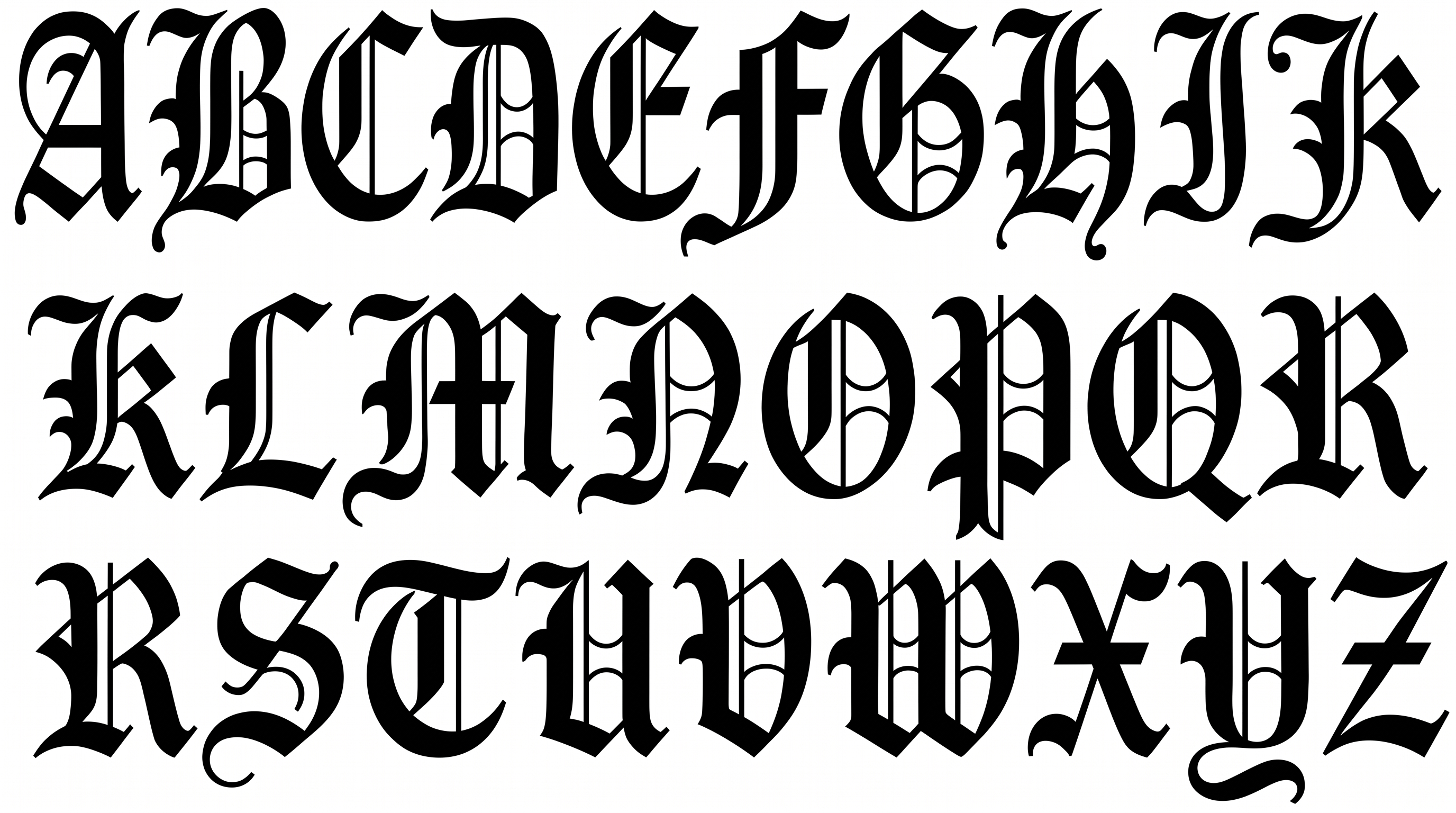
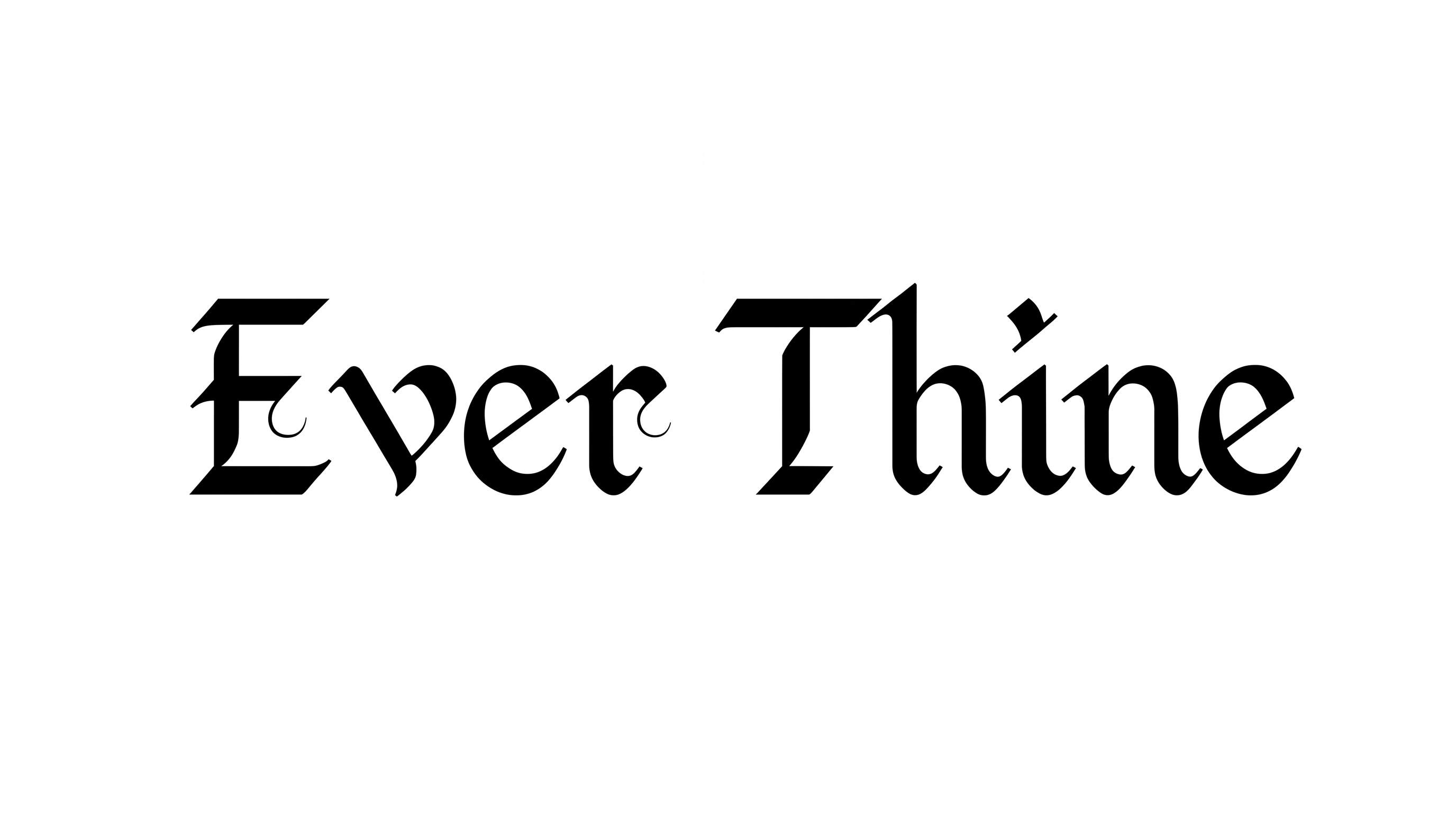
Heavy, narrow blackletter forms use angular joins, sharp corners and distinctly separated characters.

  • Letter Construction

    Blackletter forms are built from compact vertical strokes and angular joins.

  • Corner Shape

    Sharp corners define the turns and joins throughout the visible letters.

  • Stroke Weight

    Heavy stroke bodies give the wordmark a dense, assertive presence.

  • Letter Width

    Most visible letters have narrow, vertically proportioned bodies.

  • Letter Connections

    Letters remain separate, with clear breaks between neighboring characters.

  • Stroke Endings

    Stroke endings finish in pointed or sharply cut terminals.
Frequently asked questions about Medieval Europe Font Generator

Upload the generated Medieval Europe Font PNG in Canva. Insert the PNG into a Google Docs document. In Cricut, import it into a project in the Cricut app, also known as Cricut Design Space.

Browse the related tools section to compare different lettering directions and text-image treatments. Judge each option by letter shape, density, mood and scale, then choose the approach that fits your intended layout.

Yes. The generator is free to use and supports free image downloads in PNG and SVG. Minimum membership covers personal use, while higher membership covers commercial use; refer to pricing for the applicable membership.

Yes. Transparent backgrounds are supported for layering the lettering over other artwork. This template also lets you choose a font color, set a custom background color, upload a background image and select an image size.

Medieval Europe Font works especially well for historical book covers, tavern signs, museum headings, map cartouches and strategy-game titles. Give the blackletter a prominent heading role so its angular character establishes the scene.

Use a short phrase at a prominent size and leave generous space around the angular letters. Keep detailed information in a simpler supporting style so the blackletter remains an effective focal point.

Pair its dense blackletter heading with a simpler supporting type style. Keep generous free space around the artwork and use restrained imagery so the historical mood remains clear rather than visually crowded.
READY TO CREATE?

Create Custom Medieval Europe Fonts & Text Effects

Try Medieval Europe Font Generator Free