Get 5 Free Credits

Free Roblox 2022 Font Generator Online

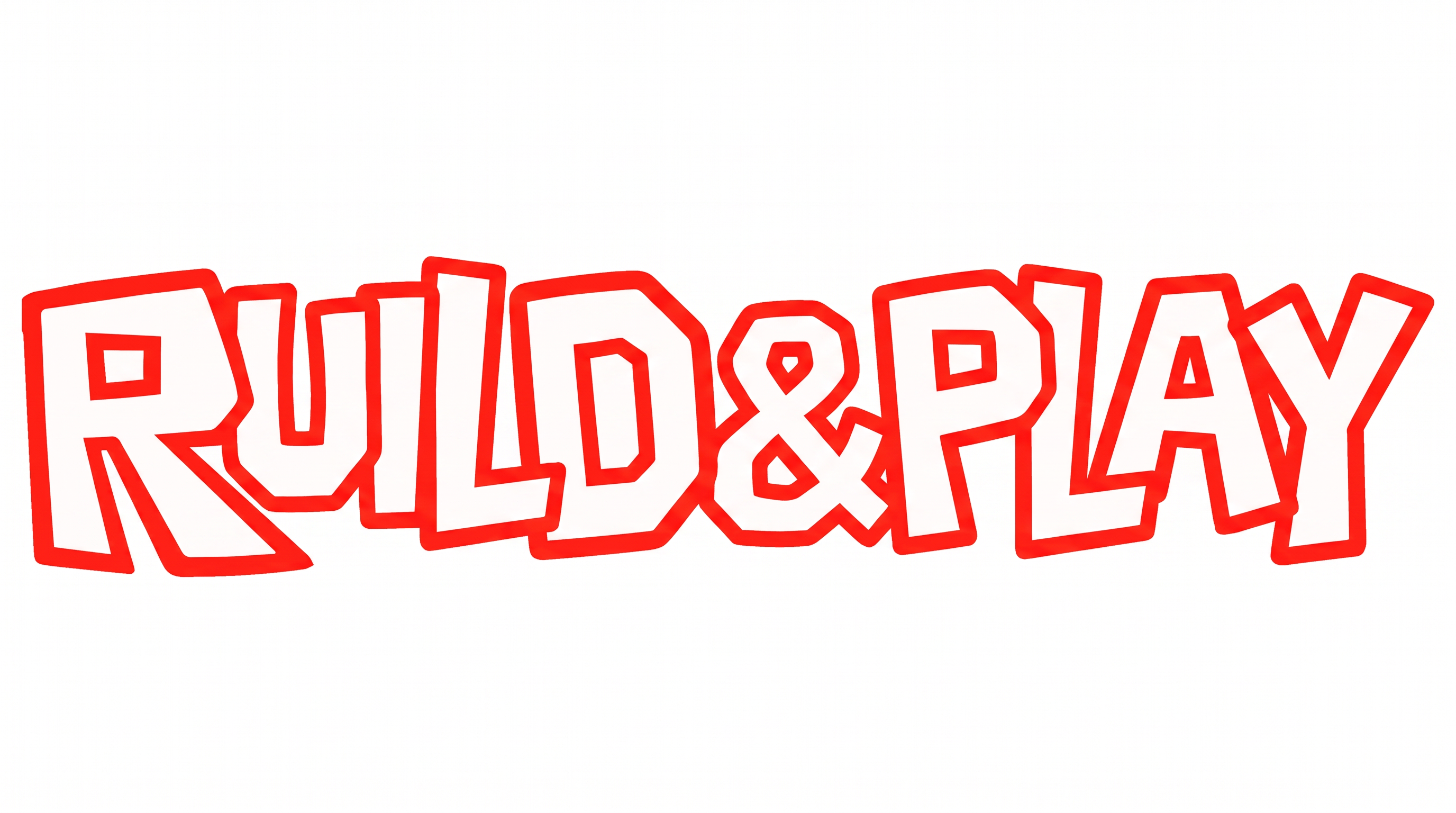
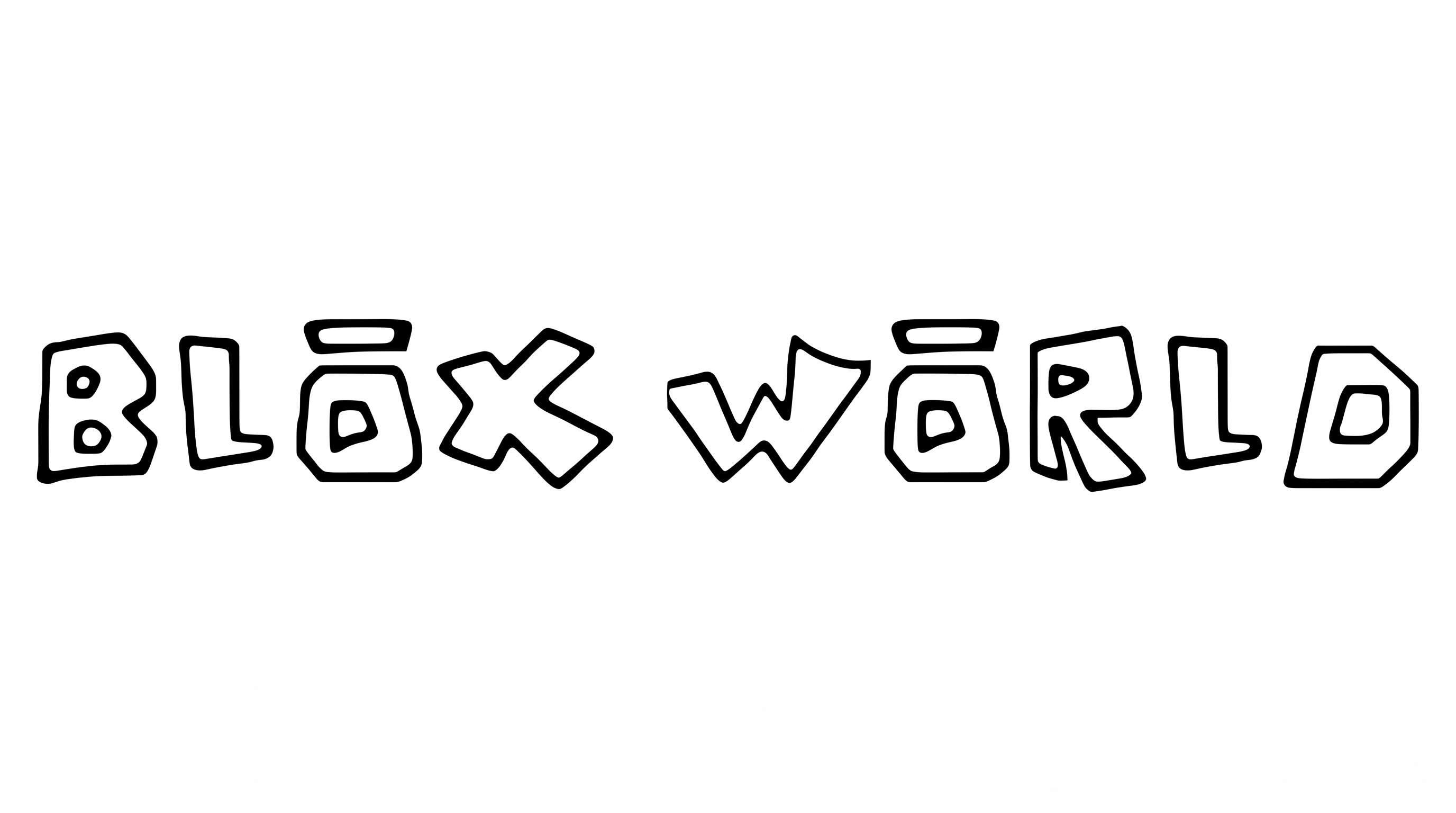
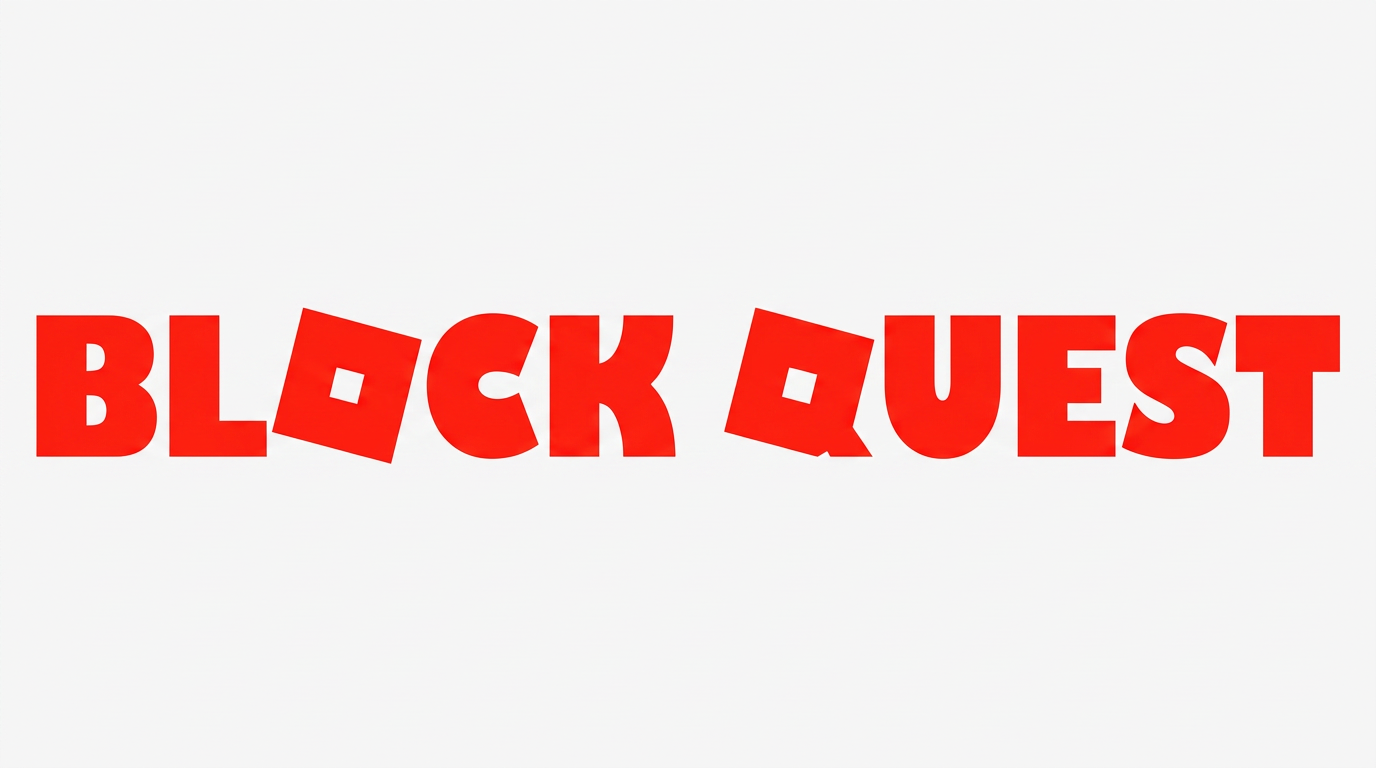
Create exceptionally heavy geometric capitals with a distinctive tilted square O, suited to bold game graphics and wide wordmarks.

Enter the text to generate, e.g. Fontify.ai

Font color
Background
Templates
252
Generations
128
Downloads
208
Rating
5.0

How to Use the Roblox 2022 Font Generator

Shape bold geometric lettering for wide wordmarks, then save a clean image for your layout.

  1. 01

    Enter a short uppercase phrase

    Type your wording to build a bold geometric text image with the preset letterforms.

  2. 02

    Set the color and canvas

    Choose a font color, background, and 16:9 image size to suit a wide composition.

  3. 03

    Generate and download PNG or SVG

    Generate the preview, review the spacing, then download the finished lettering as PNG or SVG.

Roblox 2022 Font Style Profile

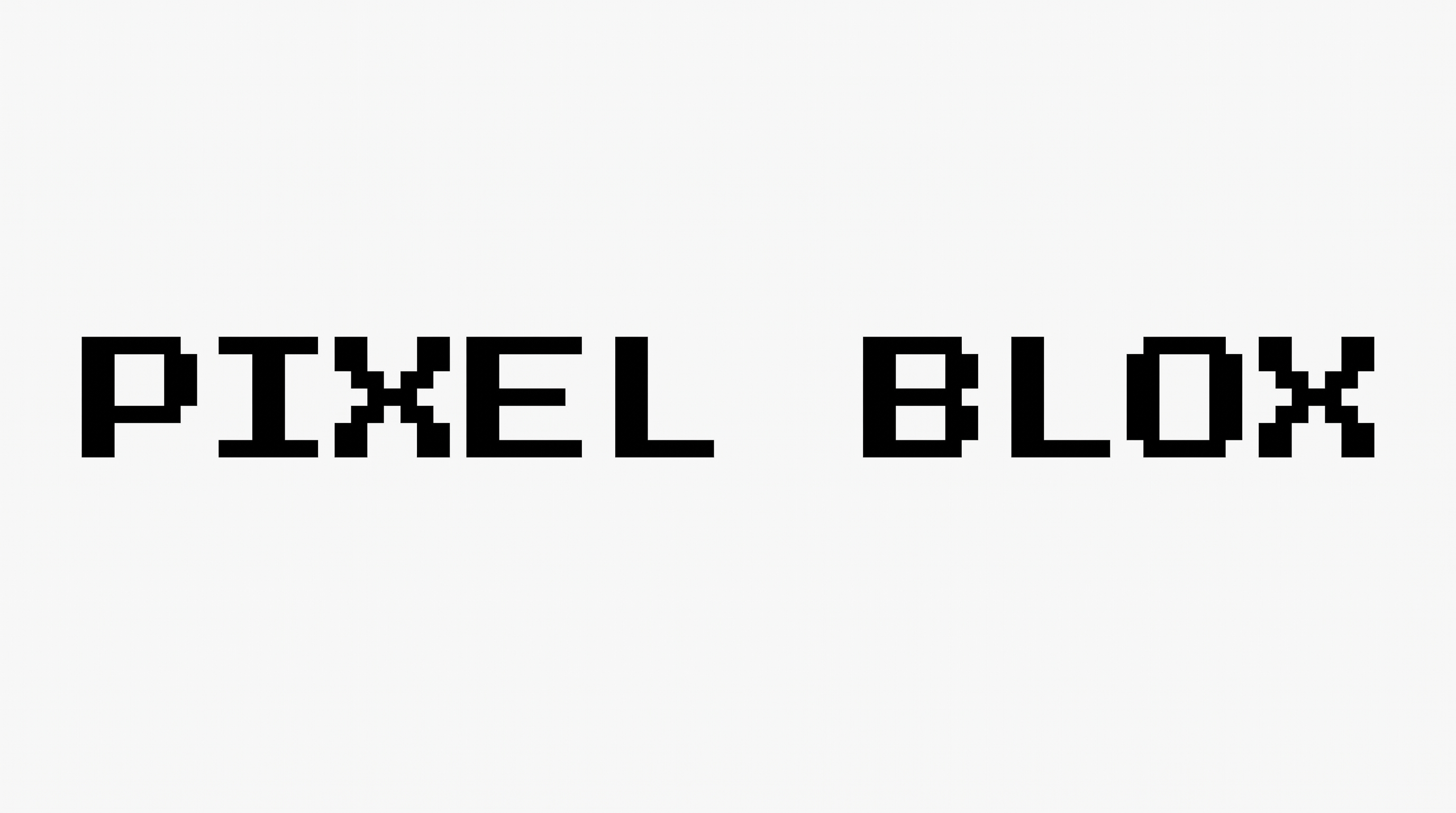
Heavy geometric strokes, sharp corners, and a tilted square counter create a striking block-built wordmark.

  • Stroke Weight

    Exceptionally heavy strokes give the visible capitals a solid, dominant presence.

  • Letter Construction

    Geometric capitals use simple shapes, while the O appears as a tilted square module.

  • Corner Shape

    Sharp angular corners define most turns and joins in the visible capitals.

  • Stroke Contrast

    The letter bodies maintain nearly uniform thickness across straight and curved strokes.

  • Letter Connections

    Letters remain separate, with clear breaks between neighboring characters.

  • Color Treatment

    Solid black fills the letter faces with a flat monochrome treatment.
Frequently asked questions about Roblox 2022 Font Generator

Transparent backgrounds are supported, so you can layer the lettering over other artwork. You can select a font color and use the default or a custom background color. The template also supports uploaded background images and multiple image sizes.

Download the Roblox 2022 Font artwork as a PNG. Upload it in Canva, or insert the image into a Google Docs document. For Cricut, import the PNG into a project in the Cricut app, also known as Cricut Design Space.

Enter your text, choose a font color, background, and image size, then generate the preview. Download the completed result as PNG or SVG. The result is image artwork rather than an installable font file.

Open the related-tools section and compare how each option handles weight, geometry, counters, and spacing. Choose a direction that suits your intended layout, then test your wording to see how its letter shapes and proportions differ.

Use the Roblox 2022 Font Generator to set a short phrase in one strong line. Start with a free generation, leave clear side margins, and choose a wide ratio such as 16:9 or 21:9 for banner placement.

Keep the phrase concise and preserve clear space around the heavy capitals. Use strong contrast between the lettering and background, then inspect the finished image at its intended display size before placing supporting details nearby.

The heavy geometric capitals create a direct, energetic mood suited to gaming graphics, event titles, and bold merchandise layouts. Pair the main phrase with simpler supporting text and restrained imagery so its square forms remain prominent.
READY TO CREATE?

Create Custom Roblox 2022 Fonts & Text Effects

Try Roblox 2022 Font Generator Free