Free Roblox Pixel Font Generator Online
Build bold, monochrome text with modular bitmap capitals and crisp square geometry for game menus, usernames, and retro-inspired graphics.
- Templates
- 252
- Generations
- 56
- Downloads
- 258
- Rating
- 5.0
How to Use the Roblox Pixel Font Generator
Create bold bitmap lettering that fits your chosen image size and stays clear in the final artwork.
- 01
Write a compact pixel heading
Enter a short word or heading that suits the bold bitmap capitals.
- 02
Set the canvas and colors
Choose a 16:9 image size, then set font and background colors.
- 03
Generate and download the image
Review the rendered spacing, then download the artwork as a PNG or SVG.
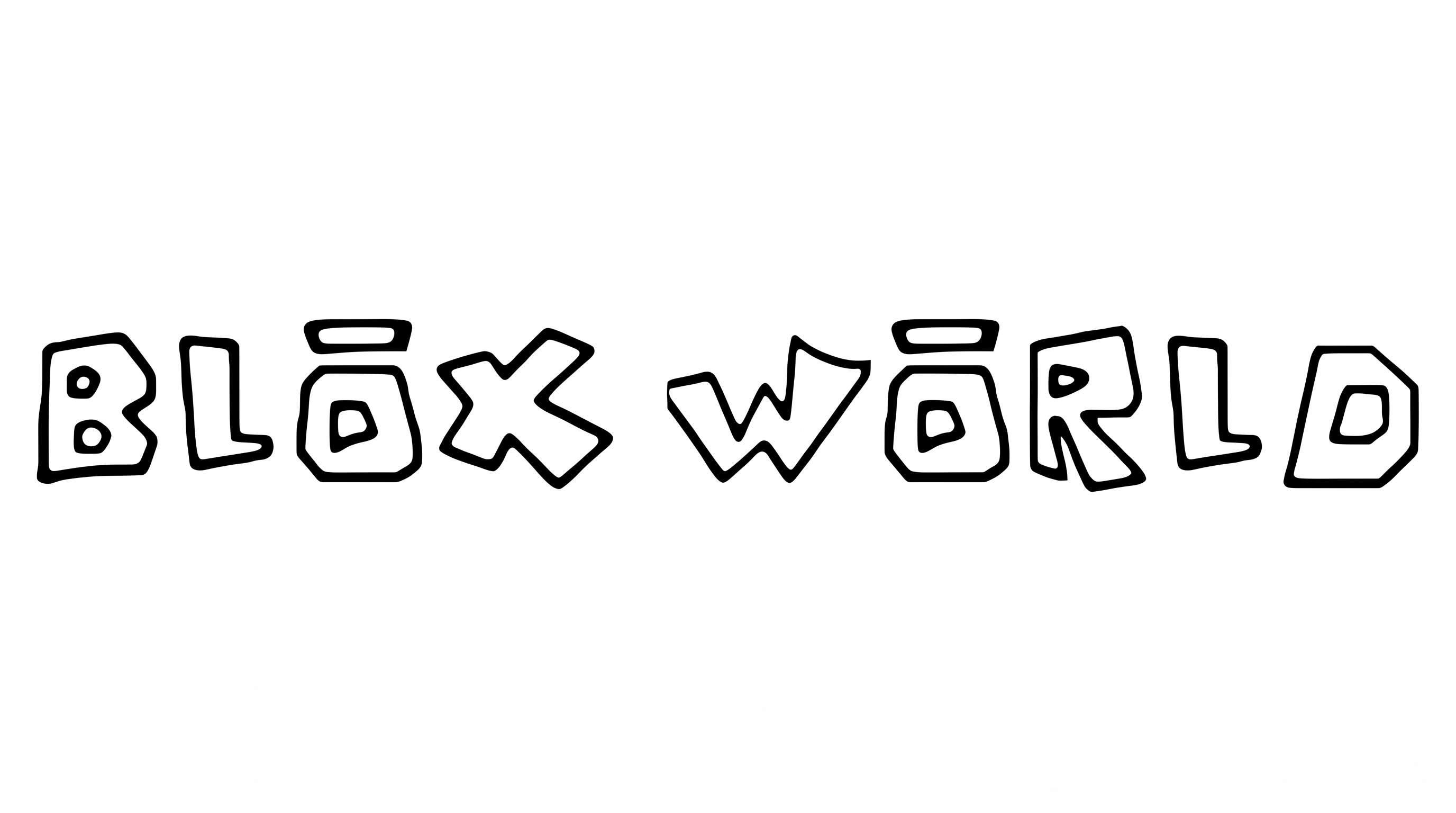
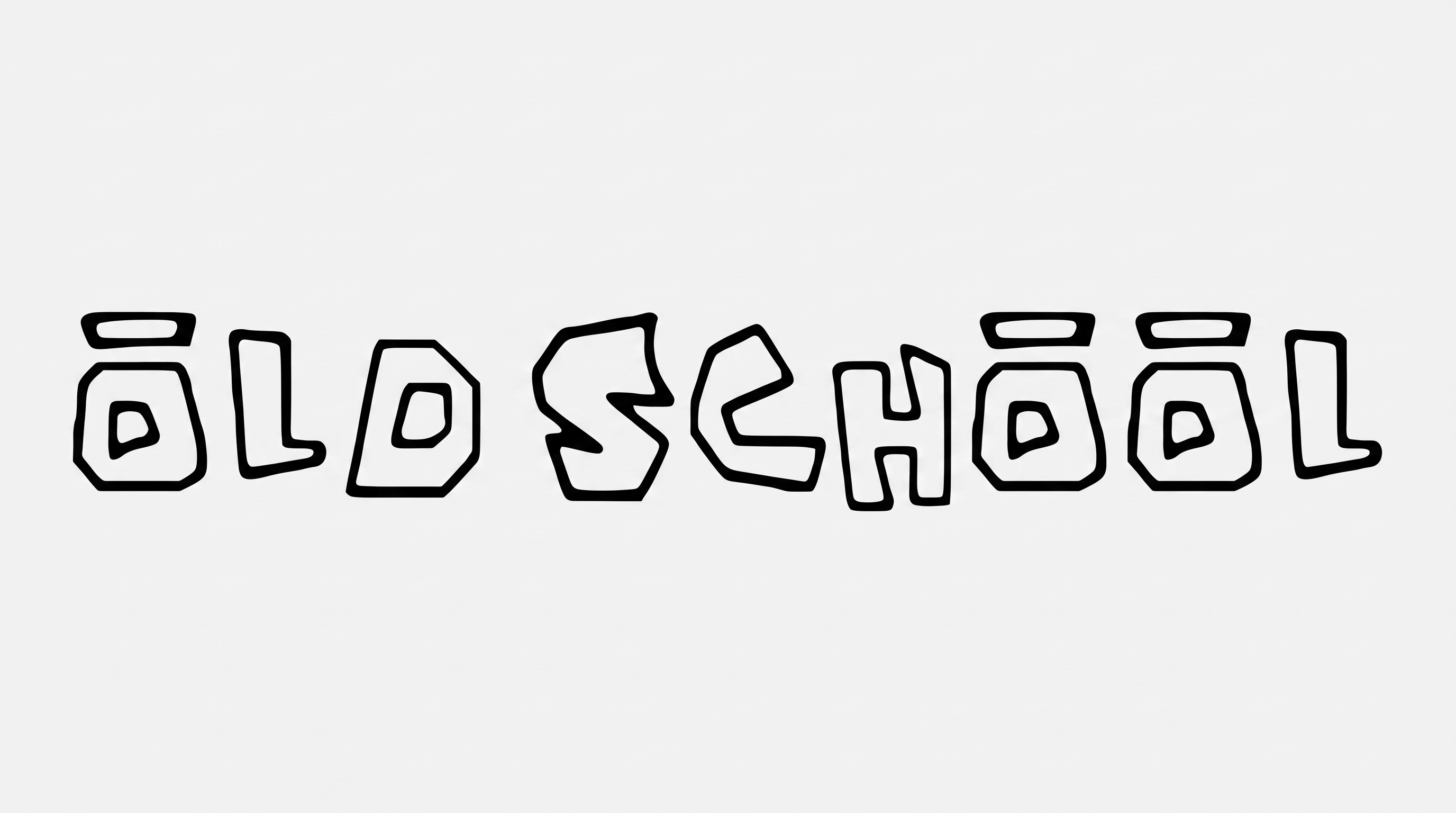
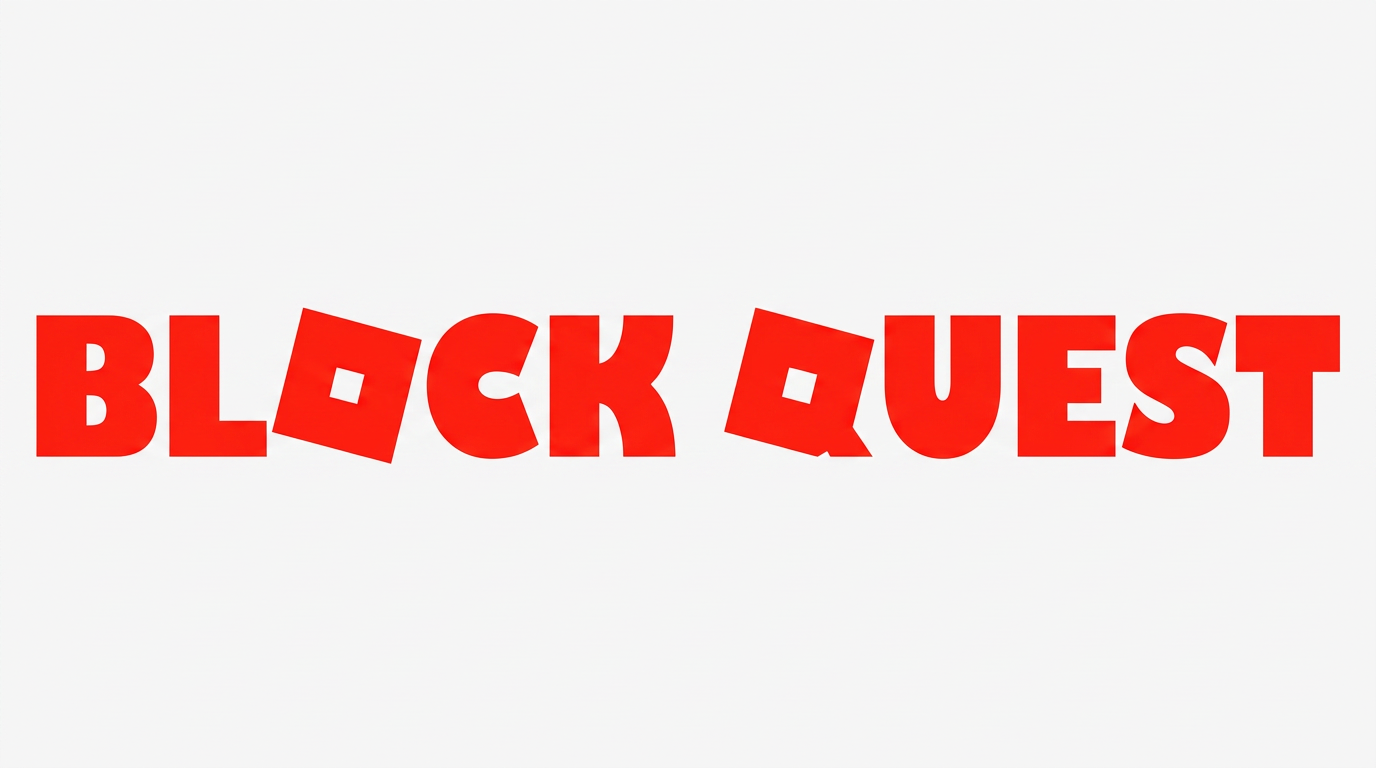
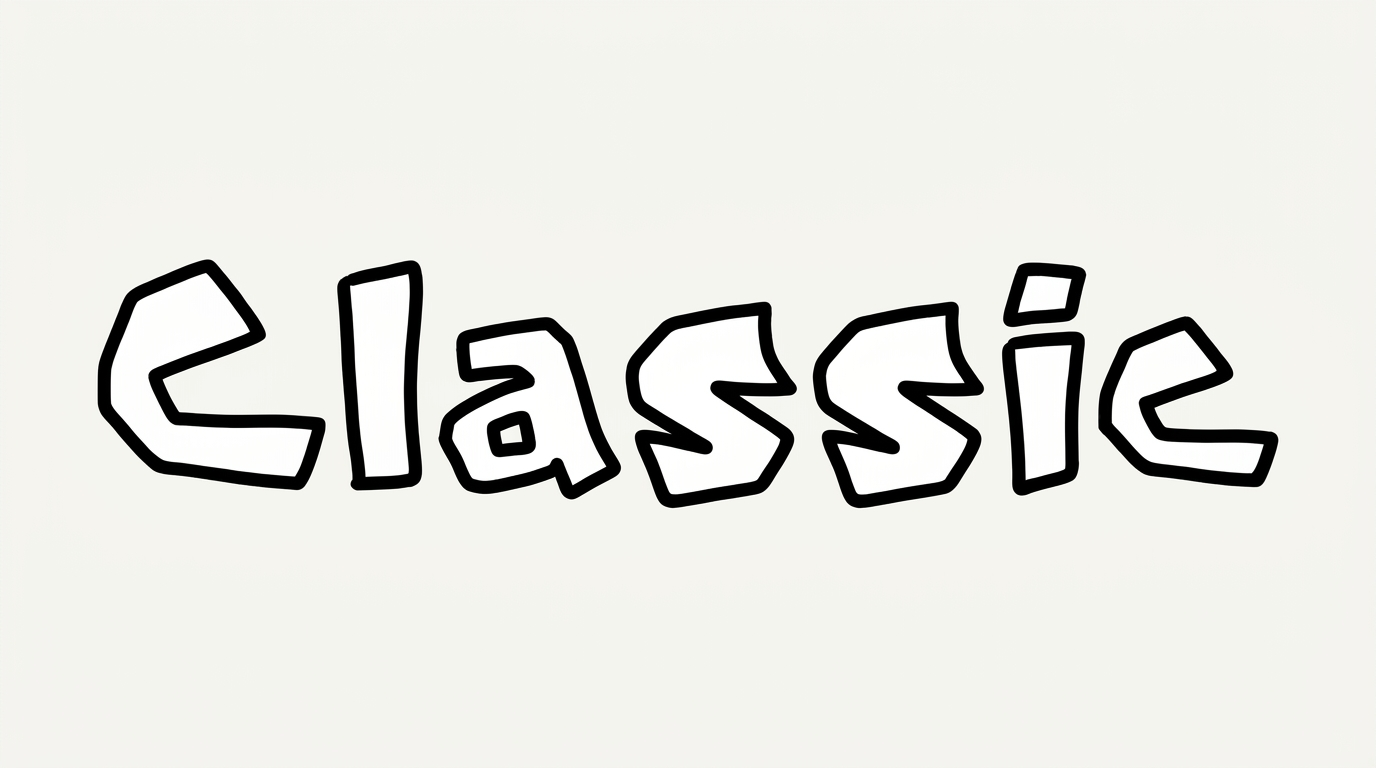
Roblox Pixel Font Generator in Use: Design Examples & Showcase
Compare the modular capitals across game menus, profile names, packaging, posters, and other display contexts.
Roblox Pixel Font Style Profile
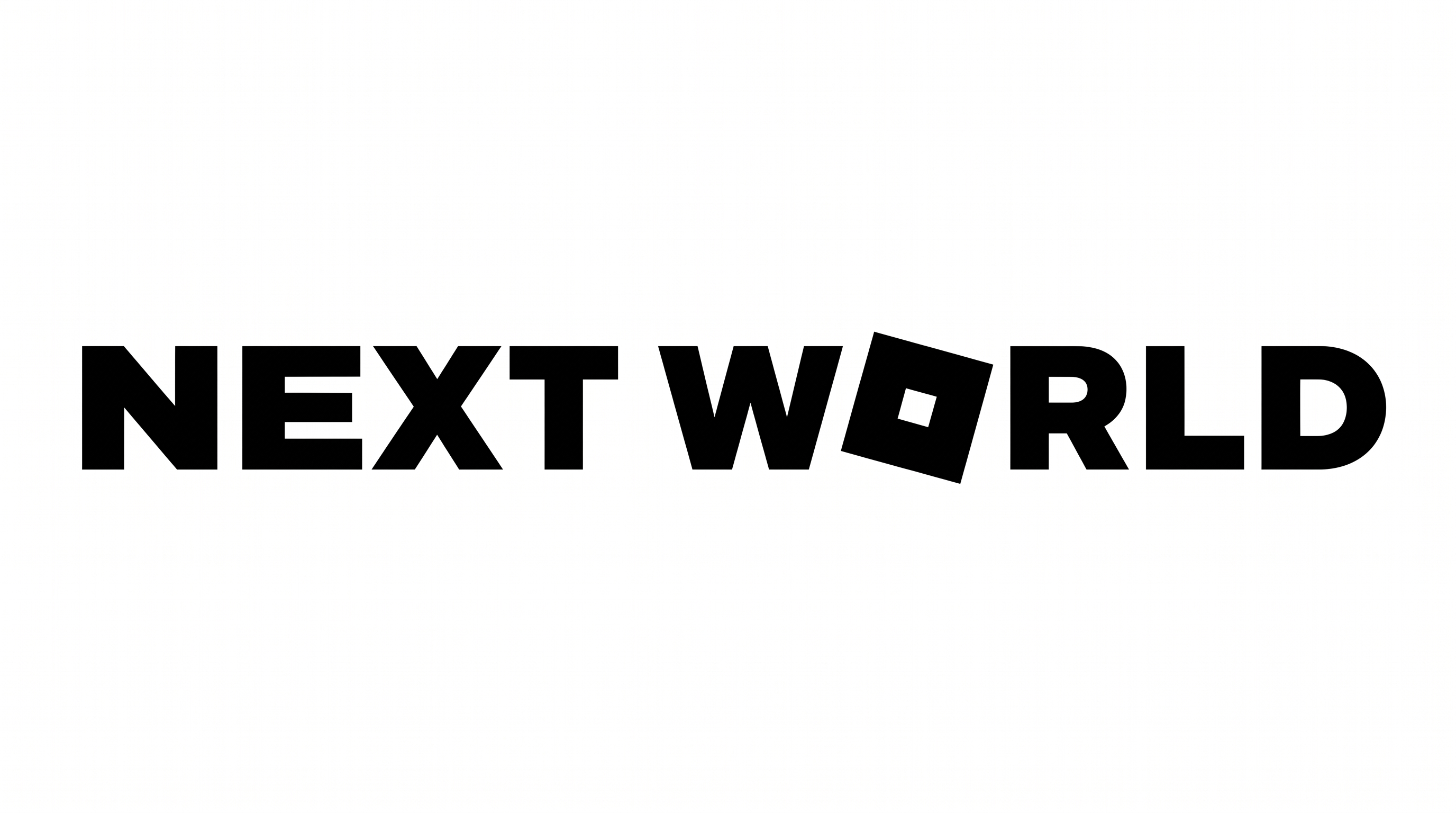
Pixel-block construction, heavy strokes, and sharp corners define the bold geometric lettering.
Letter Construction
Square pixel modules build each capital from crisp stepped segments.
Corner Shape
Sharp right-angled corners reinforce the geometric pixel structure.
Stroke Weight
Heavy, mostly even stroke bodies give the capitals a bold presence.
Letter Spacing
Clear, generous gaps separate neighboring letters within each word.
Letter Connections
Letters remain separate, with distinct breaks between neighboring characters.
Baseline Rhythm
The capitals align along a steady and even baseline.