Get 5 Free Credits

Free Medieval Fantasy Font Generator Online

Bold blackletter forms and sharp angular strokes turn short phrases into commanding artwork for fantasy titles and book covers.

Enter the text to generate, e.g. Fontify.ai

Font color
Background
Templates
260
Generations
94
Downloads
269
Rating
5.0

How to Use the Medieval Fantasy Font Generator

Shape a bold blackletter title for a cover, sign, poster or fantasy-themed design.

  1. 01

    Write your fantasy title

    Enter a short name or phrase suited to the bold blackletter style.

  2. 02

    Set the image composition

    Choose a font color, background and aspect ratio such as 16:9.

  3. 03

    Generate and download PNG or SVG

    Render the text image, review the angular lettering and save your preferred format.

Medieval Fantasy Font Style Profile

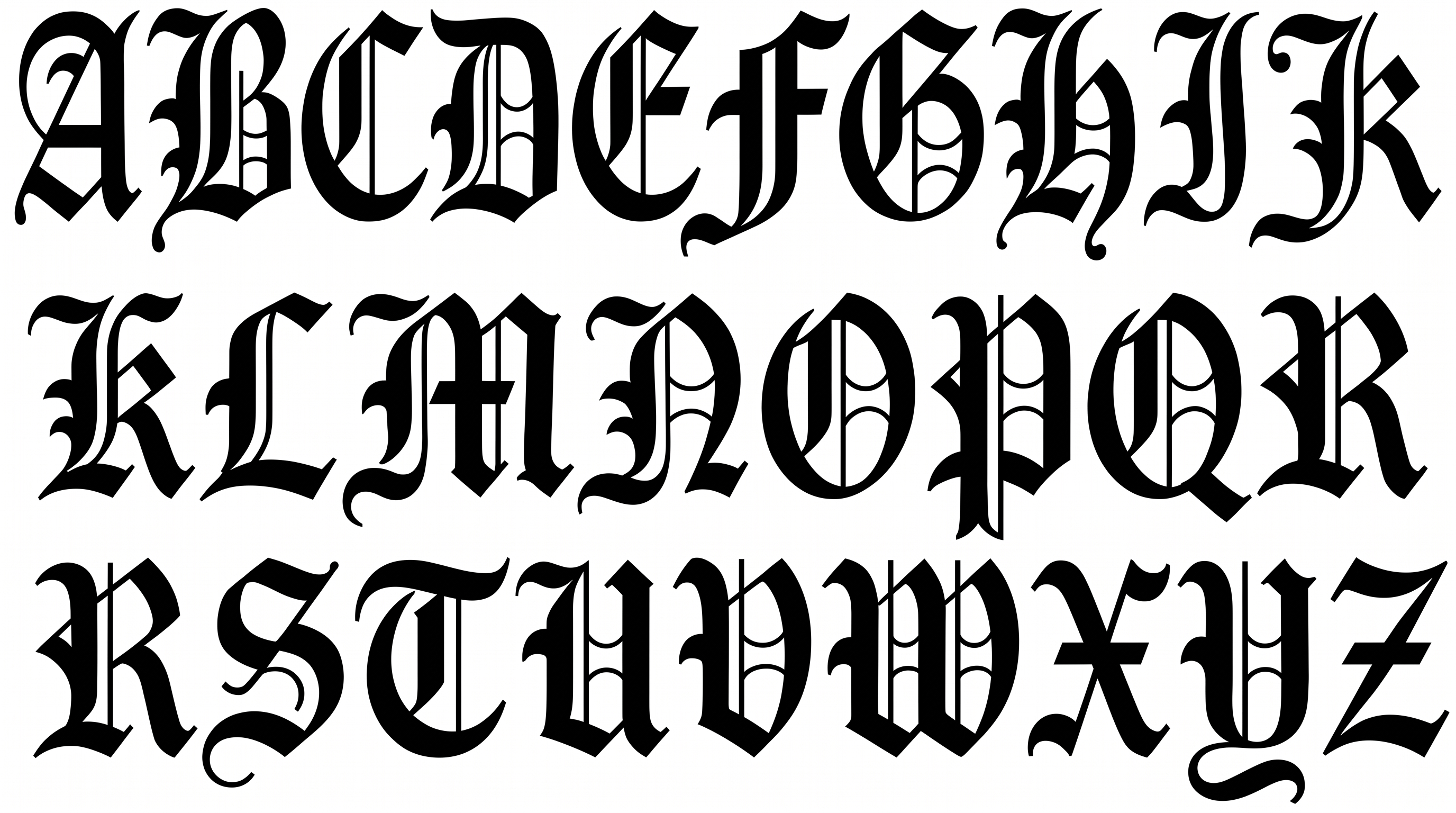
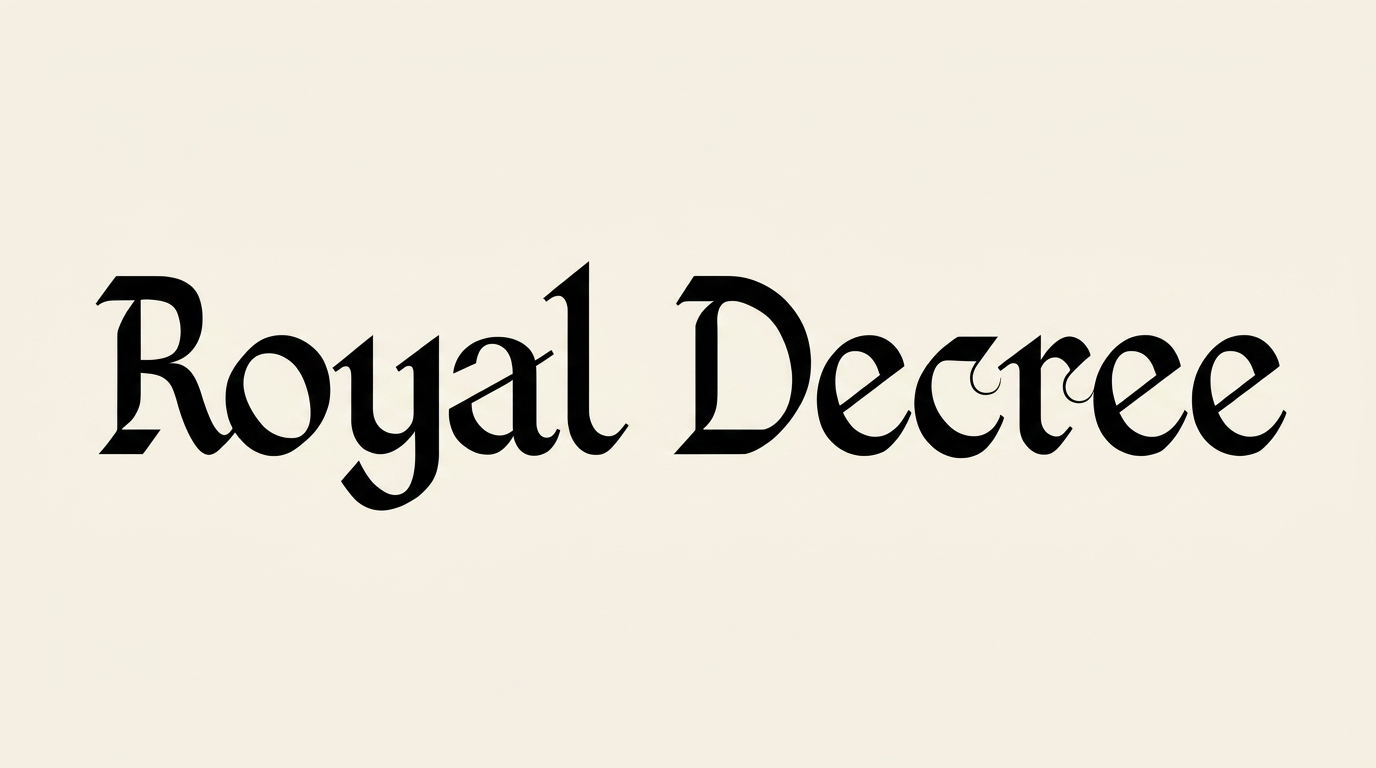
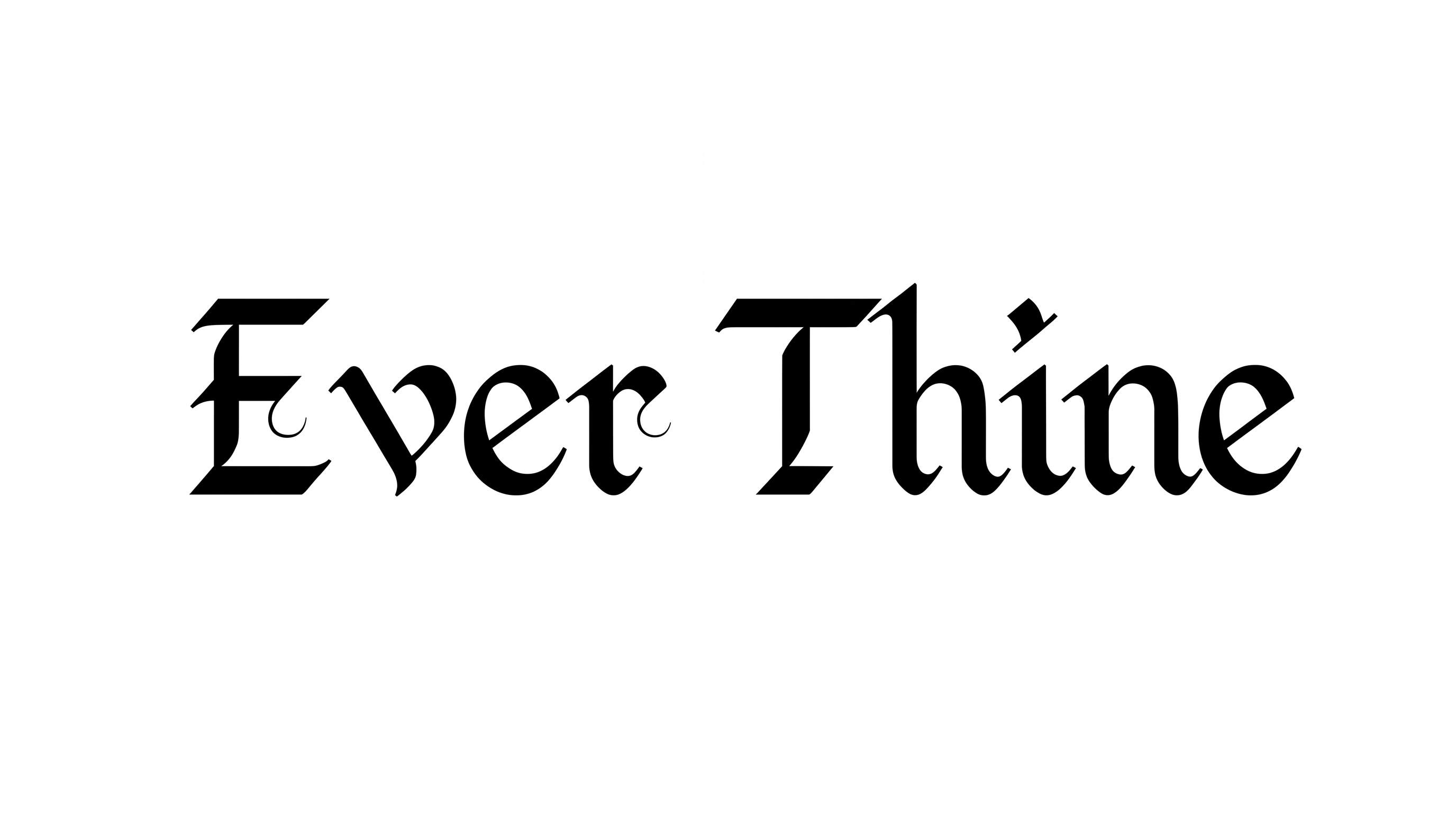
Heavy blackletter strokes, sharp corners and strong contrast create a formal medieval silhouette.

  • Letter Construction

    Blackletter characters use broken, angular strokes and compact internal counters.

  • Corner Shape

    Sharp corners define the turns and joins throughout the visible letterforms.

  • Stroke Contrast

    Broad vertical strokes contrast with finer diagonals and connecting sections.

  • Stroke Weight

    Heavy main strokes give the words a bold and substantial presence.

  • Stroke Endings

    Pointed and wedge-like terminals give the visible letters crisp decorative finishes.

  • Letter Connections

    Letters remain separate, with clear breaks between neighboring characters.
Frequently asked questions about Medieval Fantasy Font Generator

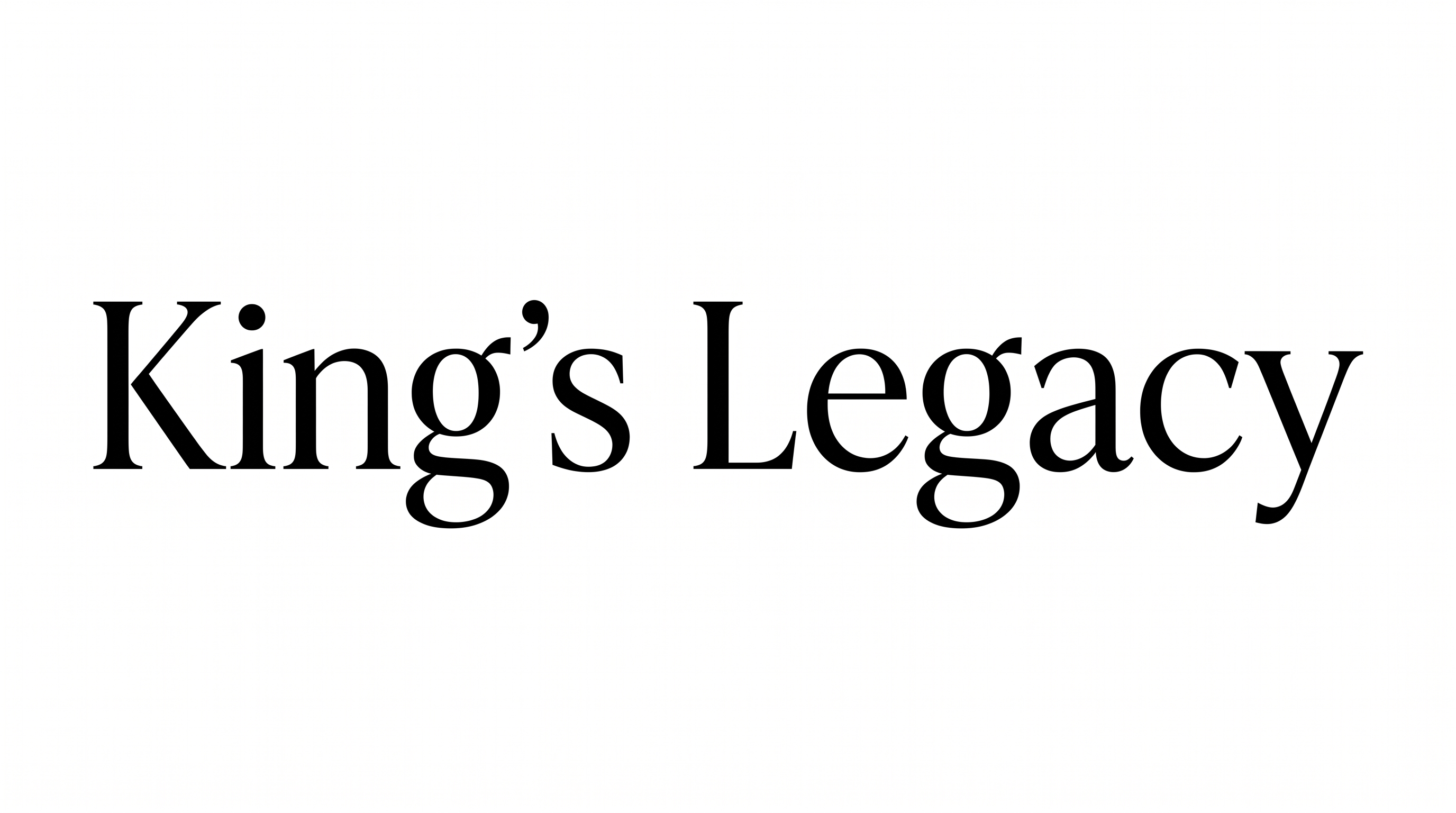
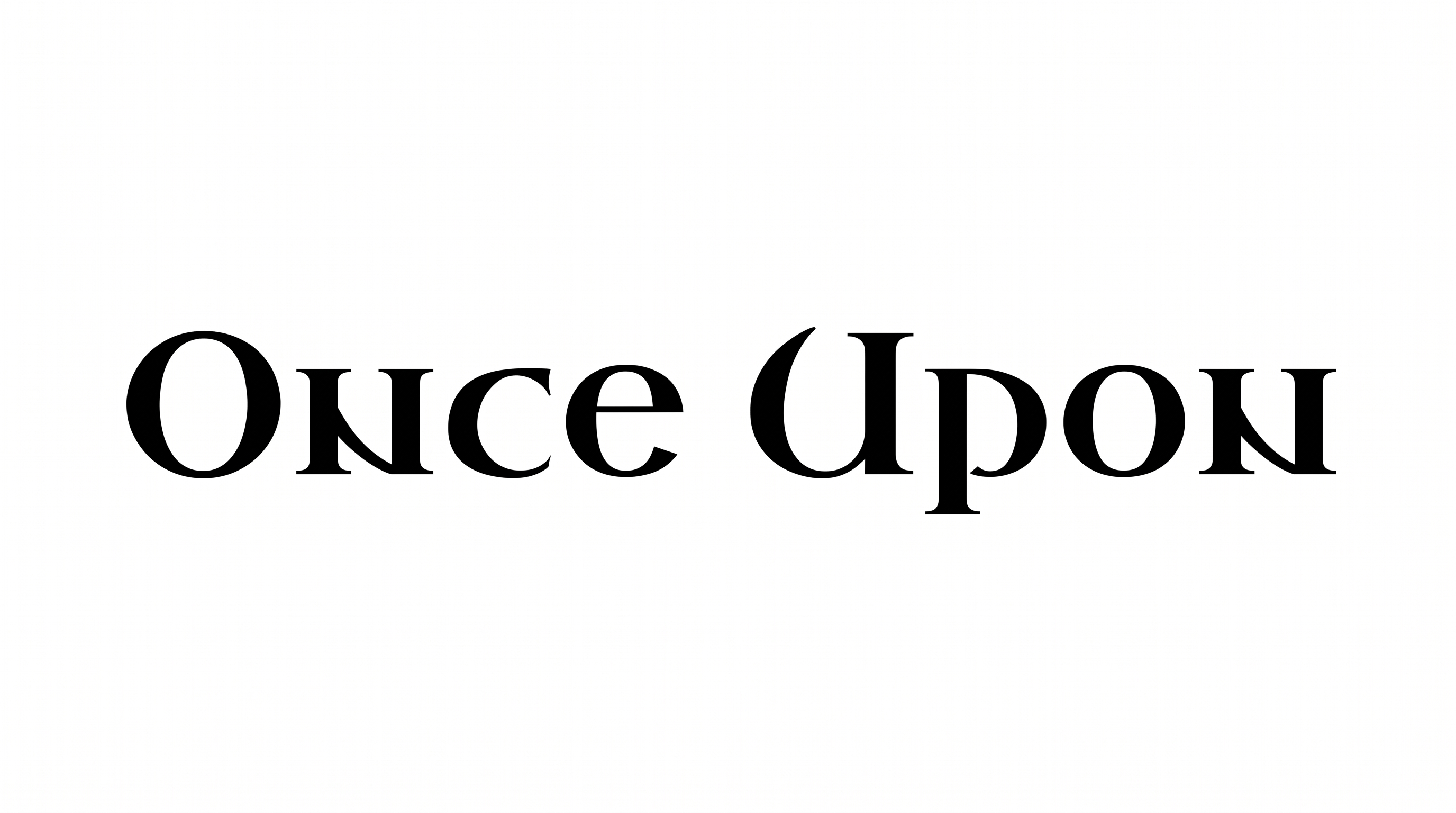
Browse the related text tools and compare their visible lettering samples. Look at construction, stroke weight, corners and overall mood to identify a direction that suits your project. This approach lets you explore styles without relying on a named alternative.

Yes. You can use the generator and download the resulting lettering through the supported free-use options. The result is available as image artwork, including PNG and SVG formats. Usage conditions still apply to the project you create.

Commercial use is covered by a higher membership, while the minimum membership covers personal use. Review pricing to choose the membership that applies to your project before using the generated artwork commercially.

Download the generated PNG artwork first. Upload it as an image in Canva, or insert it into a Google Docs document. For Cricut, import the PNG into a project in the Cricut app, also known as Cricut Design Space.

Use the blackletter artwork as the main title and give its angular forms generous surrounding space. A centered or upper-cover placement can establish a clear hierarchy. Keep author names and supporting details visually quieter so the title remains dominant.

Use a short phrase and choose a wide aspect ratio that matches the banner. Give the solid letter shapes strong visual separation from the background. Review the finished image at its expected display size before placing other elements nearby.

Pair the decorative title with simpler supporting text for dates, credits or descriptive copy. Keep the area around the main lettering free of dense details. This contrast helps the angular wordmark lead while practical information remains easy to scan.

Its bold blackletter mood suits fantasy book covers, game packaging, posters, map cartouches, tavern signs and cinematic titles. Match the image proportions to the chosen scene, then reserve a clear focal area for the lettering within the composition.
READY TO CREATE?

Create Custom Medieval Fantasy Fonts & Text Effects

Try Medieval Fantasy Font Generator Free