Get 5 Free Credits

Free Medieval Manuscript Font Generator Online

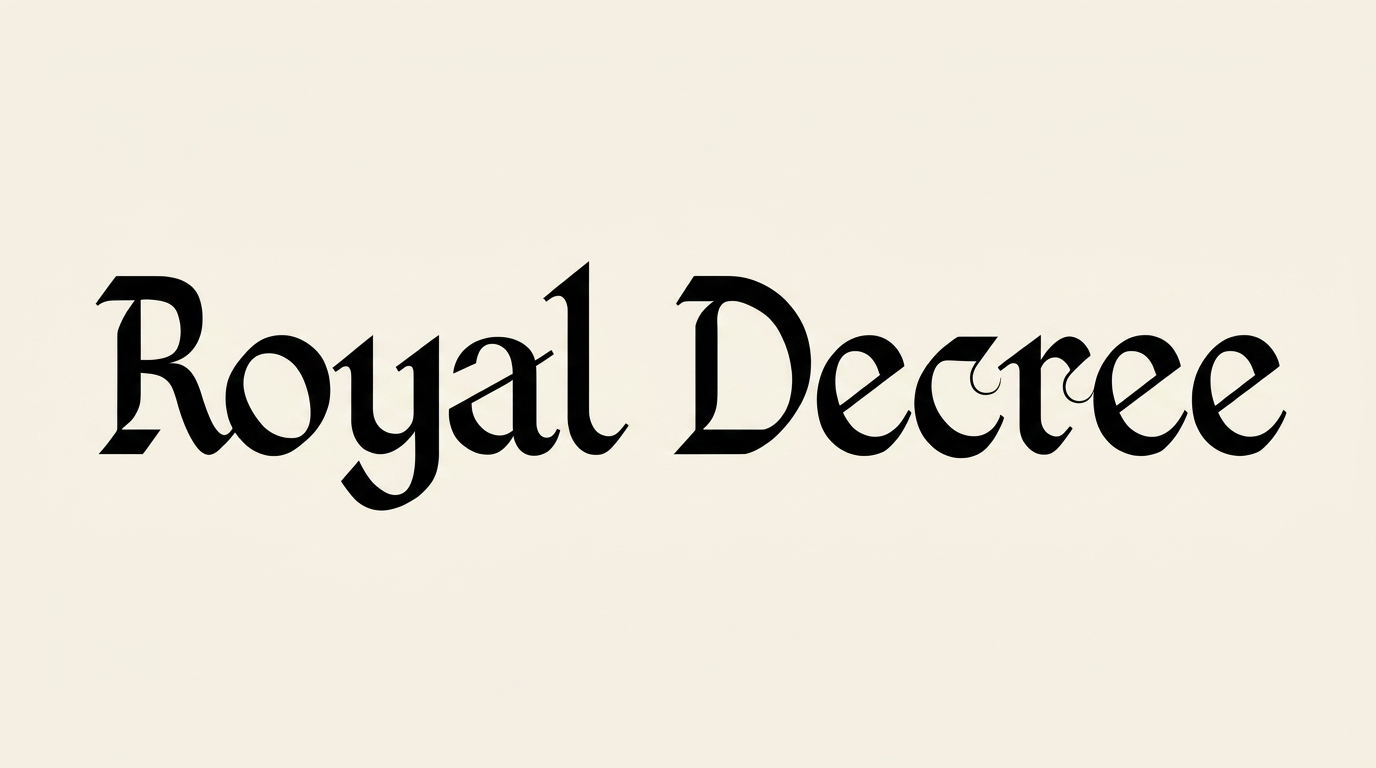
Shape words into crisp blackletter-inspired artwork with sharp calligraphic contrast, suited to book covers and historical titles.

Enter the text to generate, e.g. Fontify.ai

Font color
Background
Templates
260
Generations
95
Downloads
288
Rating
5.0

How to Use the Medieval Manuscript Font Generator

Create crisp, high-contrast title lettering sized for covers, labels, and other display layouts.

  1. 01

    Write your display text

    Enter a title, name, or short phrase for the blackletter-inspired treatment.

  2. 02

    Set the color and image size

    Choose a font color and a 3:2 or other available image size, then generate the artwork.

  3. 03

    Download the PNG or SVG

    Review the sharp lettering, then download the finished text artwork as PNG or SVG.

Medieval Manuscript Font Style Profile

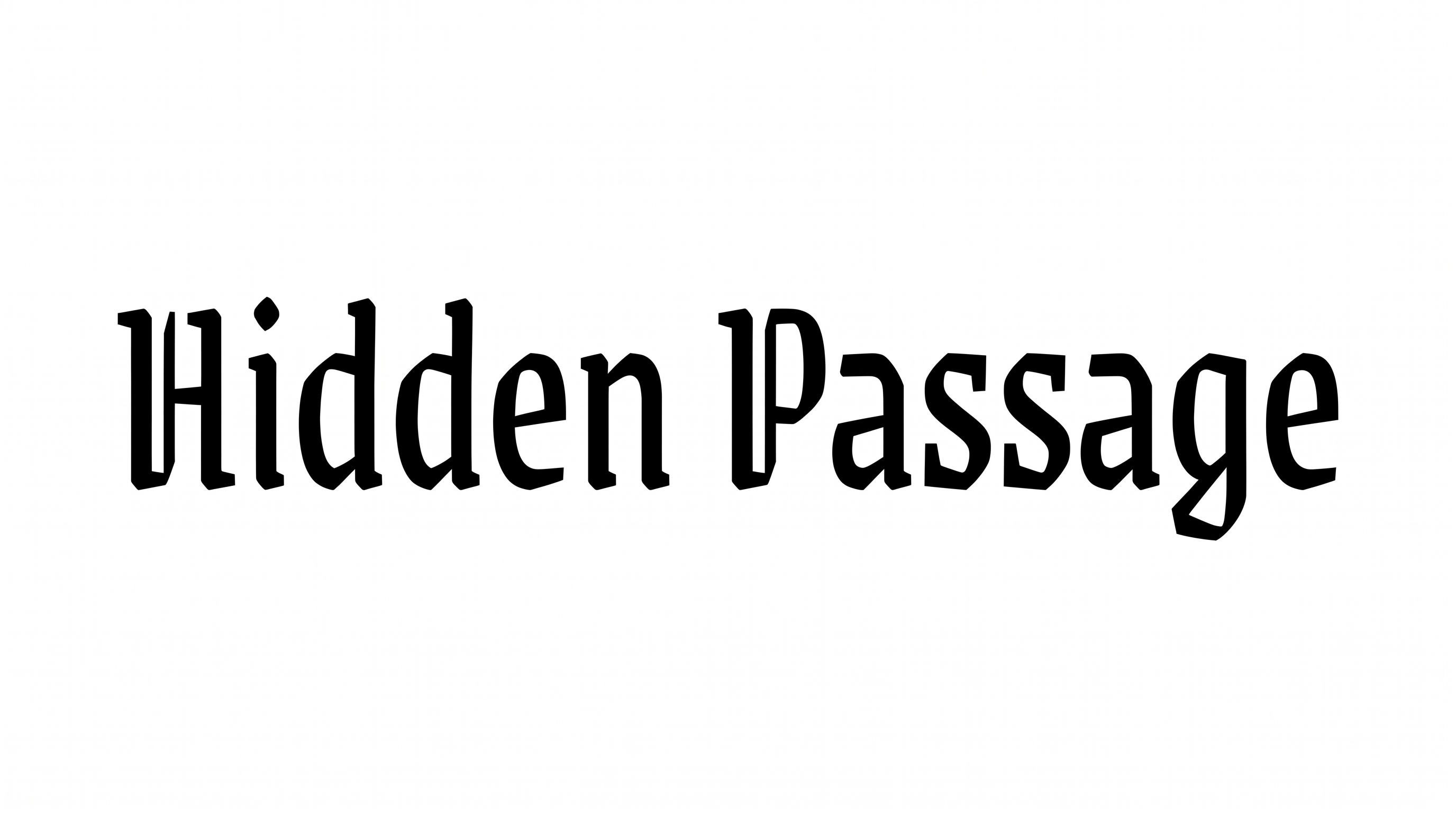
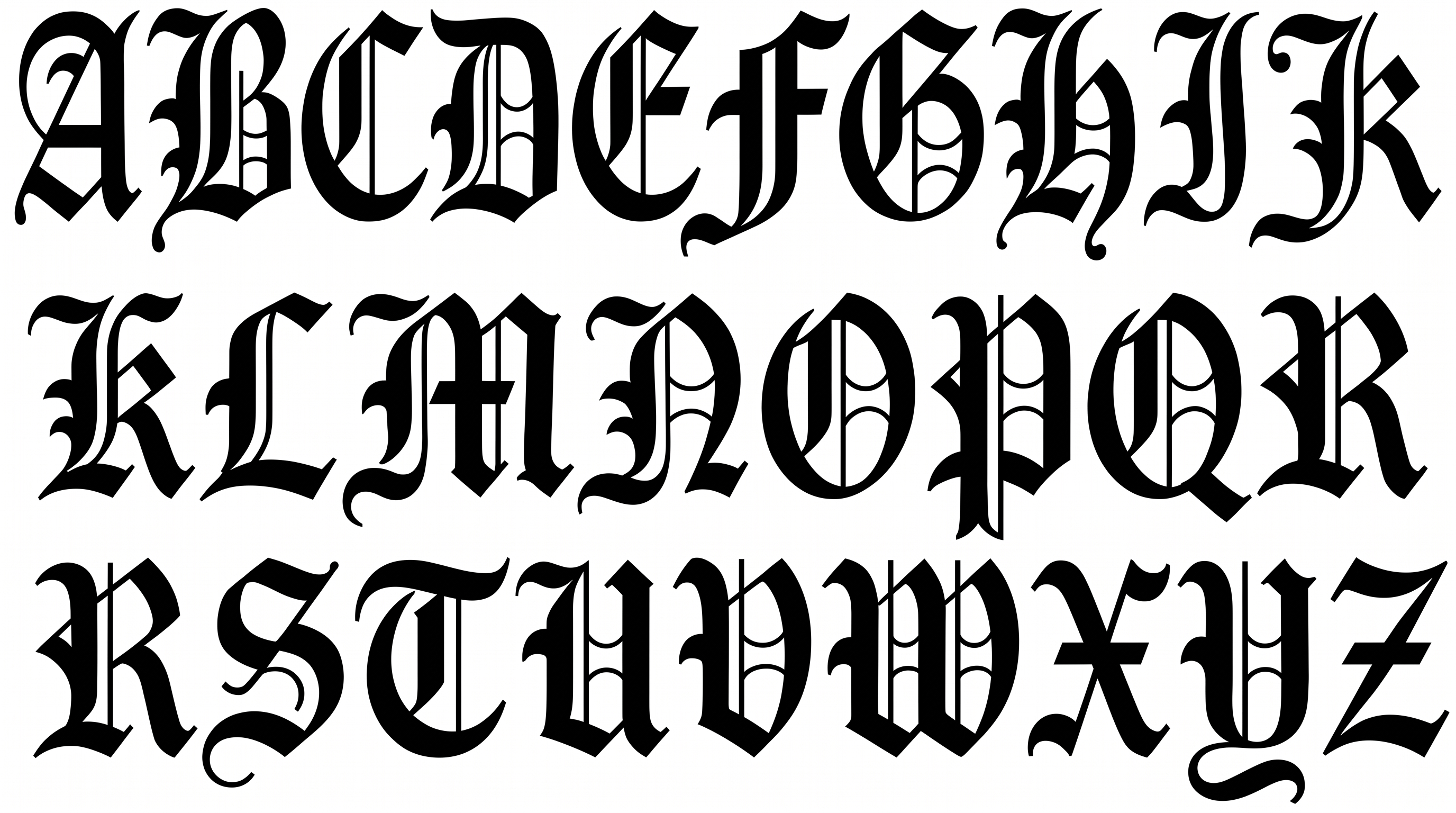
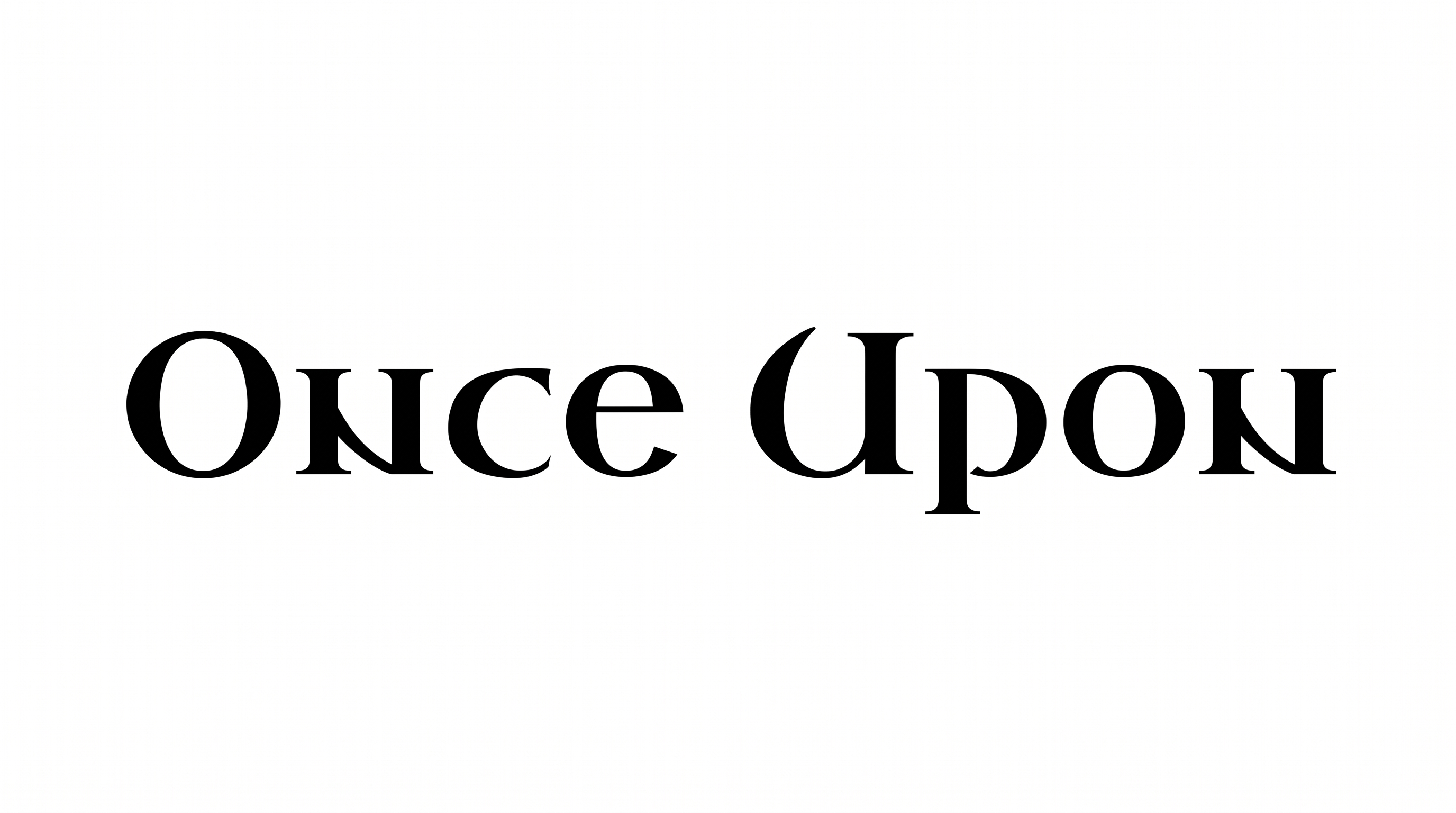
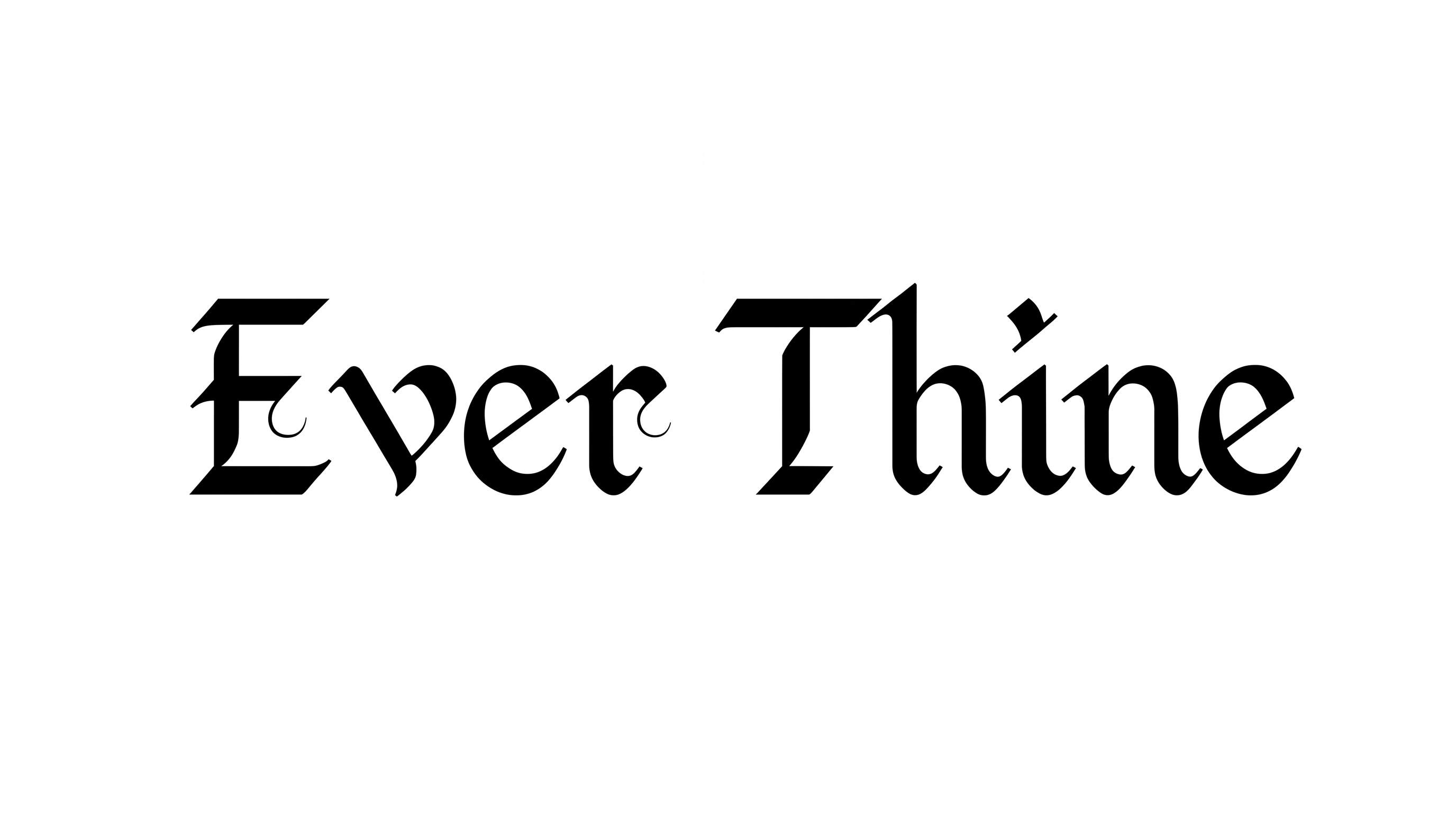
Strong stroke contrast, angular construction, and pointed endings shape the crisp blackletter appearance.

  • Stroke Contrast

    Bold vertical strokes alternate with fine hairlines across the visible letters.

  • Letter Construction

    Faceted blackletter forms combine curved bowls with angular internal strokes.

  • Stroke Endings

    Pointed serifs and tapered terminals give the visible strokes sharp finishes.

  • Corner Shape

    Angular corners sharpen many joins within the visible letterforms.

  • Flourishes

    A few curved terminals extend beyond the main letter bodies.

  • Baseline Rhythm

    The visible letters follow a steady and even baseline.
Frequently asked questions about Medieval Manuscript Font Generator

Yes. You can try the generator and download generated artwork through the free-use option. Commercial projects follow separate membership terms, so free use does not automatically include commercial rights.

Yes. Transparent backgrounds are supported for layering the lettering over other artwork. This template also lets you select a font color, custom background color, uploaded background image, and image size. Transparency is supported independently of those controls.

The minimum membership covers personal use, while a higher membership covers commercial use. Check pricing to choose the membership that matches your project before placing generated artwork in commercial materials.

Enter your wording, choose an available font color, background, and image size, then generate the design. Review the rendered preview and download the result as PNG or SVG artwork. The image is not an installable font file.

Medieval Manuscript Font suits fantasy book covers, museum headings, map cartouches, labels, invitations, and game packaging. Use it for a prominent title or short name where its blackletter-inspired character can establish a historical or ceremonial tone.

Start with a short phrase in the Medieval Manuscript Font Generator, then choose an aspect ratio that supports the intended layout. Give the title a clear focal position and reserve surrounding space for supporting details.

Keep wording concise and leave free space around the lettering. Strong scale and clean contrast help the sharp serifs remain distinct on name cards, labels, podcast covers, and other compact formats.

Pair the ornate display heading with a simpler supporting type style for descriptions, dates, or navigation. Let the blackletter-inspired artwork lead the hierarchy while the supporting text carries longer information.

Its monochrome treatment, sharp calligraphic contrast, and historical forms can suggest archival, ceremonial, gothic, or fantasy themes. A restrained layout emphasizes formality, while atmospheric imagery supports a more dramatic narrative.
READY TO CREATE?

Create Custom Medieval Manuscript Fonts & Text Effects

Try Medieval Manuscript Font Generator Free