Get 5 Free Credits

Free Medieval Cursive Font Generator Online

Shape names and titles with imposing medieval capitals, flowing calligraphic lowercase, and crisp blackletter contrast for book covers and invitations.

Enter the text to generate, e.g. Fontify.ai

Font color
Background
Templates
260
Generations
80
Downloads
225
Rating
5.0

How to Use the Medieval Cursive Font Generator

Turn high-contrast calligraphic lettering into a styled image for your chosen layout.

  1. 01

    Compose your medieval title

    Enter a name or short phrase that suits the flowing blackletter style.

  2. 02

    Set color and image proportions

    Choose a font color, background option, and image size such as the 4:3 ratio.

  3. 03

    Generate and download PNG artwork

    Render the lettering, review its crisp strokes, then download the finished PNG image.

Medieval Cursive Font Style Profile

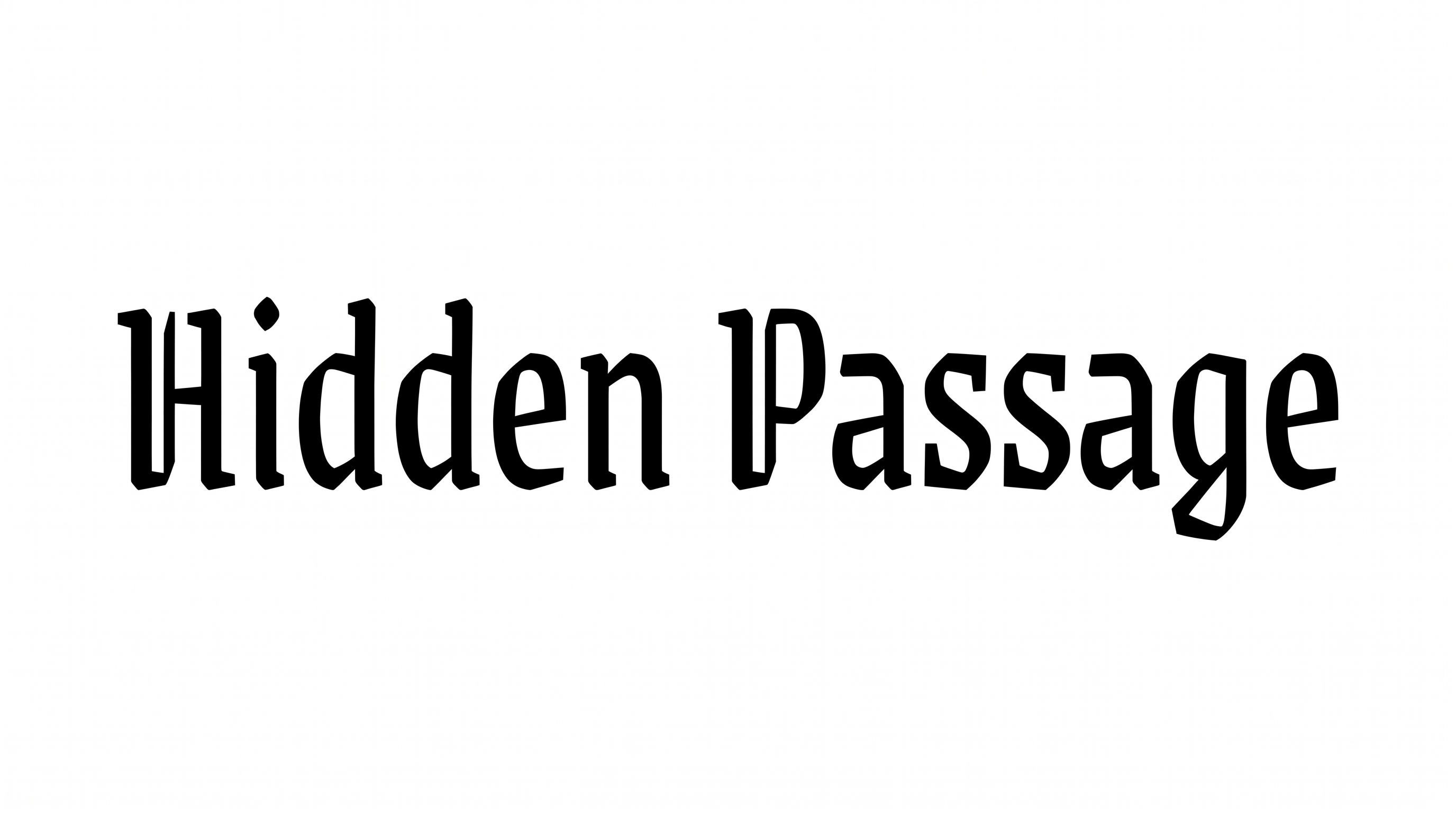
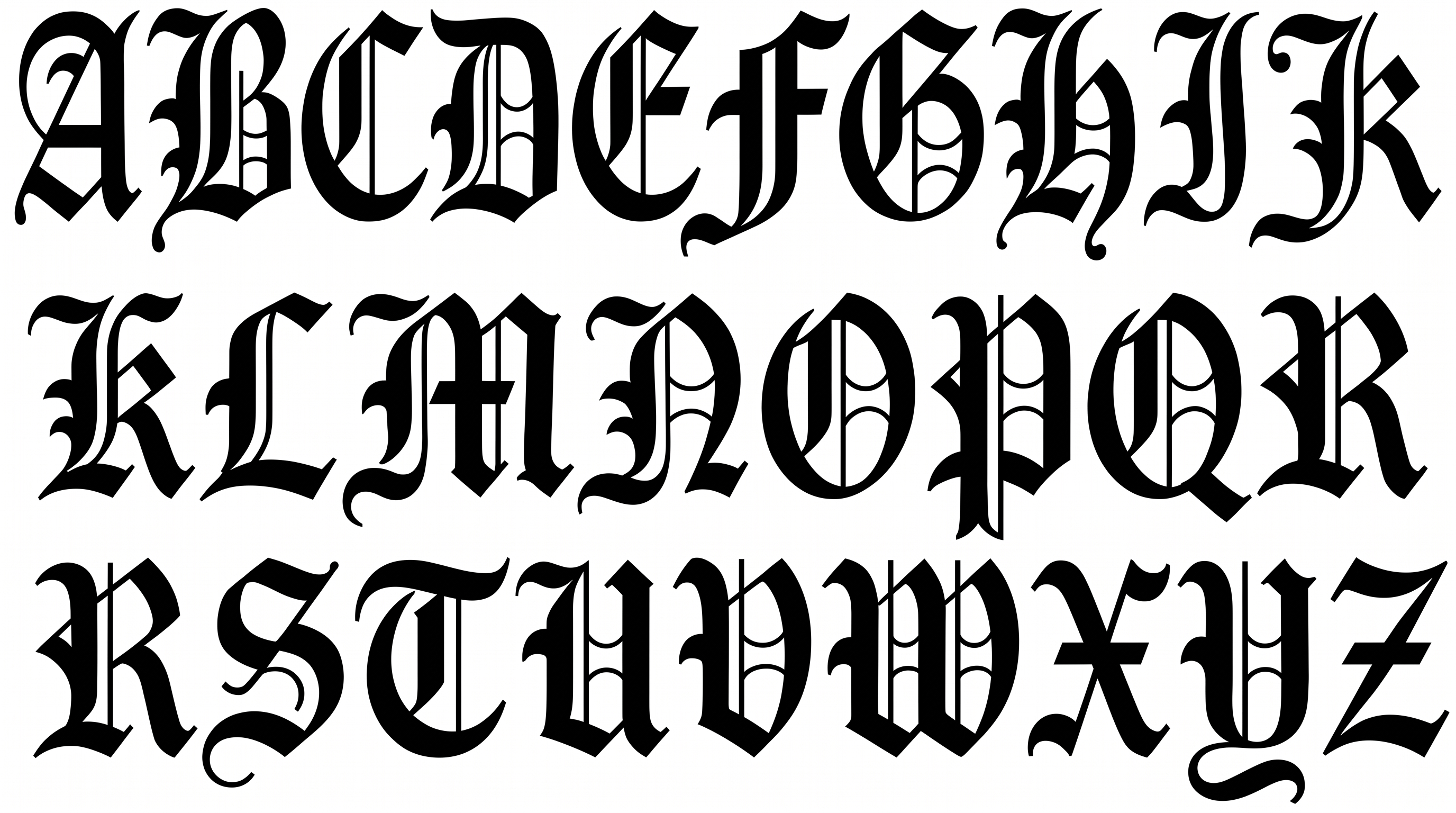
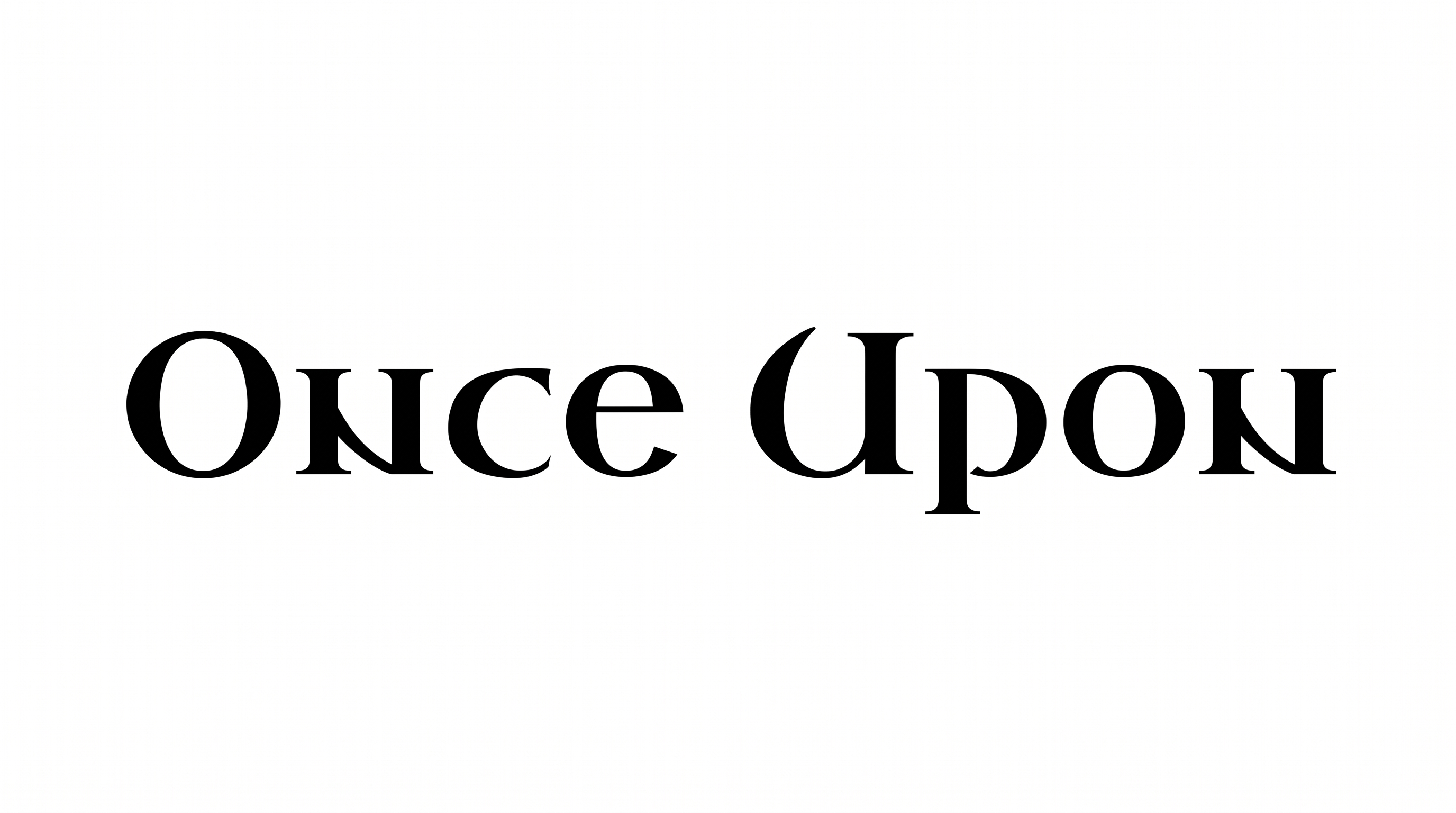
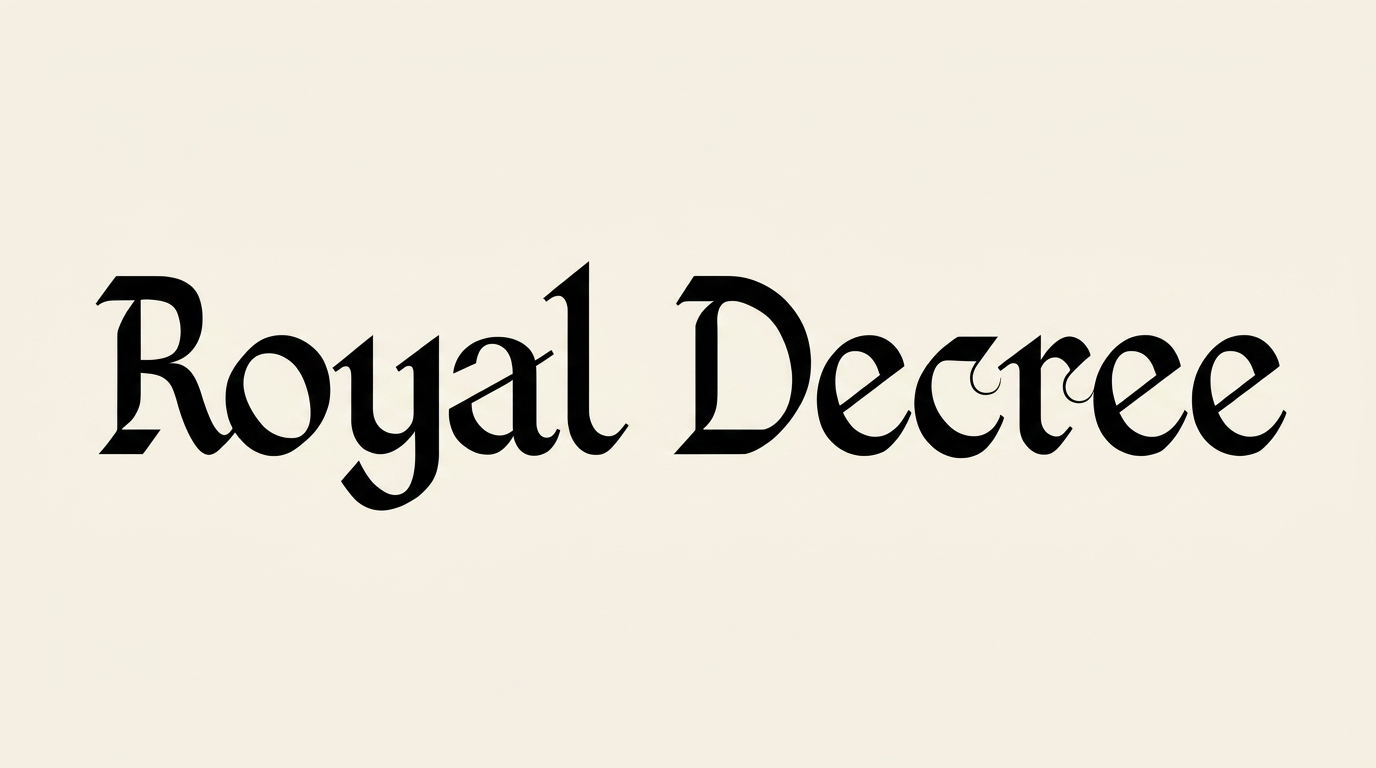
Sharp blackletter construction, strong stroke contrast, and restrained connections define the visible lettering.

  • Stroke Contrast

    Bold main strokes alternate with fine hairlines across the visible words.

  • Letter Construction

    Angular capitals combine with flowing calligraphic lowercase letterforms.

  • Corner Shape

    Sharp corners and faceted joins give the capitals a formal silhouette.

  • Stroke Endings

    Pointed tips and wedge-like terminals finish many visible strokes.

  • Letter Connections

    Letters remain separate, with clear breaks between neighboring characters.

  • Baseline Rhythm

    The visible words follow a steady baseline with controlled calligraphic movement.

Frequently asked questions about Medieval Cursive Font Generator

The minimum membership covers personal use, while a higher membership covers commercial use. Check pricing to choose the membership that fits your project. This helps you select the applicable usage level before publishing or selling the artwork.

Transparent backgrounds are supported, so the lettering can layer over other artwork. This template provides font color, custom background color, uploaded background image, and image size options. The selected background treatment depends on the option you choose.

Explore the related tools section to compare lettering directions and visual qualities. Try a consistent short phrase, then review differences in stroke contrast, connections, spacing, and overall composition.

Download the generated PNG artwork, then upload it in Canva. Insert it into a Google Docs document. Import it into a project in the Cricut app, also known as Cricut Design Space. The PNG is used as image artwork in each platform.

A centered title area with generous margins suits this free online lettering style. Use a short Medieval Cursive Font phrase for a nameplate, book cover, invitation, or editorial heading, and keep supporting details visually quiet.

Use the Medieval Cursive Font Generator for a formal, historical mood in an online composition. Pair the blackletter capitals and flowing lowercase with restrained textures, warm neutrals, or dark backgrounds around the text image.

Keep the wording concise and give the lettering open space around its high-contrast strokes. Review the Medieval Cursive Font artwork at its intended display size, especially for labels, banners, and other compact layouts.
READY TO CREATE?

Create Custom Medieval Cursive Fonts & Text Effects

Try Medieval Cursive Font Generator Free